
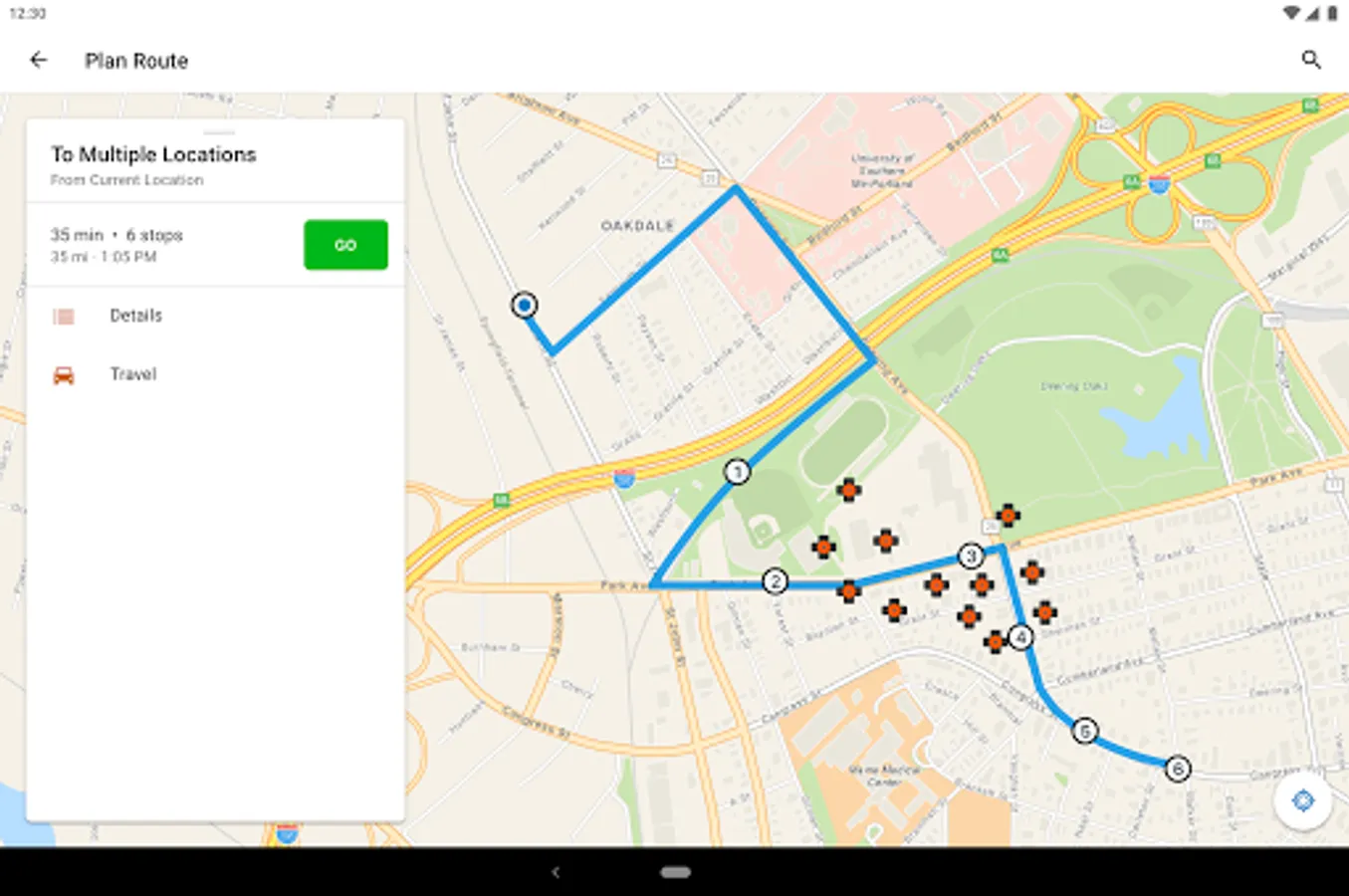
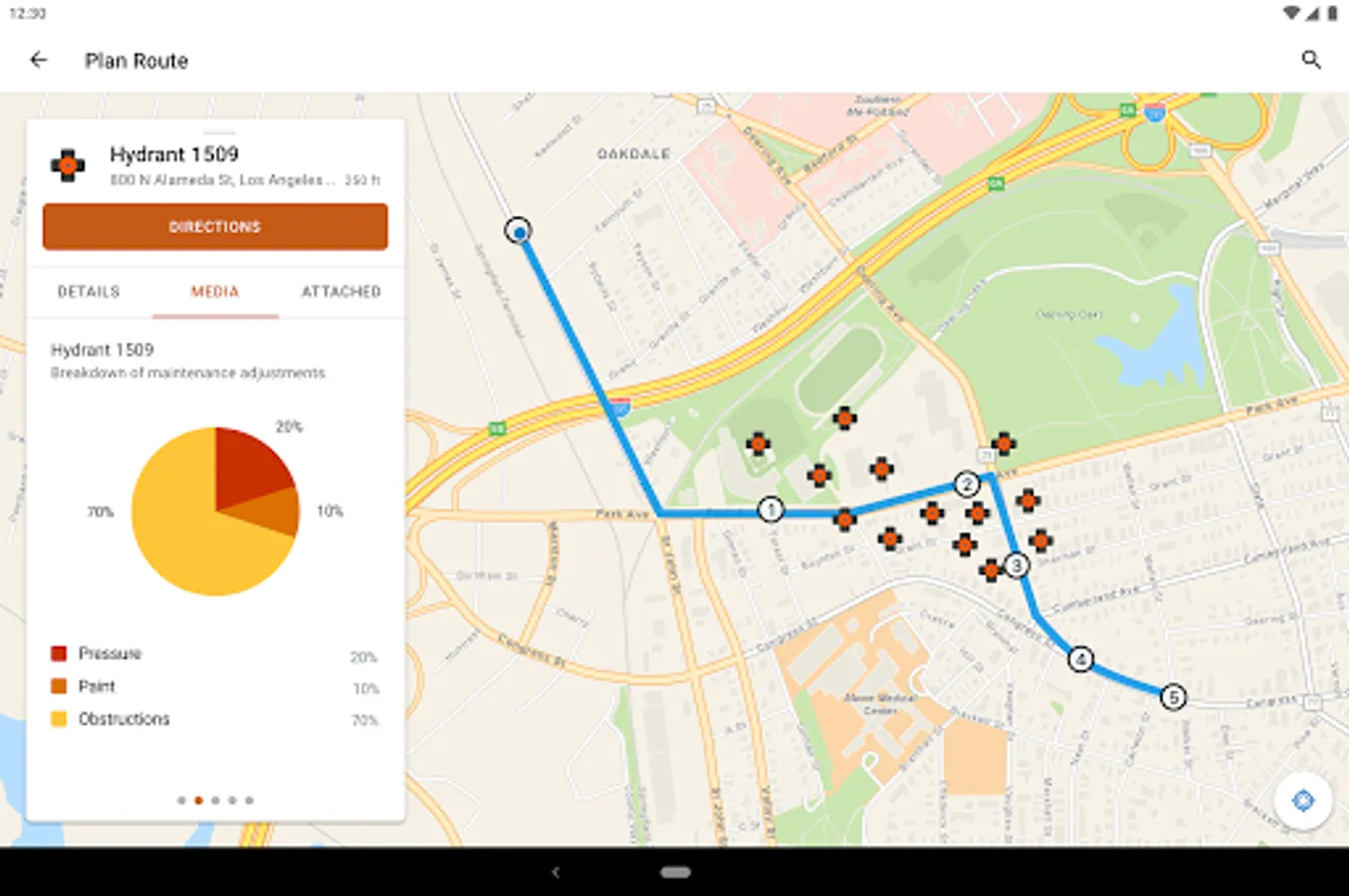
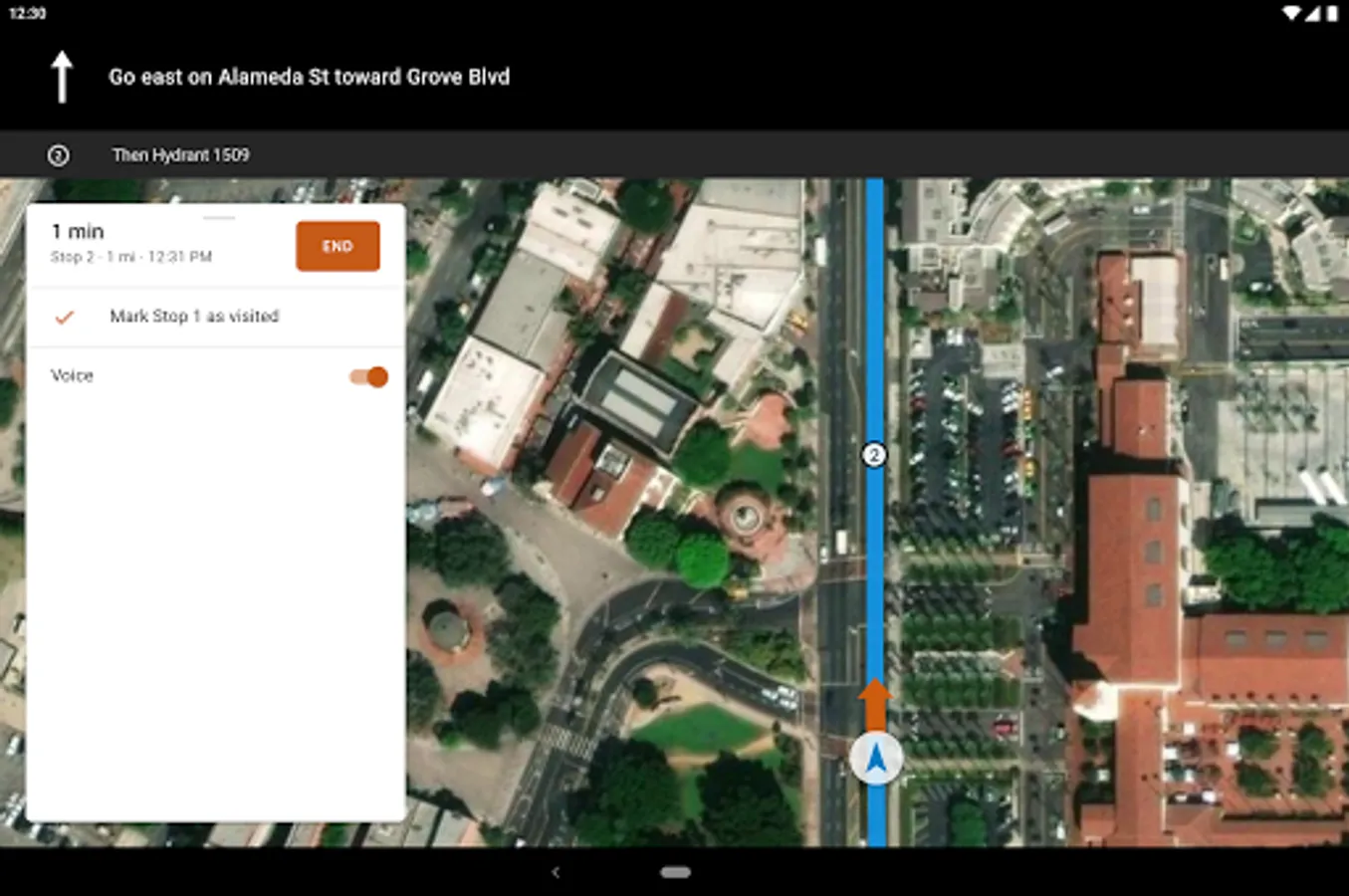
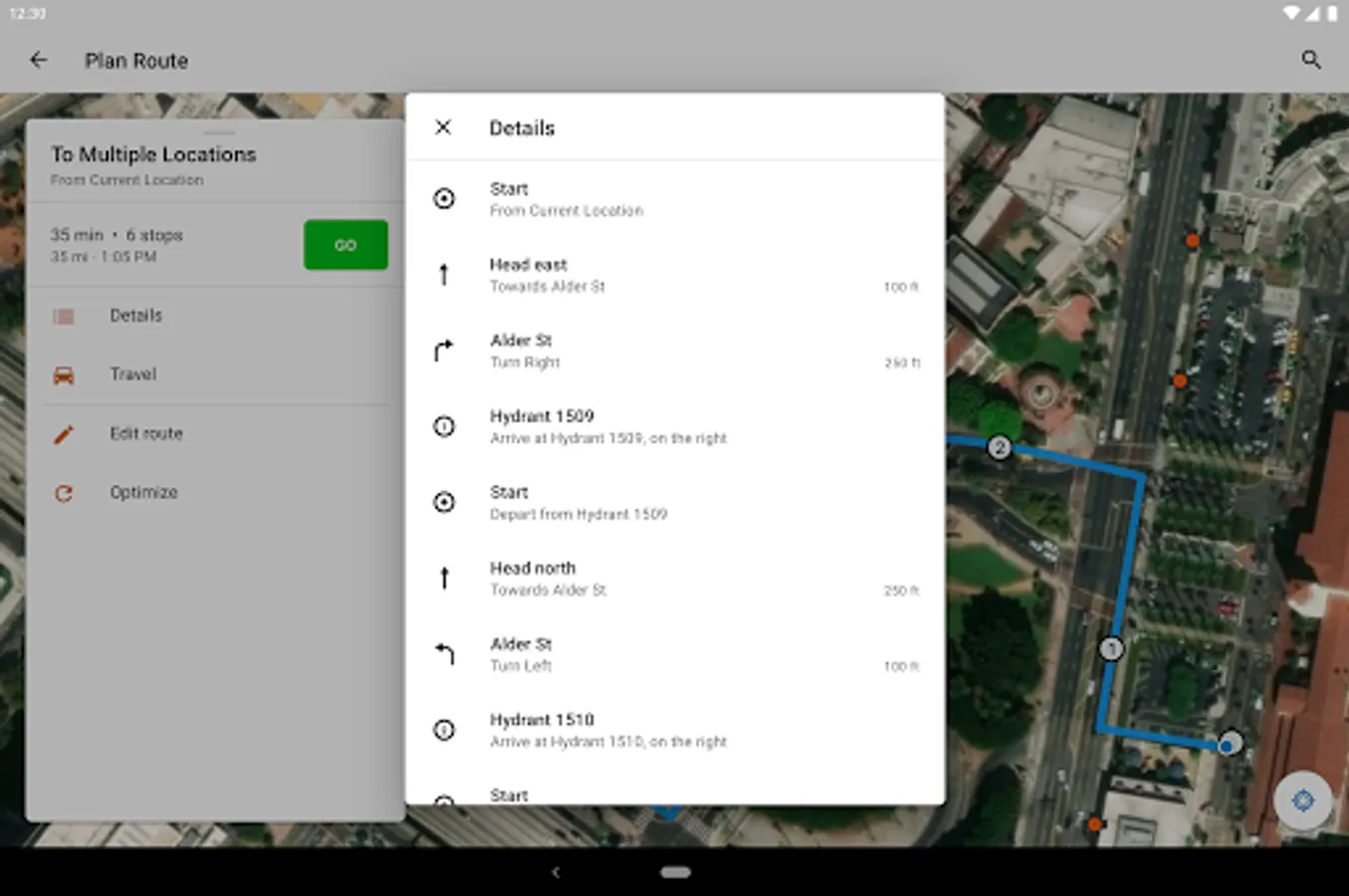
In this navigation app, users can access offline maps, customize routes, and track assets efficiently. Includes voice guidance, route management features, and integration with ArcGIS applications.
AppRecs review analysis
AppRecs rating 2.5. Trustworthiness 67 out of 100. Review manipulation risk 35 out of 100. Based on a review sample analyzed.
★★☆☆☆
2.5
AppRecs Rating
Ratings breakdown
5 star
26%
4 star
15%
3 star
0%
2 star
11%
1 star
48%
What to know
✓
Authentic reviews
Natural distribution, no red flags
⚠
Mixed user feedback
Average 2.6★ rating suggests room for improvement
⚠
High negative review ratio
60% of sampled ratings are 1–2 stars
About ArcGIS Navigator
Navigate to where you need to be, unlock efficiency, and improve your field workforce reliability.
Key Features:
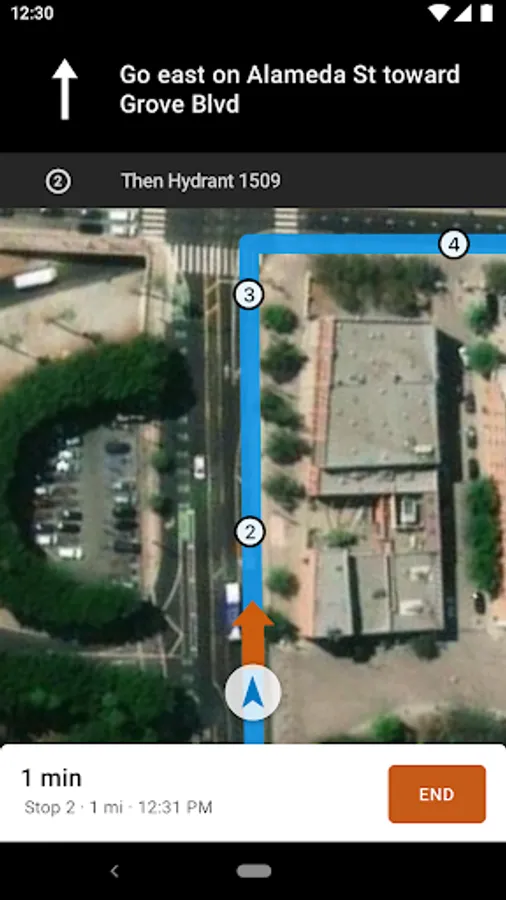
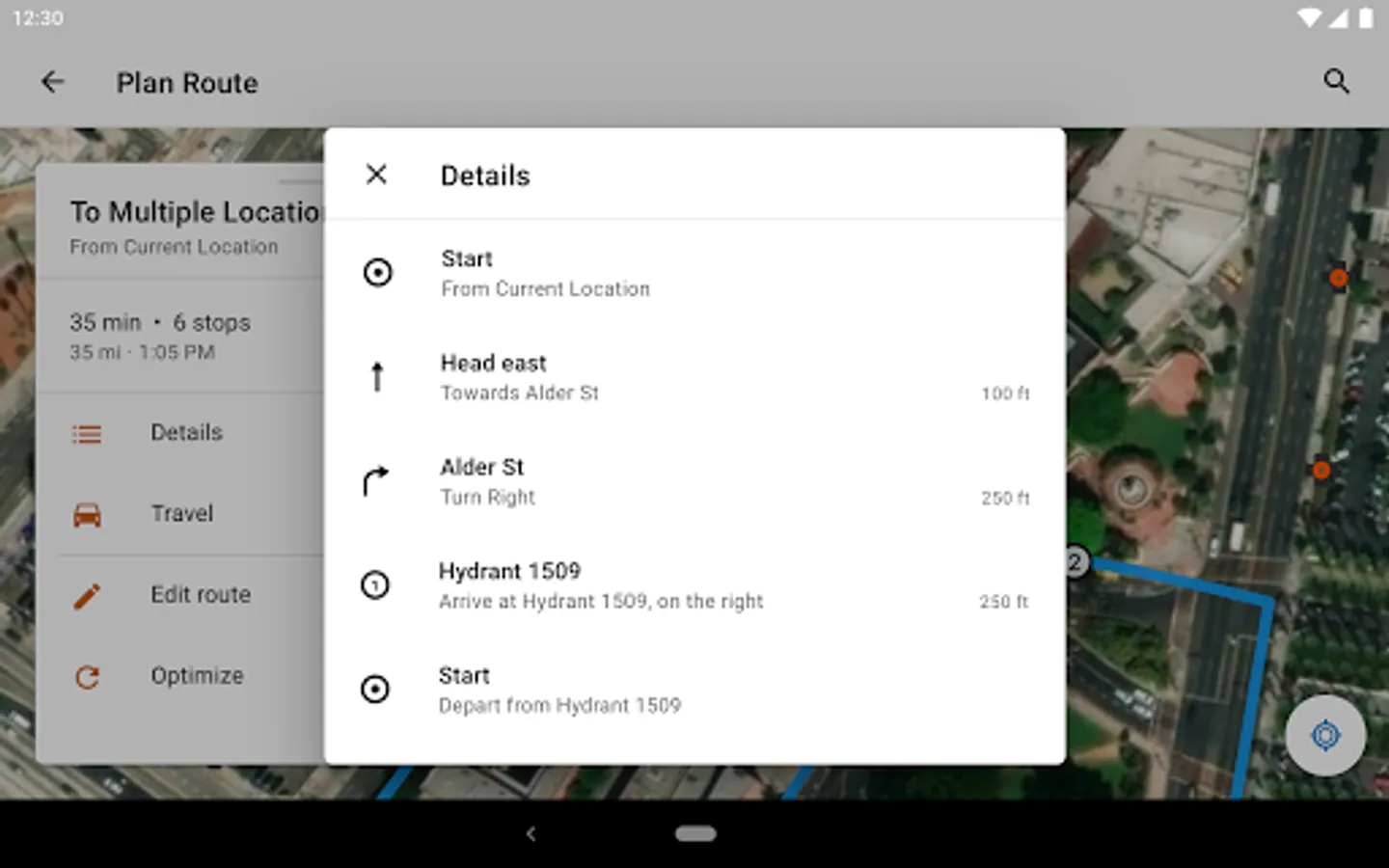
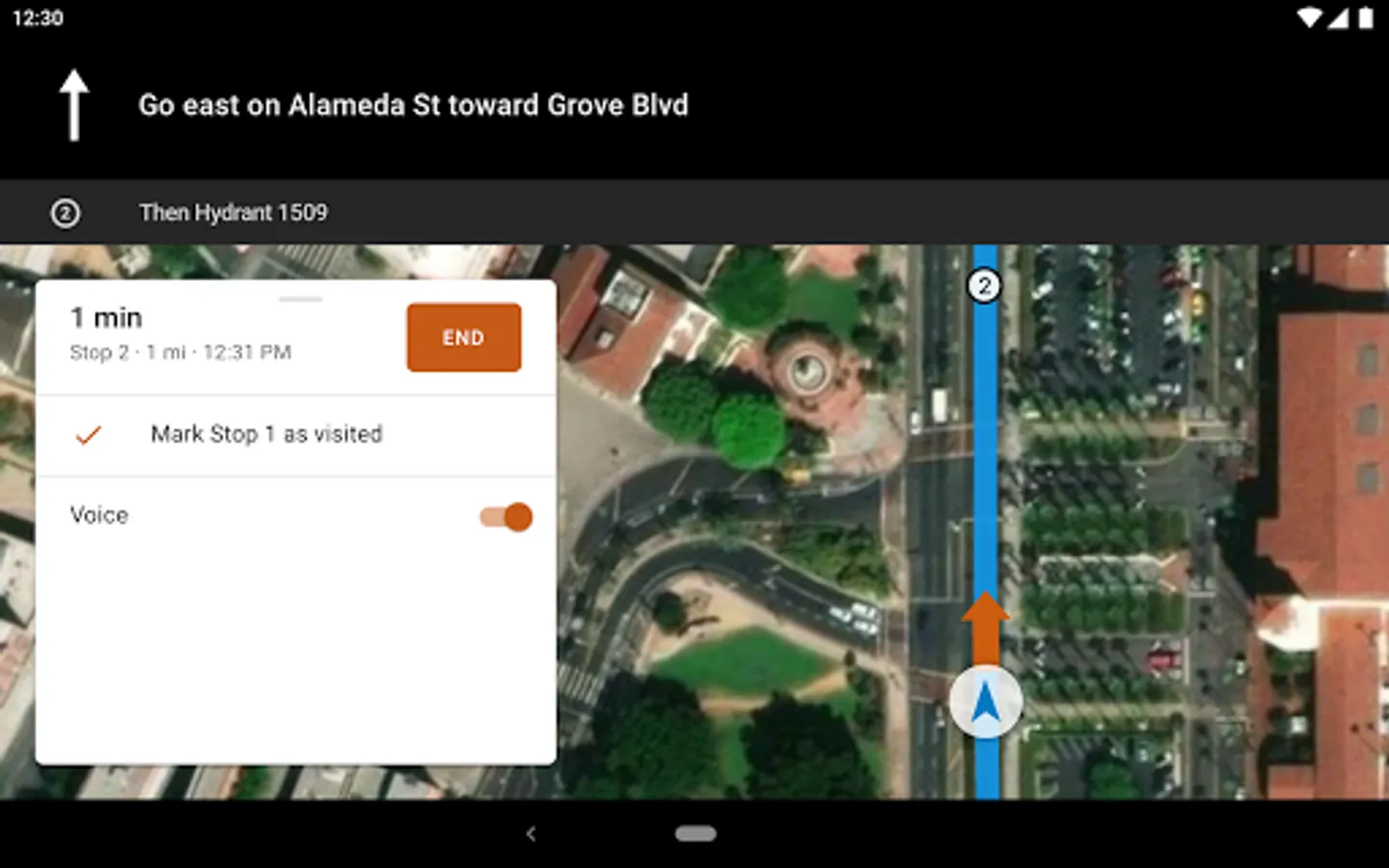
- Use voice-guided turn-by-turn directions with automatic route recalculation
- Navigate completely offline with locally stored data
- Access Esri's navigation maps or use your own maps
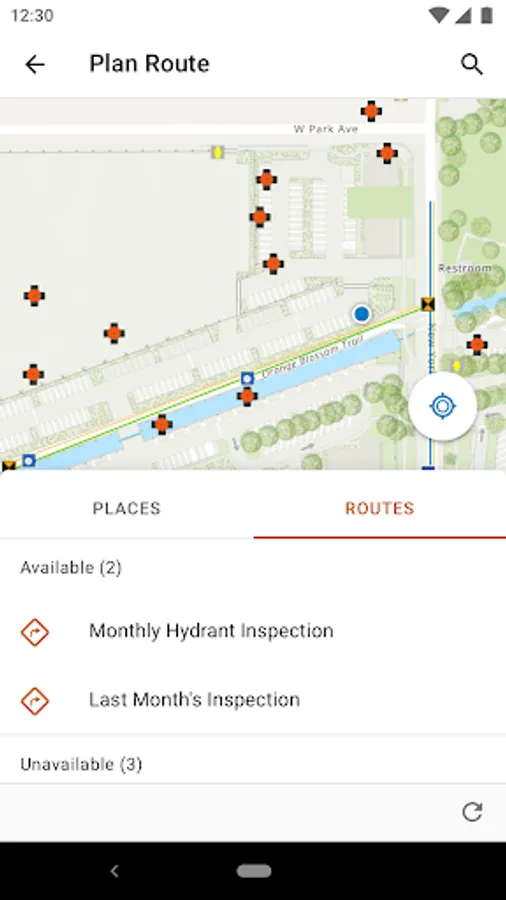
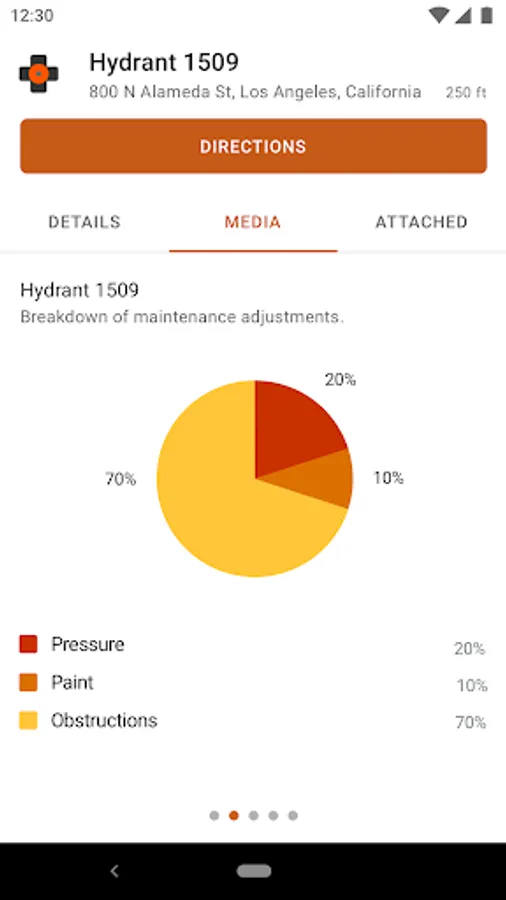
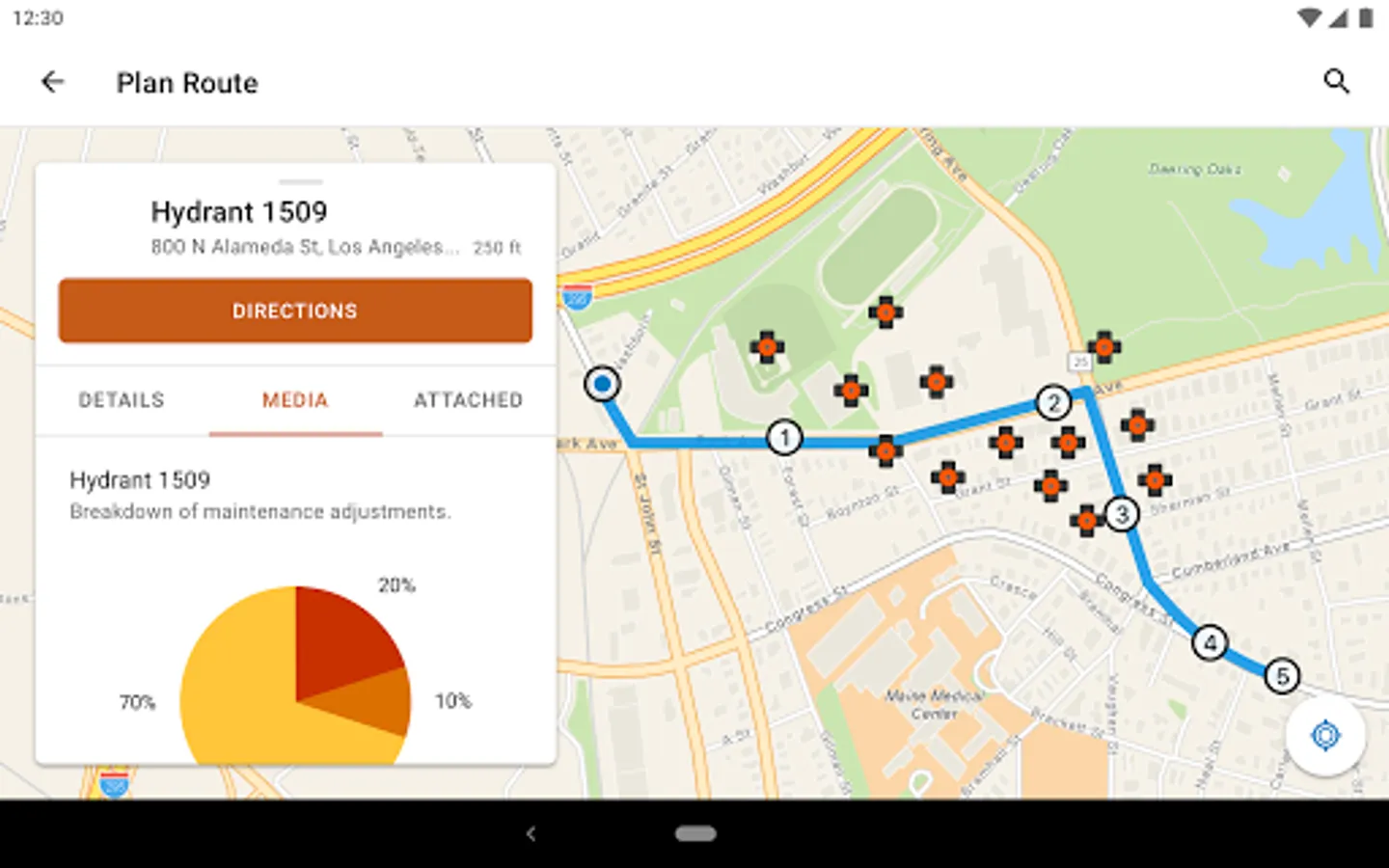
- Search your assets, route on your roads, and view your layers
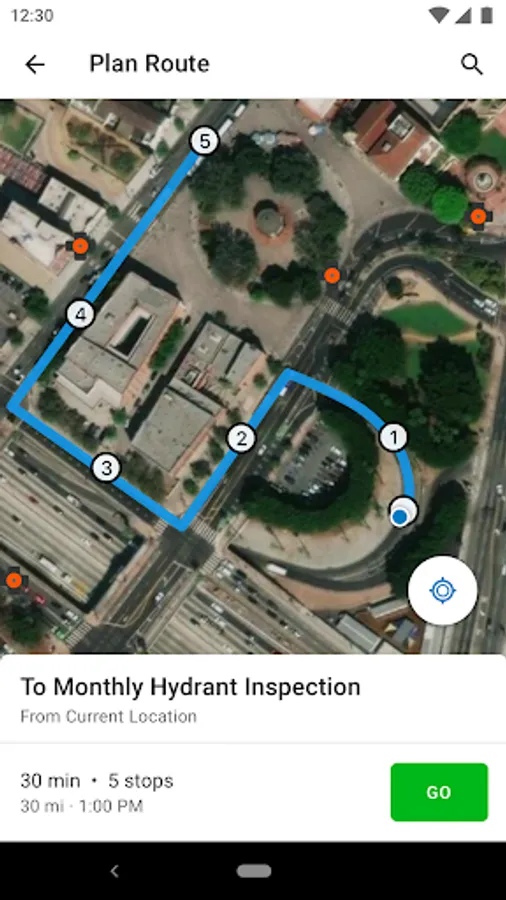
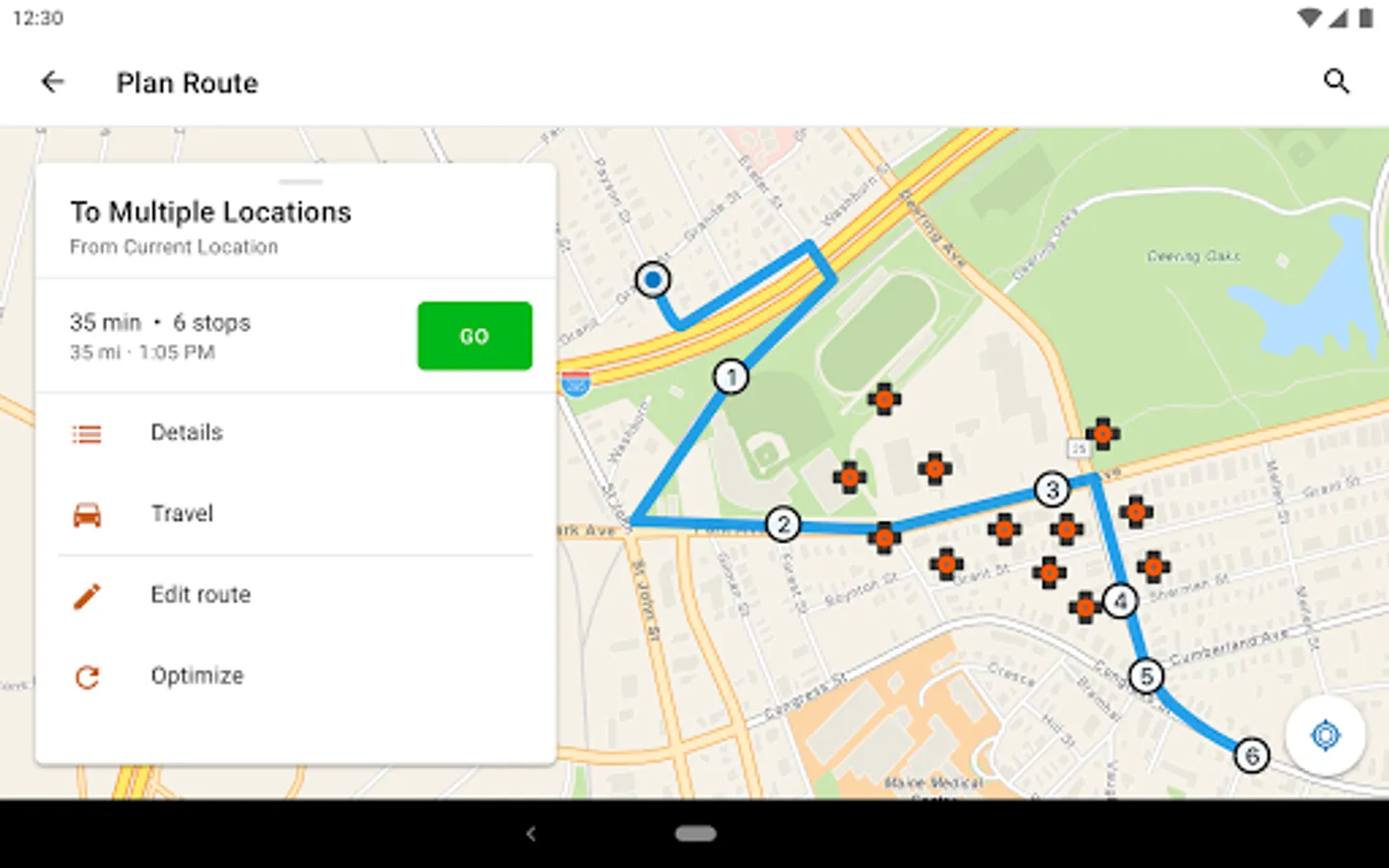
- Complete stops one at a time, or create a work list for an entire day's work
- Use vehicle-specific travel modes
- Receive stops from your own app, or other ArcGIS apps such as Collector for ArcGIS
To use Navigator, you must have an ArcGIS named user account and a Navigator license. To try it out for free, go to esri.com/navigator and click 'free trial'.
Key Features:
- Use voice-guided turn-by-turn directions with automatic route recalculation
- Navigate completely offline with locally stored data
- Access Esri's navigation maps or use your own maps
- Search your assets, route on your roads, and view your layers
- Complete stops one at a time, or create a work list for an entire day's work
- Use vehicle-specific travel modes
- Receive stops from your own app, or other ArcGIS apps such as Collector for ArcGIS
To use Navigator, you must have an ArcGIS named user account and a Navigator license. To try it out for free, go to esri.com/navigator and click 'free trial'.
ArcGIS Navigator Screenshots
Tap to Rate:
Reviews for ArcGIS Navigator
Paul English
7/11/2025
Constant errors, freezes, and shutdowns. 0 out of 10, do not recommend.
žuazr
7/7/2025
Public accounts are not supported