
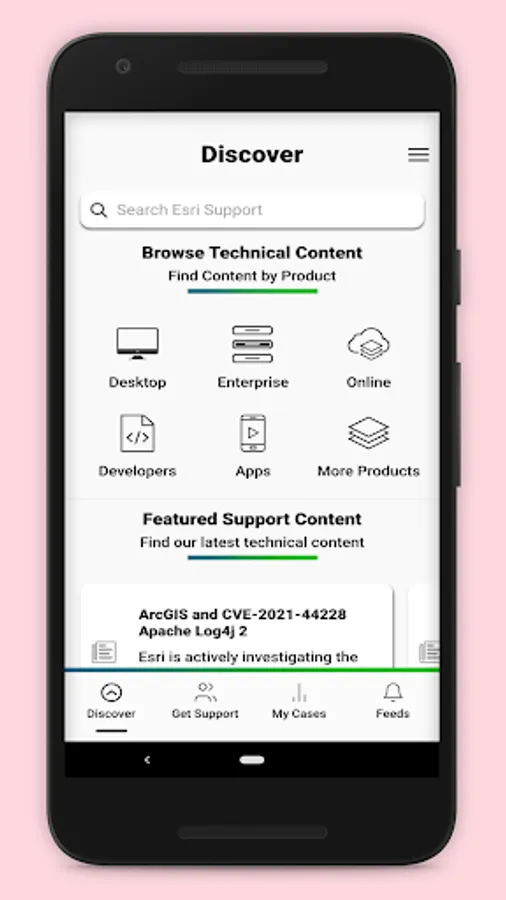
With this support app, you can access self-help resources, submit support cases, and receive notifications about updates. Includes bug tracking, case management, and service status monitoring.
AppRecs review analysis
AppRecs rating 3.3. Trustworthiness 88 out of 100. Review manipulation risk 16 out of 100. Based on a review sample analyzed.
★★★☆☆
3.3
AppRecs Rating
Ratings breakdown
5 star
43%
4 star
15%
3 star
3%
2 star
8%
1 star
31%
What to know
✓
Low review manipulation risk
16% review manipulation risk
✓
Credible reviews
88% trustworthiness score from analyzed reviews
⚠
High negative review ratio
38% of sampled ratings are 1–2 stars
About Esri Support
Esri is the global market leader in geographic information system (GIS) software, location intelligence, and mapping that builds the leading mapping and spatial analytics software such as ArcGIS Enterprise, ArcGIS Pro, ArcGIS Online and many more. The Esri Support app brings self-help resources for all Esri's software products, assisted-support services, and case management features directly from your smartphone.
With the Esri Support app you can:
1. Find answers to your questions and solutions to technical issues using our generative AI chatbot.
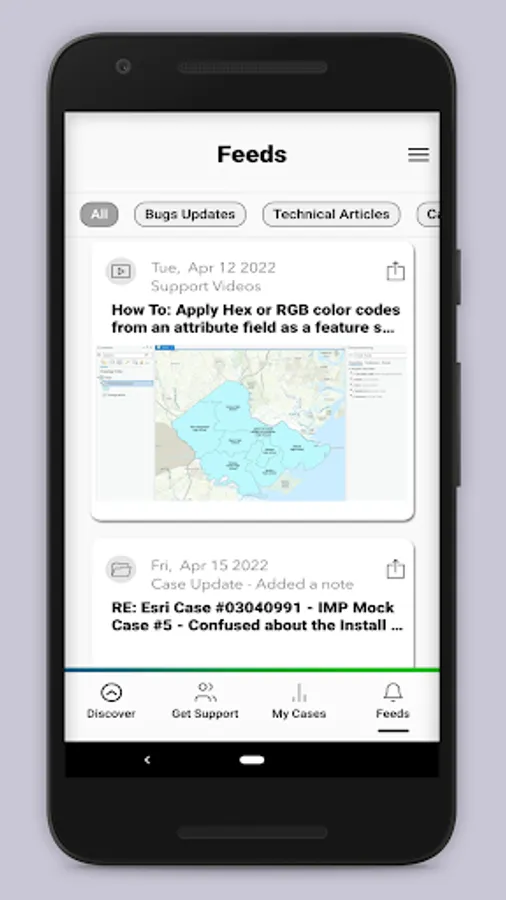
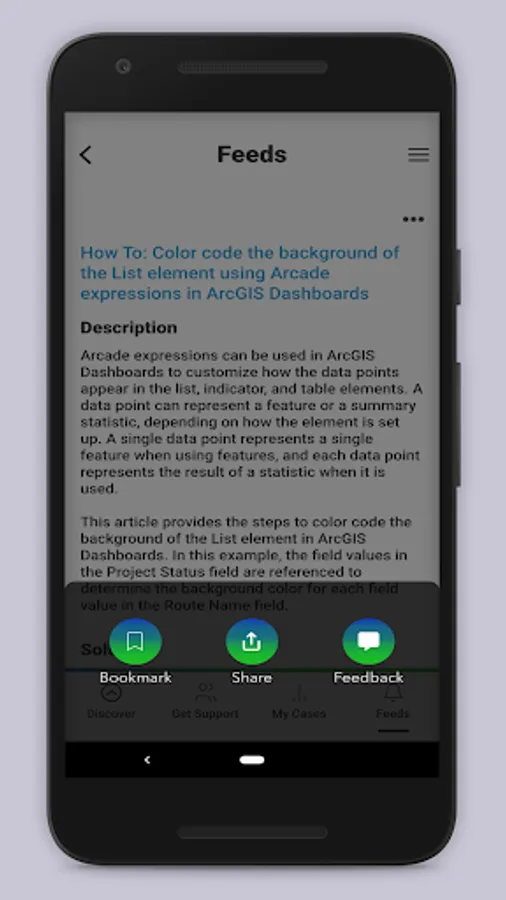
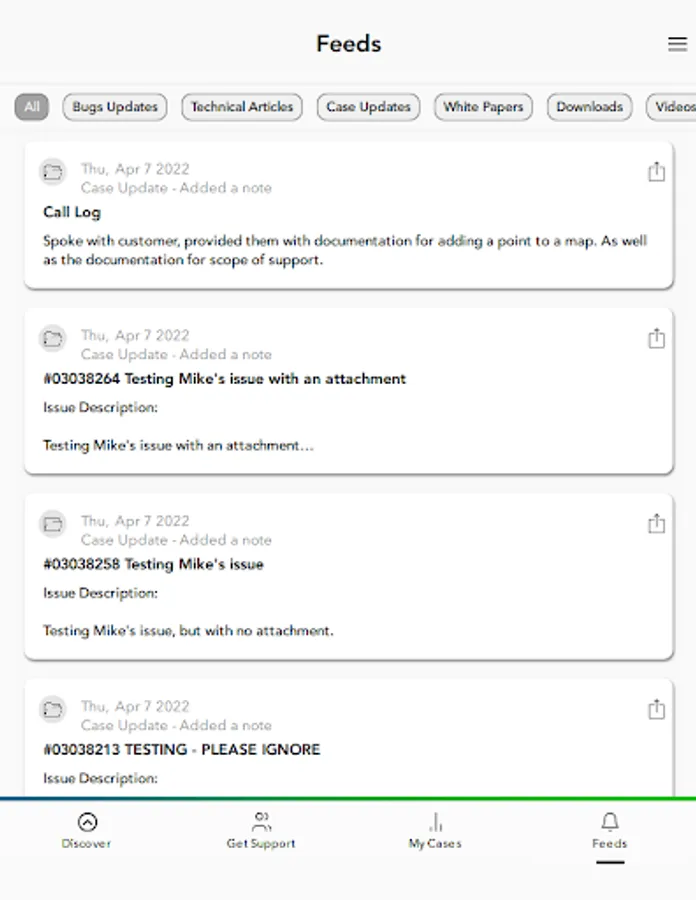
2. Get notified instantly about new technical articles, videos, patches, bug status updates, case updates, ArcGIS Blogs, and more.
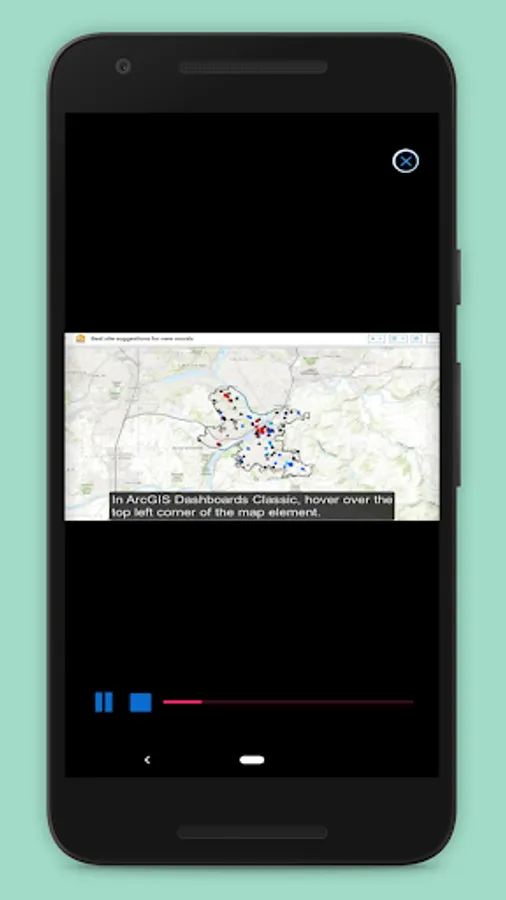
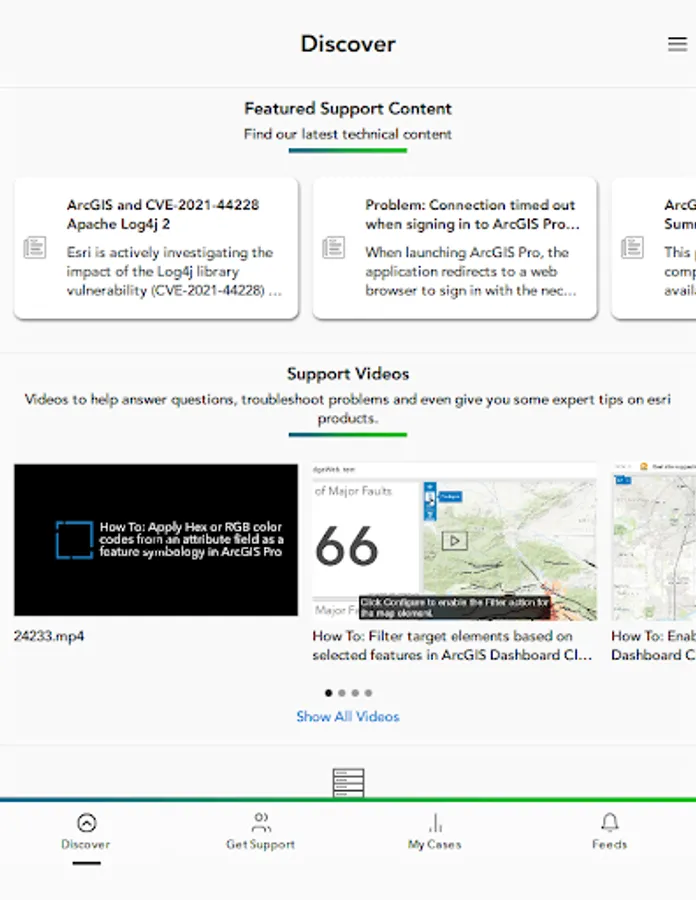
3. Explore video tutorials for Esri technologies.
4. Contact Esri Support by phone, chat, or case submission form.
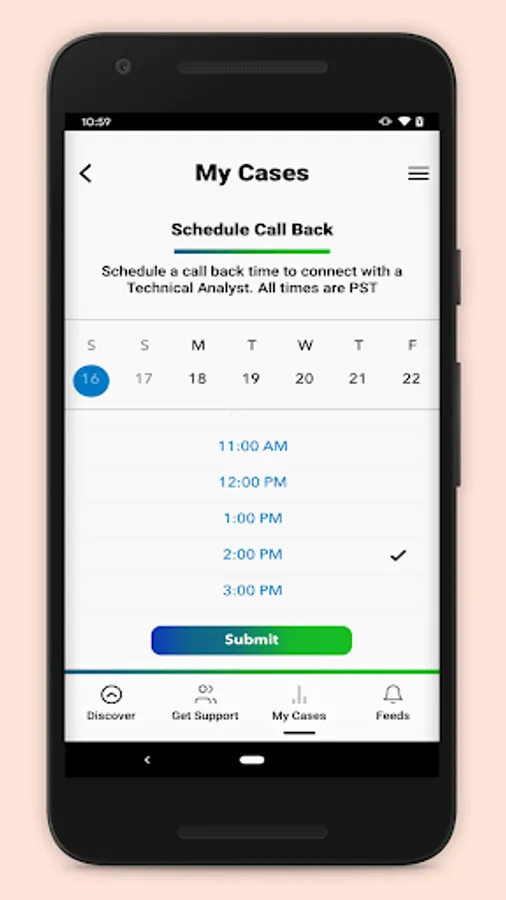
5. Request a call back to get help on your schedule.
6. Manage your support cases, bugs, and enhancements.
7. Check the status of ArcGIS Online services with the ArcGIS Online Dashboard and get notified when a service is interrupted.
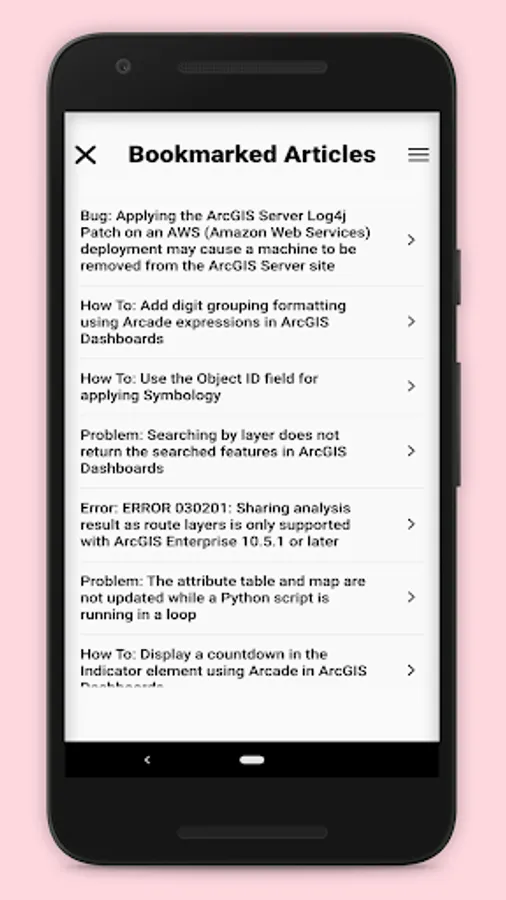
8. Subscribe to bugs and receive notifications whenever new information becomes available.
With the Esri Support app you can:
1. Find answers to your questions and solutions to technical issues using our generative AI chatbot.
2. Get notified instantly about new technical articles, videos, patches, bug status updates, case updates, ArcGIS Blogs, and more.
3. Explore video tutorials for Esri technologies.
4. Contact Esri Support by phone, chat, or case submission form.
5. Request a call back to get help on your schedule.
6. Manage your support cases, bugs, and enhancements.
7. Check the status of ArcGIS Online services with the ArcGIS Online Dashboard and get notified when a service is interrupted.
8. Subscribe to bugs and receive notifications whenever new information becomes available.
Esri Support Screenshots
Tap to Rate:
Reviews for Esri Support
Timothy Sexton
12/5/2024
Great way to stay informed on the latest posts and happenings regarding product support and articles.
Ross Johnson
6/5/2024
Did not know that this app existed. I'll try it out.