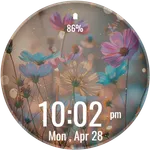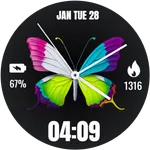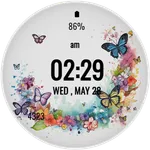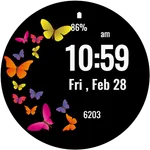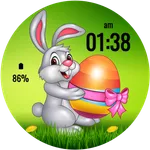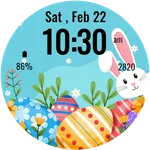
Easter Bunny Watch Face
jigu watchface
4.2 ★
73 ratings
5,000+
downloads
Free
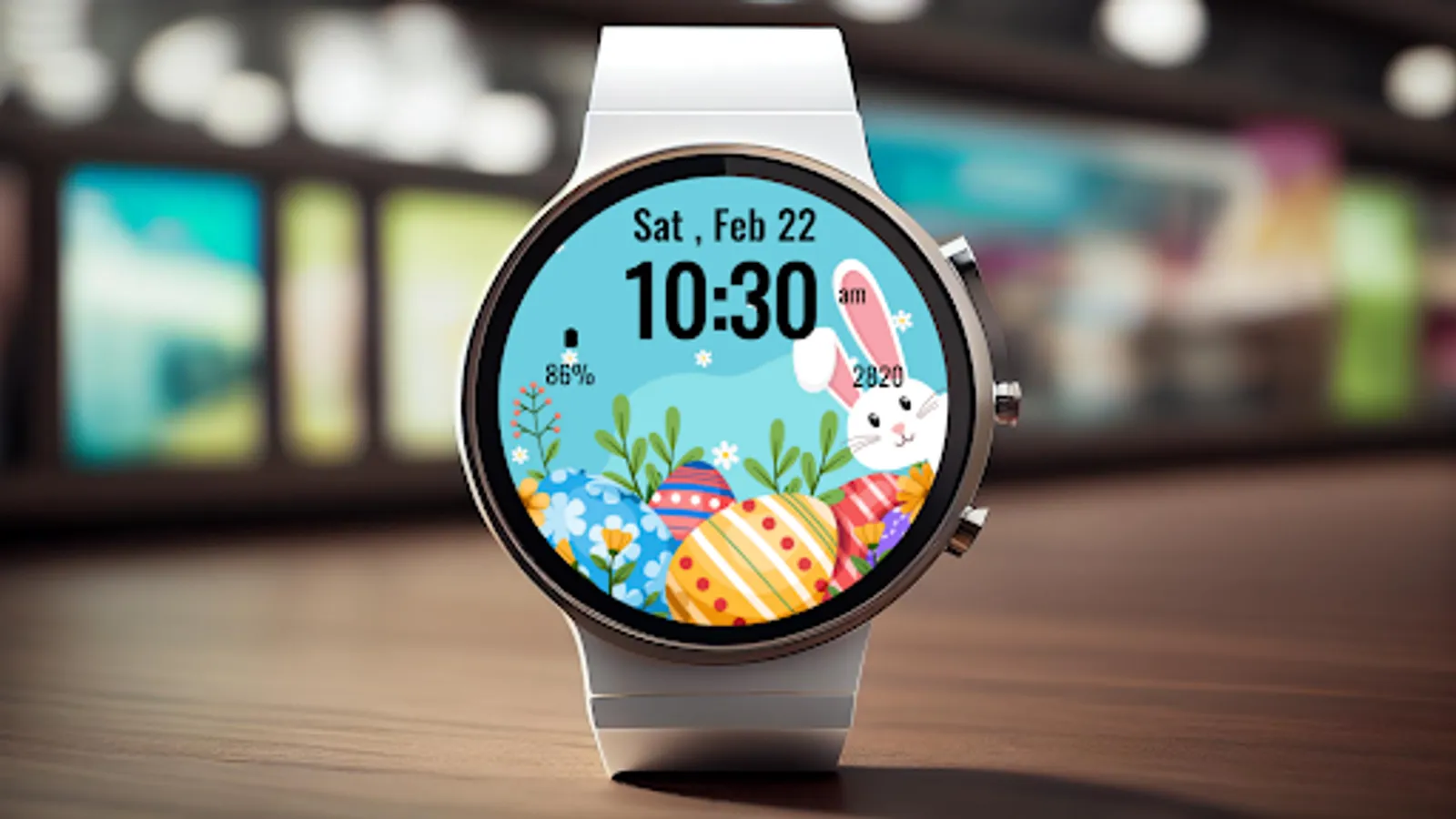
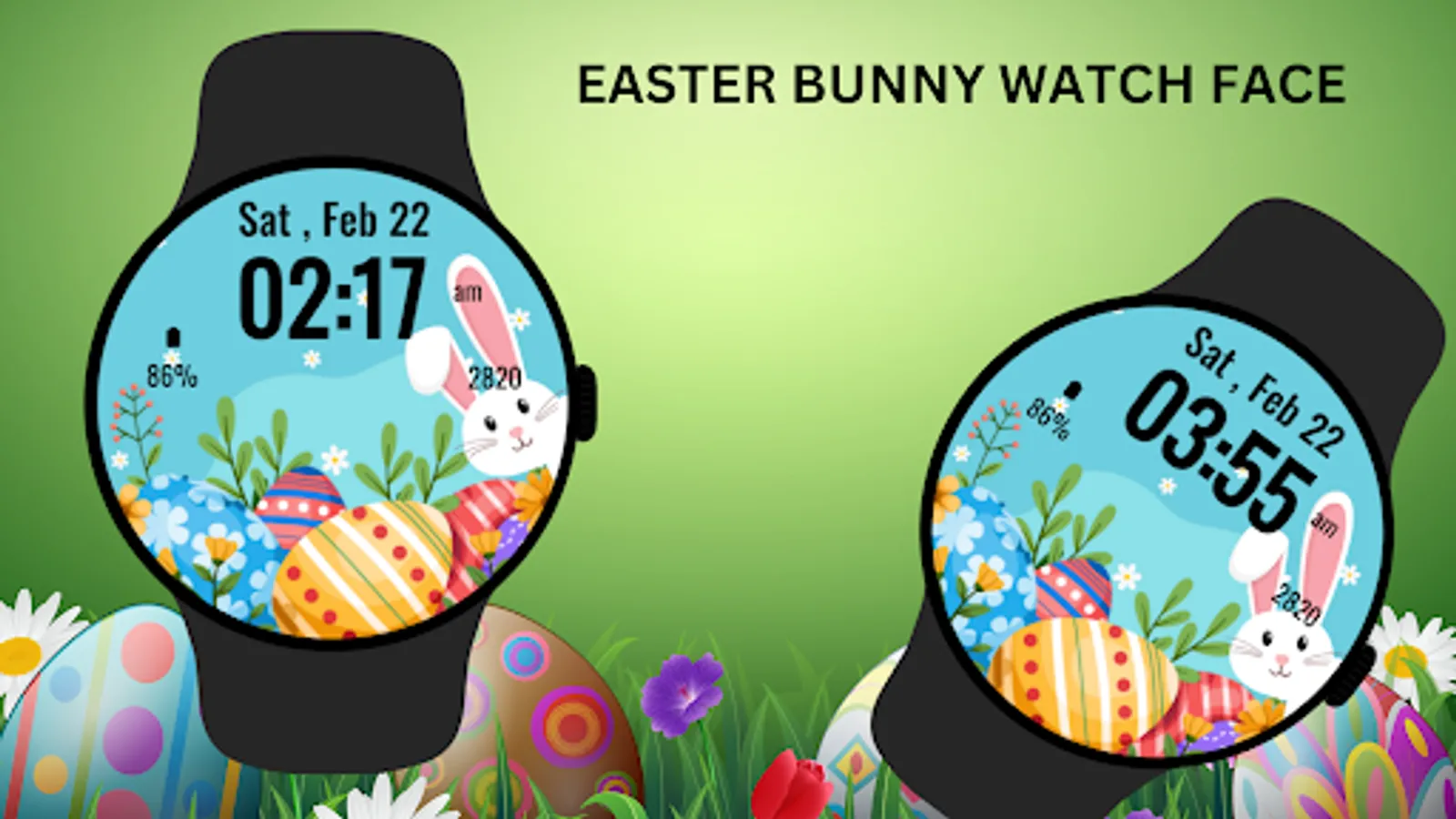
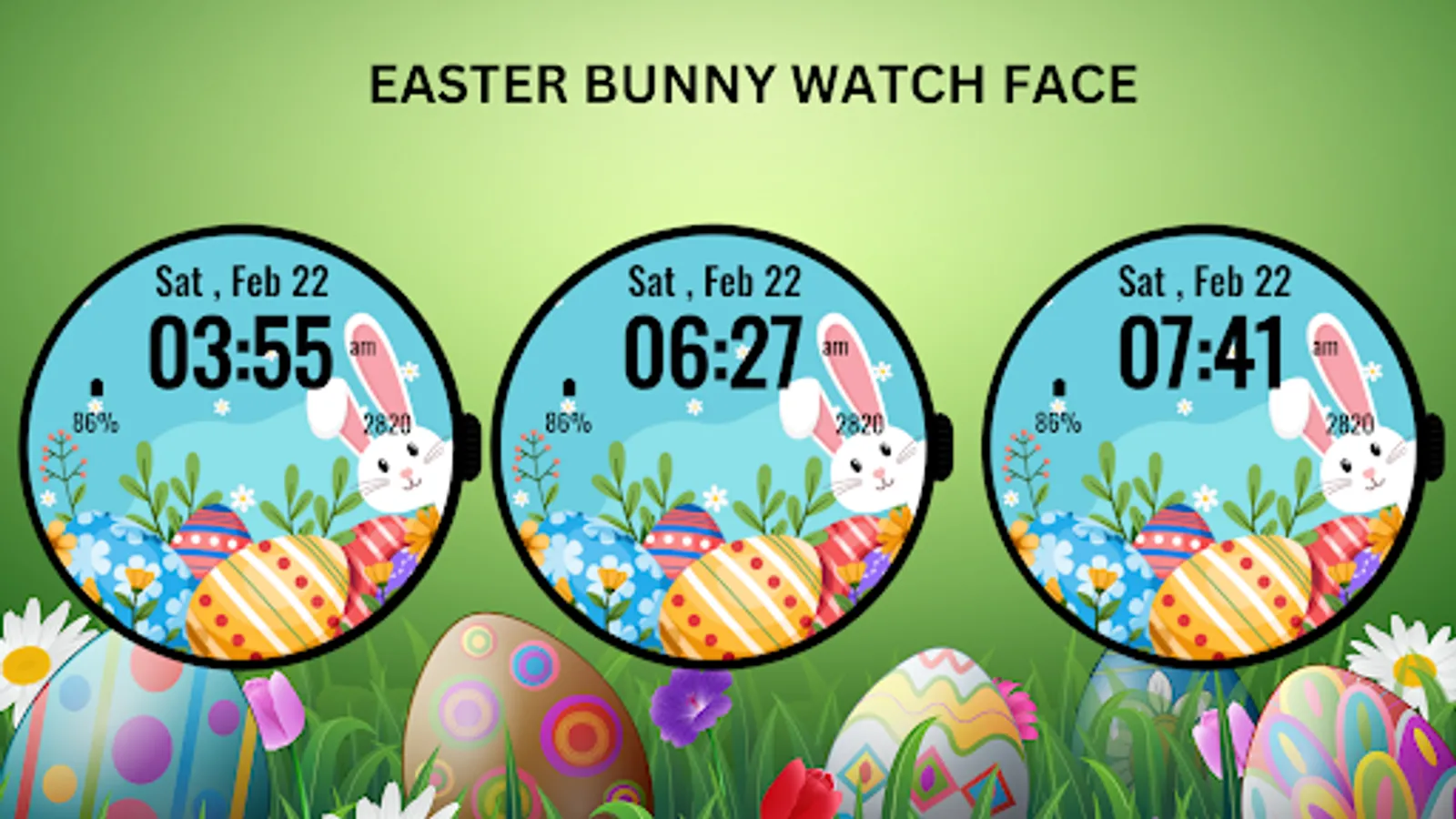
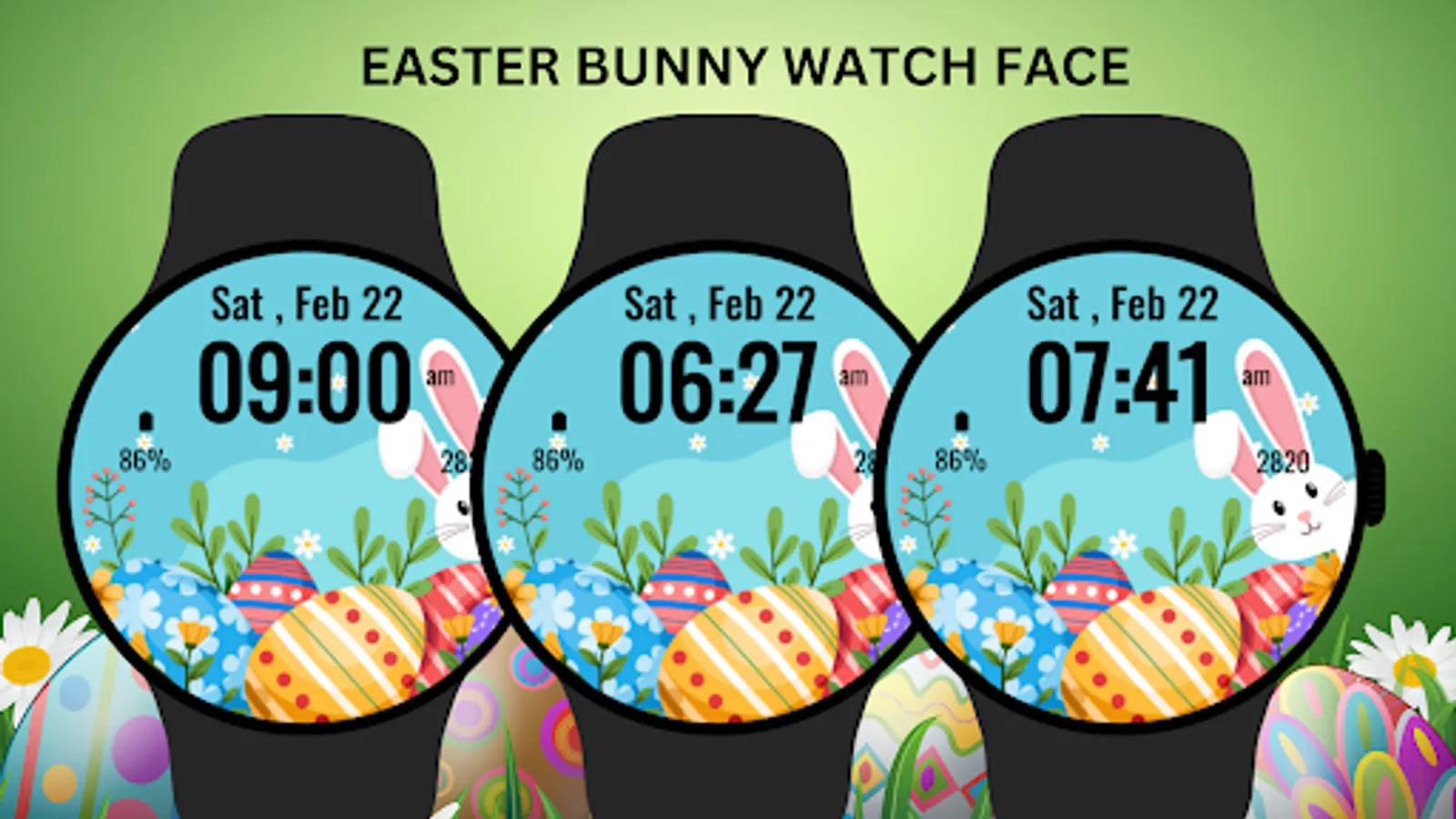
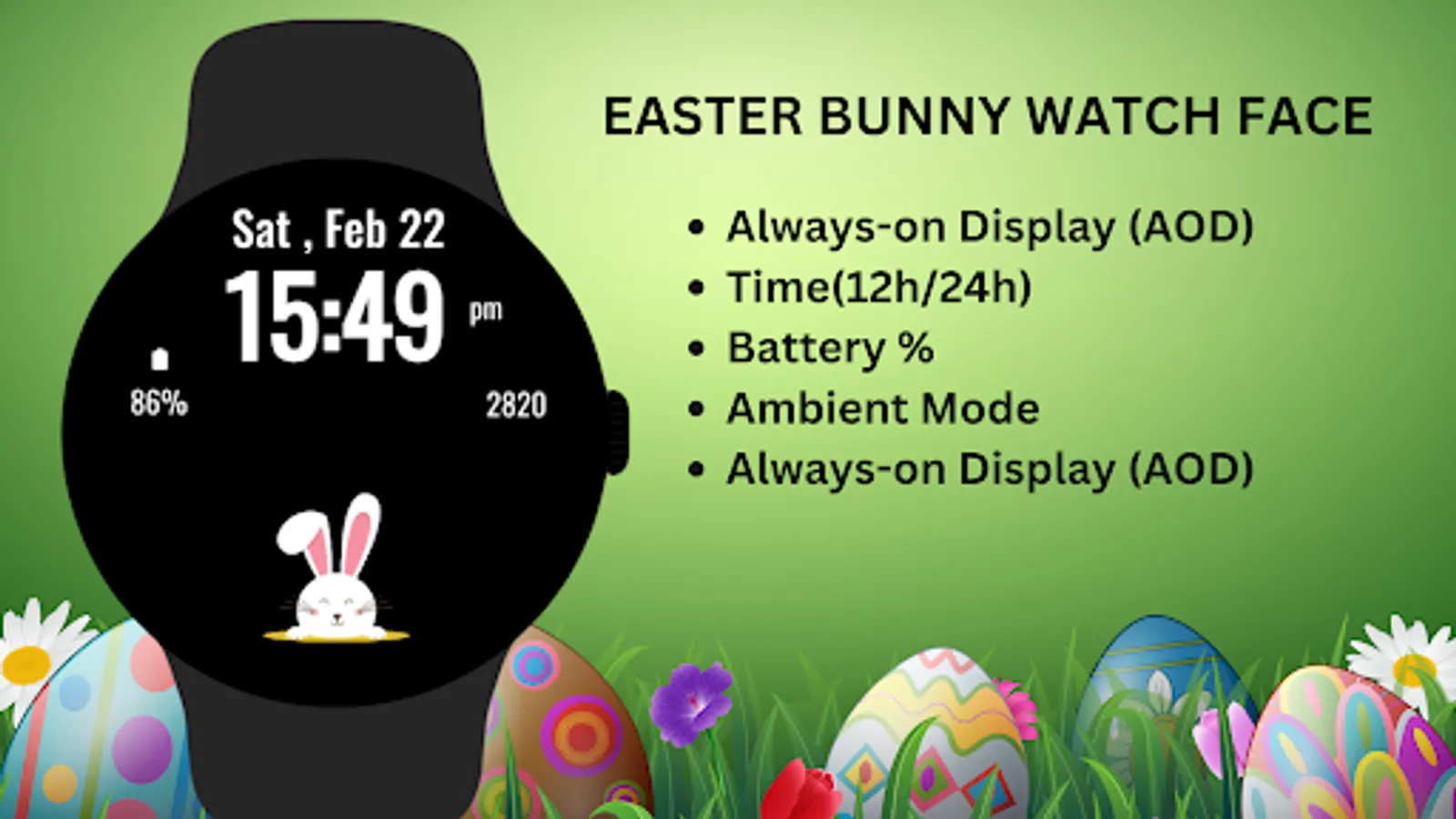
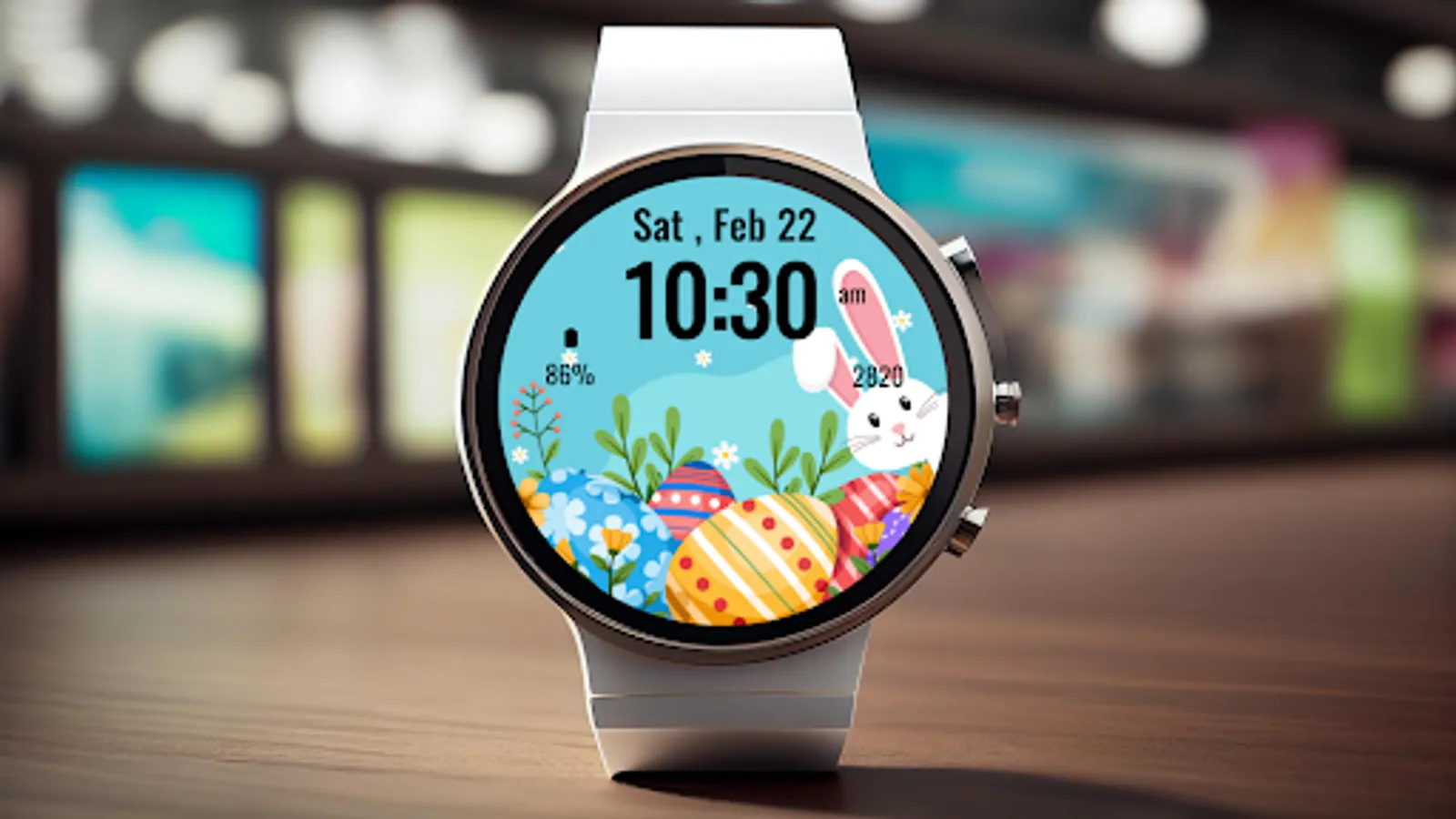
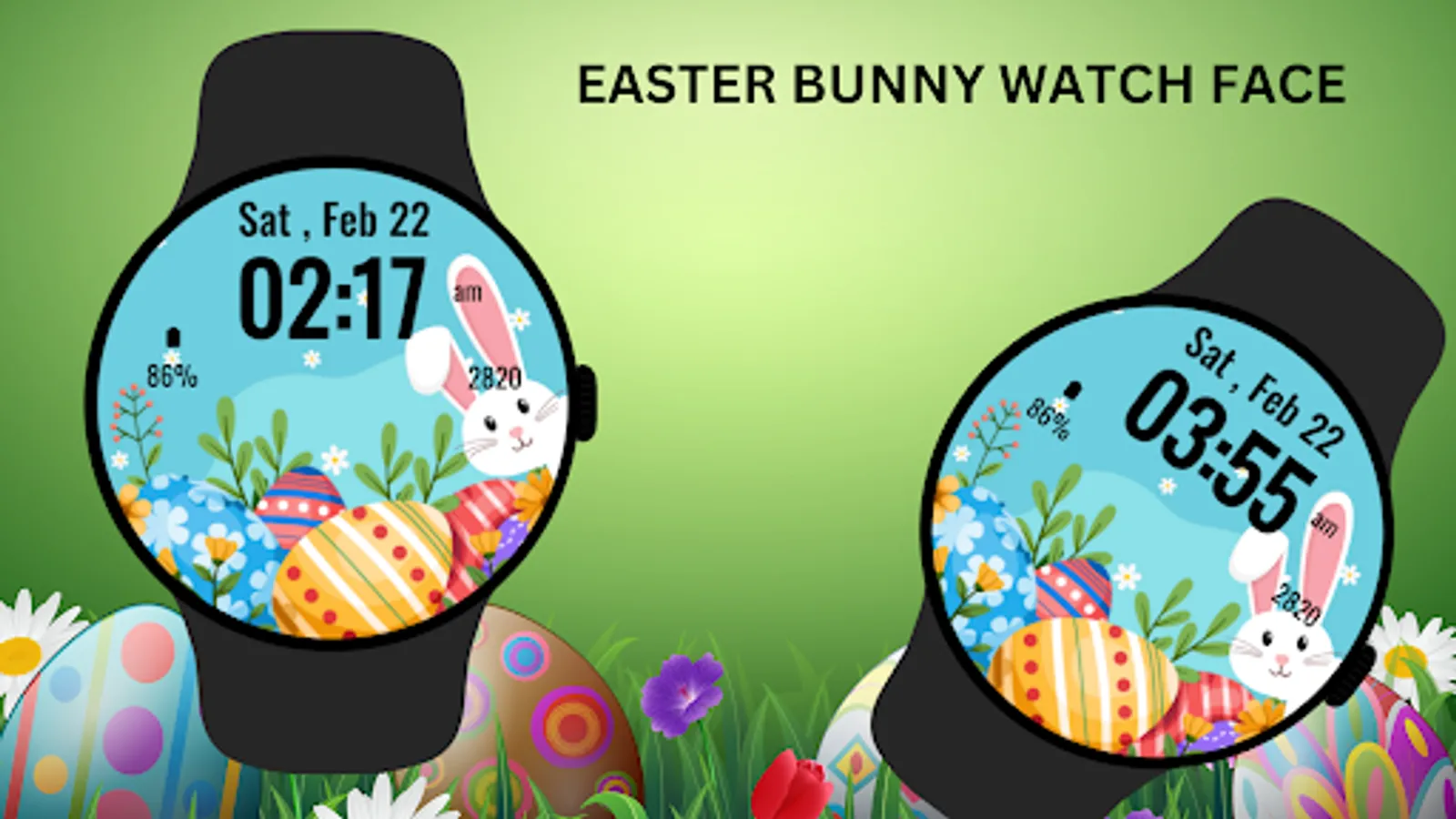
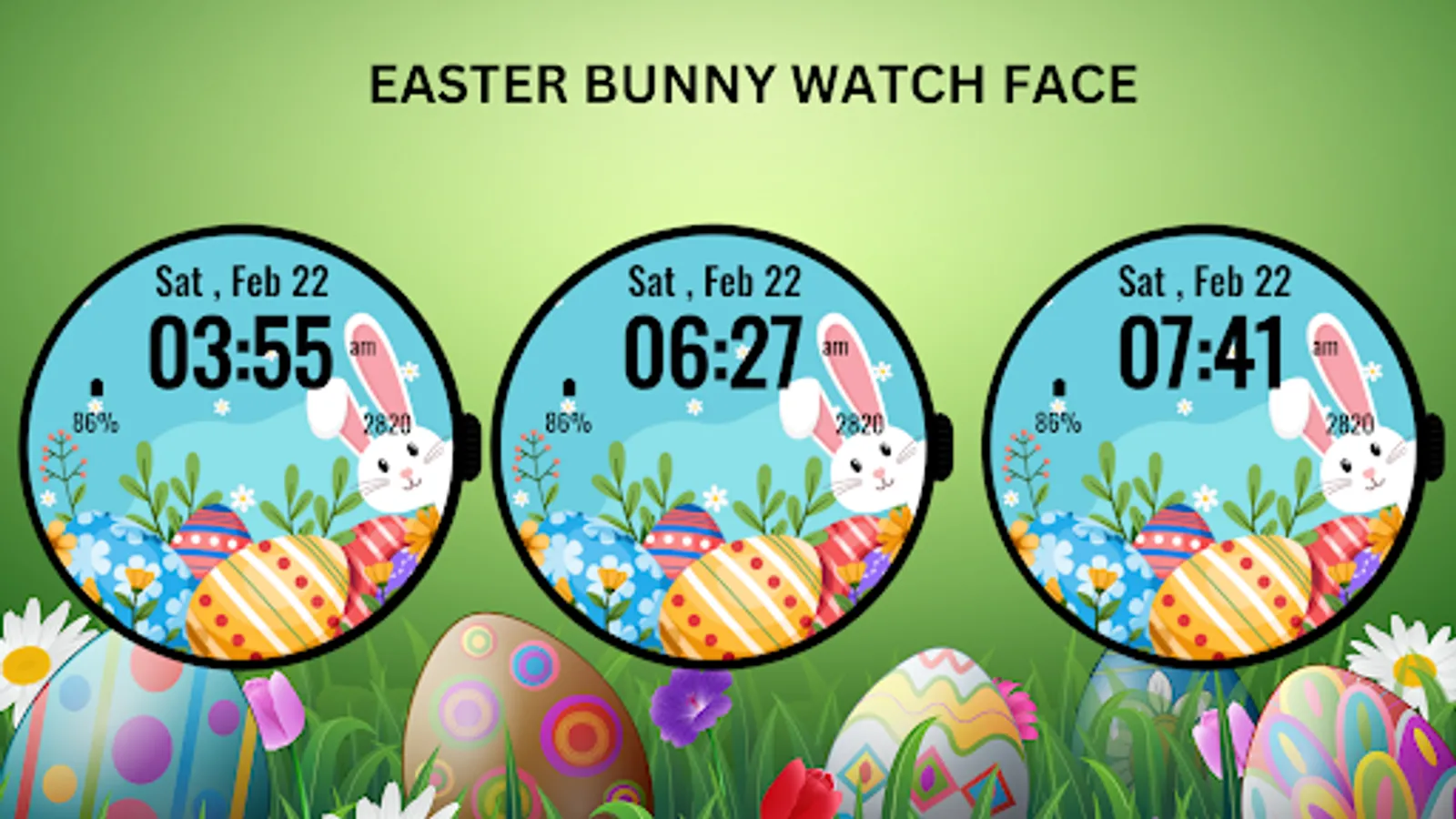
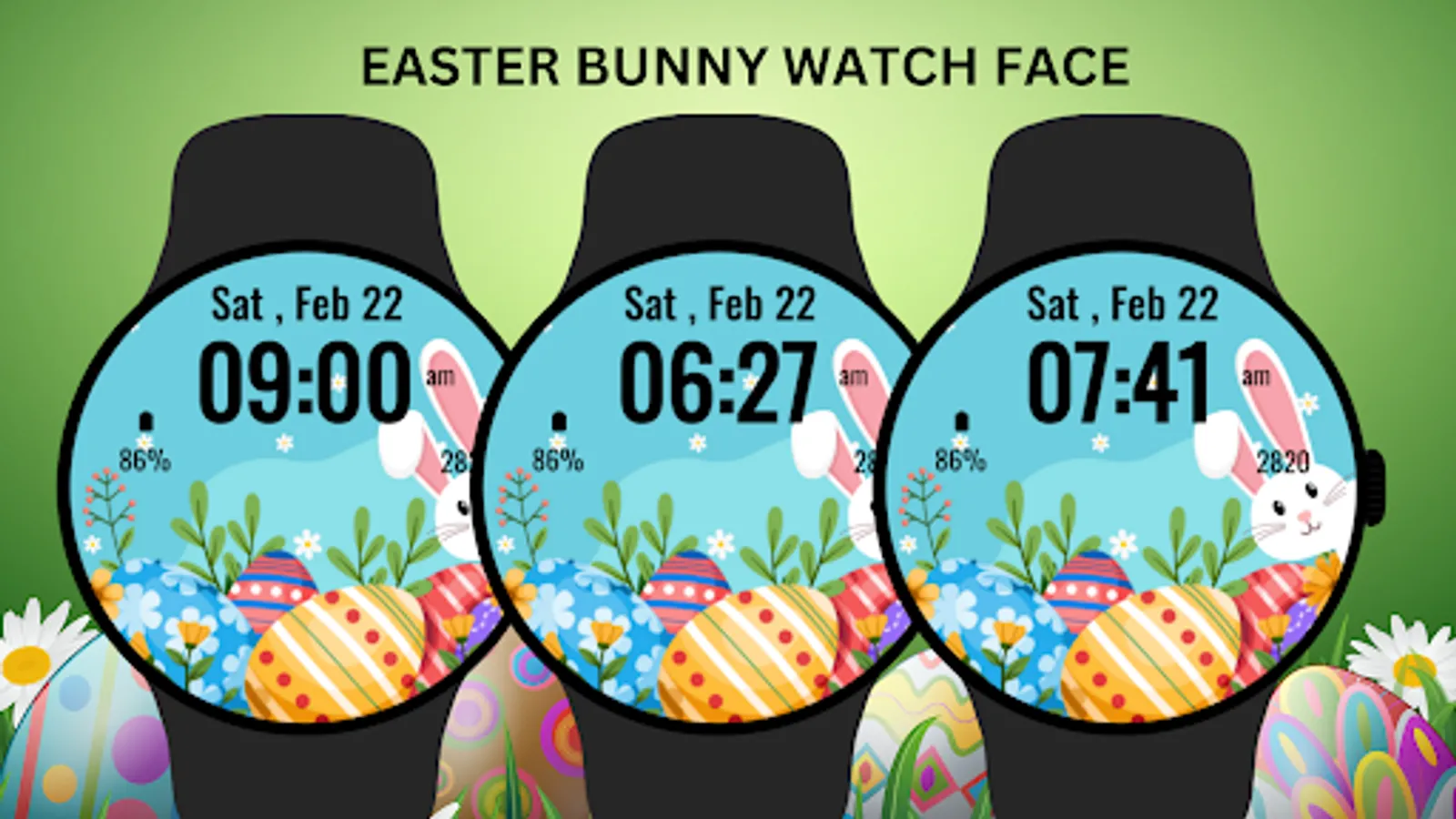
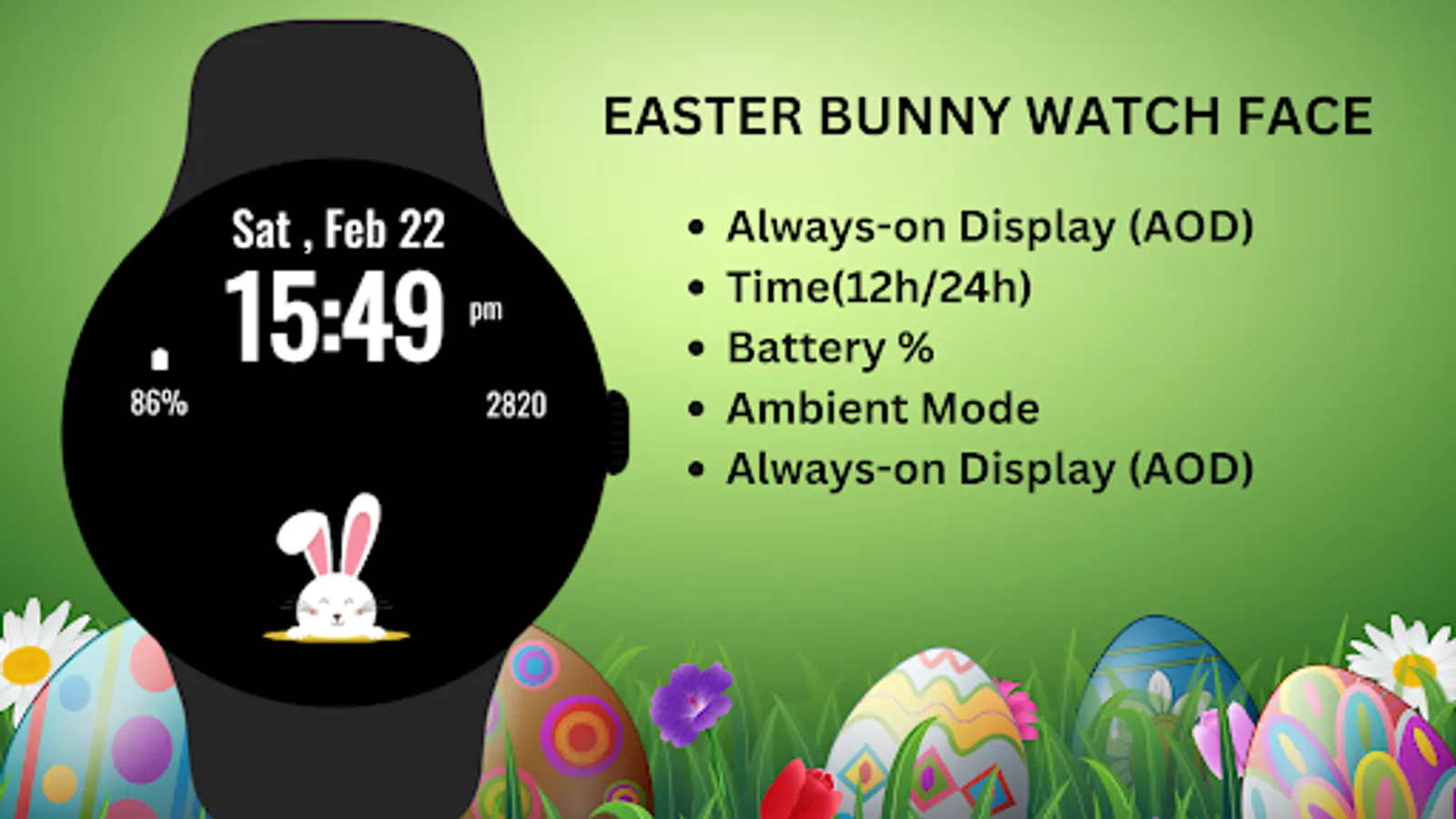
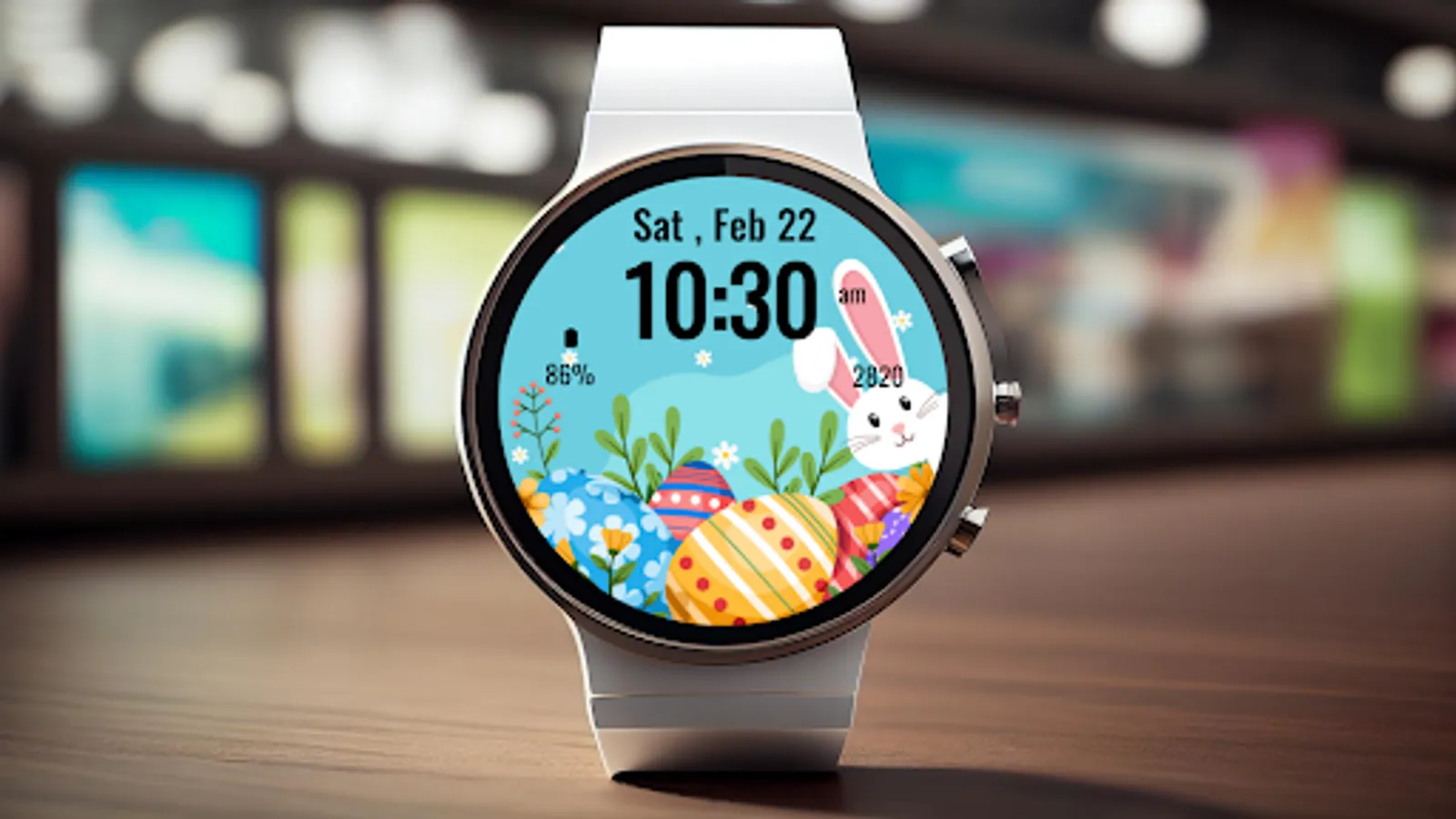
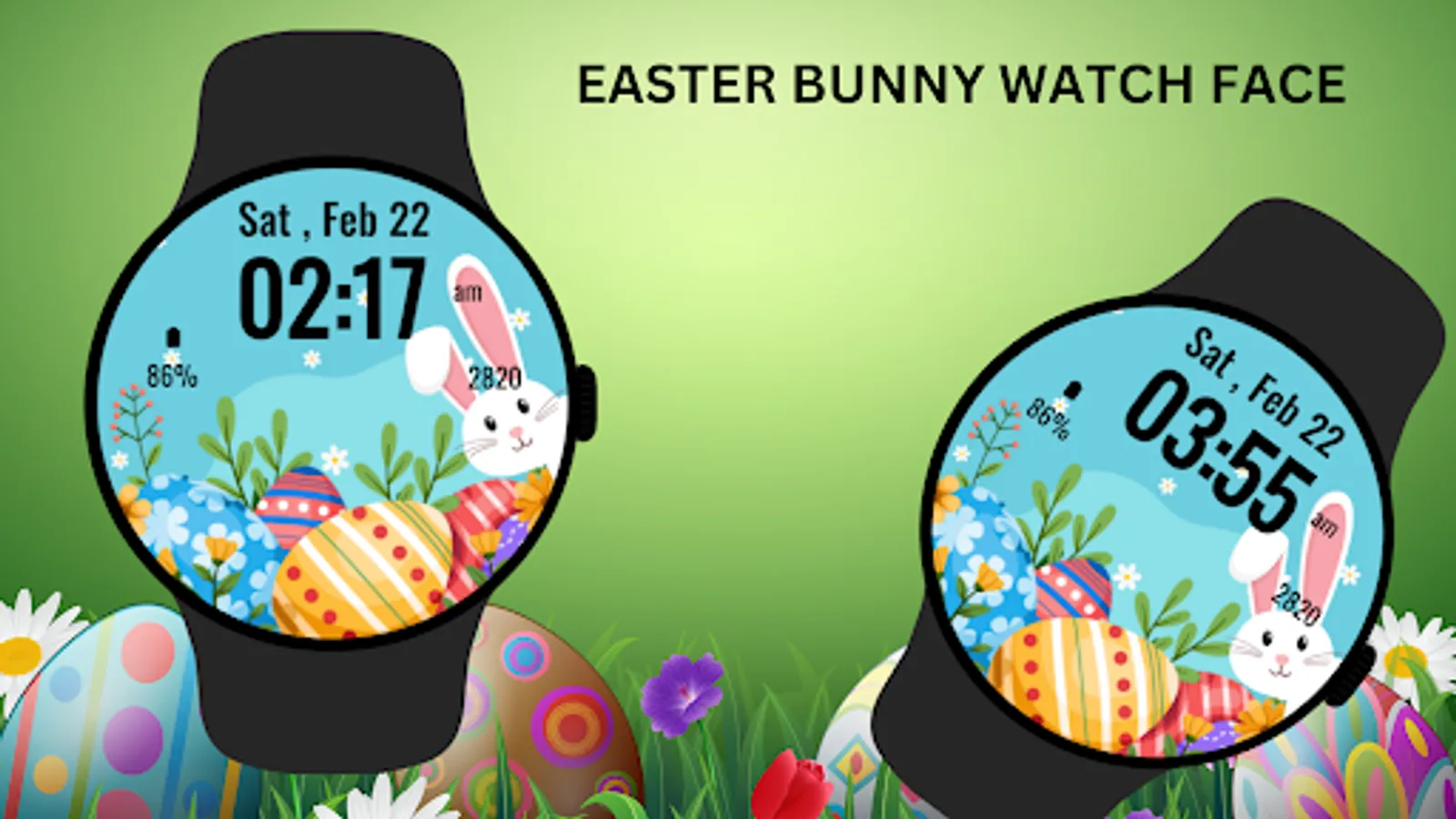
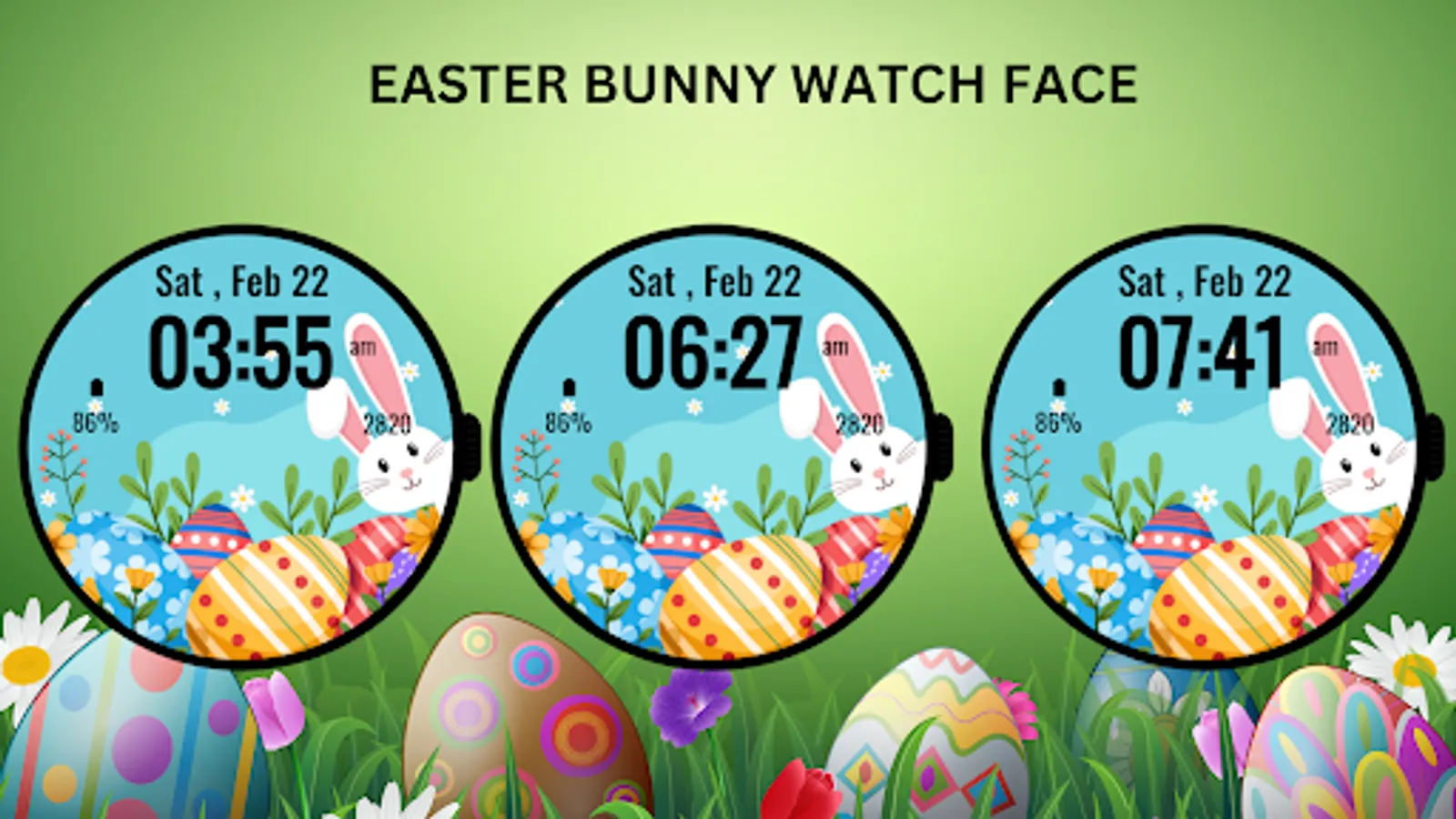
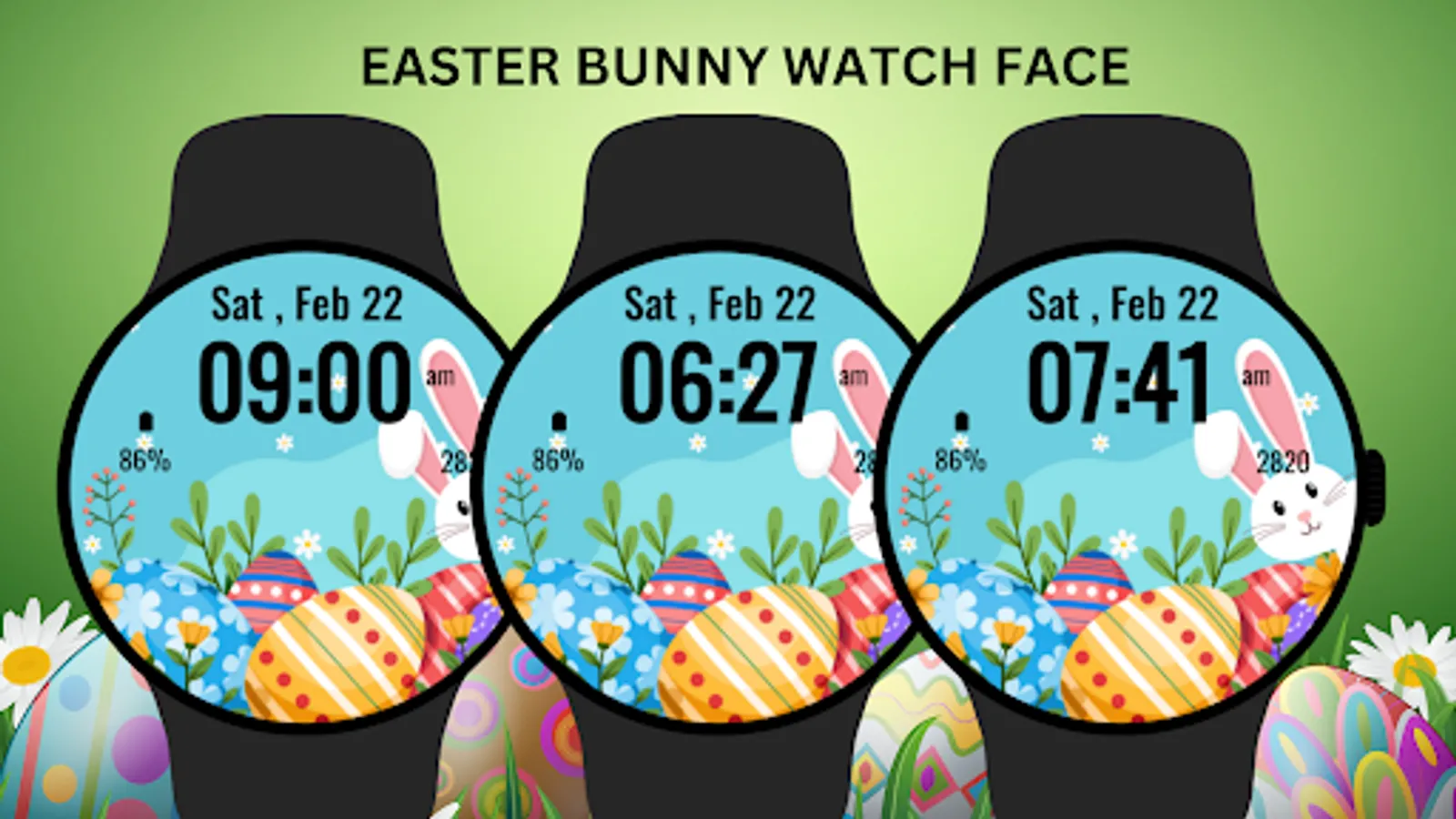
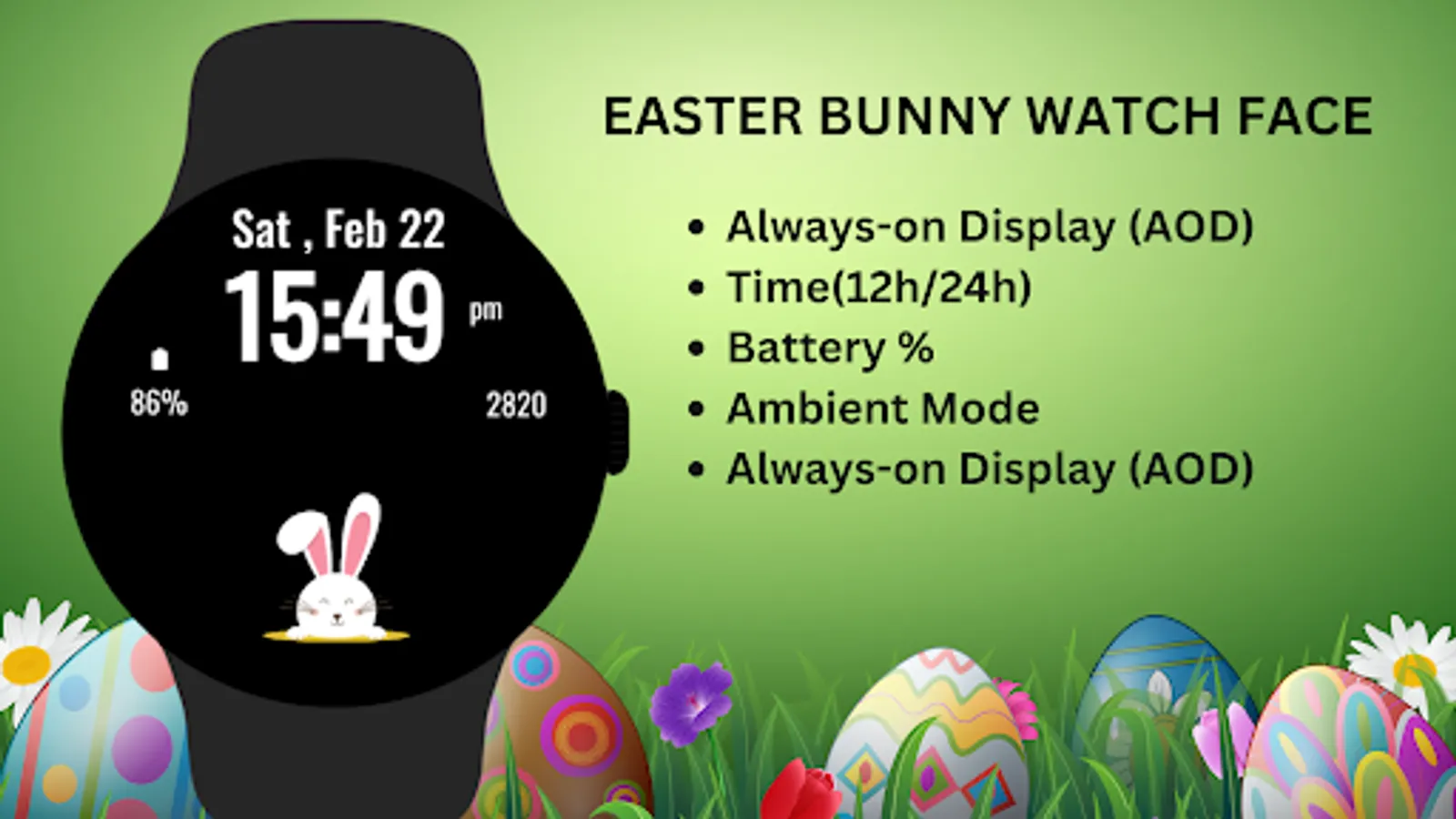
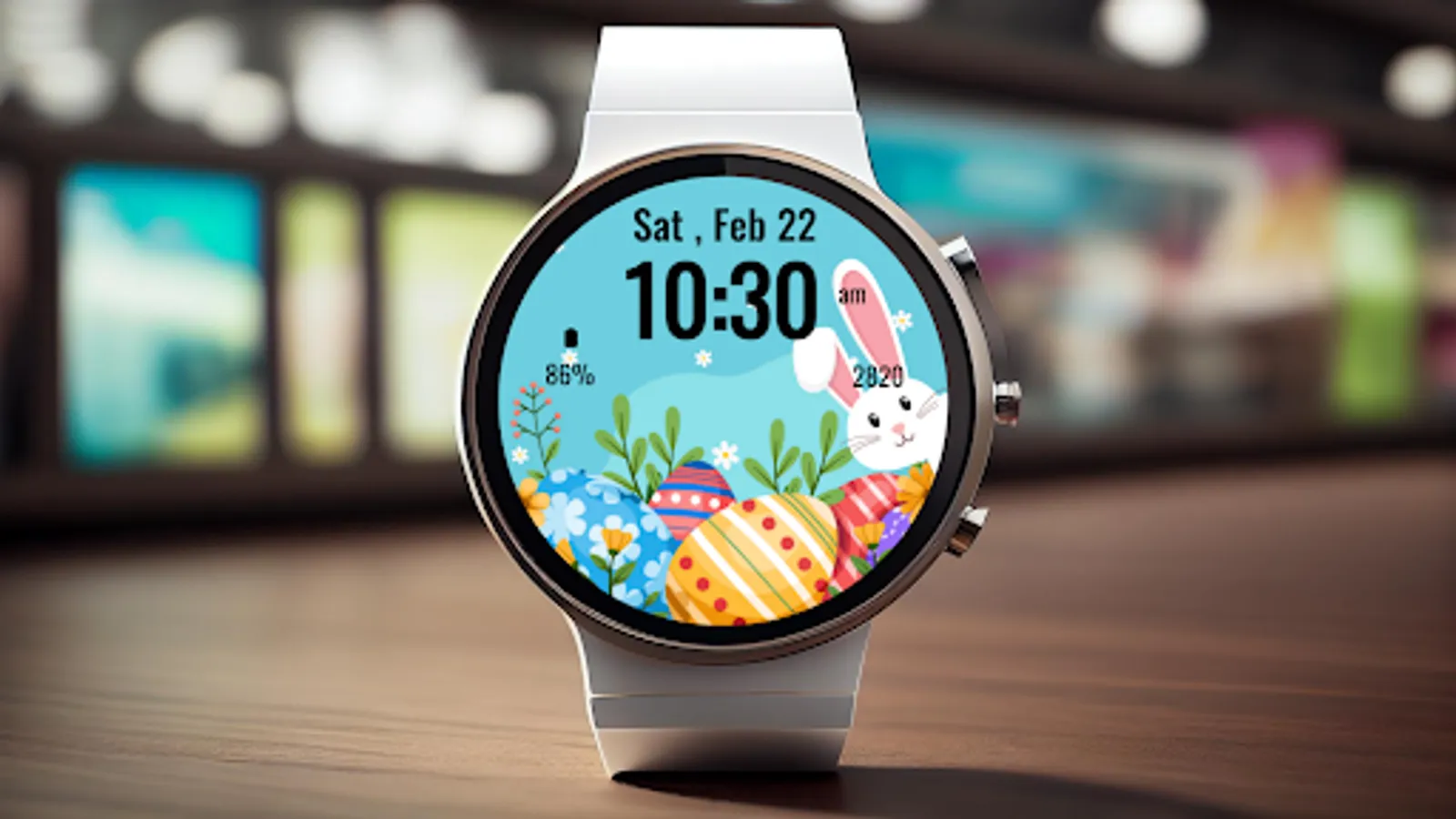
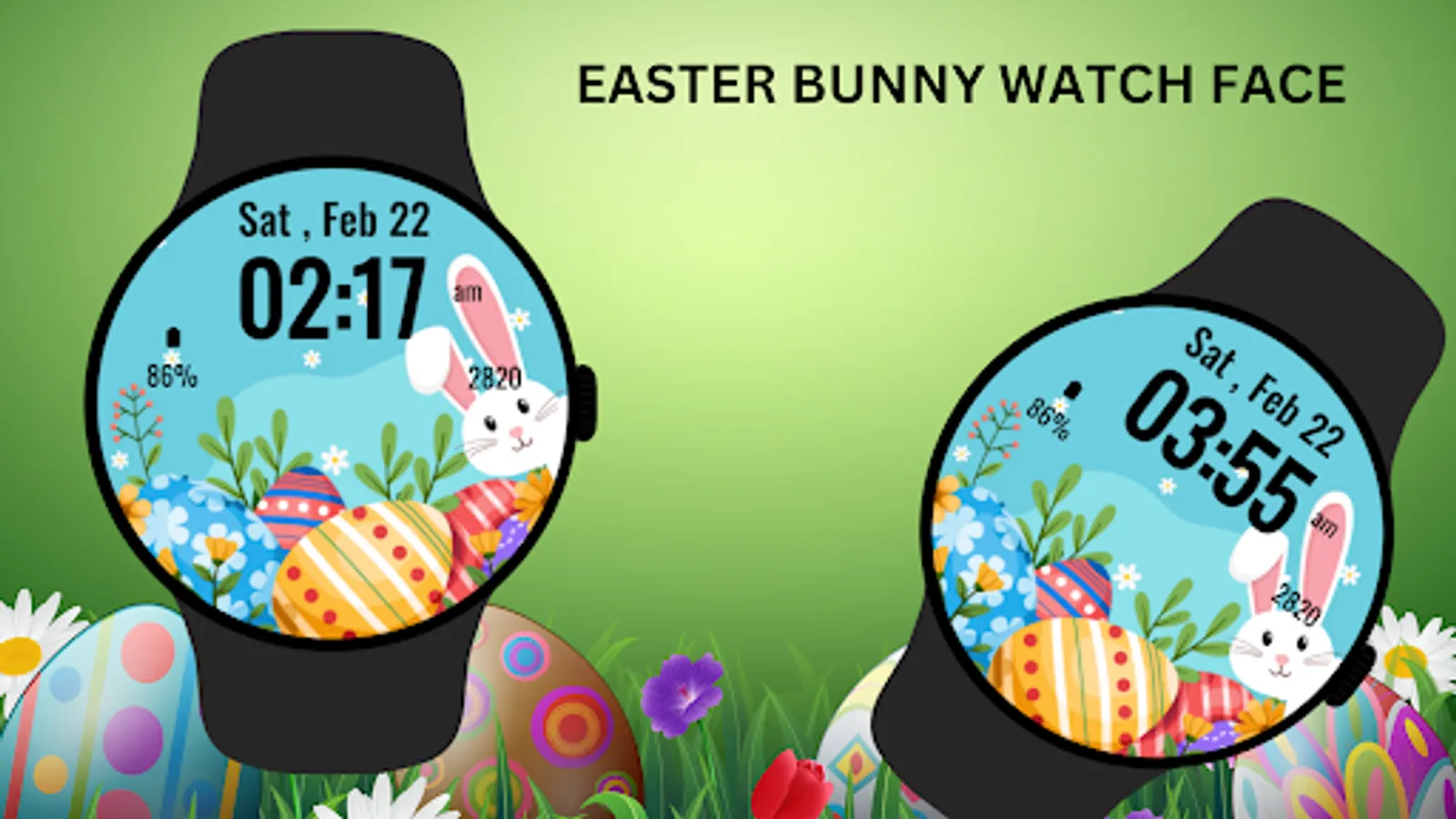
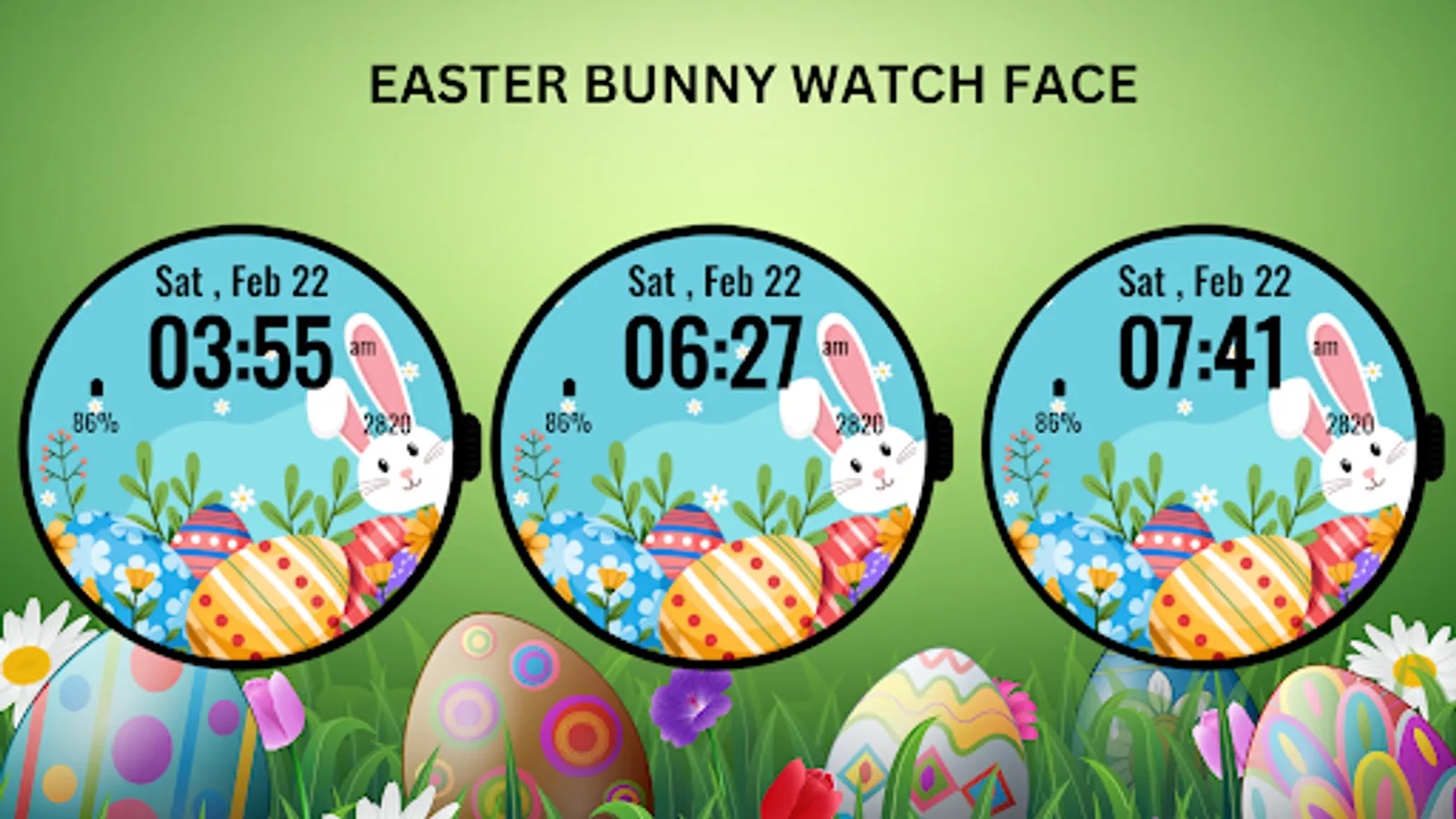
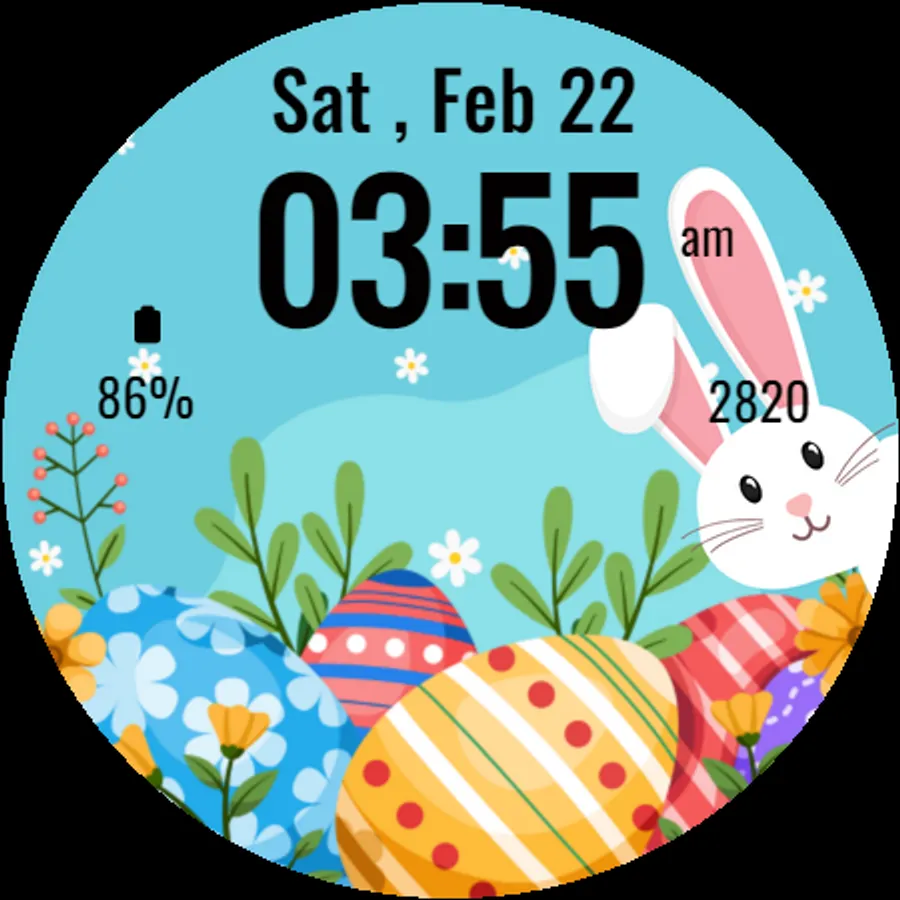
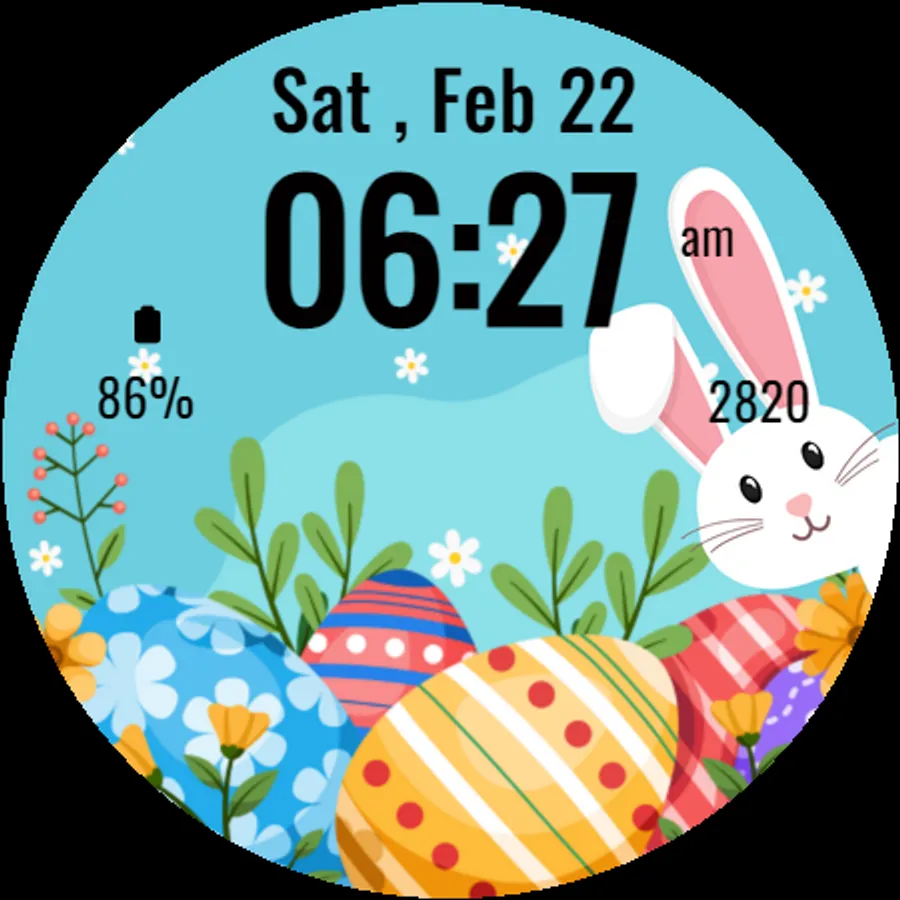
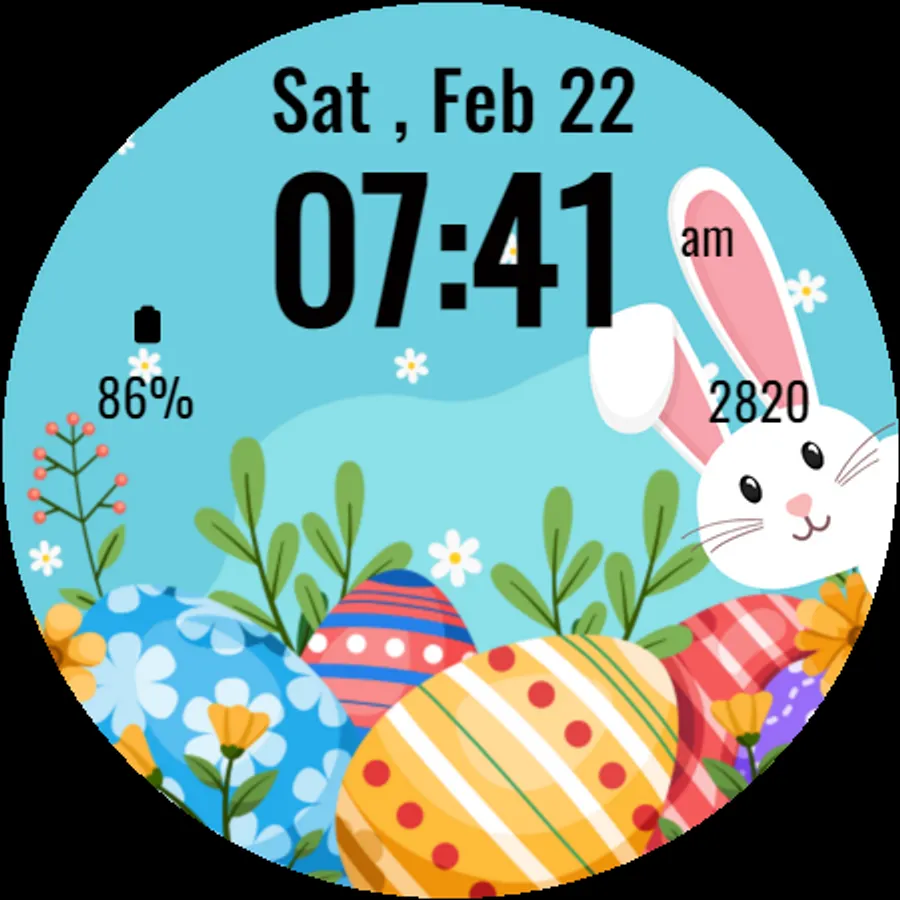
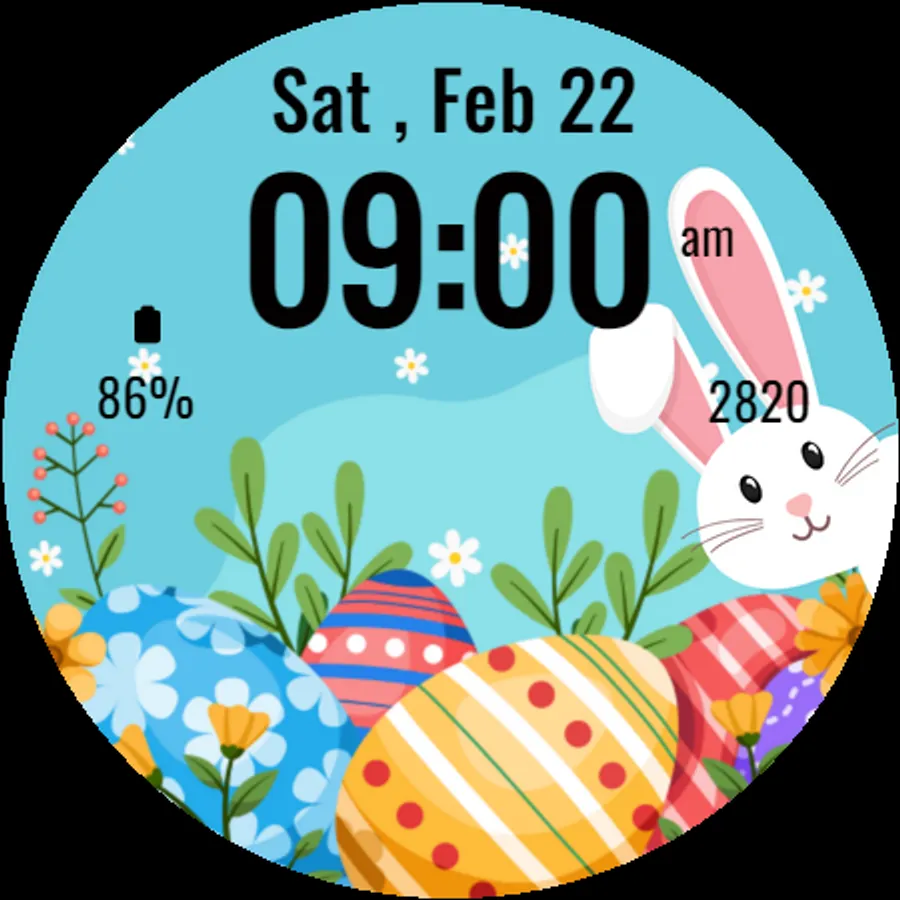
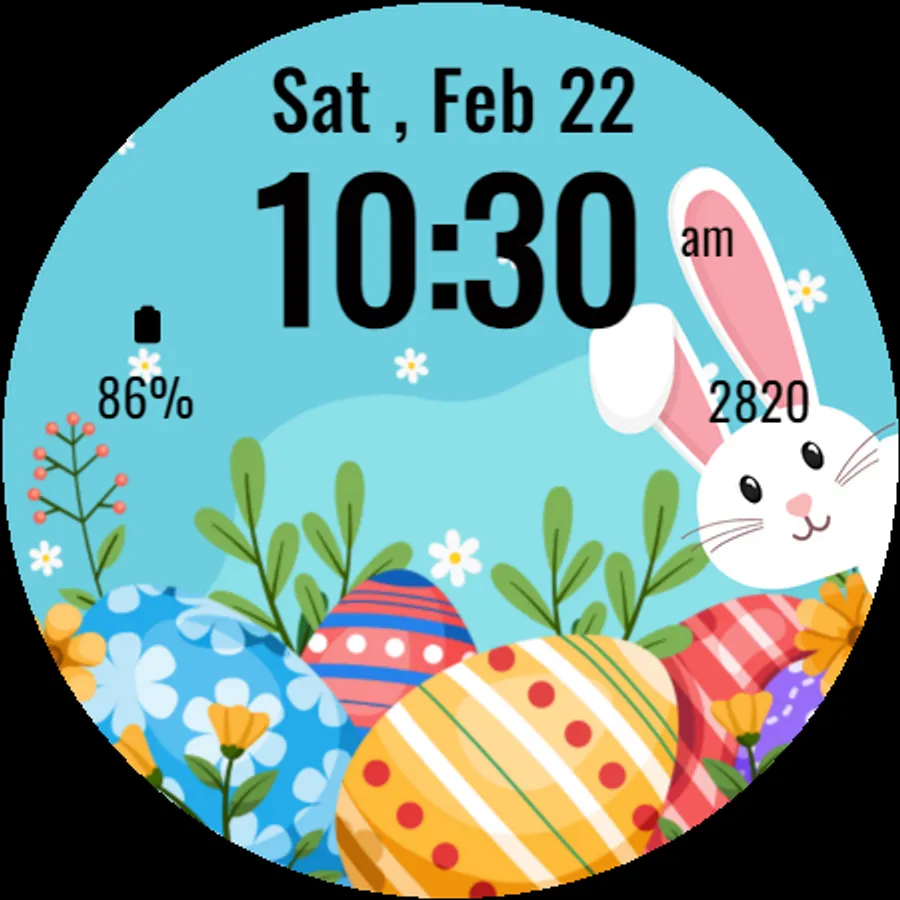
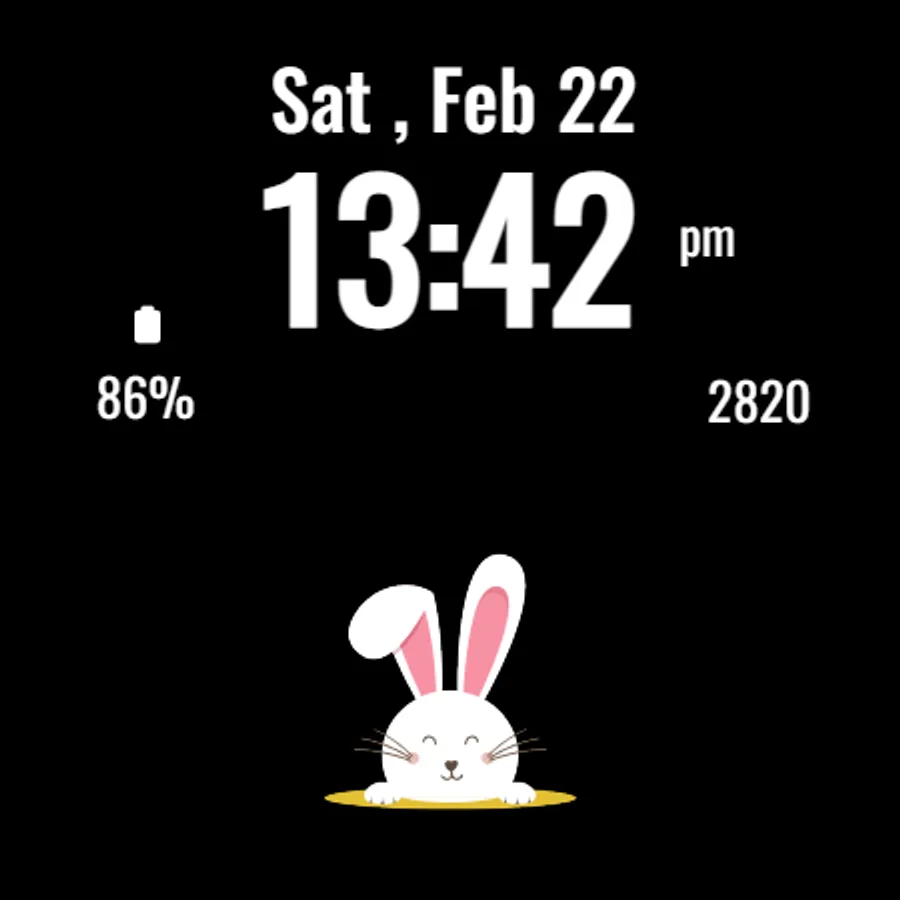
In this watch face, users can view the time, date, steps, and battery percentage with customizable shortcuts. Includes festive Easter design, ambient mode support, and quick access to apps.
AppRecs review analysis
AppRecs rating 4.2. Trustworthiness 74 out of 100. Review manipulation risk 25 out of 100. Based on a review sample analyzed.
★★★★☆
4.2
AppRecs Rating
Ratings breakdown
5 star
65%
4 star
21%
3 star
0%
2 star
0%
1 star
14%
What to know
✓
Low review manipulation risk
25% review manipulation risk
✓
Credible reviews
74% trustworthiness score from analyzed reviews
✓
High user satisfaction
86% of sampled ratings are 4+ stars (4.2★ average)
About Easter Bunny Watch Face
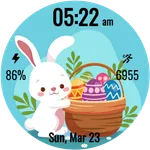
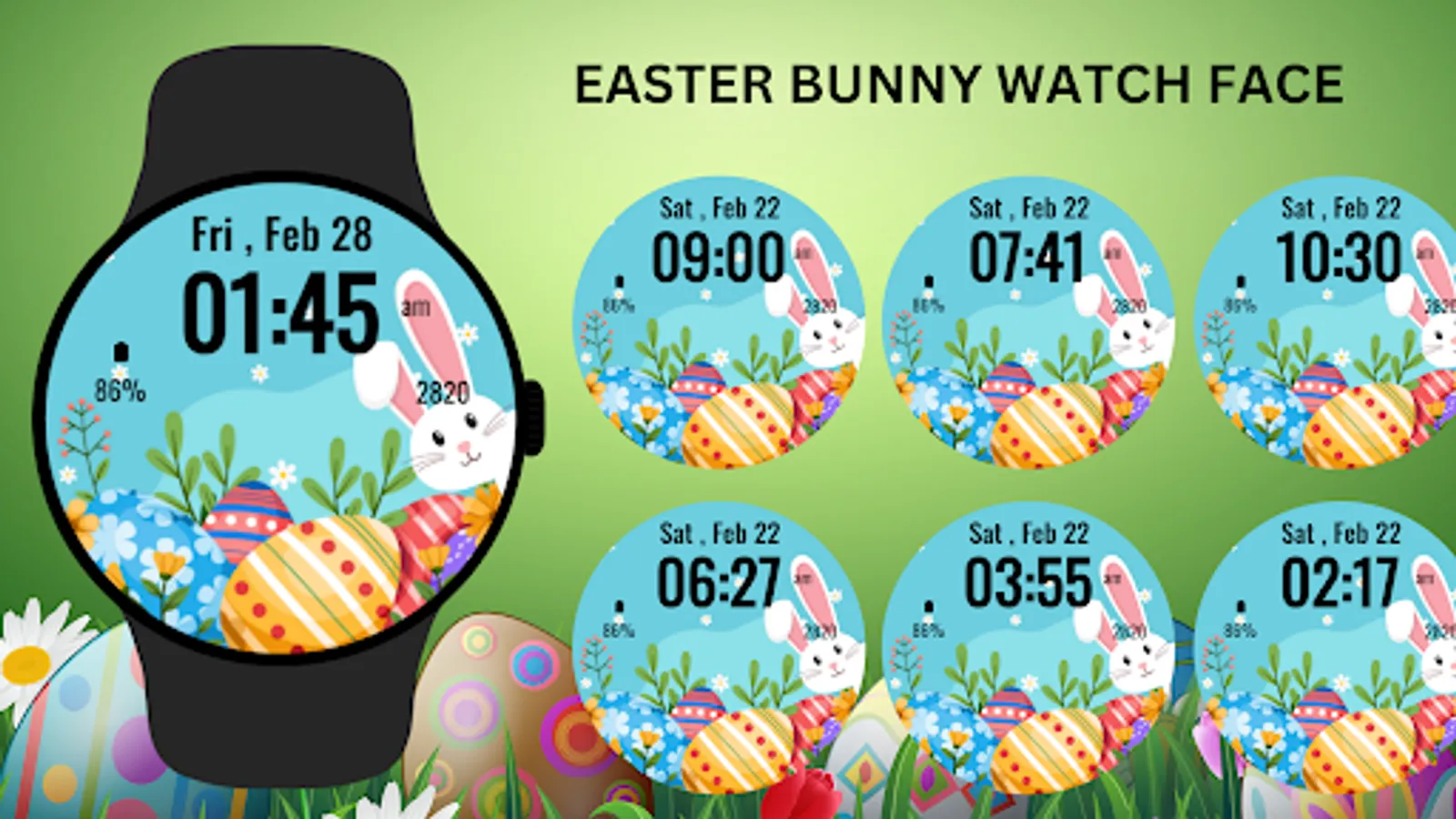
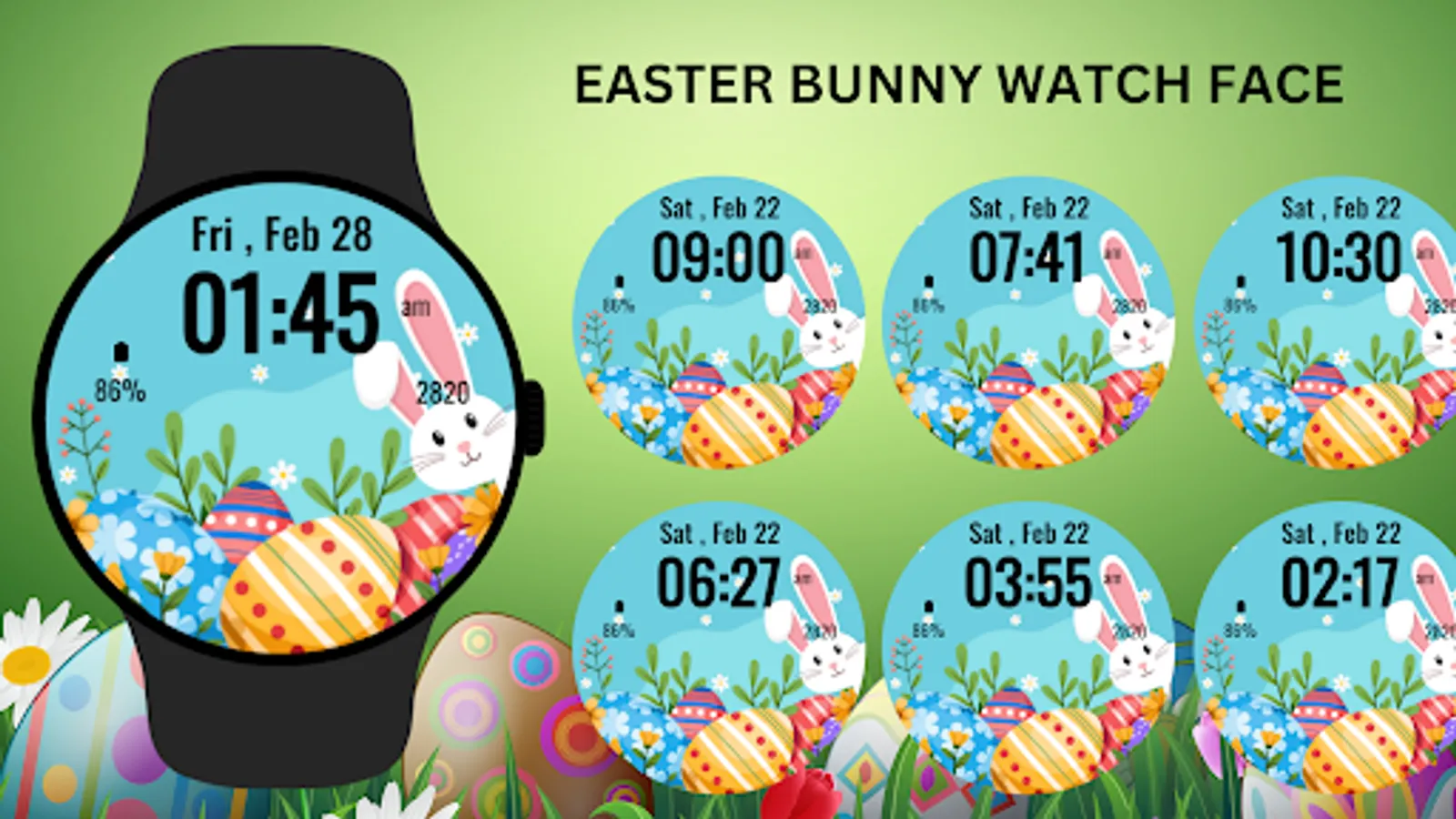
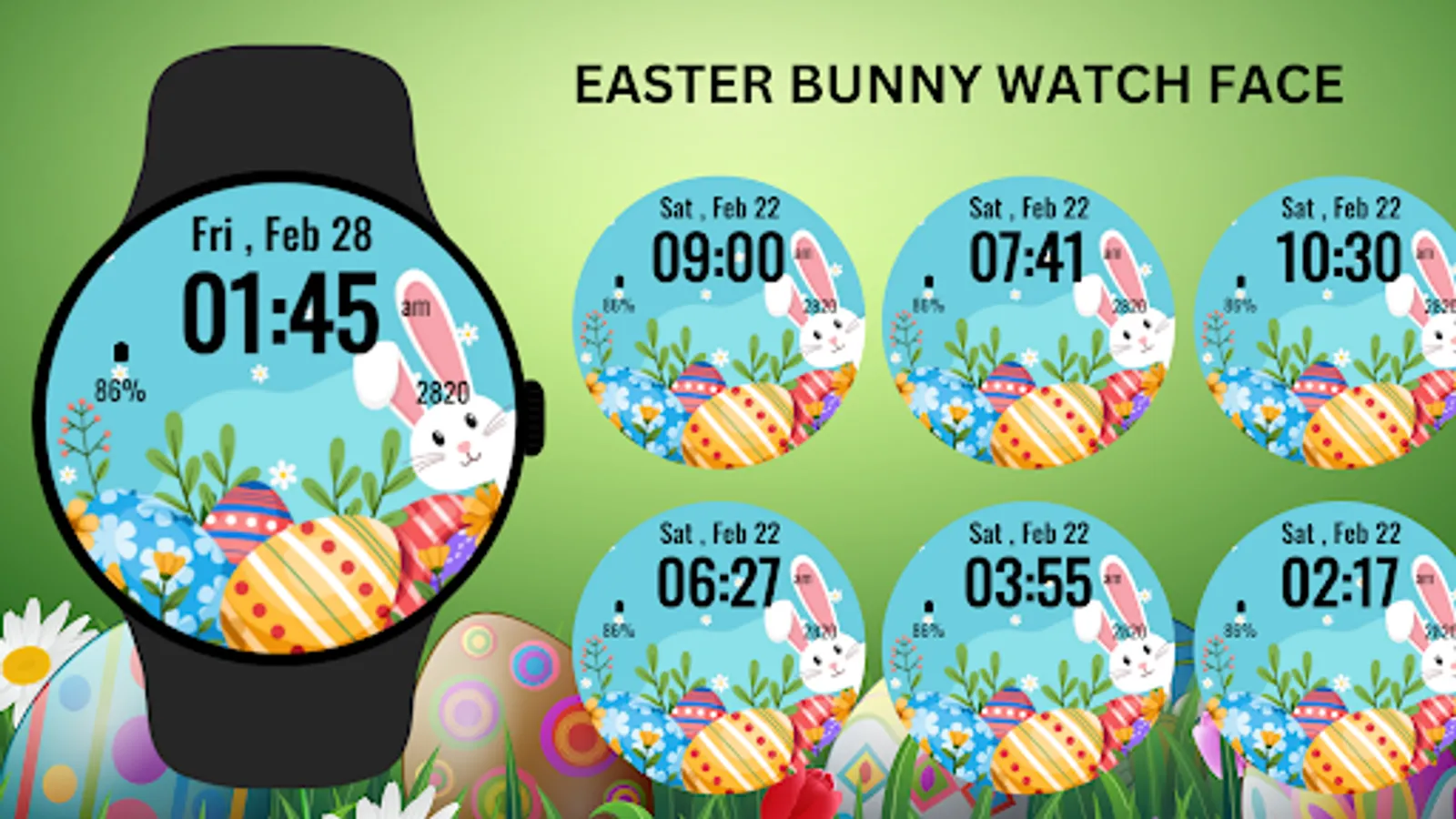
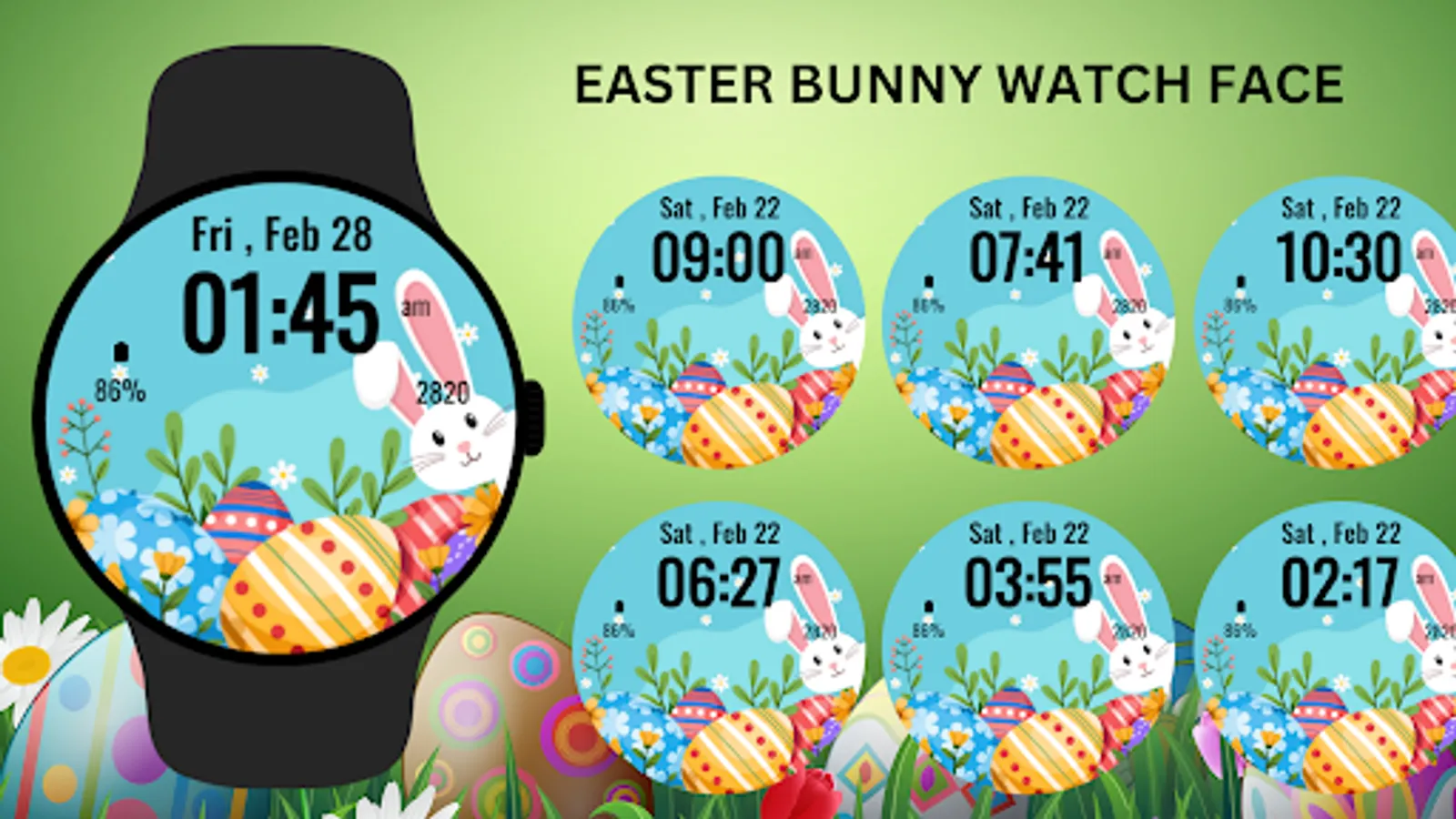
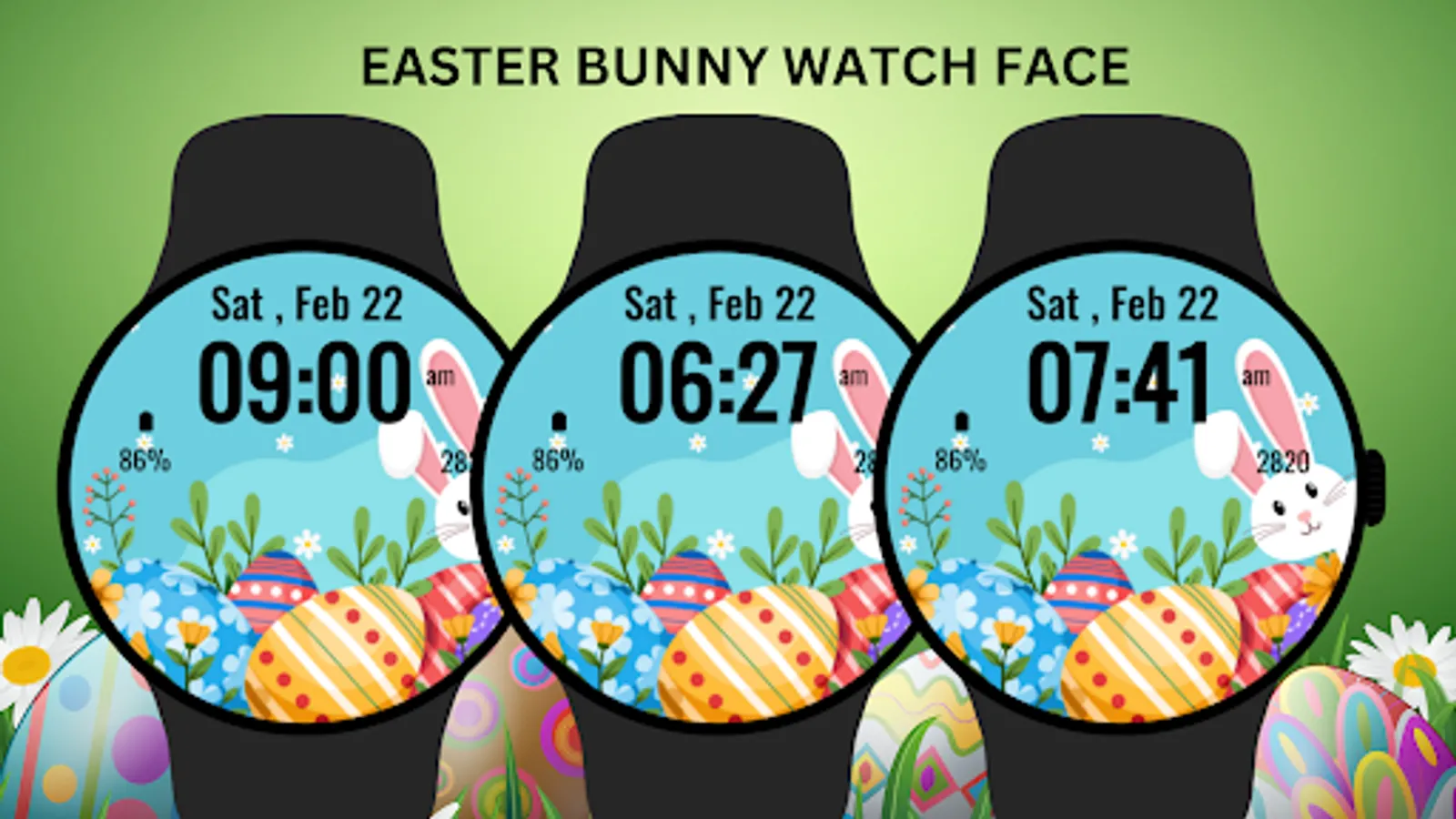
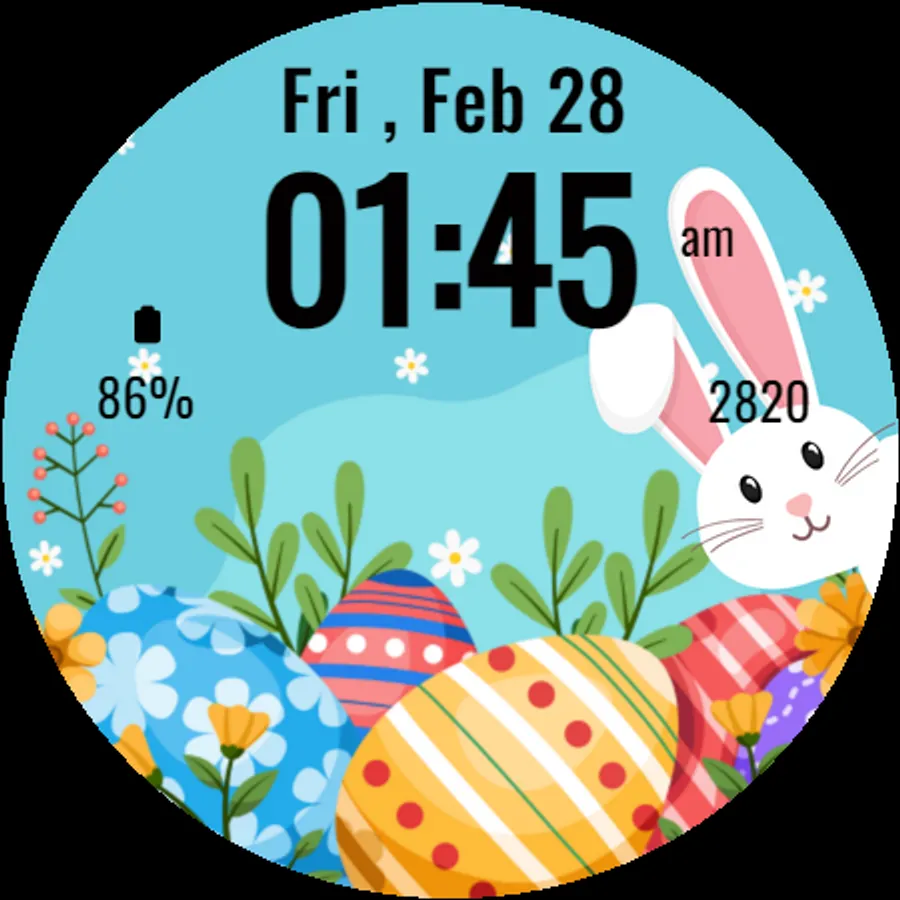
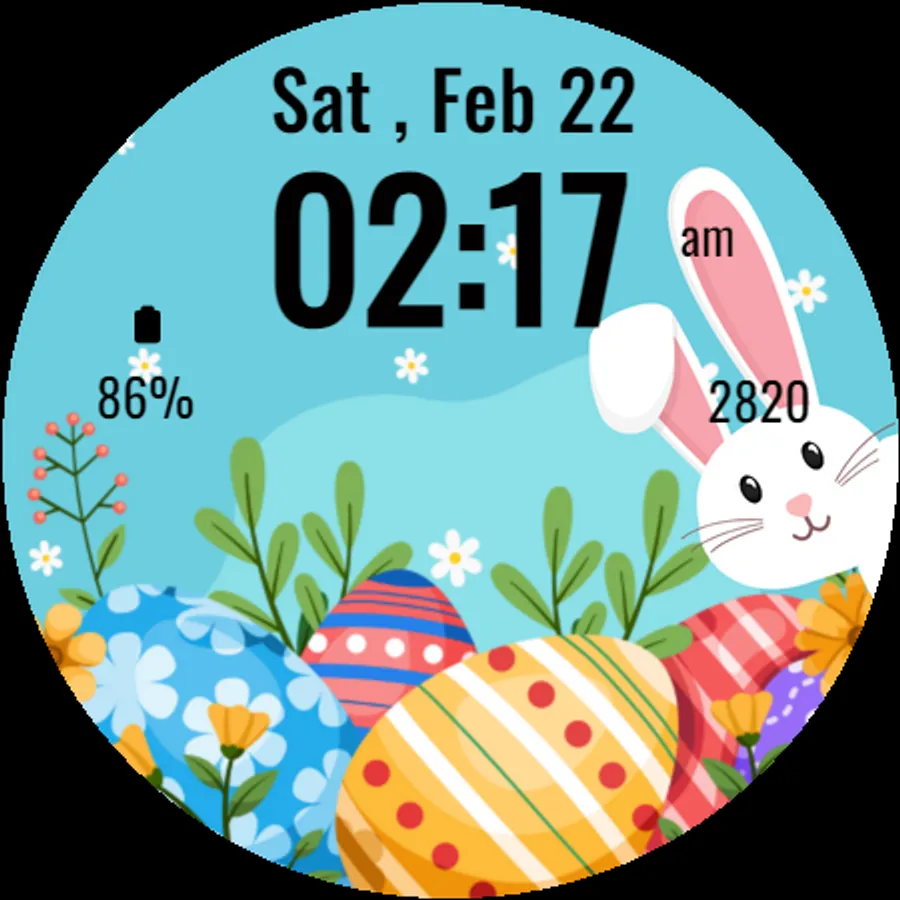
Celebrate Easter in style with the delightful Easter Bunny Watch Face designed for Wear OS. This charming watch face features a cute bunny and festive Easter elements, making it the perfect accessory to embrace the spirit of the holiday. Whether you're preparing for an Easter egg hunt or simply enjoying the season, this watch face adds a playful touch to your wrist.
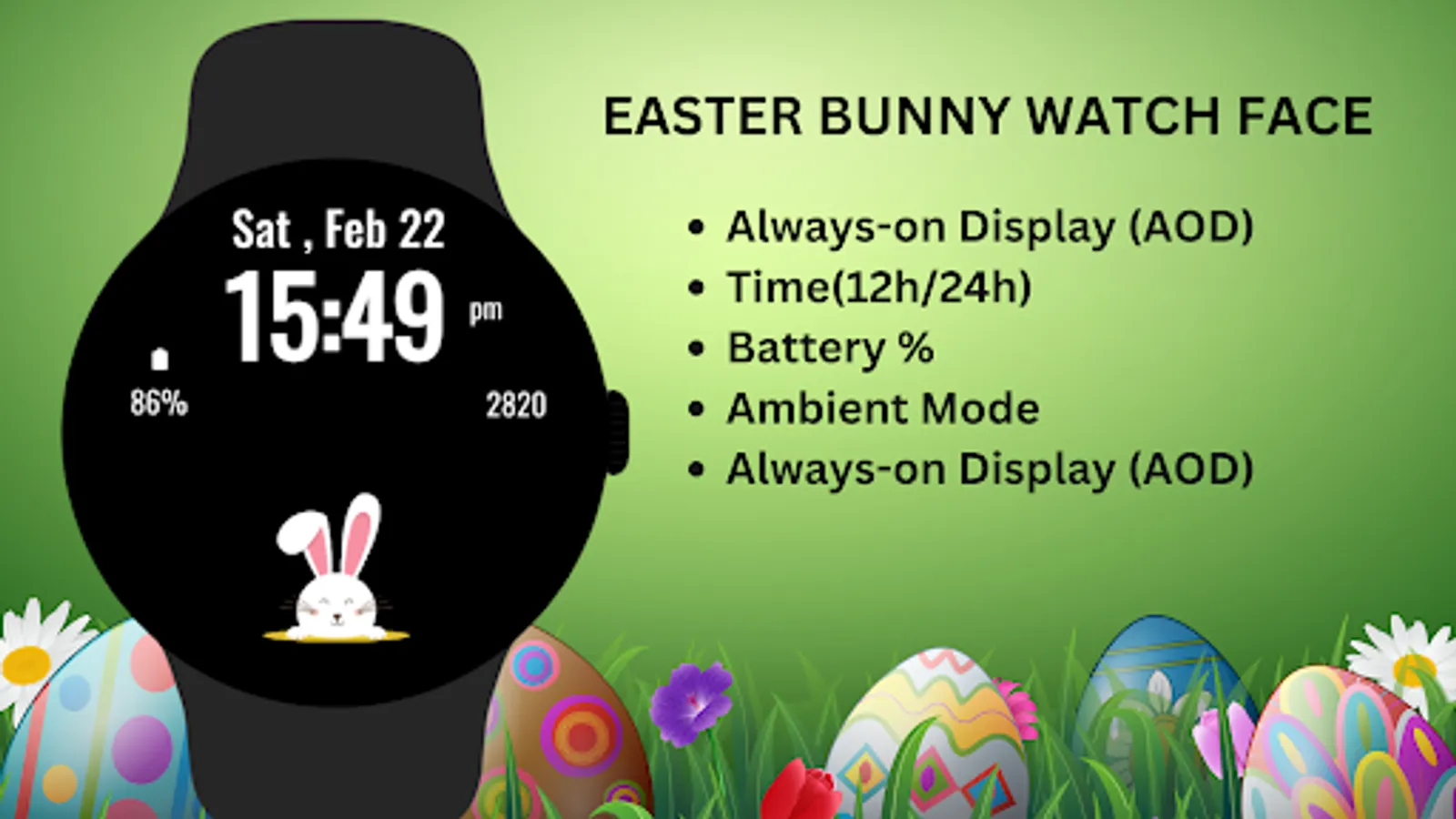
The Easter Bunny Watch Face blends cute design with practical functionality, showing time, date, step count, and battery percentage. It’s perfect for anyone who loves Easter and wants a fun yet functional watch face.
Key Features:
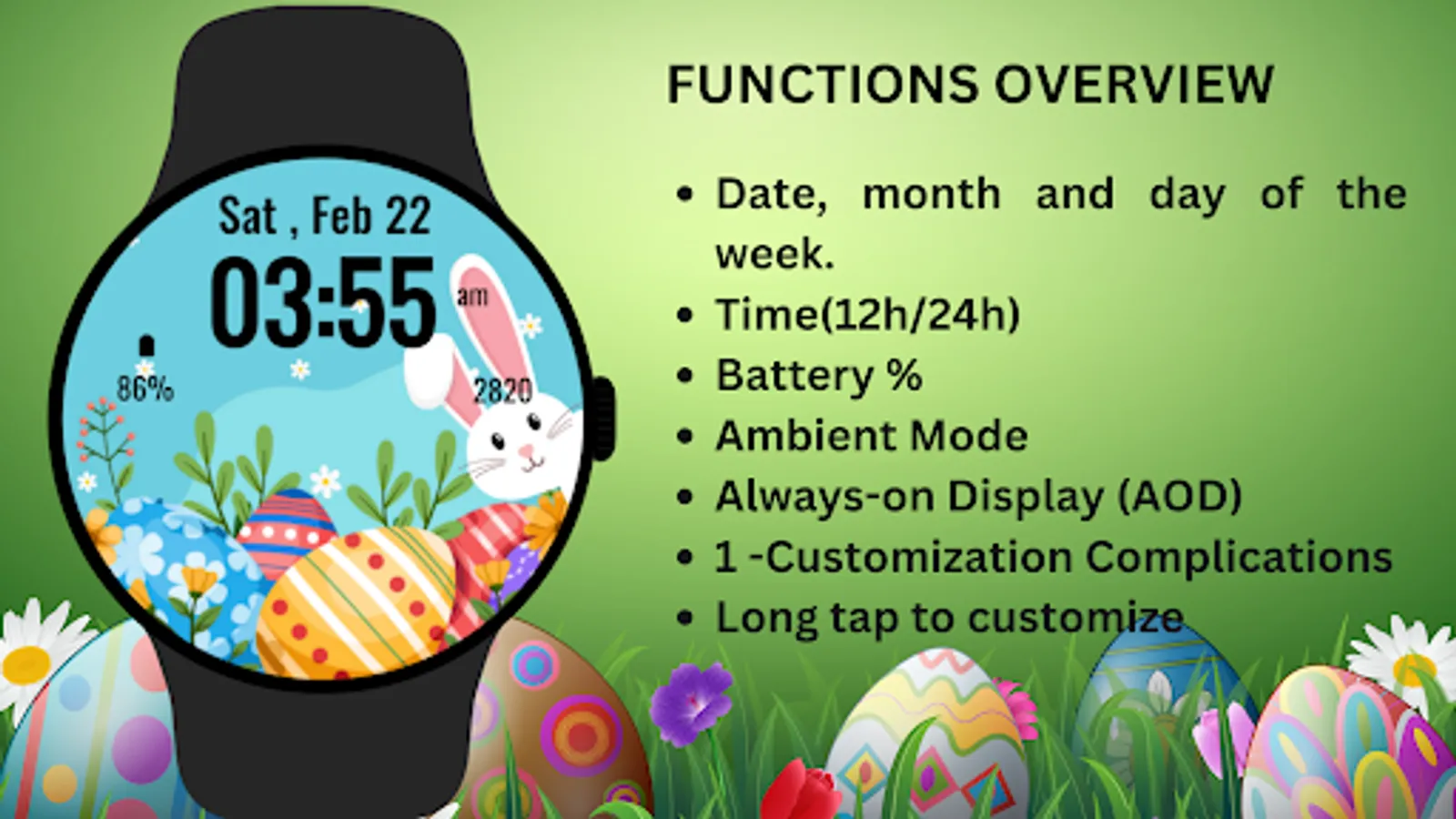
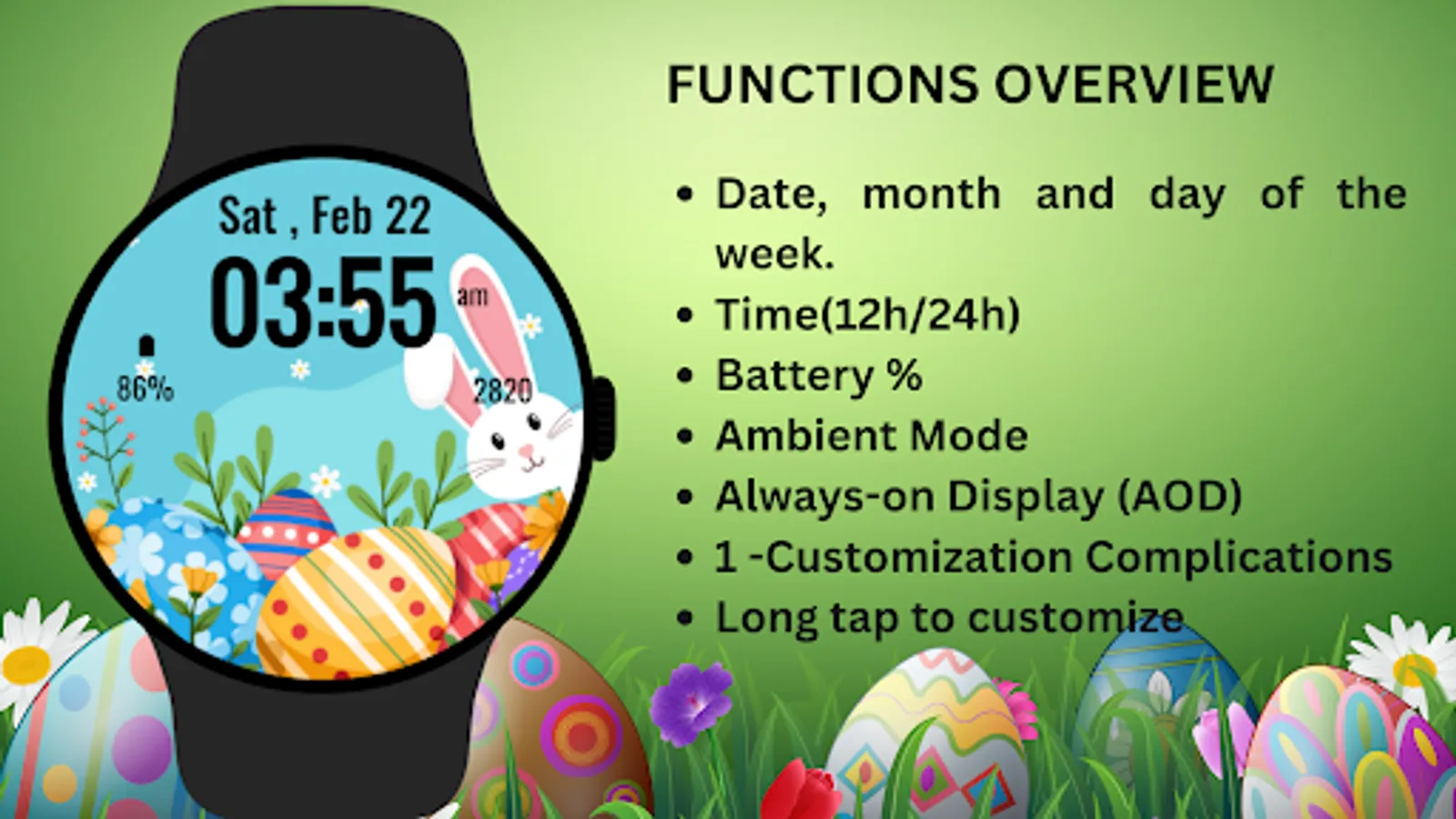
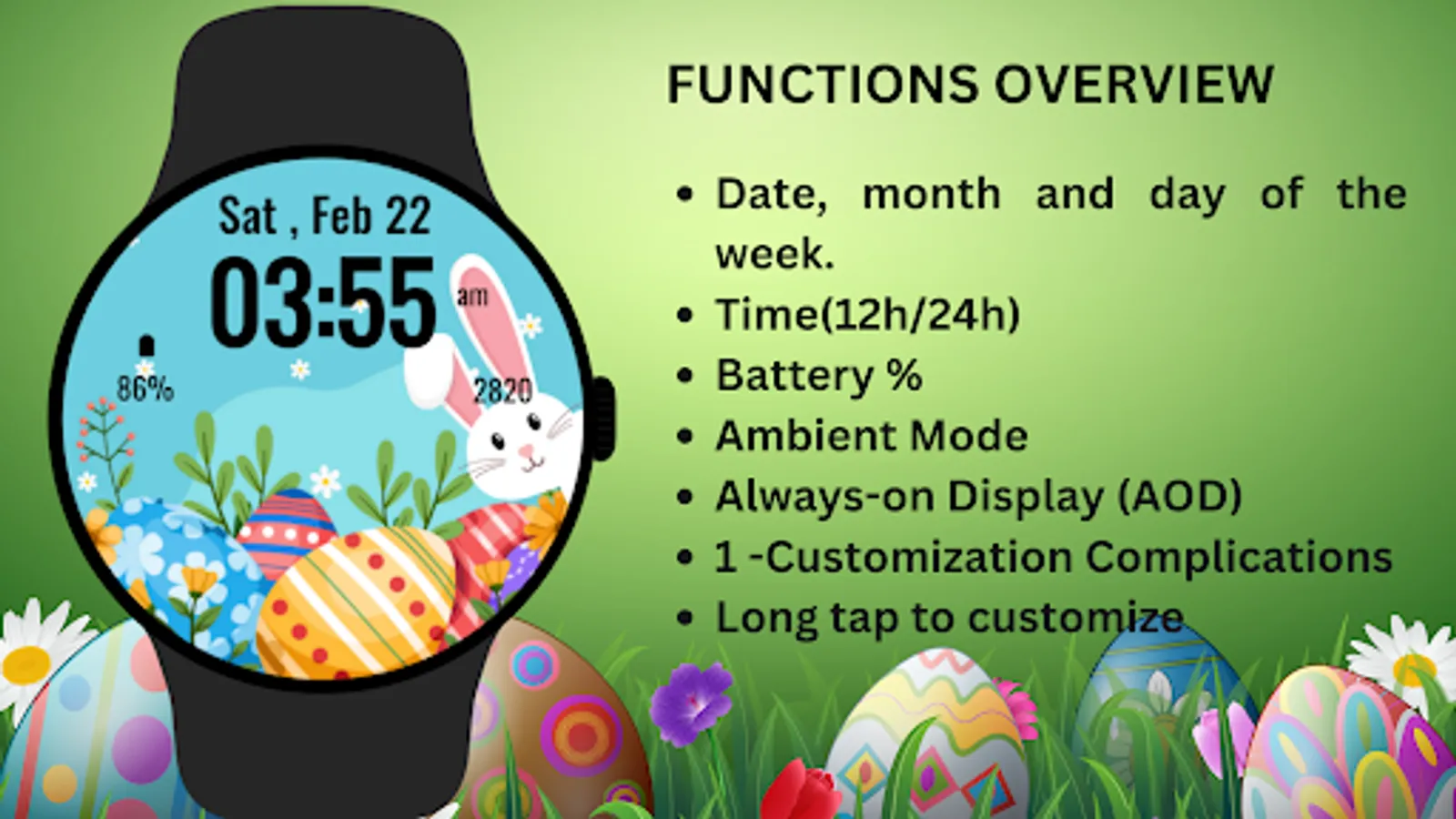
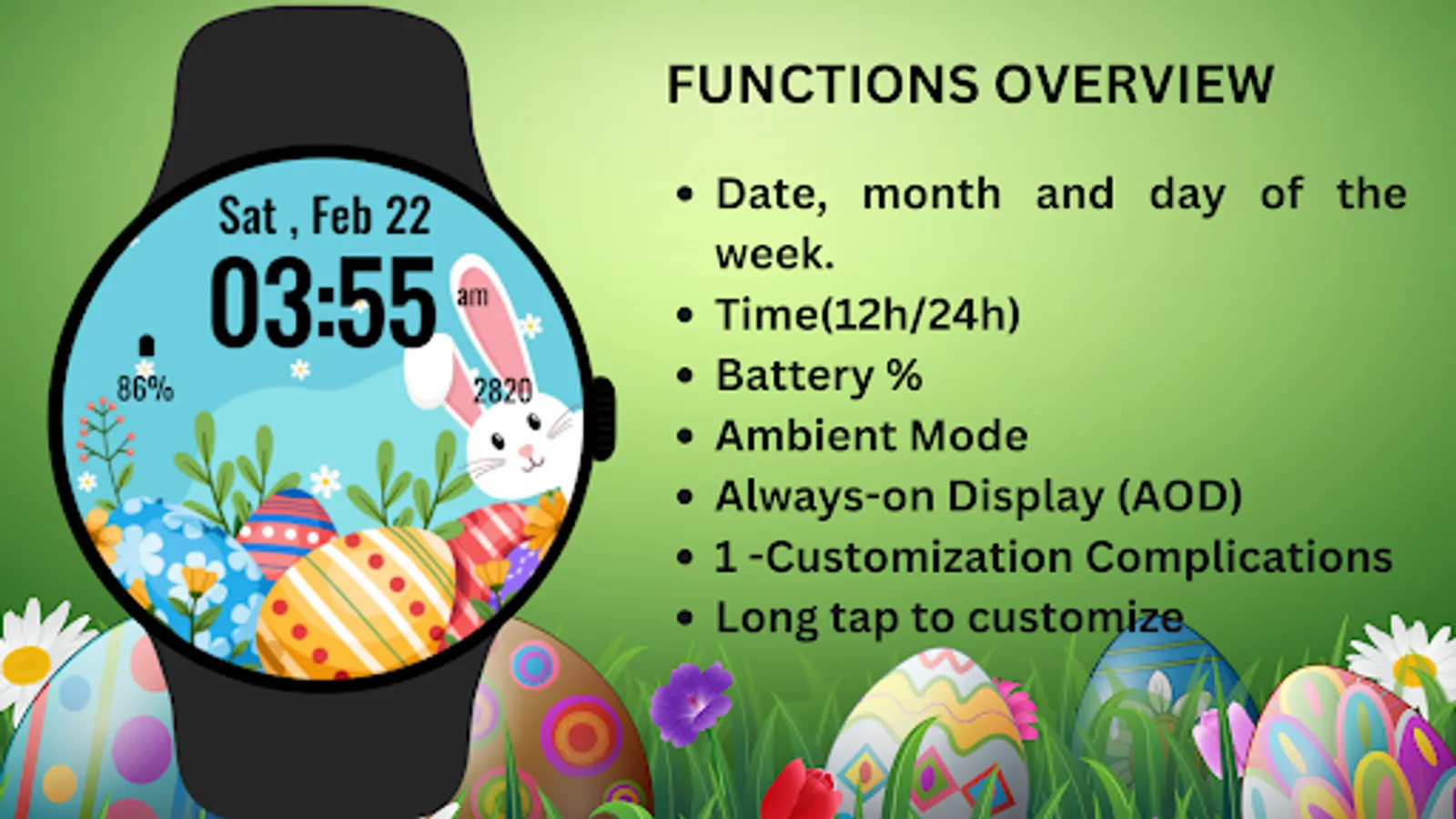
* Adorable bunny and festive Easter-themed design.
* Displays time, date, steps, and battery percentage.
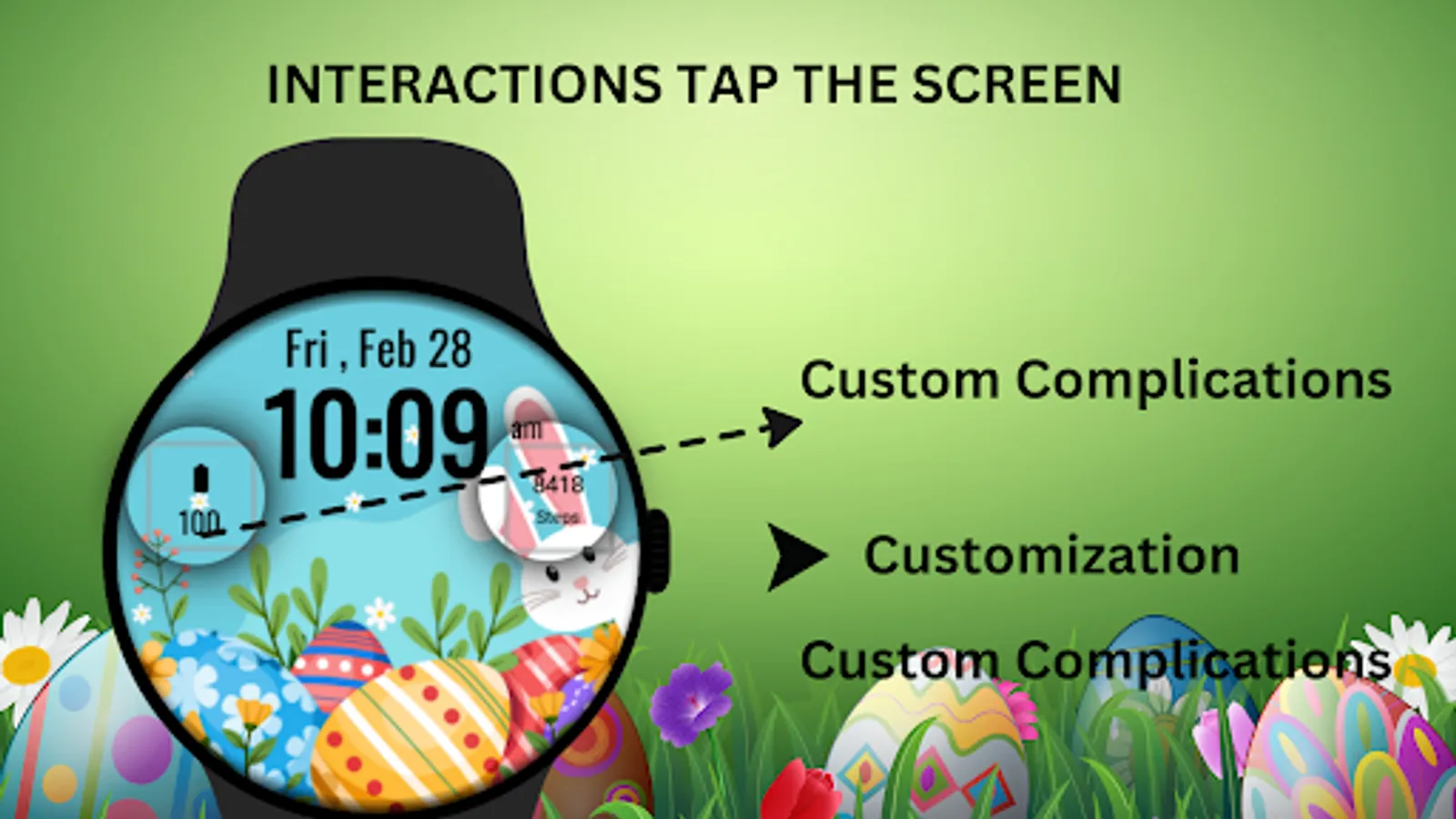
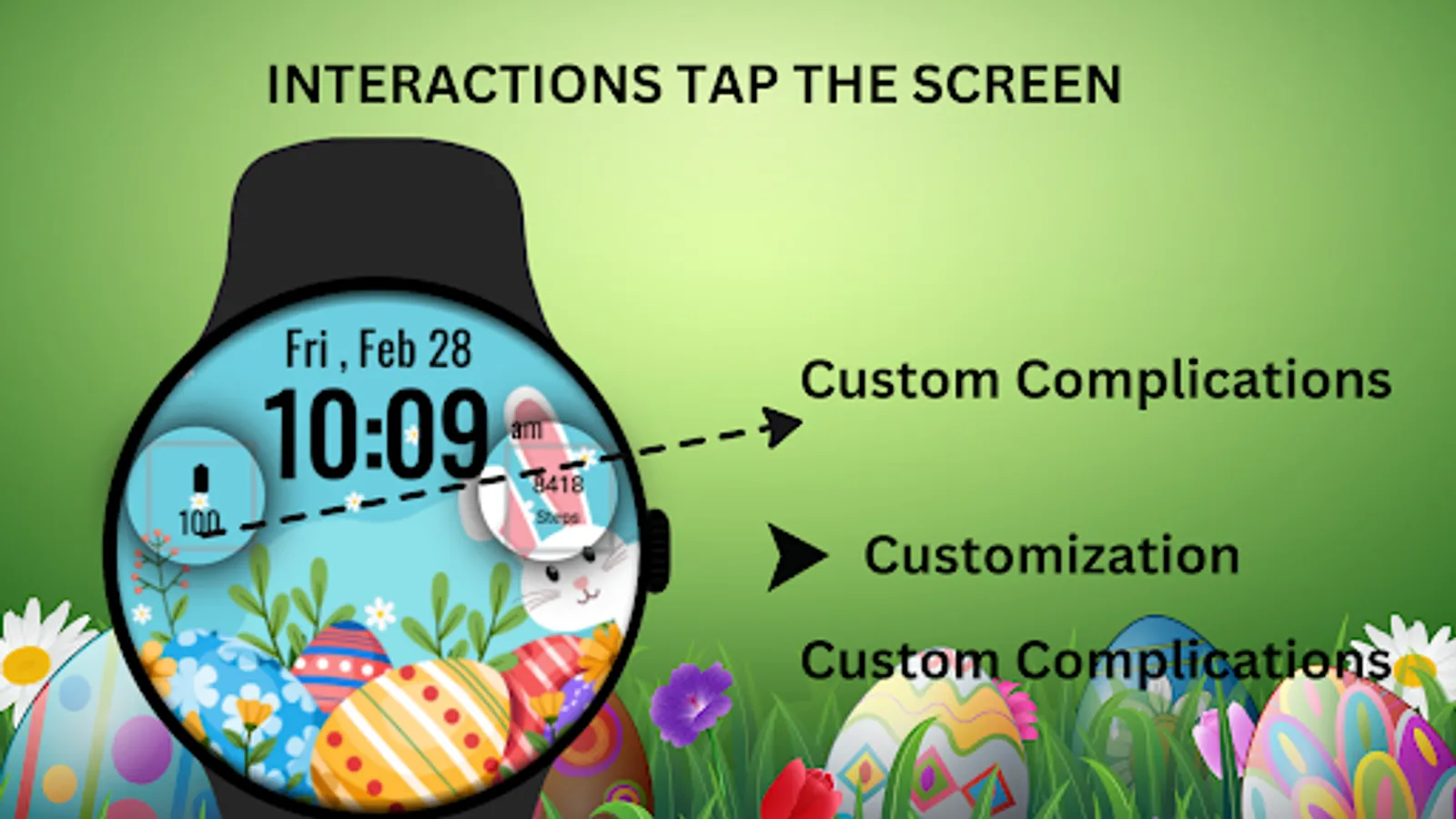
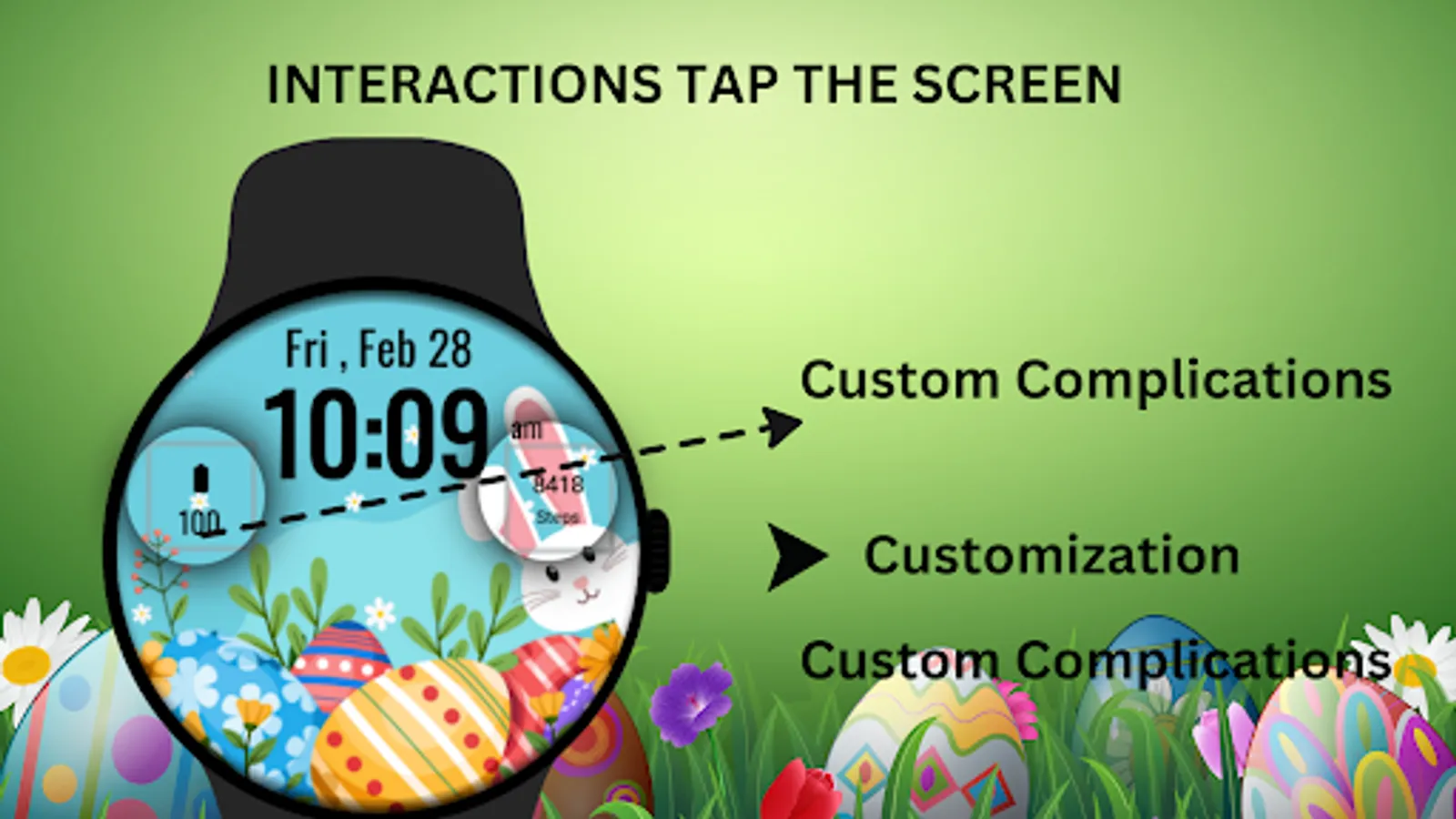
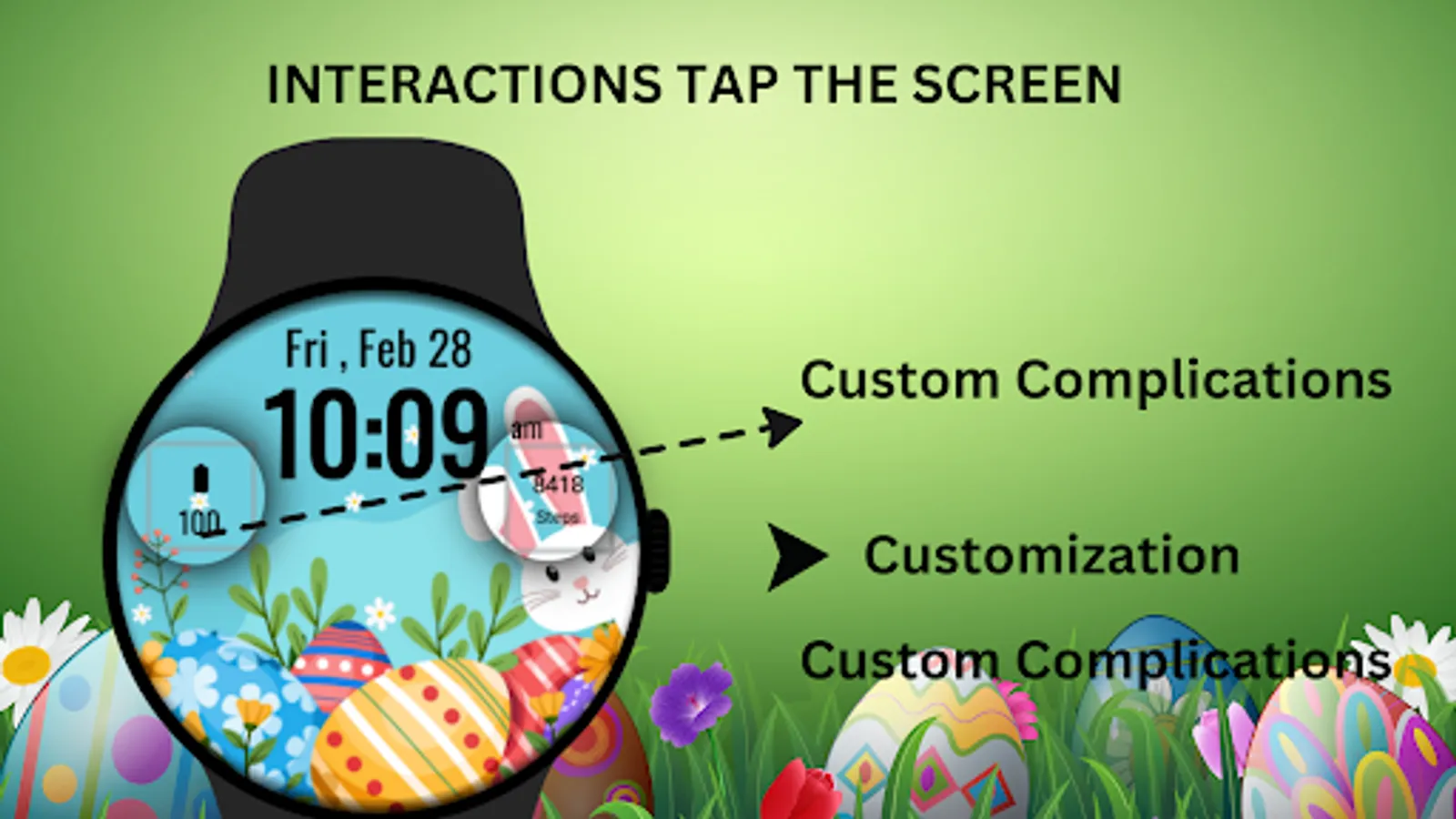
* Customizable shortcuts for apps like Messages, Calendar, and more.
* Supports Ambient Mode and Always-On Display (AOD).
* Clear and user-friendly layout.
🔋 Battery Tips: Disable "Always On Display" mode to conserve battery life.
Installation Steps:
1)Open the Companion App on your phone.
2)Tap "Install on Watch."
3)On your watch, select Easter Bunny Watch Face from your settings or watch face gallery.
Compatibility:
✅ Compatible with Wear OS devices API 33+ (e.g., Google Pixel Watch, Samsung Galaxy Watch).
❌ Not compatible with rectangular watches.
Hop into the joy of Easter with the Easter Bunny Watch Face, bringing a festive and fun look to your Wear OS device.
The Easter Bunny Watch Face blends cute design with practical functionality, showing time, date, step count, and battery percentage. It’s perfect for anyone who loves Easter and wants a fun yet functional watch face.
Key Features:
* Adorable bunny and festive Easter-themed design.
* Displays time, date, steps, and battery percentage.
* Customizable shortcuts for apps like Messages, Calendar, and more.
* Supports Ambient Mode and Always-On Display (AOD).
* Clear and user-friendly layout.
🔋 Battery Tips: Disable "Always On Display" mode to conserve battery life.
Installation Steps:
1)Open the Companion App on your phone.
2)Tap "Install on Watch."
3)On your watch, select Easter Bunny Watch Face from your settings or watch face gallery.
Compatibility:
✅ Compatible with Wear OS devices API 33+ (e.g., Google Pixel Watch, Samsung Galaxy Watch).
❌ Not compatible with rectangular watches.
Hop into the joy of Easter with the Easter Bunny Watch Face, bringing a festive and fun look to your Wear OS device.
Easter Bunny Watch Face Screenshots
Tap to Rate:
Reviews for Easter Bunny Watch Face
Hooman Sepehri
4/20/2025
not worked on Samsung ultra 7
haley mears
4/17/2025
is just showing a black screen