
AppRecs review analysis
AppRecs rating 2.9. Trustworthiness 65 out of 100. Review manipulation risk 30 out of 100. Based on a review sample analyzed.
★★☆☆☆
2.9
AppRecs Rating
Ratings breakdown
5 star
3%
4 star
0%
3 star
3%
2 star
3%
1 star
91%
What to know
✓
Low review manipulation risk
30% review manipulation risk
About Blur Video Spot
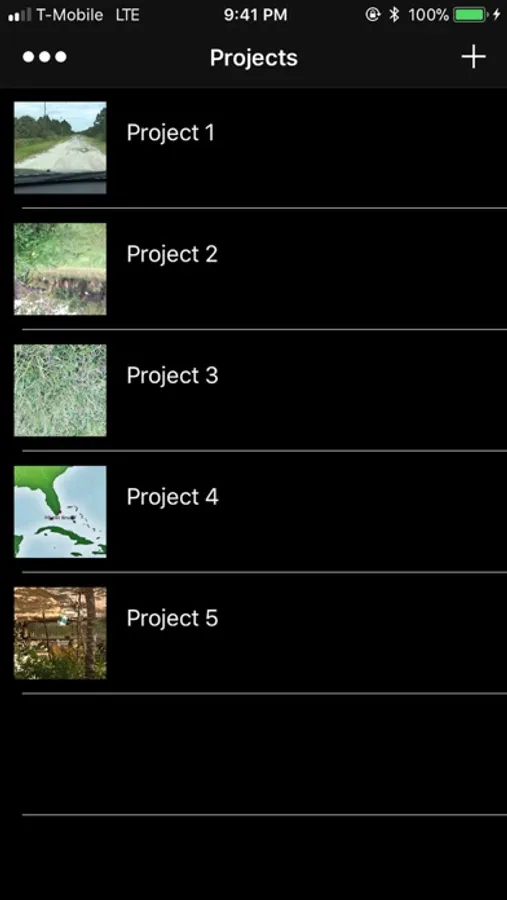
Create a project where you can work blurring moving objects. Work on different videos without loosing any previews projects.
The app automatically calculate the movement speed between two points. Share your videos with privacy and protect kids identity. Hide license plates.
Use your images as branding or for promoting your videos.
How it works:
1 Play to desired position
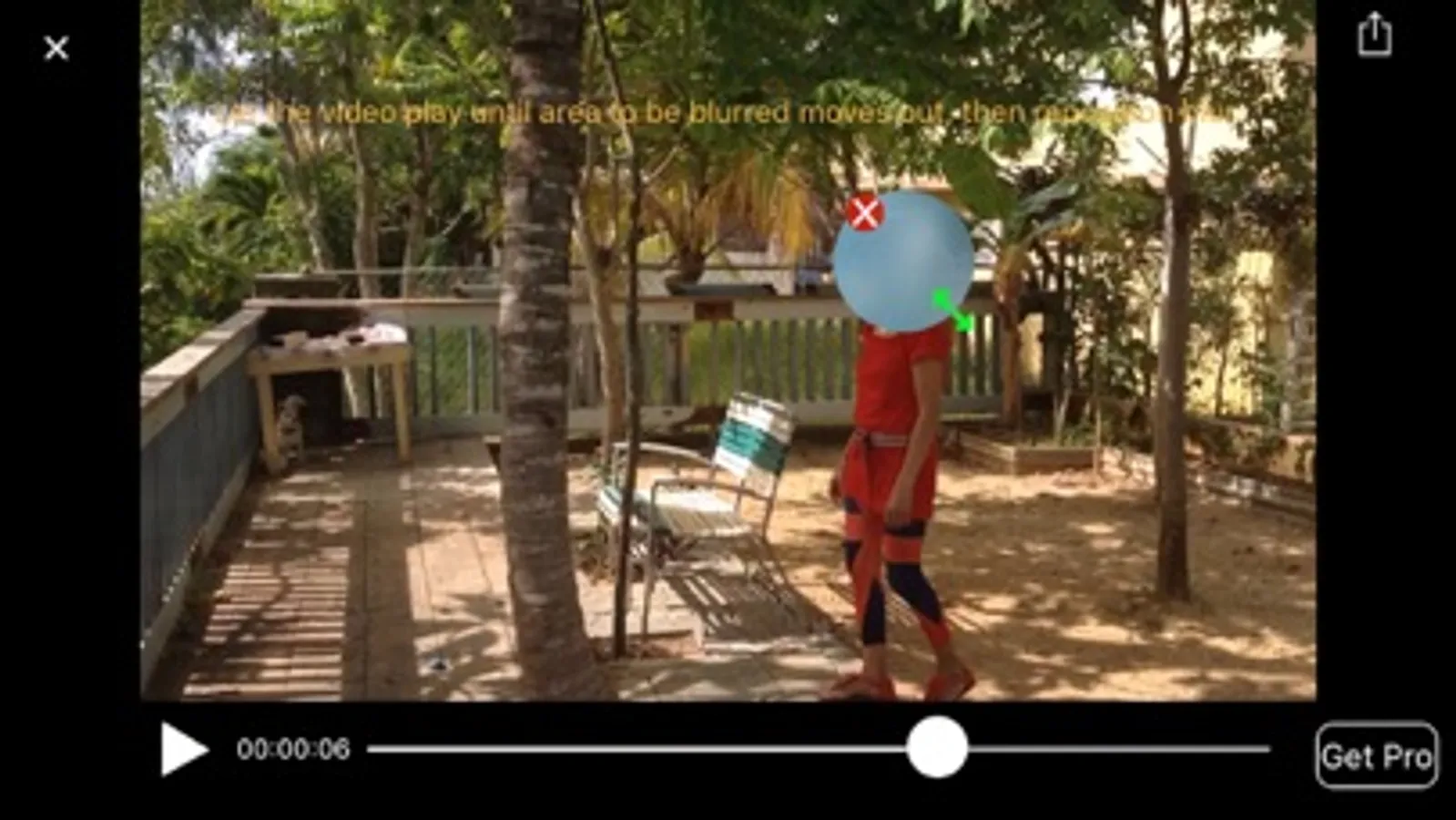
2. Touch area to be blurred and choose type of blur and resize as desire
3. Let play until area to be censured moves out of blur then reposition blur
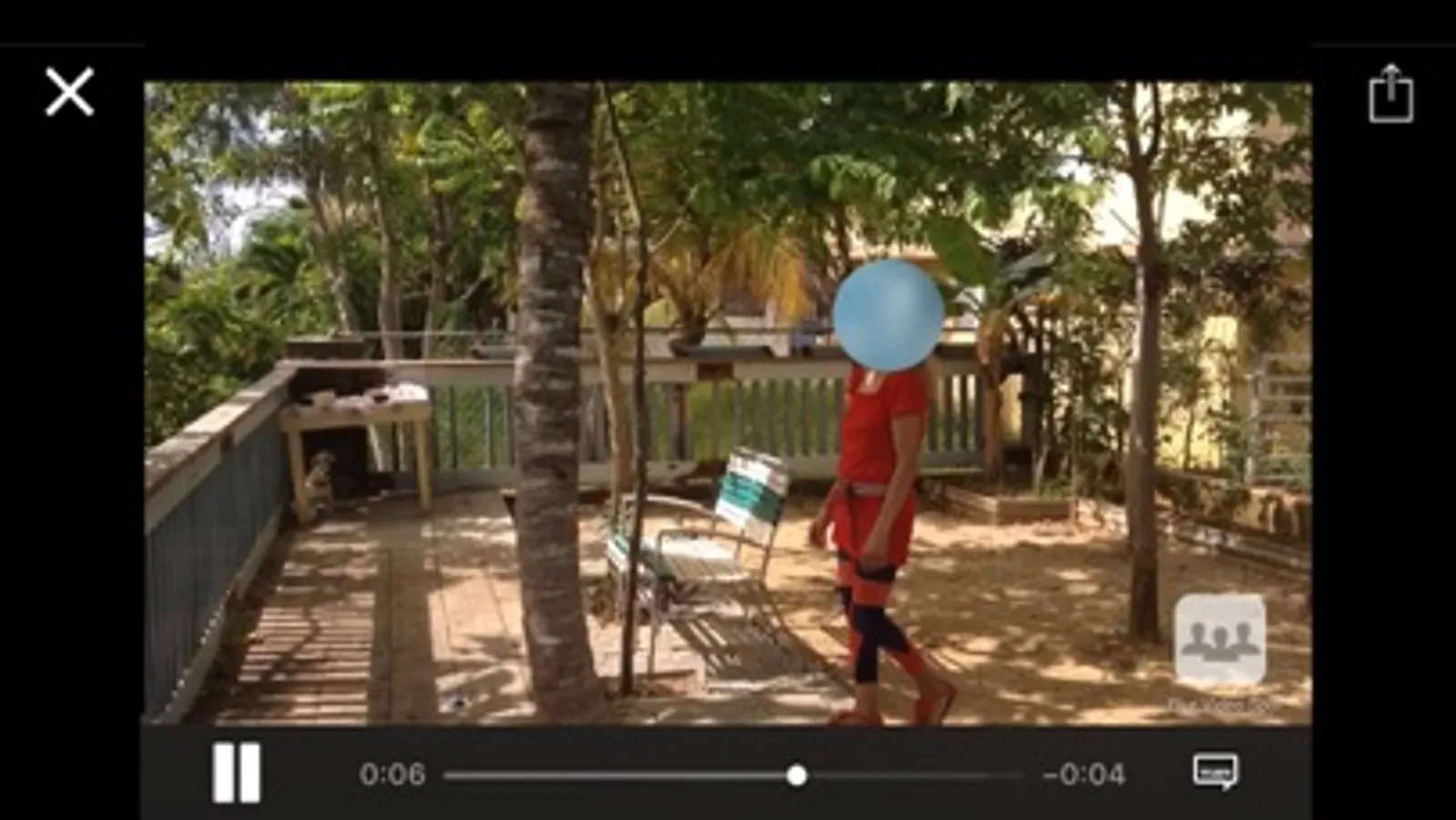
4. Repeat as necessary, once completed, tap Preview and let the process finish.
5. Video will play automatically and can be saved or shared
6. For better results import videos recorded with the device camera. Videos from other sources may have unexpected results.
*Get Pro via In-App Purchase*
·Removes Watermark
·Import up to 5 minutes video clips
Send me your feedback or suggestions.
cchaparro@xavyx.com
Emoji icons supplied by https://www.emojione.com
The app automatically calculate the movement speed between two points. Share your videos with privacy and protect kids identity. Hide license plates.
Use your images as branding or for promoting your videos.
How it works:
1 Play to desired position
2. Touch area to be blurred and choose type of blur and resize as desire
3. Let play until area to be censured moves out of blur then reposition blur
4. Repeat as necessary, once completed, tap Preview and let the process finish.
5. Video will play automatically and can be saved or shared
6. For better results import videos recorded with the device camera. Videos from other sources may have unexpected results.
*Get Pro via In-App Purchase*
·Removes Watermark
·Import up to 5 minutes video clips
Send me your feedback or suggestions.
cchaparro@xavyx.com
Emoji icons supplied by https://www.emojione.com
Blur Video Spot Screenshots
Tap to Rate:
Reviews for Blur Video Spot
Zoro Taken xtebite
works fine
works pretty well for me
lufret
Don’t wast your Time
The worst