
AppRecs review analysis
AppRecs rating 4.5. Trustworthiness 77 out of 100. Review manipulation risk 28 out of 100. Based on a review sample analyzed.
★★★★☆
4.5
AppRecs Rating
Ratings breakdown
5 star
100%
4 star
0%
3 star
0%
2 star
0%
1 star
0%
What to know
✓
Low review manipulation risk
28% review manipulation risk
✓
Credible reviews
77% trustworthiness score from analyzed reviews
✓
High user satisfaction
100% of sampled ratings are 5 stars
About WiFi analyzer - wifi password
Features:
* View network info (Connection info, Data Sim info, Wired device info, Wifi info)
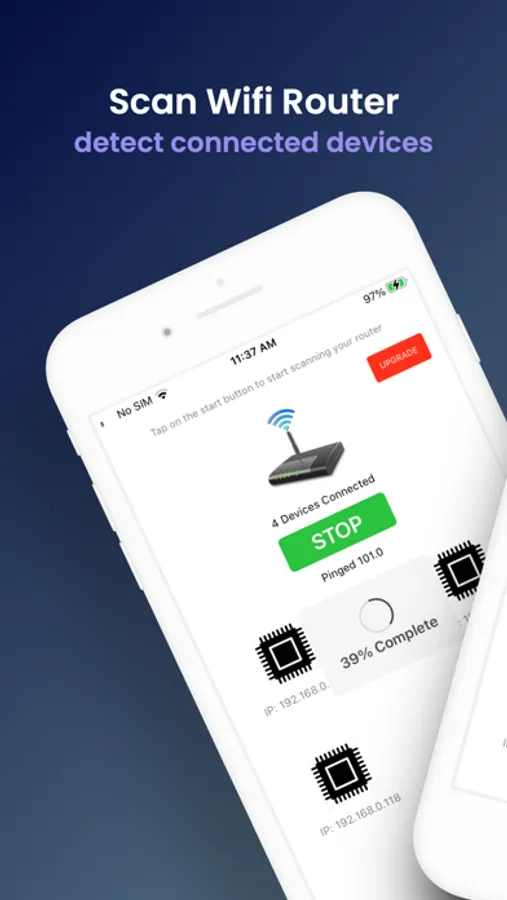
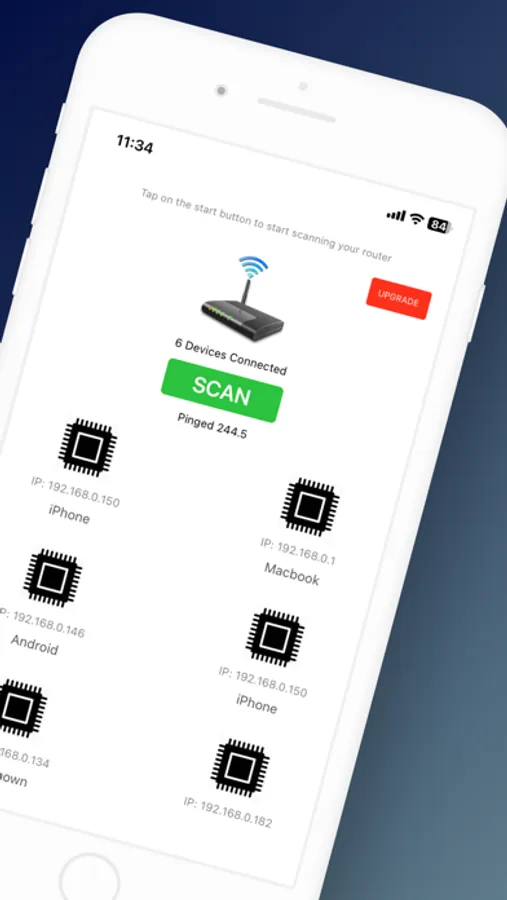
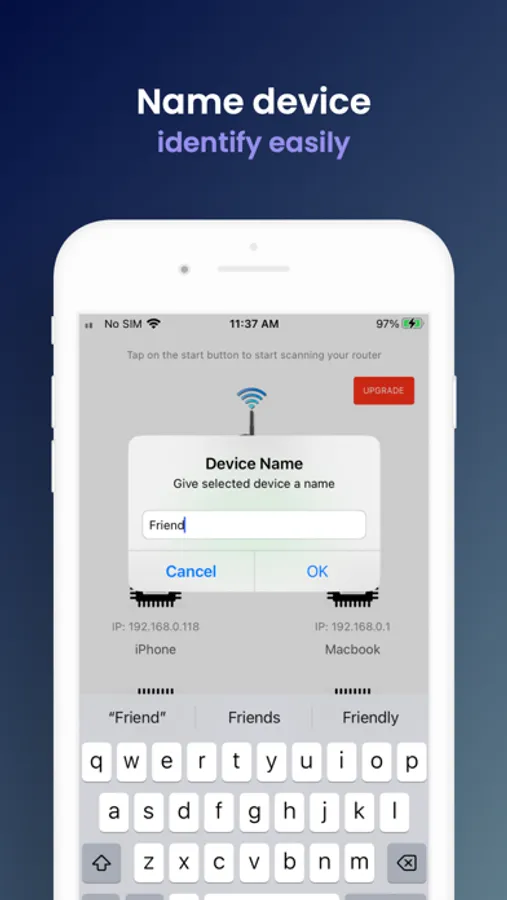
* View devices connected to your Wifi network
* Genearte unlimited QR codes and share your network
WiFi analyzer - wifi password Screenshots
Tap to Rate:
Reviews for WiFi analyzer - wifi password
deena'sWeenis
Works with voice overworks and
Okay here is what I did. First I could not install the regular app I use on this old iPhone 7 as it can only manage updates of iOS to 15.8.4 and well, so here I am. As a totally blind user and I am relieved to know this works with voice over. Many apps do not. Nobody often think about the fact that blind people need these things to. Thank you for using apple’s framework and properly labeling the elements, so far I have got into it. I have an iPhone 7 Concepst to my 12 Pro Max hotspot, my 12 pro max concert to boyfriends 12 pro and also have his windows laptop concert to my 12 pro maxx hot spot. Running this appp on the old 7, it identified not just its conclusion to my 12 pro max but also identified all the other devices as well and provided me the IP addresses as assigned u the 7. Since we are not all concerned to a single router, this is expecte that the IP address my 12 pro max differ…. Each iPhone, I believe, assigns its own up address since this is not a proper “netrwork’ but it did identify all 4 devices. I think its the $hiz ;-) still exploring but so far so good! Old reviews..apps change over time. :-)
St8kout
Only tells you how many devices are connected.
Just a basic scanner. A better app would be one from the maker of your router. For instance, ASUS has a great iPad app for their routers. You can do everything from it. If you want to know WHAT those devices are, simply log into your router to see the MAC address of each and look them up online. If you’ve never logged into your router you probably never changed the default password, and if you’ve never changed the default password, you deserve to get hacked.