
Network Analyzer Master: Loopa
Master Network Tools s.r.o.
3.5 ★
390 ratings
Free
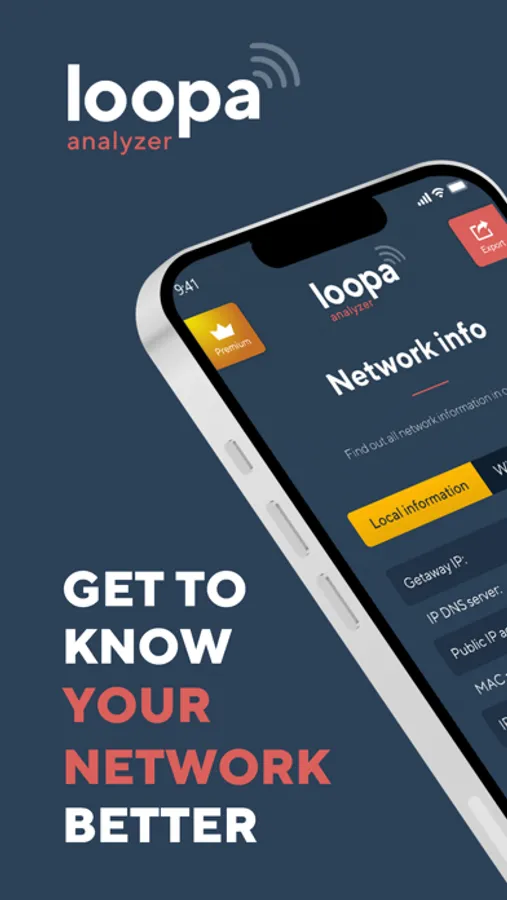
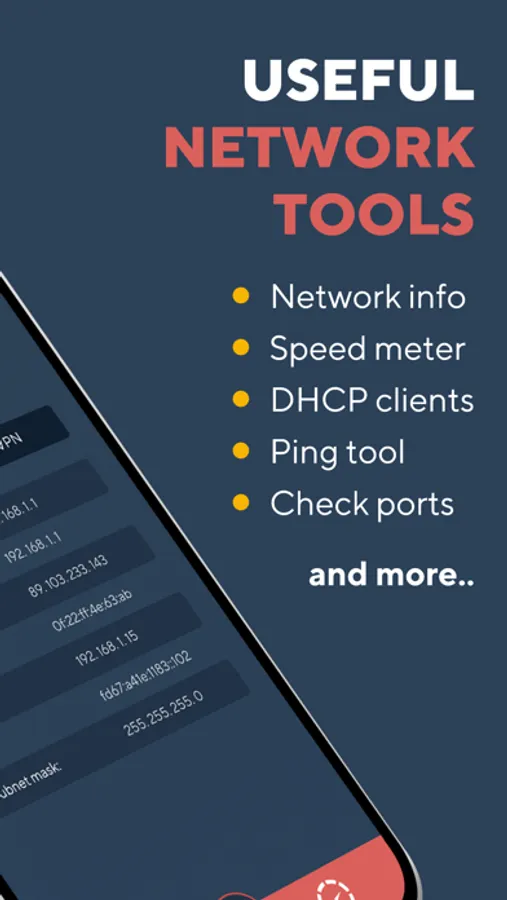
In this app, you can analyze your home network and view detailed information about network and cell status. Includes tools for pinging, traceroute, port scanning, DNS lookup, and Wi-Fi device detection.
AppRecs review analysis
AppRecs rating 3.2. Trustworthiness 73 out of 100. Review manipulation risk 30 out of 100. Based on a review sample analyzed.
★★★☆☆
3.2
AppRecs Rating
Ratings breakdown
5 star
51%
4 star
12%
3 star
4%
2 star
7%
1 star
26%
What to know
⚠
Ad complaints
Many low ratings mention excessive ads
⚠
Pricing complaints
Many low ratings mention paywalls or pricing
⚠
High negative review ratio
33% of sampled ratings are 1–2 stars
About Network Analyzer Master: Loopa
NETWORK INFORMATION
• Connection status
You get main network info as external IP address, gateway and DNS server
• Wi-Fi details
Network Analyzer will tell you all the information you need to know about your Wi-Fi Connection status. SSID, BSSID, IP address subnet mask and vendor.
• CELL Info
All your cell information in one place - your network status and type, carrier ID and country, IP address, MCC and MNC, and VoIP support.
• VPN details
The provided info is VPN connection status, provider name, IP address and subnet mask.
TOOLS
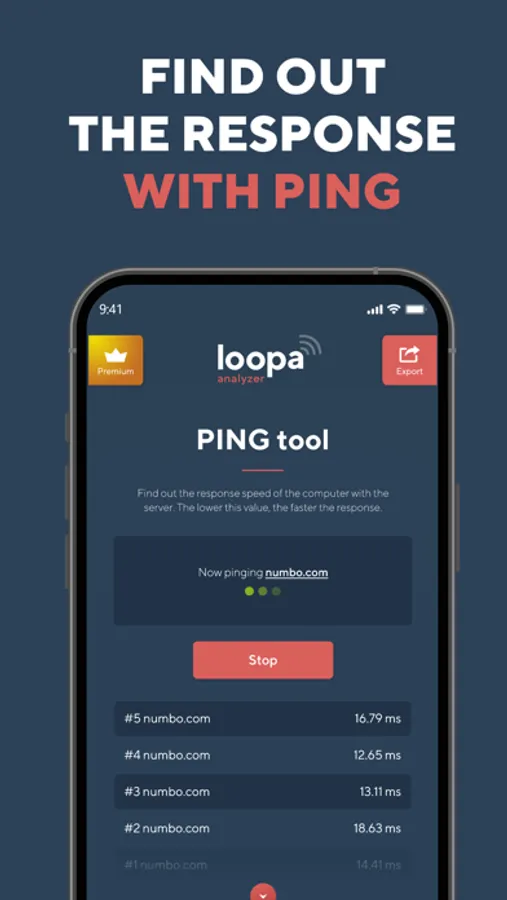
• PING
Let you test the reachability of a host on an Internet Protocol network. Gives you and idea about the latency to other IP.
• TRACEROUTE
Network diagnostic commands for displaying the route and measuring transit delays of packets across an Internet Protocol network. Shows you Internet path from you to other IP location.
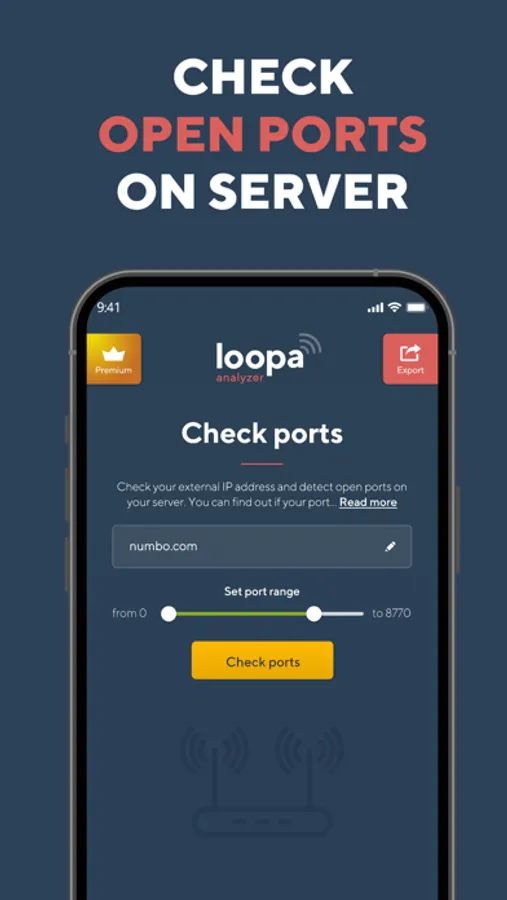
• PORT SCAN
Port scanner allows you to quickly find open ports on network computers and retrieve versions of programs running on the detected ports.
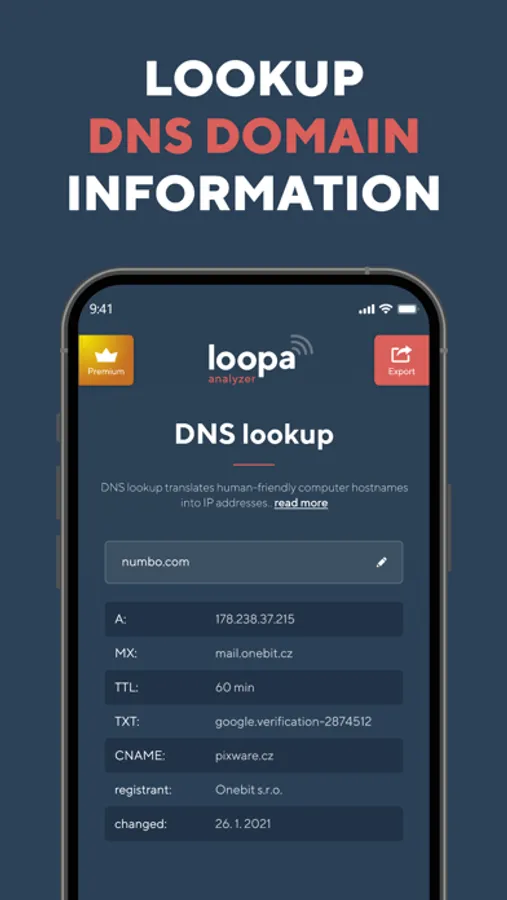
• DNS lookup & record details
DNS Lookup tool fetches all DNS Records of a domain and shows as received. If you changed your hosting or DNS records, then this tool is for you to verify that your records are entered correctly to avoid any downtime. The records fetched by this tool are A, AAAA, CNAME, MX, NS, PTR, SRV, SOA, TXT, CAA. Select any record which you want to check or select ANY to get all DNS records of your domain.
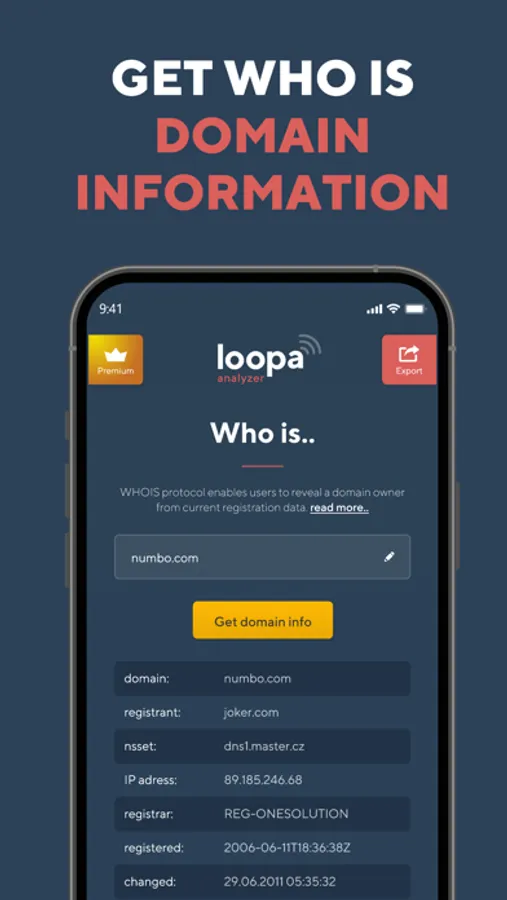
• WHOIS
Data lookup WHOIS protocol enables users to access current registration data. The results displayed come directly from registry operators and/or registrars in real-time.
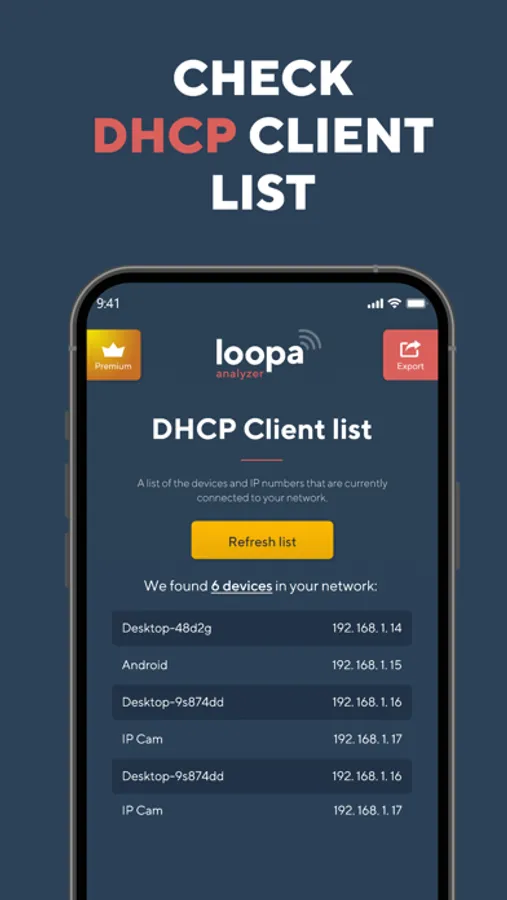
WI-FI LAN SCANNER
Discover a fast and reliable way to detect all network devices and gain insight into their IP address and vendor name.
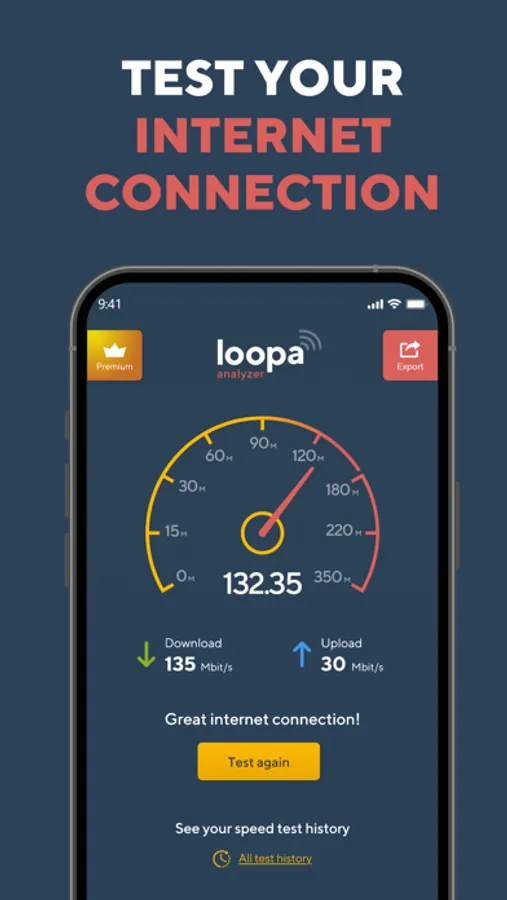
SPEED TEST
Measure your internet speed with just one tap. Wifi Analyzer gives you accurate results about your real download and upload speed.
Download Network Analyzer right now and gain a reliable speed test tool as well as detailed information about your networks.
Were you satisfied with Network Analyzer? Please, take a moment and leave a review.
___
Network Analyzer offers a Premium subscription with access to all features and no ads for a year. Network Analyzer renews automatically, cancellations must be made at least 24 hours before your subscription ends to avoid renewal. You can manage or turn off Network Analyzer Master auto-renew from your iTunes Account Settings. Payment will be charged to iTunes Account at confirmation of purchase.
Terms of Service: https://www.bestwifianalyzer.com/terms-of-use-conditions/
Privacy Policy: https://www.bestwifianalyzer.com/privacy-policy/
Network Analyzer Master: Loopa Screenshots
Tap to Rate:
Reviews for Network Analyzer Master: Loopa
kafelatte
Illegible
While the labels are in bold white, the actual information it is in a thin dark gray font against black, so pretty much unreadable depending on your age. A communications designer would never ever had made that mistake. Reverse this situation to make this a better app.
JimSeis
Upload test doesn't work on free version
Features look good, but with Upload test nonfunctioning, I'm not going to spend money to try other features.