With this photo management app, you can resize, crop, rotate, delete, and send multiple photos simultaneously. Includes customizable resize settings, format selection, metadata viewing, and output options to camera roll, email, or Dropbox.
AppRecs review analysis
AppRecs rating 4.2. Trustworthiness 78 out of 100. Review manipulation risk 19 out of 100. Based on a review sample analyzed.
★★★★☆
4.2
AppRecs Rating
Ratings breakdown
5 star
69%
4 star
15%
3 star
3%
2 star
4%
1 star
9%
What to know
✓
Low review manipulation risk
19% review manipulation risk
✓
Credible reviews
78% trustworthiness score from analyzed reviews
✓
High user satisfaction
84% of sampled ratings are 4+ stars (4.3★ average)
About BatchResizer2
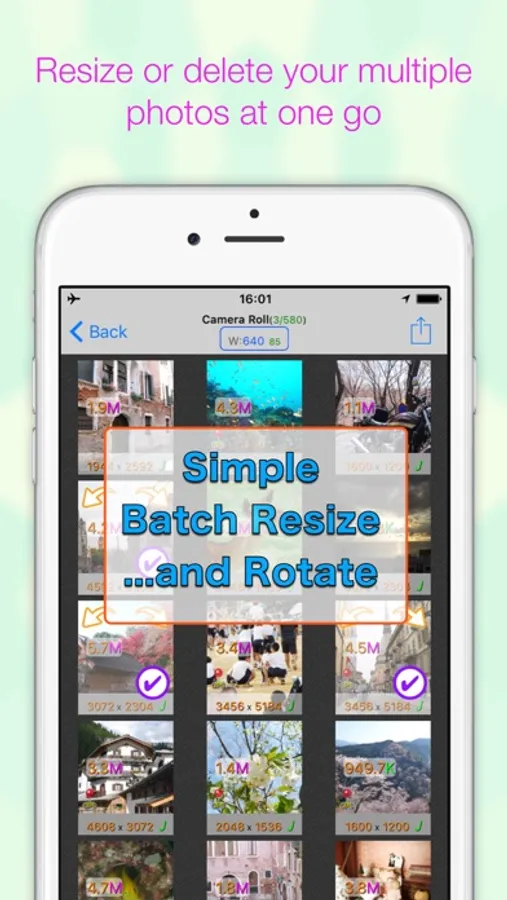
BatchResizer2 is a simple app which enables you to resize or crop to square or rotate even delete a number of photos at a time.
The resized photos can be saved in camera roll or sent by e-mail or into Dropbox.
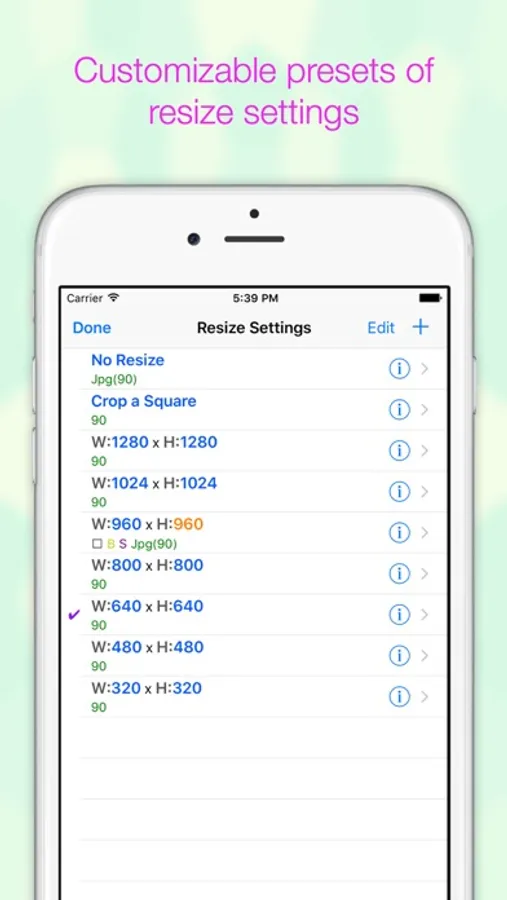
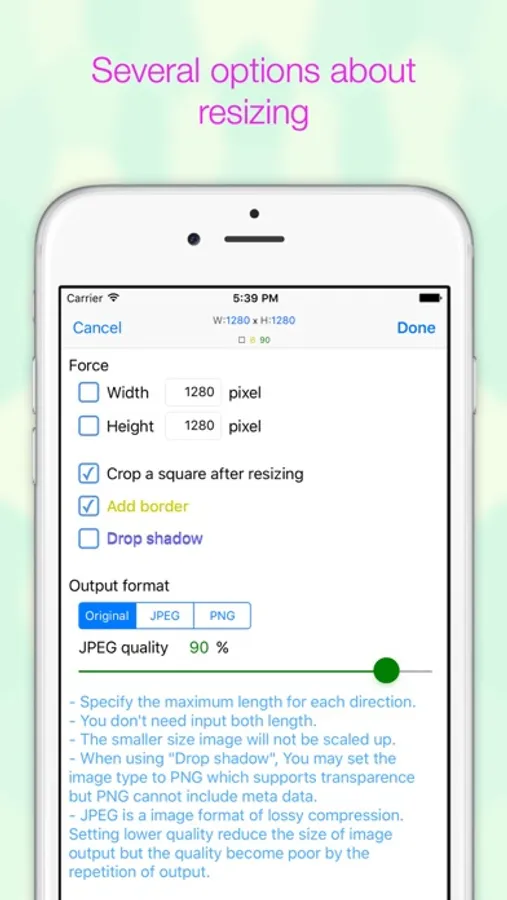
Resize settings are customizable and you can quickly pick the setting and go easily.
You can also output the resized photos into a working directory without messing up your camera roll.
※ The iPhone's all select button will be shown only when the device's orientation is landscape because of space.
※ If you feel the display slow, please try to switch off the 'Show file size' option.
[Feature]
- Shrink several photos at once
- Resizing and cropping square in one operation
- PNG Image can be resized with transparency
- Adding white border and dropping shadow
- You can make presets of resize settings
- Output image format is selectable(PNG or JPEG)
- You can send the resized photos by email or save to Dropbox without saving them to Camera Roll
- You can select to embed matadata to the resized photo from original one
- You can also delete selected photos.
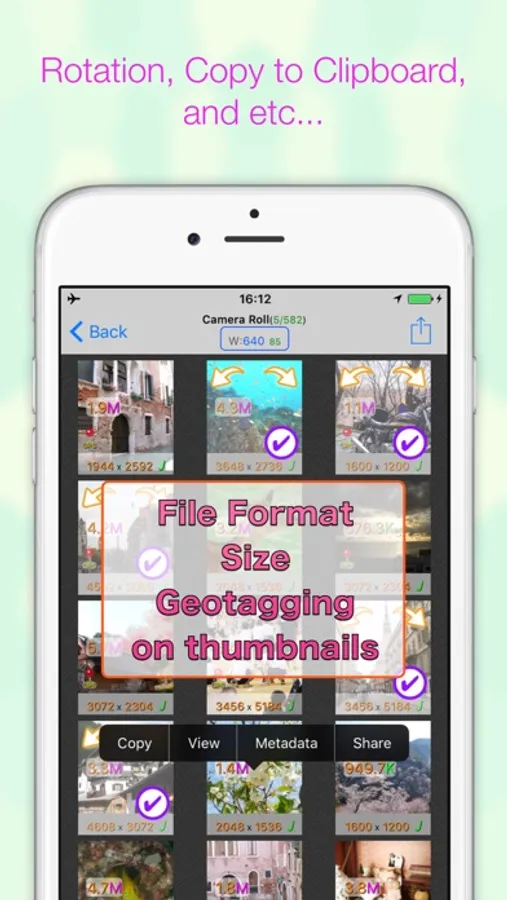
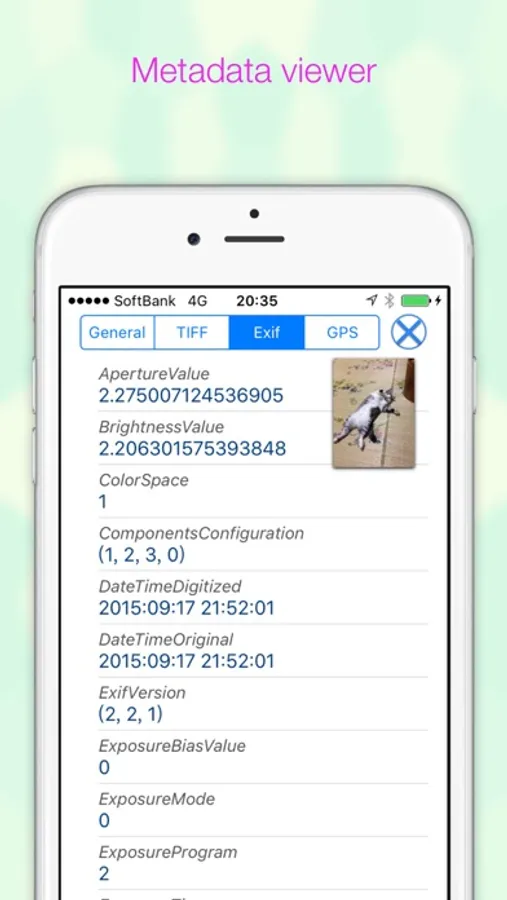
- View a images metadata(like Exif, TIFF, GPS, file size, file name)
URL scheme is batchresizer2://
[notice]
This app requires you to access privileges of your photos. When you run the app for the first time, you will be prompted to give the permission. If you want change the permission later, you can set it by launching Settings app and change the switch of BatchResizer2's photo access.
BatchResizer2 Screenshots
Tap to Rate:
Reviews for BatchResizer2
Geo_
Best in It’s Class 😍
The app does exactly what it is supposed to do, and it does it exceedingly well! It is the fastest and easiest photo resizer I have found. BatchResizer2 is an indispensable app. The default photo size with iPhone and iPad is too big for many purposes. This app will reduce photos to a reasonable size almost instantly. You select the size you want and select the photos. Whether you are doing one or hundreds, it is lightning fast.
ruskoberger.com
⚠️ Koichi! Please fix for iOS 17 ! ⚠️
17.6.1, iPhone 12 mini. 2022 review: Good app--bAD Privacy Policy Koichi--please fix that policy. It's anti-end user, and invasive. Same for BatchCropper. Really. Thank you.