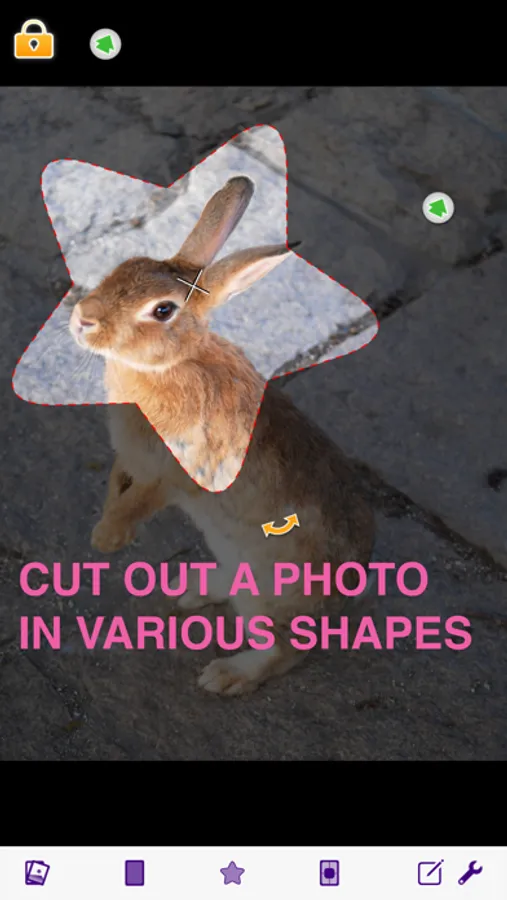
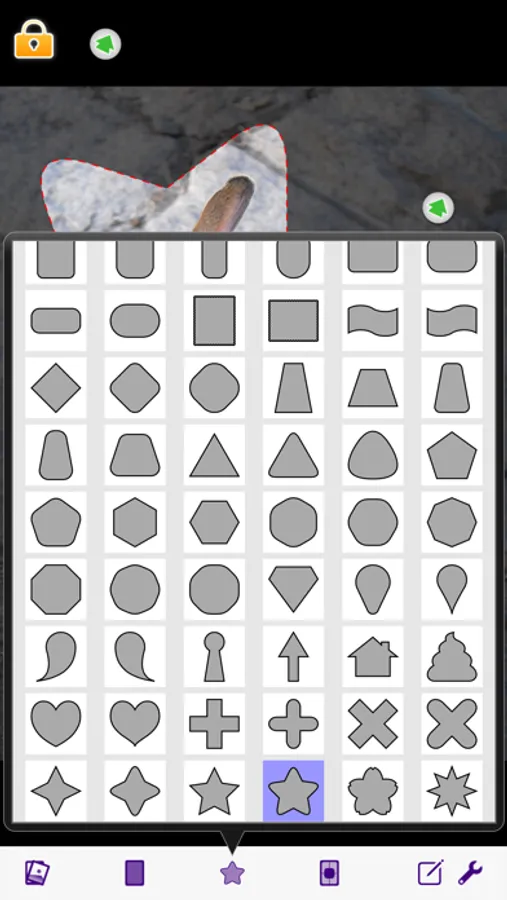
With this photo editing app, you can crop images into various shapes and add borders or shadows. Includes shape options, border settings, and sharing features.
AppRecs review analysis
AppRecs rating 3.6. Trustworthiness 73 out of 100. Review manipulation risk 22 out of 100. Based on a review sample analyzed.
★★★☆☆
3.6
AppRecs Rating
Ratings breakdown
5 star
52%
4 star
10%
3 star
4%
2 star
2%
1 star
33%
What to know
✓
Low review manipulation risk
22% review manipulation risk
✓
Credible reviews
73% trustworthiness score from analyzed reviews
⚠
High negative review ratio
35% of sampled ratings are 1–2 stars
About ShapeClipper
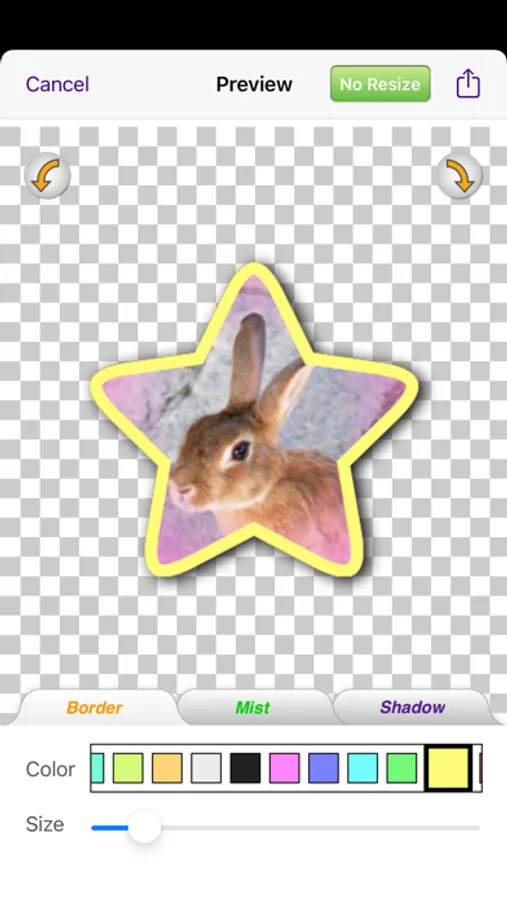
You can also add border or drop shadow to the cropped photo and save it to Camera Roll or send it by E-mail.
To the purpose of resizing!
To make your SNS's icon!
To create materials for your Photo editing apps!
and so on.
Check it out!
*URL Scheme is shapeclipper://
ShapeClipper Screenshots
Tap to Rate:
Reviews for ShapeClipper
CryptoClinx(YT)
ABSOLUTELY AMAZING‼️‼️
Despite any poor reviews, this app is exactly what you need! Well, that does depend on what you’re looking for! This app offers quite a bit for a FREE app! It has ADs, of course! However, they aren’t those annoying ones, with incredibly snall ❌ buttons! I got an add for Google, and the ❌ button popped up in UNDER 5 seconds! This app, is EASY to use, and is PERFECT for cropping photos to a circle! It has MANY other options for shapes to crop too as well! It also applies a transparent background, so only what’s inside your shape is seen! I made my YouTube logo (using this app, and Canva)! It looks amazing! I owe it all to this app! My YouTube career and any other business venture that I use my logo for is ALL owed to this app! I really hope to see more edit options. However, this app doesn’t lie! The title conveys its main use, and its main use is EXACTLY what it claims! It is EASY, FREE, and absolutely INCREDIBLE! 𝗜 𝗛𝗜𝗚𝗛𝗟𝗬 𝗥𝗘𝗖𝗖𝗢𝗠𝗘𝗡𝗗‼️‼️‼️
Keep coming back for more
Simple and perfect
I needed to crop a picture to an oval shape. After trying to go it manually (according to web searches) and scouring apps, ShapeClipper did exactly what I needed in 3-4 simple steps. Definitely made my task easier without any additional charges. Thank you!