In this pixel art app, users create and edit sprite sheets, tile maps, or animated gifs with layer and animation tools. Includes import/export options, color palettes, grid controls, and project management features.
AppRecs review analysis
AppRecs rating 4.6. Trustworthiness 78 out of 100. Review manipulation risk 28 out of 100. Based on a review sample analyzed.
★★★★☆
4.6
AppRecs Rating
Ratings breakdown
5 star
76%
4 star
15%
3 star
4%
2 star
2%
1 star
3%
What to know
✓
Low review manipulation risk
28% review manipulation risk
✓
Credible reviews
78% trustworthiness score from analyzed reviews
✓
High user satisfaction
76% of sampled ratings are 5 stars
About Sprite Creator
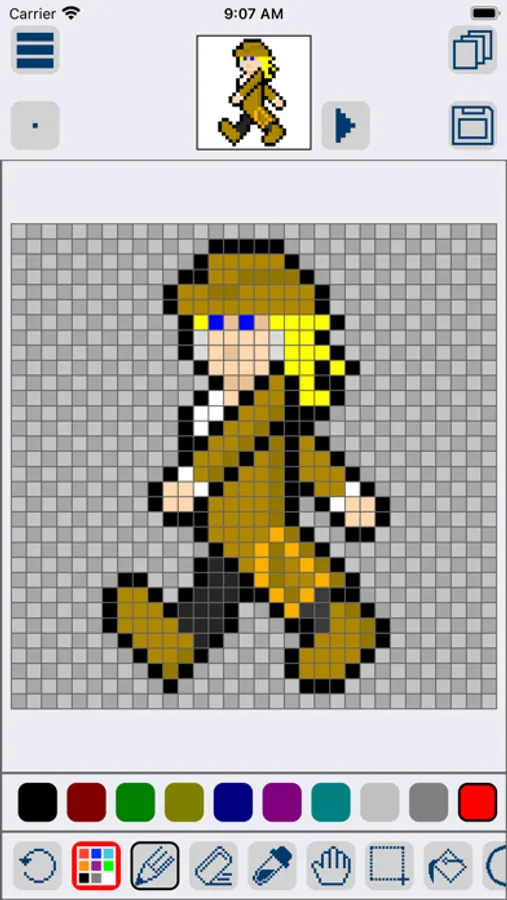
Sprite Creator is a very powerful and easy to use pixel art drawing app. Create and import sprite sheets, tile maps, or even animated gifs. This app has been designed to be a simple and powerful tool for creating pixel art for games or for fun.
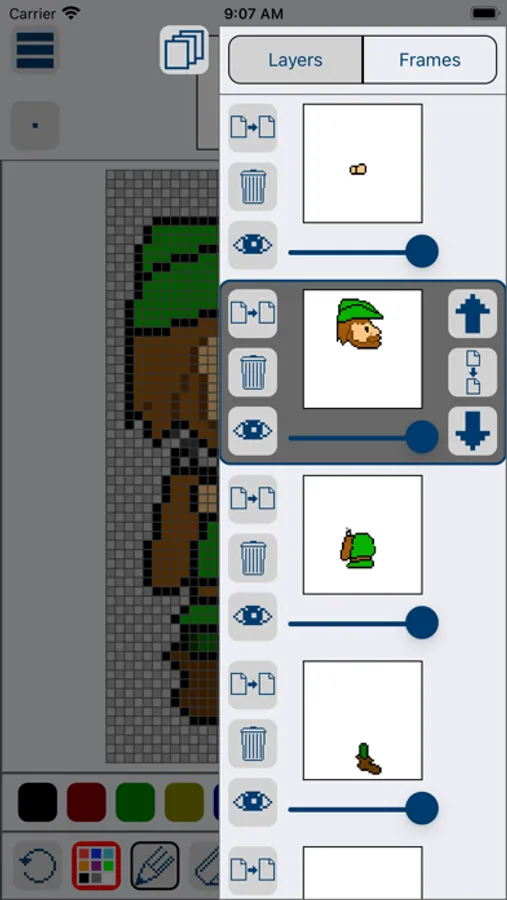
Layer Editing Tools
- Alpha sliders
- Hide option to ignore layer
- Copy
- Merge down
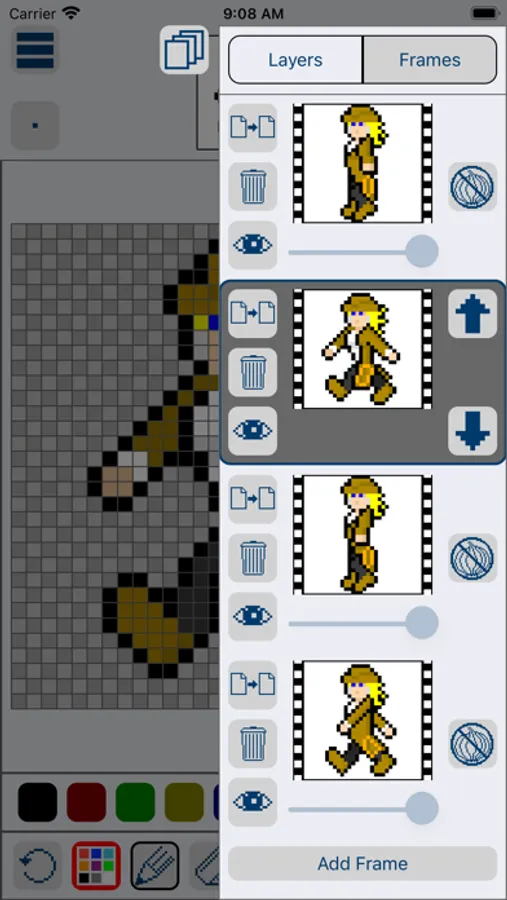
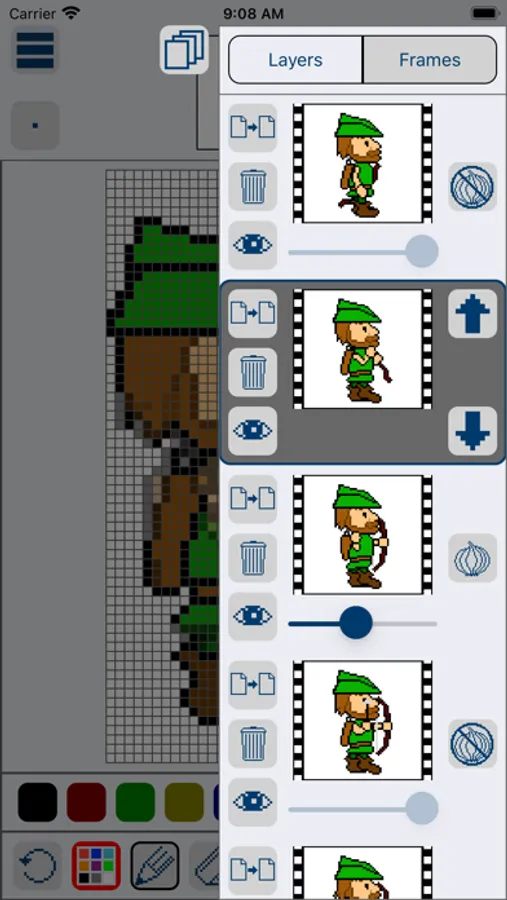
Animation Frame Tools
- Onion skin
- Onion skin alpha sliders
- Live auto looping preview
- Copy
Exporting Features
- png, gif, or jpg
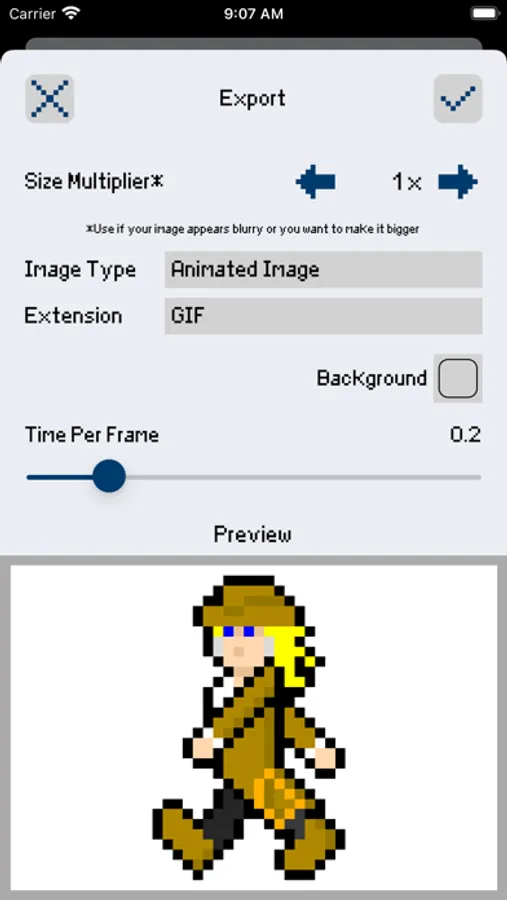
- Animated gifs
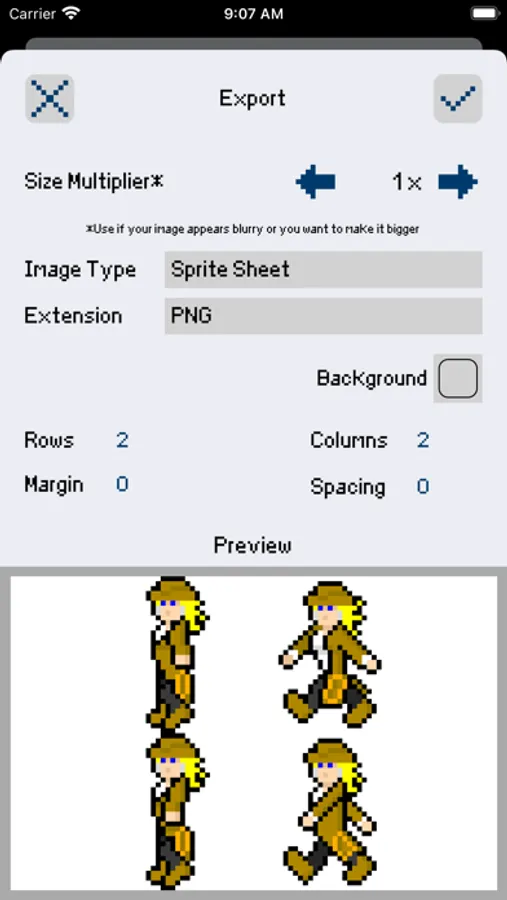
- Sprite sheets and tile maps with full control over number of rows, columns, margin, and spacing
- Single image series
- Set Background Color (allows you to pick a specific background color for exporting)
- Up scaling tool (increase the image size while keeping that pixel look)
Importing Features
- Import sprite sheets and tile maps and slice it into editable frames by setting width, height, margin and spacing.
- Import animated gifs
- Import png, gif, and jpg right from your camera roll
Selection Options
- Move
- Flip
- Rotate 90 degrees
- Copy (copies a selected area for the selected layer)
- Copy All (copies a selected area for all layers)
- Paste (pastes whatever you have copied on a layer or even a new project's layer)
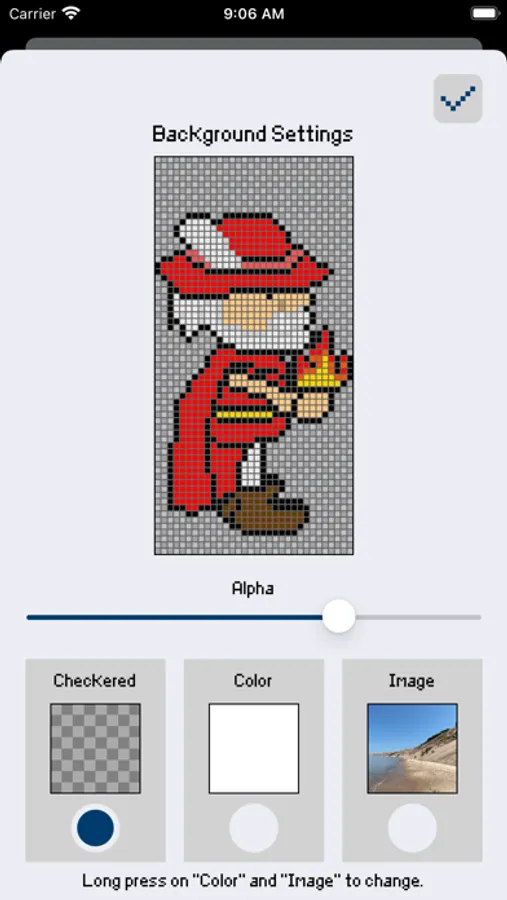
Background options
- Checkered
- Color
- Image
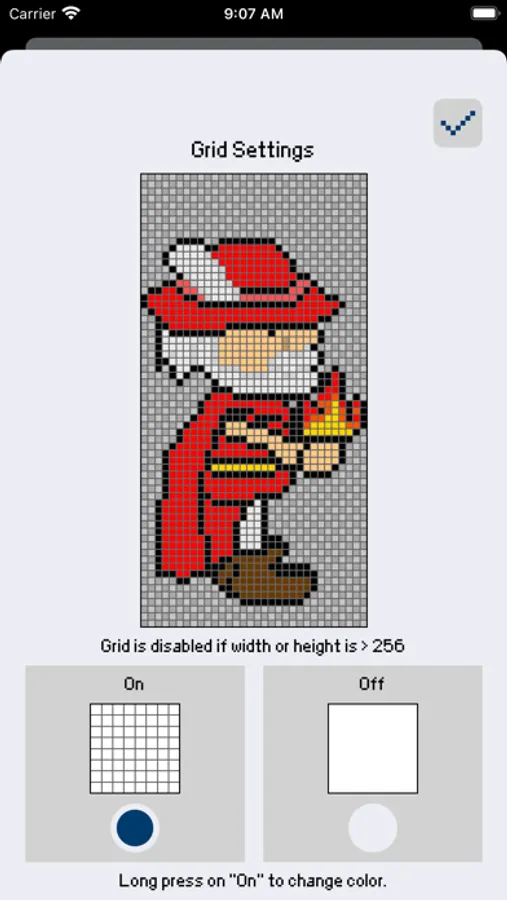
Grid Options
- On/Off
Other Features
- Save/Load right in the app
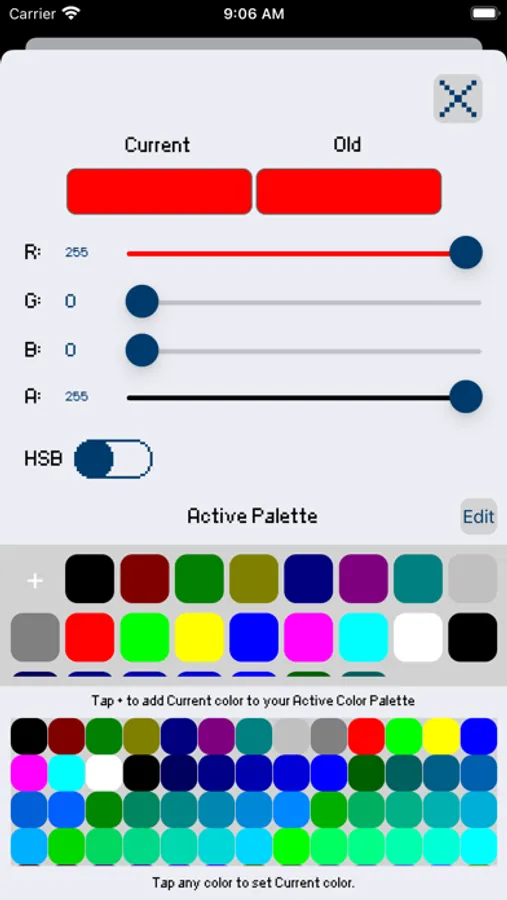
- Create your own customized color palette with unlimited colors
- RGBA and HSBA color sliders to find the perfect color
- Create a new project at any size you want
- Edit project size after creating it
- Optional inspiration view (floating image from your camera roll for inspiration)
- Tap and hold to load an image from your camera roll
- Drag to move
- Double tap to resize
- Preview window to see your pixel art at a small size
- Multiple brush sizes
- Line, Square and Circle drawing tool
- Hand Tool to make it easier to zoom and pan your canvas
For more updates and to see Sprite Creator in action check out our Facebook page.
https://www.facebook.com/spritecreator/
Layer Editing Tools
- Alpha sliders
- Hide option to ignore layer
- Copy
- Merge down
Animation Frame Tools
- Onion skin
- Onion skin alpha sliders
- Live auto looping preview
- Copy
Exporting Features
- png, gif, or jpg
- Animated gifs
- Sprite sheets and tile maps with full control over number of rows, columns, margin, and spacing
- Single image series
- Set Background Color (allows you to pick a specific background color for exporting)
- Up scaling tool (increase the image size while keeping that pixel look)
Importing Features
- Import sprite sheets and tile maps and slice it into editable frames by setting width, height, margin and spacing.
- Import animated gifs
- Import png, gif, and jpg right from your camera roll
Selection Options
- Move
- Flip
- Rotate 90 degrees
- Copy (copies a selected area for the selected layer)
- Copy All (copies a selected area for all layers)
- Paste (pastes whatever you have copied on a layer or even a new project's layer)
Background options
- Checkered
- Color
- Image
Grid Options
- On/Off
Other Features
- Save/Load right in the app
- Create your own customized color palette with unlimited colors
- RGBA and HSBA color sliders to find the perfect color
- Create a new project at any size you want
- Edit project size after creating it
- Optional inspiration view (floating image from your camera roll for inspiration)
- Tap and hold to load an image from your camera roll
- Drag to move
- Double tap to resize
- Preview window to see your pixel art at a small size
- Multiple brush sizes
- Line, Square and Circle drawing tool
- Hand Tool to make it easier to zoom and pan your canvas
For more updates and to see Sprite Creator in action check out our Facebook page.
https://www.facebook.com/spritecreator/
Sprite Creator Screenshots
Tap to Rate:
Reviews for Sprite Creator
ChewToy007
How can I add Text?
I’m trying to make something but I need to add text to it. So can I add text? And if I can how do you do it?
l3ackHair
Fun
Pixel animations are colorful retro fun. Make them as simple or complex as you desire. Great price for “gif animation maker” I recommend purchasing to everyone interested.