
With this educational app, you can access interactive materials, practice quizzes, and set notifications to stay on top of deadlines. Includes offline access, audio content, note-taking, and progress synchronization across devices.
AppRecs review analysis
AppRecs rating 4.5. Trustworthiness 76 out of 100. Review manipulation risk 22 out of 100. Based on a review sample analyzed.
★★★★☆
4.5
AppRecs Rating
Ratings breakdown
5 star
85%
4 star
8%
3 star
3%
2 star
1%
1 star
3%
What to know
✓
Low review manipulation risk
22% review manipulation risk
✓
Credible reviews
76% trustworthiness score from analyzed reviews
⚠
Pricing complaints
Many low ratings mention paywalls or pricing
About Revel by Pearson
The Revel app lets you access your interactive course materials on your tablet or mobile phone, offline and online. Your progress automatically syncs across all devices (including your laptop or desktop computer), so you can learn as you move throughout your day—on the train, on the bus, or whenever you have a moment—without breaking stride.
Check out some of the ways the Revel app lets you learn where you want to, when you want to.
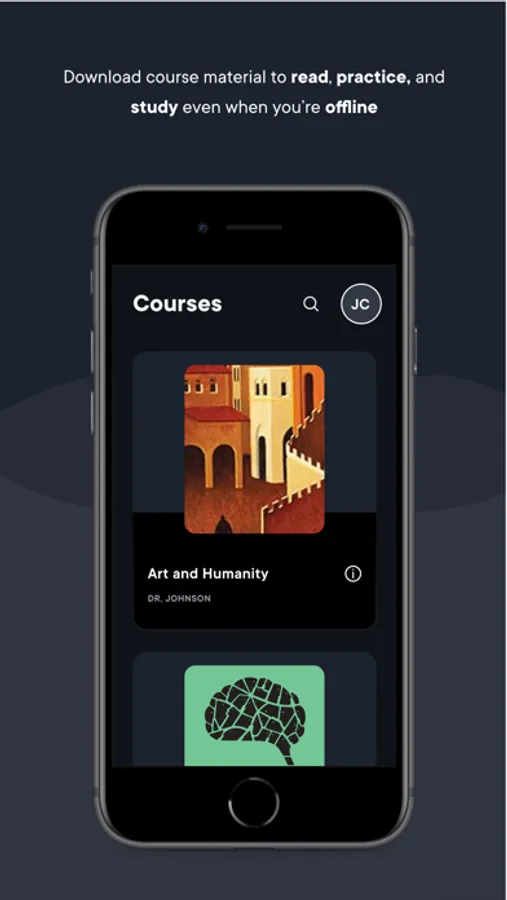
- Download course materials to your devices and read, practice, and study even when you're offline
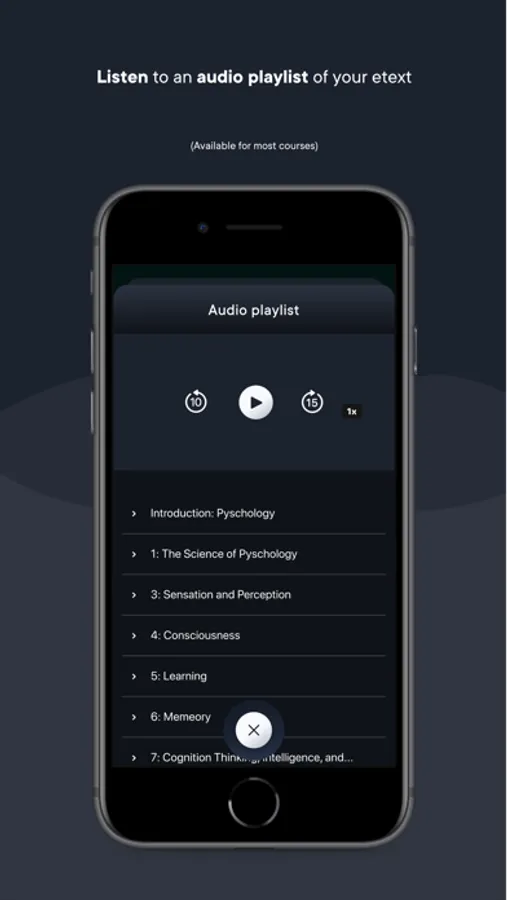
- Listen and learn as you go with full audio of your text (available for most courses)
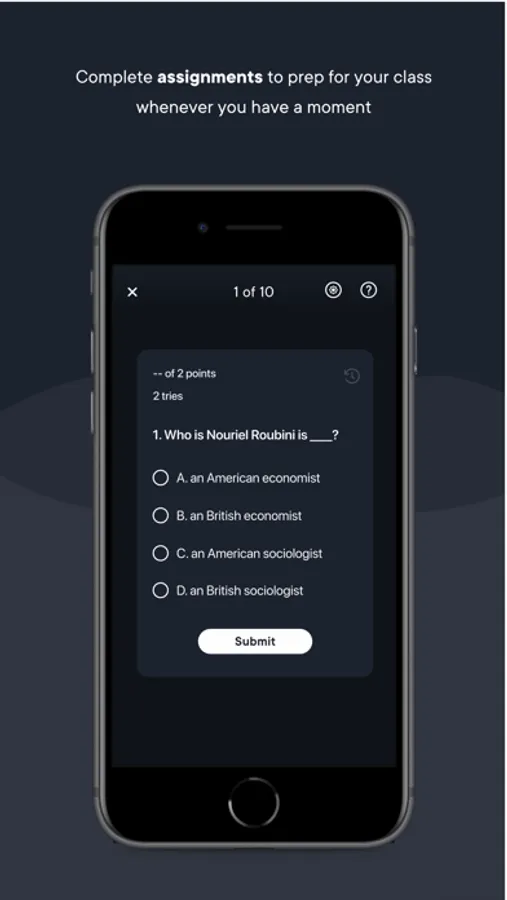
- Complete assigned quizzes on your device to prep for class whenever you have a moment
- Set your own reminders and notifications so you never miss a deadline again
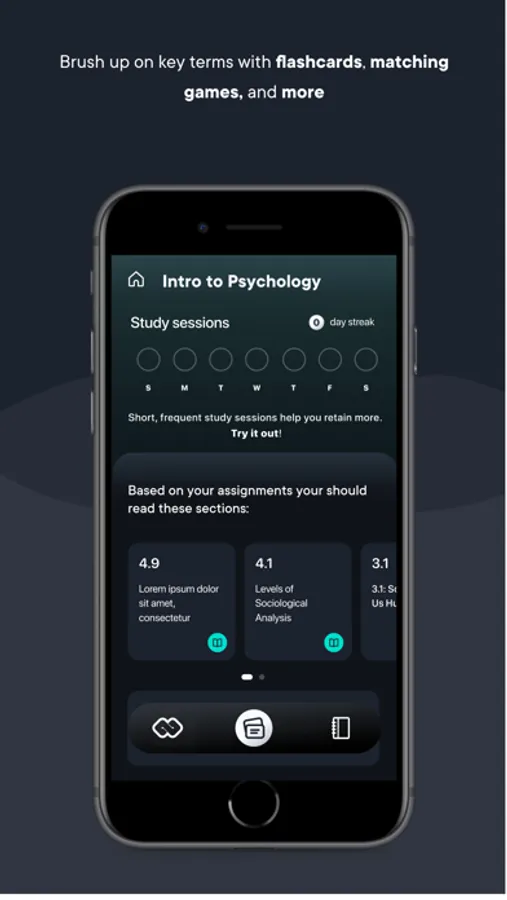
- Highlight key passages and take notes at your convenience
Revel by Pearson Screenshots
Tap to Rate:
Reviews for Revel by Pearson
elisabethlariv
Portrait mode needed and more
I’m just starting to use this app for school coursework, so I’m sure I’ll have more to say over the semester. I do like the convenience of using Revel on my iPad versus my laptop, however portrait mode would greatly improve the use of this app and is a simple enough addition to the UI, making the user experience so much better. Highlighting is a pain, I can’t get the right words, it’s hard to really see what I’m even highlighting, and if you want to highlight cross-paragraph, good luck. It changes your highlight to start at the next paragraph and doesn’t let you highlight more. One paragraph at a time. Please add a voice playback speed of 1.25x! This app has the potential to be really useful but right now it’s lacking. I’d prefer to use it over my laptop or phone though.
zinctoo
Frustrating to use as primary study textbook
This app functions well enough, but I am constantly frustrated by how poor much of the basic implementation is. The audio playback feature has to be carefully engaged with, and pausing will skip you to a new section—it is far from the standard that should be expected from a professional app such as this. The highlighting feature has often blanked out on me, and the study tools. Suffice to say, I have come to dread Pearson supported courses at my college.