
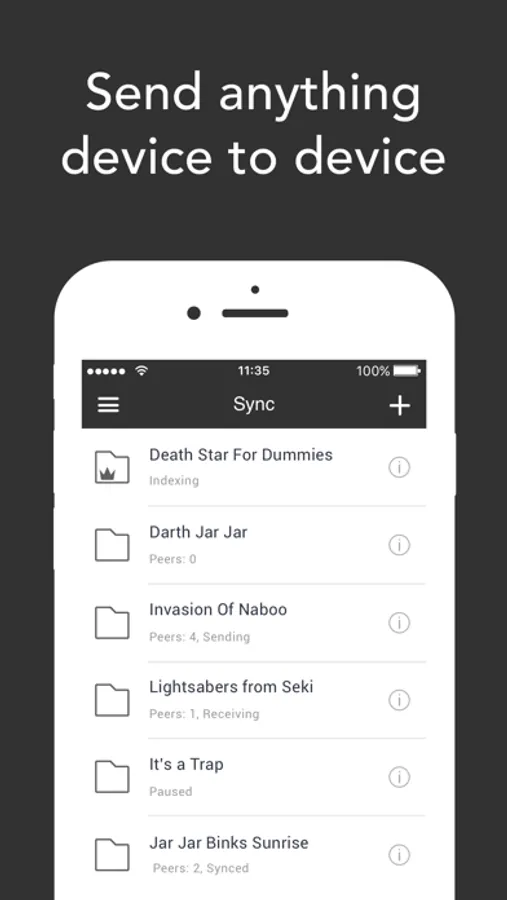
With this file synchronization app, you can transfer and sync files directly between devices using peer-to-peer technology without using cloud storage. Includes support for automatic camera backup, selective sync, and cross-platform device access.
AppRecs review analysis
AppRecs rating 4.5. Trustworthiness 72 out of 100. Review manipulation risk 29 out of 100. Based on a review sample analyzed.
★★★★☆
4.5
AppRecs Rating
Ratings breakdown
5 star
78%
4 star
10%
3 star
4%
2 star
2%
1 star
6%
What to know
✓
Low review manipulation risk
29% review manipulation risk
✓
Credible reviews
72% trustworthiness score from analyzed reviews
✓
High user satisfaction
78% of sampled ratings are 5 stars
About Resilio Sync
Create your own private cloud. Connect devices and sync files securely without sending them on third-party servers. We don’t limit your speed or storage space: our technology works especially well with huge files.
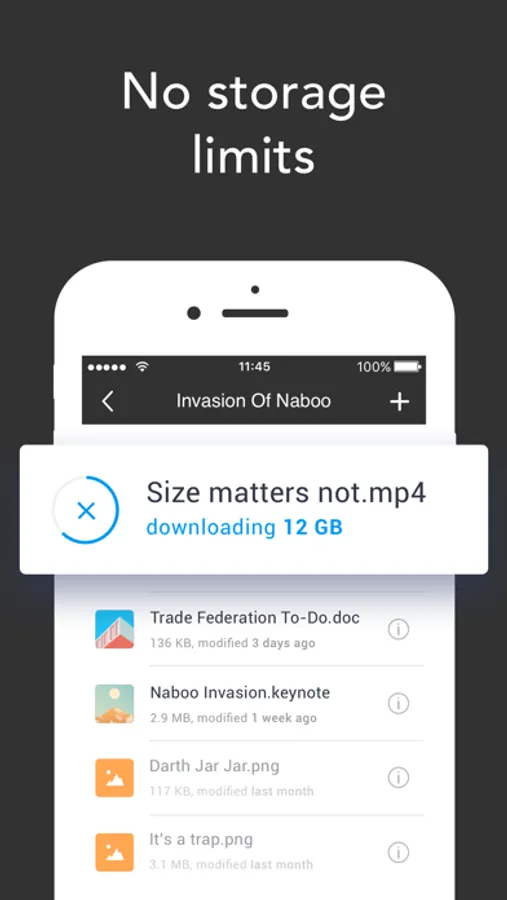
No storage limits
• Sync as much data as you have on your hard drives.
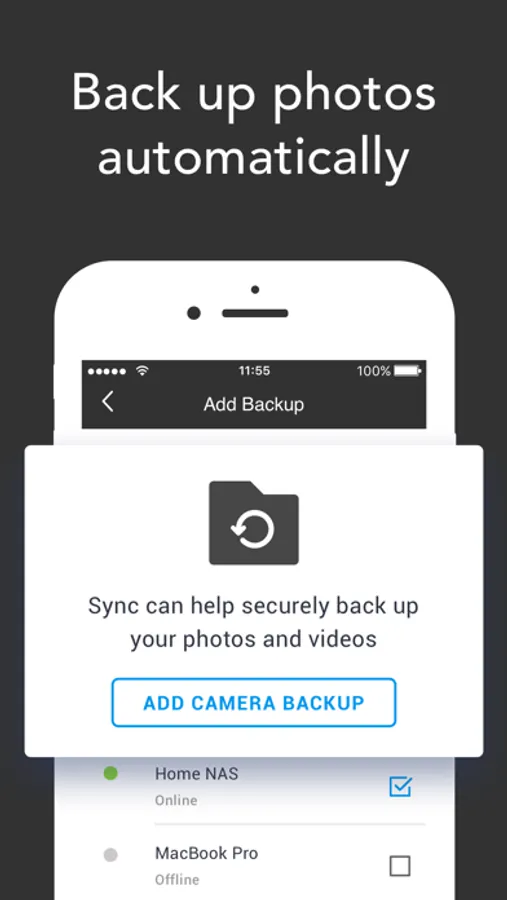
Automatic camera backup
• Sync will back up photos and videos as soon as you take them.
• You can then delete photos from your phone and save space.
Direct transfers, no cloud
• Your information is never stored on servers in the cloud, so nobody can access it without your permission.
• Transfer files directly and fast using peer-to-peer technology (p2p).
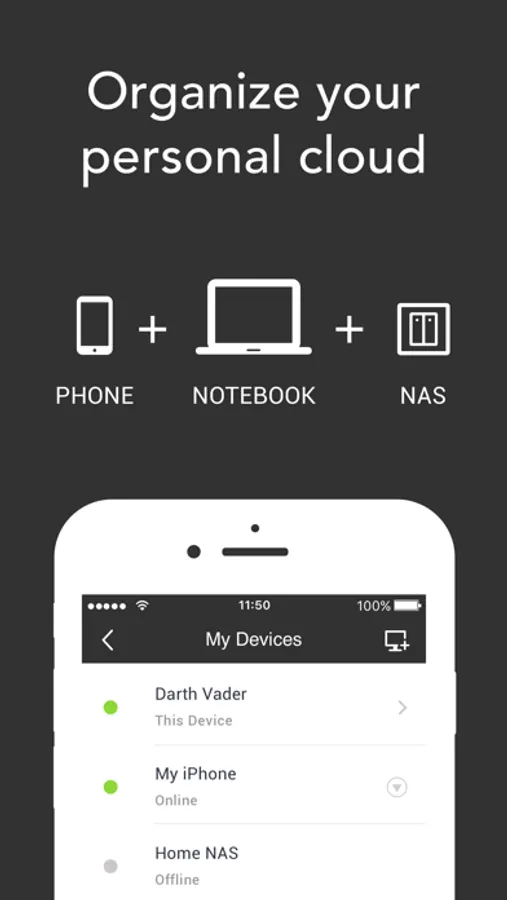
Any device and platform
• Access folders and upload files to your tablet, PC, Mac, NAS, and even server.
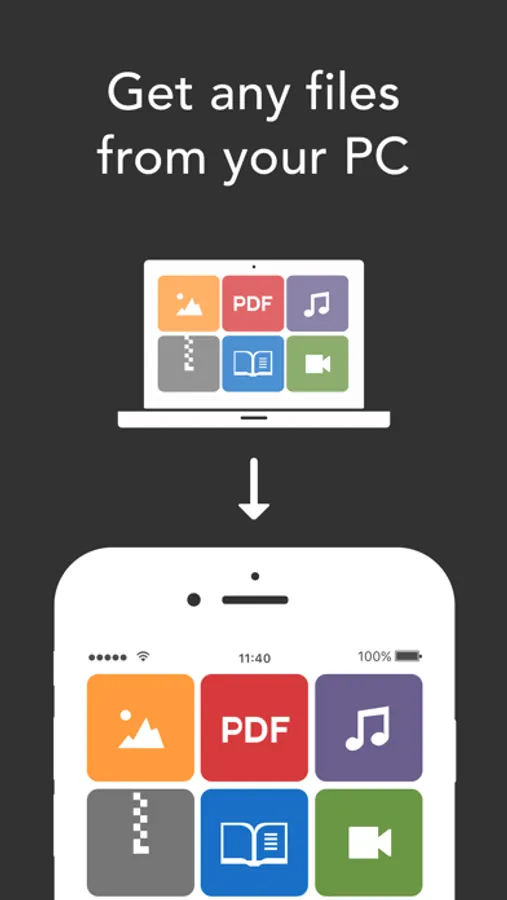
Supports all file types
• Add photos, videos, music, docs, and PDFs from other apps to any of your synced folders.
Save space
• Selective Sync lets you save only the files you need.
To get the best performance and to avoid running up your data charges while syncing folders, we recommend leaving the "Use Cellular Data" setting off.
By downloading or using this app, you agree to the Terms of Use:
(https://www.resilio.com/legal/terms-of-use), Privacy Policy (https://www.resilio.com/legal/privacy) and End User License Agreement (https://www.resilio.com/legal/eula-sync).
Resilio Sync Screenshots
Tap to Rate:
Reviews for Resilio Sync
Blue Zork
So close to amazing
This app seems to backup photos fine. It also allows me to upload or download a file or two without issue. However, there are a number of problems. I think the most important one is the Files app integration just seems plain broken. I can see a few of my folders, but most are missing along with all my files. Second, the capabilities and user interface of the app feel incomplete. Finally, I think the terminology should be cleaned up to make things more clear. For example, the word “remove” is used to mean “delete the local copy of this file and replace it with the placeholder”, as well as “delete all copies of this file across all devices”, depending on context.
TimDawgz
Needs some critical features
App seems to work well but you have to select each individual file or photo individually. What kind of design choice is this?! I’m synchronizing tens of thousands of photos from a few select photo albums on my phone. Why can’t I select the album? Or why can’t I drag and multi-select ranges of pictures at one time? Instead I have to pick each photo individually and that takes FOREVER! I finally gave up after selecting 2,000 photos and figured I’ll go a different route. I thought this would be the answer for me but I can’t see using this while operating this way and picking each photo individually, it’s just too inefficient. Hoping this will be fixed in the future because I could see using this app but I’m sure that I’m not the only person who has faced this issue.