
With this notes app, you can create, delete, and organize notes with support for markdown formatting. Includes syncing with Nextcloud server, multiple device access, and export options.
AppRecs review analysis
AppRecs rating 2.2. Trustworthiness 75 out of 100. Review manipulation risk 22 out of 100. Based on a review sample analyzed.
★★☆☆☆
2.2
AppRecs Rating
Ratings breakdown
5 star
21%
4 star
6%
3 star
7%
2 star
8%
1 star
57%
What to know
✓
Low review manipulation risk
22% review manipulation risk
⚠
Mixed user feedback
Average 2.3★ rating suggests room for improvement
⚠
High negative review ratio
65% of sampled ratings are 1–2 stars
About Nextcloud Notes
Nextcloud Notes is a notes editor that syncs with the Notes app (https://github.com/nextcloud/notes/releases) on your server.
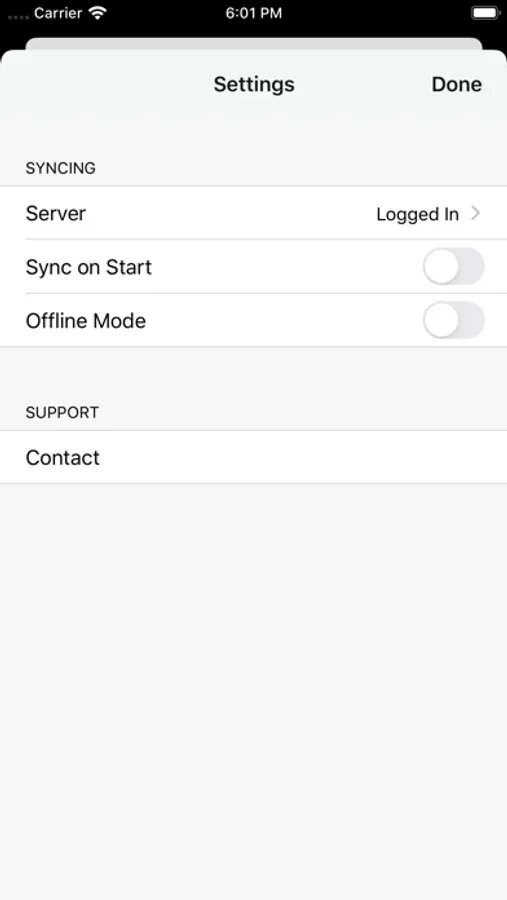
Once you have logged in to your server, all notes will be kept in sync between devices and also the web interface. Optionally supports sync on startup.
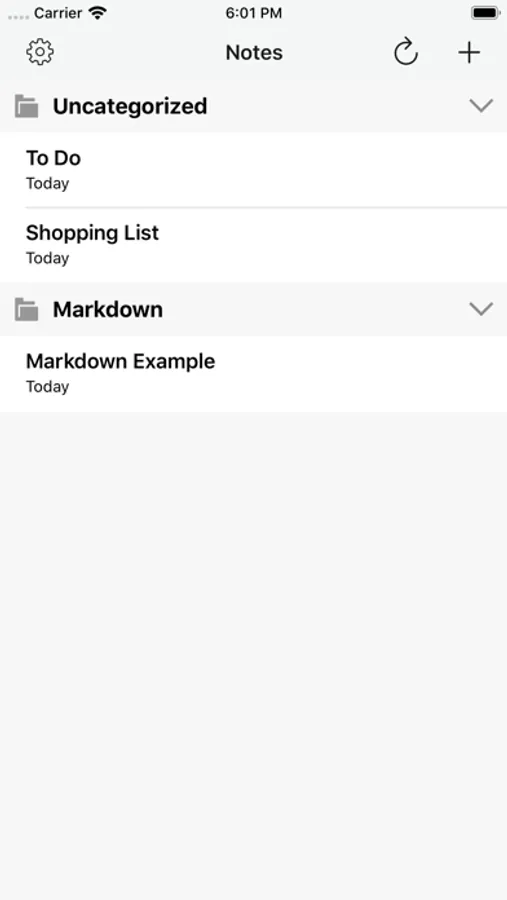
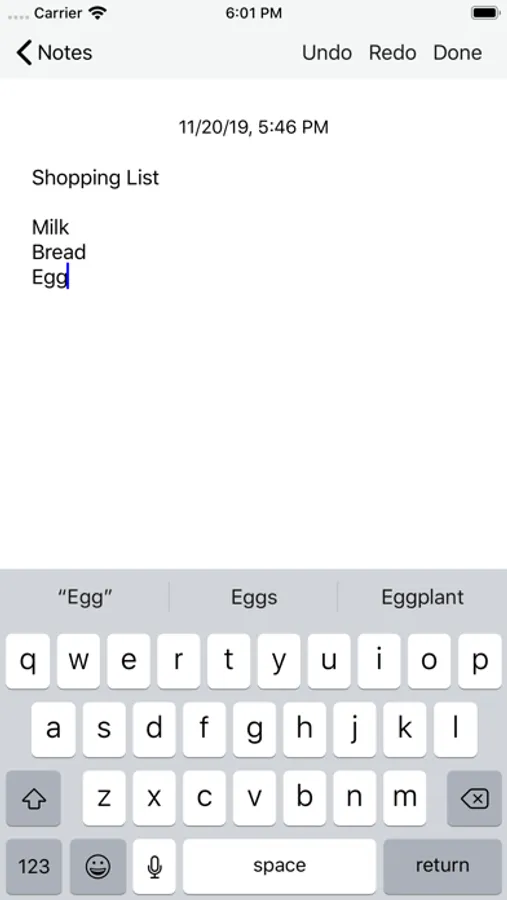
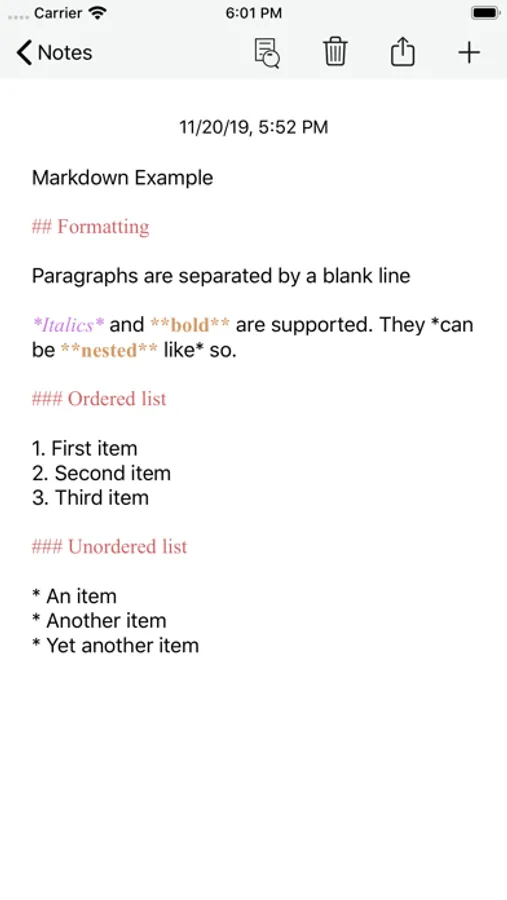
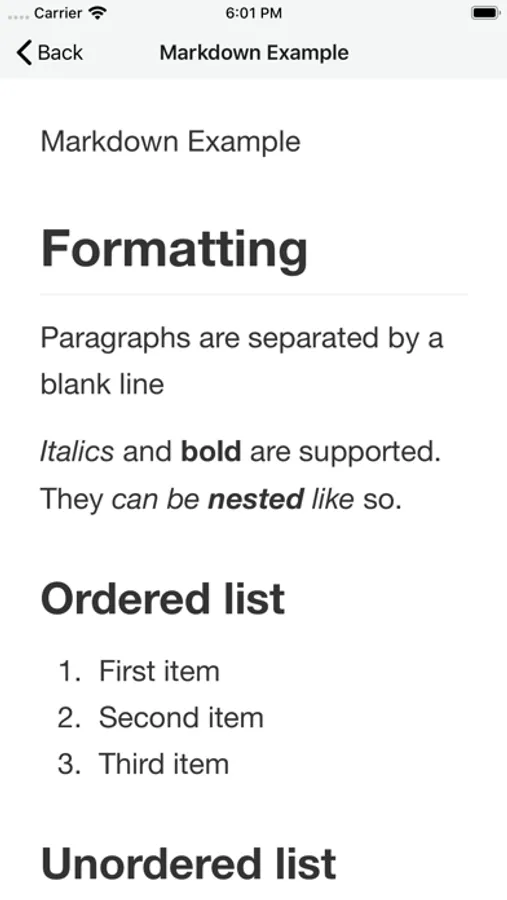
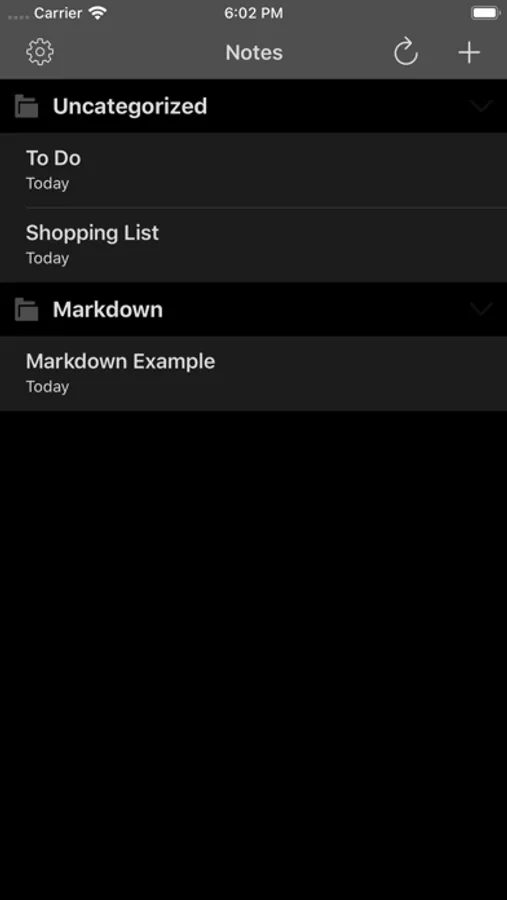
You can create and delete notes directly on the device. Notes can be organized in categories. Edit as plain text or use markdown for rich formatting. Notes can be copied or exported to other apps or services in several formats.
If you have a sync client (optional) installed on your desktop computer all notes will be there too, and can be edited with any text editor.
Nextcloud Notes Screenshots
Tap to Rate:
Reviews for Nextcloud Notes
FCGreg
Syncing failures and UI elements disappear
I’ve been using this app for a few years and it consistently had syncing problems, but has recently taken steps backwards on the UI as well. First the syncing because it is the most serious: Unless you have a good connection to the server during the entire edit, you will likely lose whole portions of your note because it never made it to the server. And, since it didn’t make it to the server, the data will be lost forever (the app loses it entirely). Unfortunately, you won’t know that the data has been lost until you check it again later only to find large chunks are missing (or the entire note if it was a new note). IMHO the entire syncing/queueing portion of the app should be rewritten, and/or a proper MQ framework added— data loss is unacceptable. UI problems: recent versions of the app frequently lose the navigation controls after editing a note. Then there doesn’t seem to be any way to recover except for force-closing the app. I have to do this on a regular basis when editing saving any note. Since I have lost whole portions of note edits multiple times now, and lost entire notes when they were new, I cannot trust this app anymore for anything other than reading existing notes on the server.
nasukaren
4.0 won’t log in
Really disappointing as Nextcloud is a great app but this is just ridiculous that they can’t get login to work correctly.