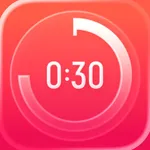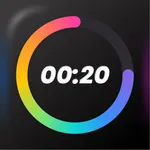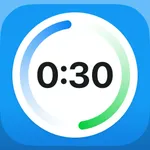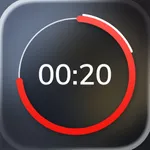
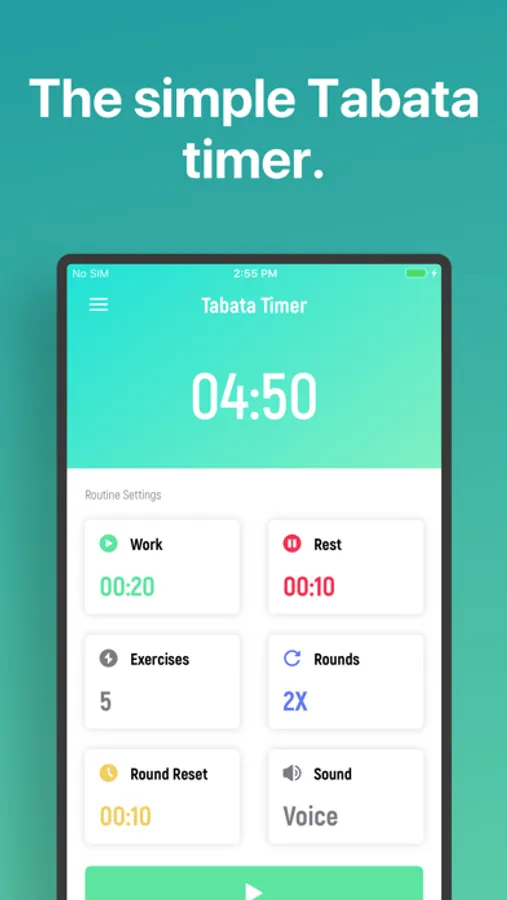
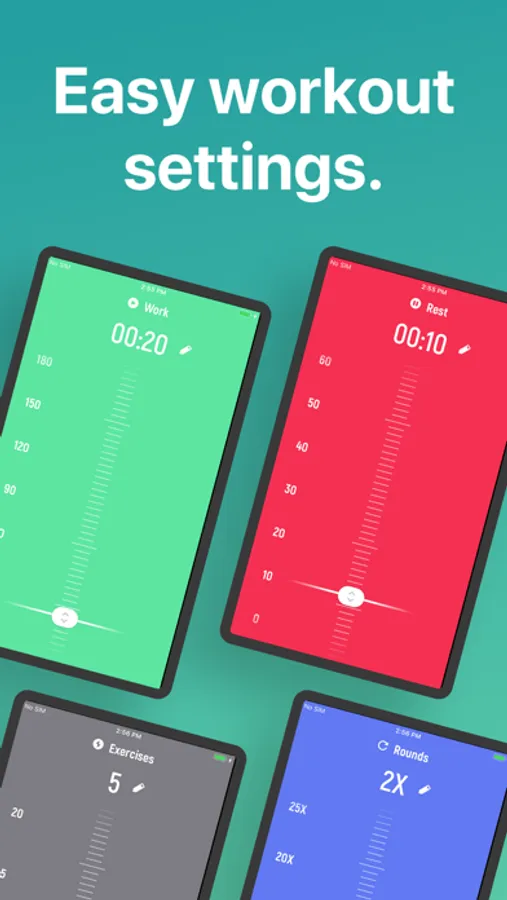
This app allows users to set and start Tabata workout timers with simple drag and tap motions. Includes music playback, audio guidance, workout history, and customizable settings.
AppRecs review analysis
AppRecs rating 4.2. Trustworthiness 70 out of 100. Review manipulation risk 25 out of 100. Based on a review sample analyzed.
★★★★☆
4.2
AppRecs Rating
Ratings breakdown
5 star
92%
4 star
6%
3 star
1%
2 star
0%
1 star
1%
What to know
✓
Low review manipulation risk
25% review manipulation risk
⚠
Pricing complaints
Many low ratings mention paywalls or pricing
⚠
Low-content positive reviews
Many 5-star reviews use very limited vocabulary
About Tabata Timer □
A Tabata workout timer that is simple, clear, and beautiful.
1. Drag to set your rounds, rest, work, etc
2. Tap to workout.
While the app is ultra-simple to use, we didn't skip any necessary features:
∙ Listen to your music apps while you workout.
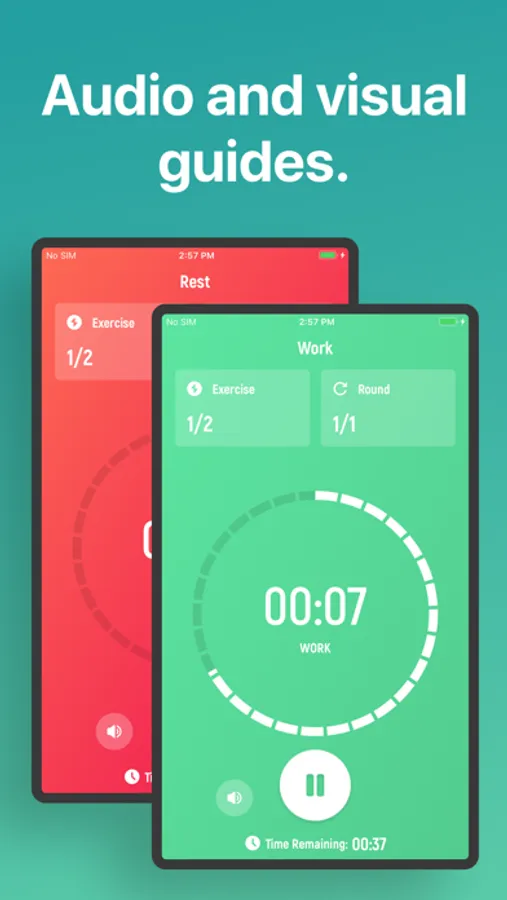
∙ Audio guides you through the workout, so you don't have to be looking at the screen.
∙ You can leave the app and still listen to the audio guides, in order to follow a workout you found online.
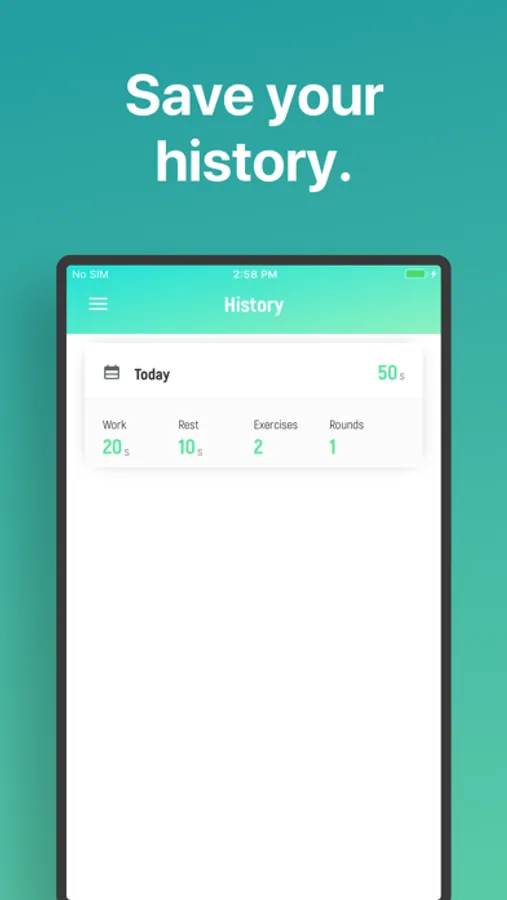
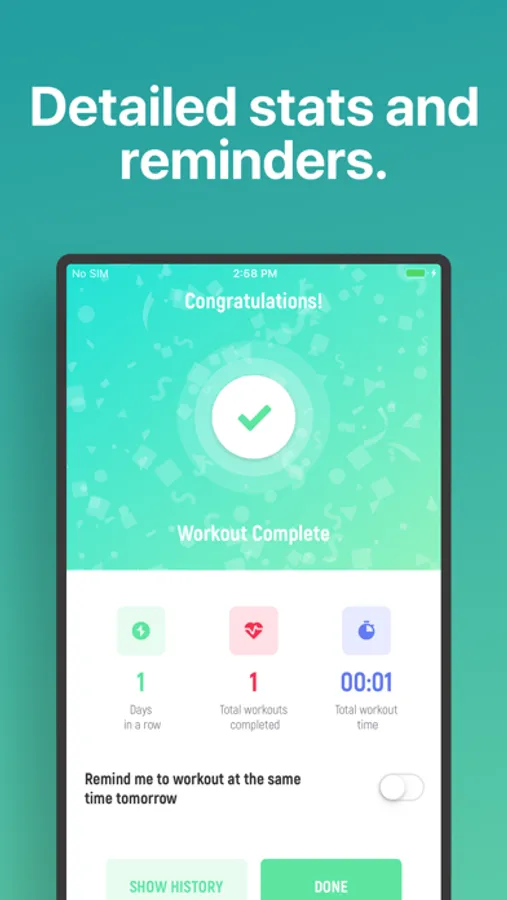
∙ History and statistics pages to review your previous workouts.
∙ You can even load the settings from any previous workout!
If you have any questions or suggestions, simply tap "Contact Support' and tell us! We'll try to include your idea in our next update.
This app includes an optional auto-renewable subscription (Premium Pass): Premium Pass beings with a free trial period, then an auto-renewable monthly subscription when trial ends. Payment will be charged to your Apple account at confirmation of purchase and will automatically renew (at the duration/price selected) unless auto-renew is turned off at least 24 hrs before the end of the current period. Account will be charged for renewal within 24-hours prior to the end of the current period. Current subscription may not be cancelled during the active subscription period; however, you can manage your subscription and/or turn off auto-renewal by visiting your Apple Account Settings after purchase. Any unused portion of the free initial period will be forfeited when you purchase a subscription.
Privacy Policy: https://float.support/tabata-timer/privacy
Terms of Use: https://float.support/tabata-timer/terms
1. Drag to set your rounds, rest, work, etc
2. Tap to workout.
While the app is ultra-simple to use, we didn't skip any necessary features:
∙ Listen to your music apps while you workout.
∙ Audio guides you through the workout, so you don't have to be looking at the screen.
∙ You can leave the app and still listen to the audio guides, in order to follow a workout you found online.
∙ History and statistics pages to review your previous workouts.
∙ You can even load the settings from any previous workout!
If you have any questions or suggestions, simply tap "Contact Support' and tell us! We'll try to include your idea in our next update.
This app includes an optional auto-renewable subscription (Premium Pass): Premium Pass beings with a free trial period, then an auto-renewable monthly subscription when trial ends. Payment will be charged to your Apple account at confirmation of purchase and will automatically renew (at the duration/price selected) unless auto-renew is turned off at least 24 hrs before the end of the current period. Account will be charged for renewal within 24-hours prior to the end of the current period. Current subscription may not be cancelled during the active subscription period; however, you can manage your subscription and/or turn off auto-renewal by visiting your Apple Account Settings after purchase. Any unused portion of the free initial period will be forfeited when you purchase a subscription.
Privacy Policy: https://float.support/tabata-timer/privacy
Terms of Use: https://float.support/tabata-timer/terms
Tabata Timer □ Screenshots
Tap to Rate:
Reviews for Tabata Timer □
石壁口孔老二
简单实用
简单实用
Perantih Battle rope
Tabata
First I found that had good vocals