
With this parental control app, you can monitor device activity, set screen time limits, and block inappropriate content. Includes location alerts, app blocking, and customizable scheduling features.
AppRecs review analysis
AppRecs rating 4.0. Trustworthiness 73 out of 100. Review manipulation risk 29 out of 100. Based on a review sample analyzed.
★★★★☆
4.0
AppRecs Rating
Ratings breakdown
5 star
68%
4 star
13%
3 star
5%
2 star
1%
1 star
13%
What to know
✓
Low review manipulation risk
29% review manipulation risk
✓
Credible reviews
73% trustworthiness score from analyzed reviews
✓
High user satisfaction
81% of sampled ratings are 4+ stars (4.2★ average)
About Safe Family: Screen Time App
Help your kids develop healthy habits online and make parenting in the digital age a breeze with McAfee Safe Family parental controls. Safe Family is now included with certain McAfee security products—visit mcafee.com to learn more.
McAfee Safe Family equips parents with easy-to-use tools needed to improve visibility and digital safety for their children, such as screen time management, app blocking, live location alerts and more. Shield your kids from dangerous and inappropriate content by monitoring their activities on their smartphones, tablets and PCs, instantly blocking apps you deem unsafe. Safe Family supports an unlimited number of devices, so everyone is covered.
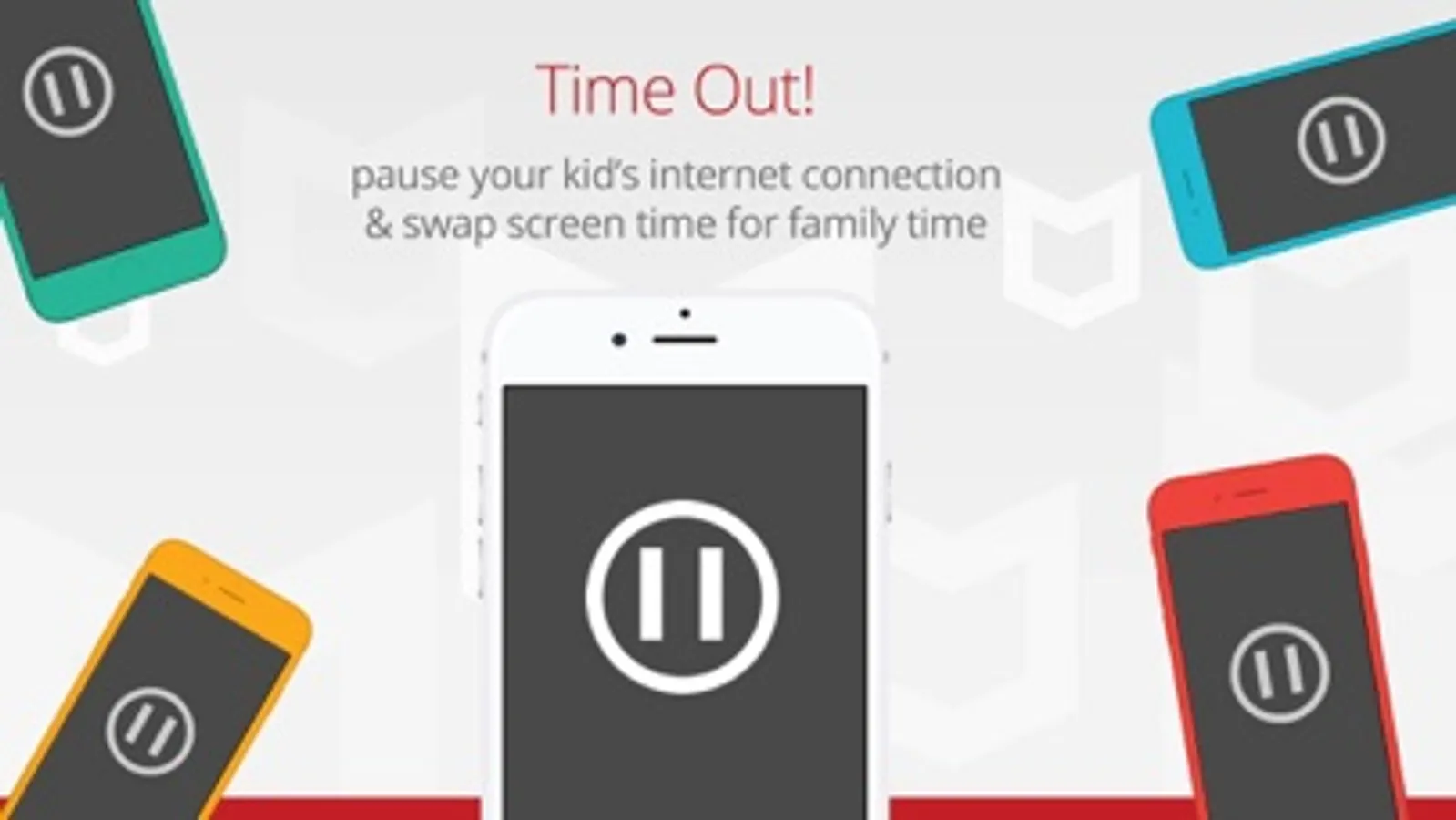
Remember what family dinnertime was like before smartphones? Get that quality time back – digitally lock your kids’ devices (and maybe even your spouse’s) using our time-out feature.
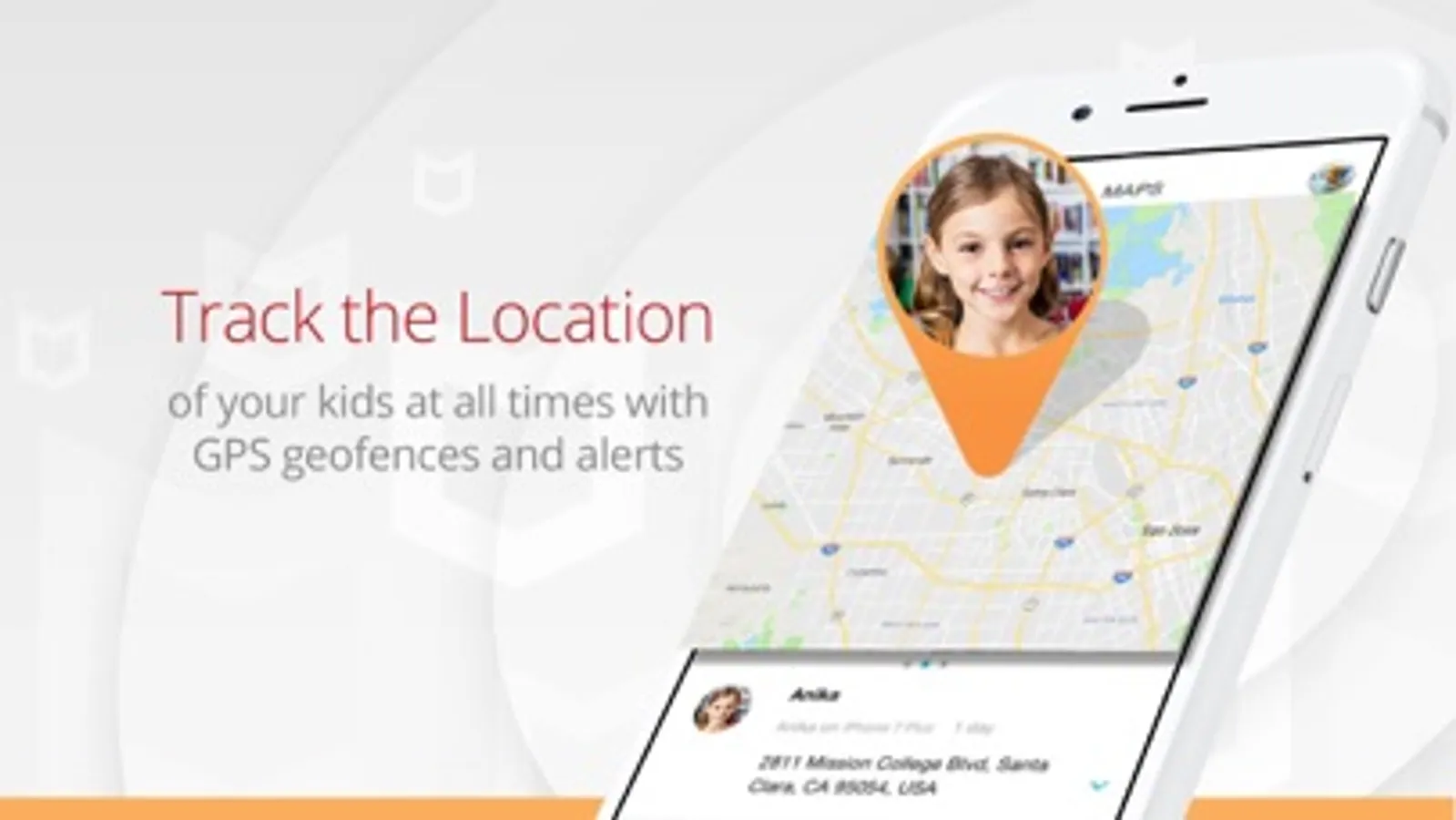
No more worrying about your kids going to a friend’s house. Receive alerts when they arrive at or leave designated locations that you set like school, home or Amy’s house.
McAfee Safe Family includes:
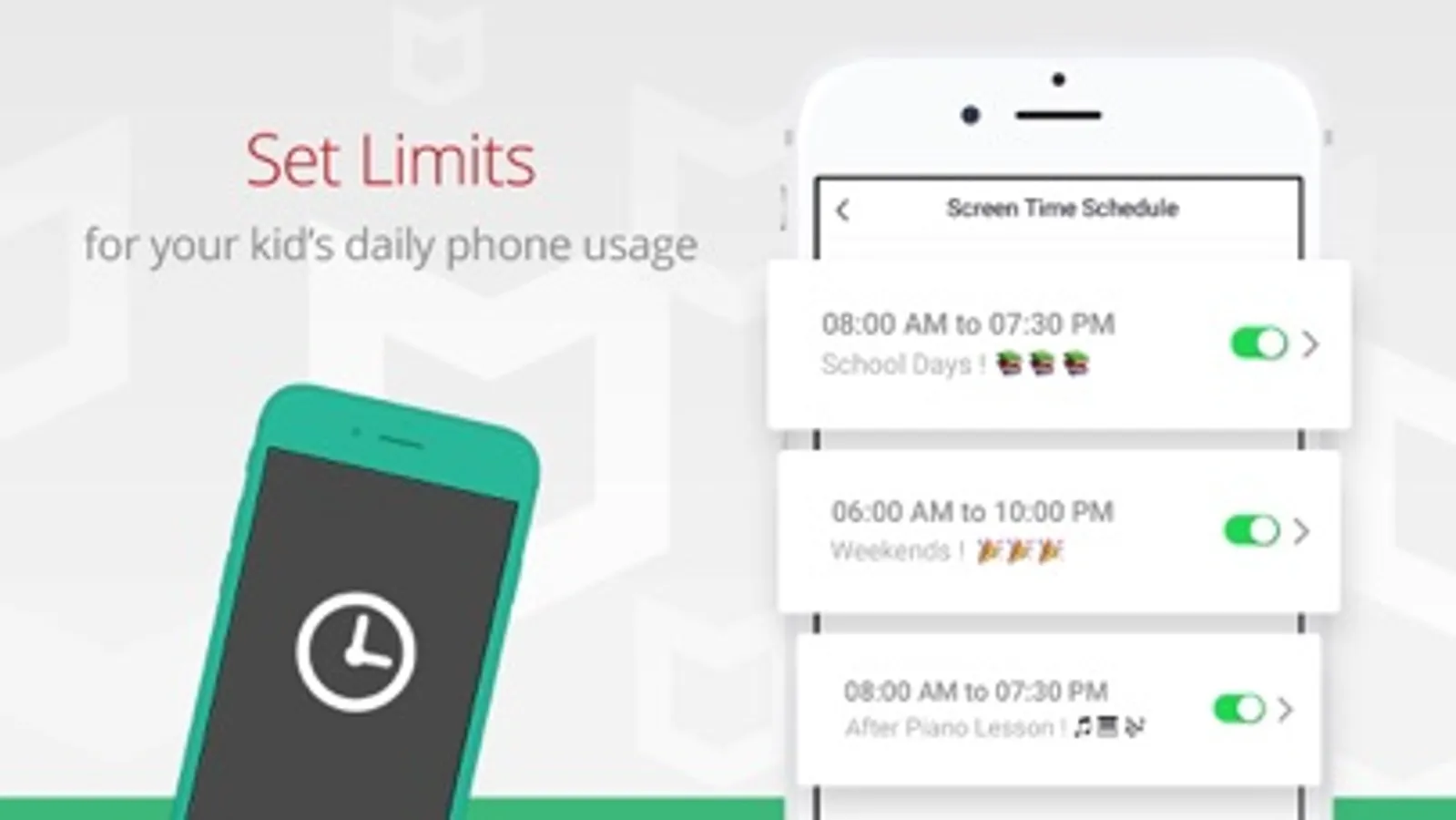
• Screen Time Management
– Control screen time and set custom time limits
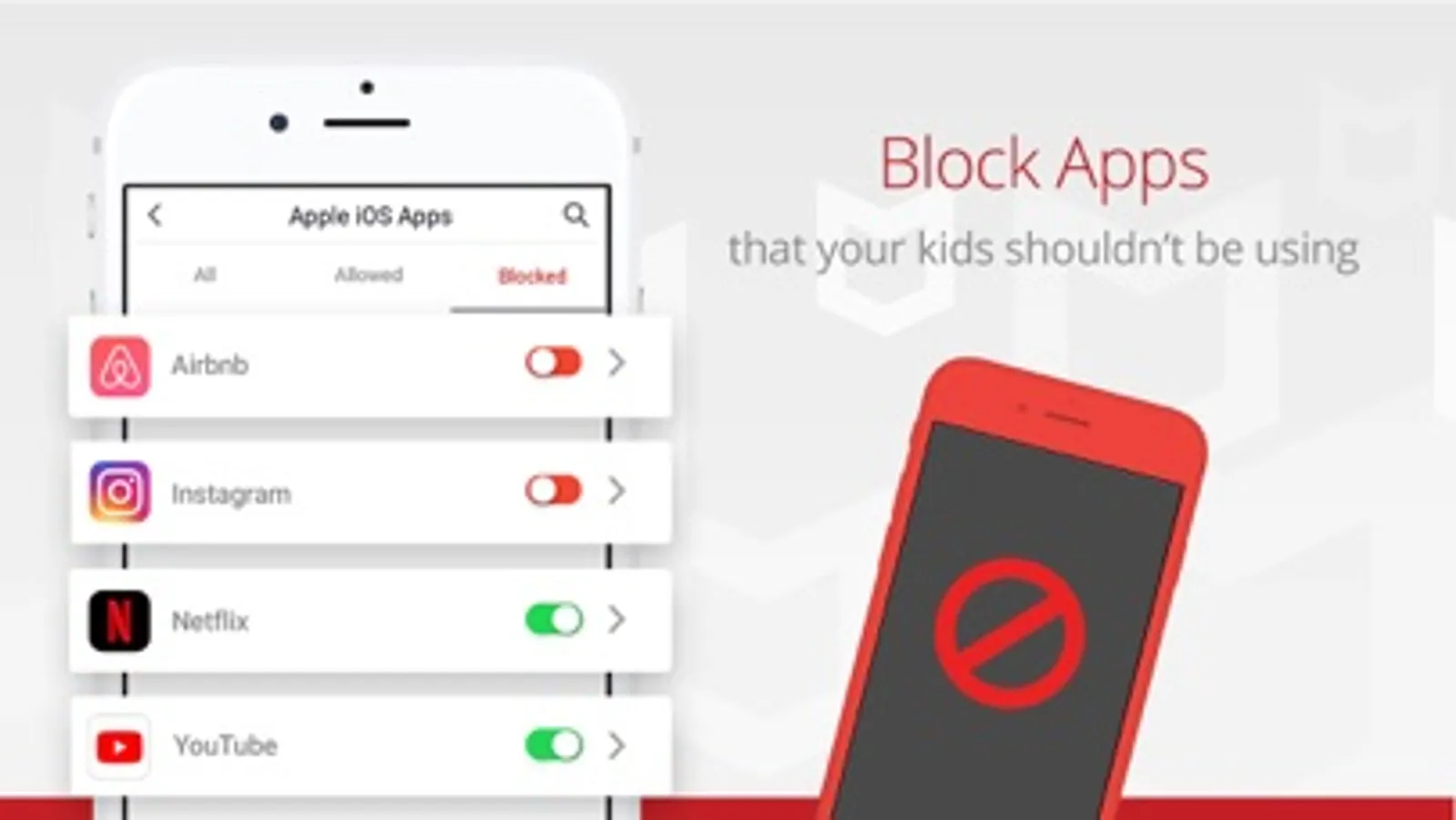
• App Blocking
– Block inappropriate or time-wasting apps
• Digital Time-Out
– Lock devices on command until chores are done
• Website Filtering*
– Automatically blocks inappropriate and dangerous websites
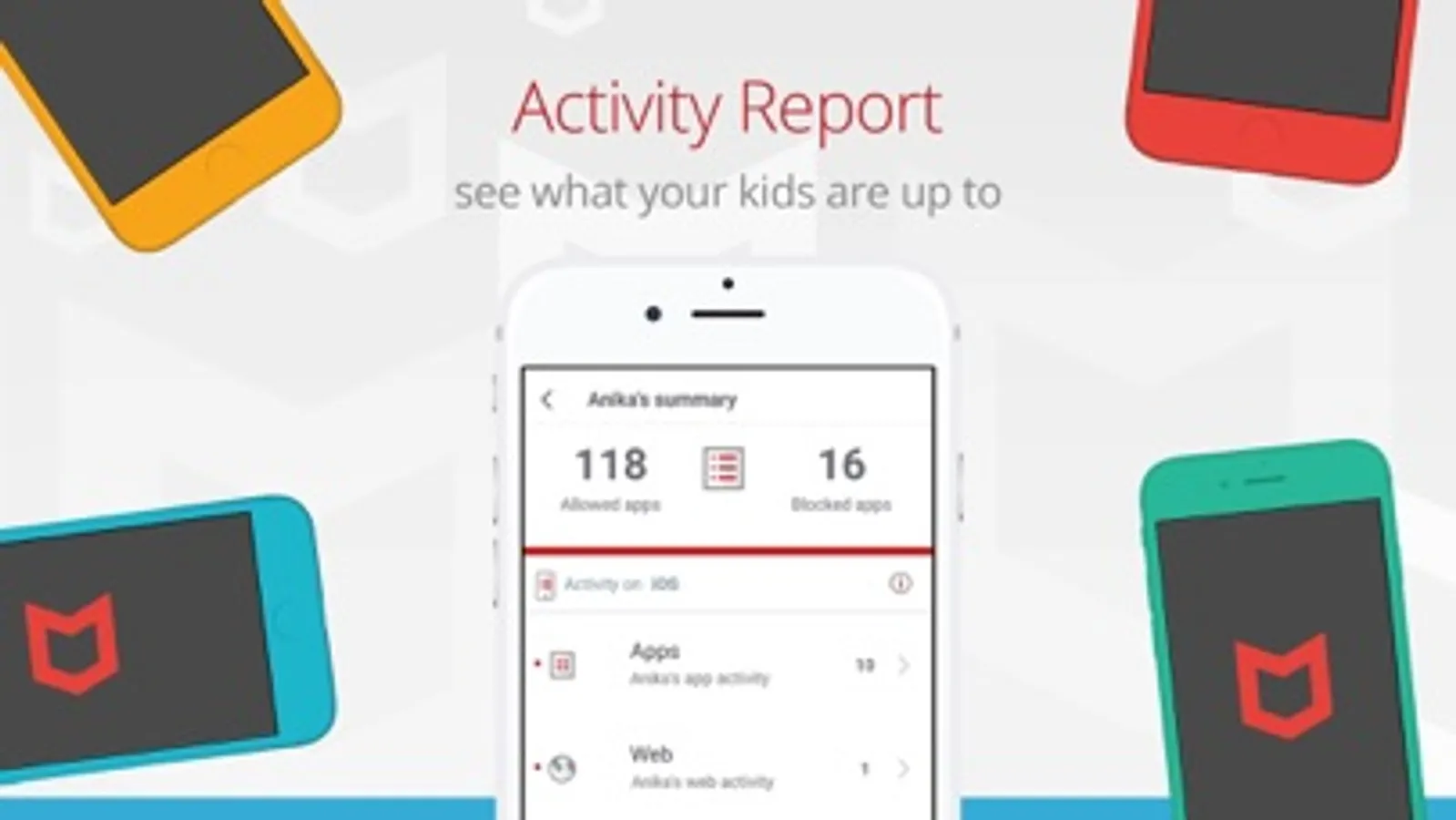
• Web and App Usage History*
– See what your kids are up to on their devices
• Block In-app Purchases†
– Stop unauthorized spending online
• Location Alerts
– Get notified when your kids leave or arrive at designated locations
• Location Tracking
– Monitor your kids’ location with device tracking
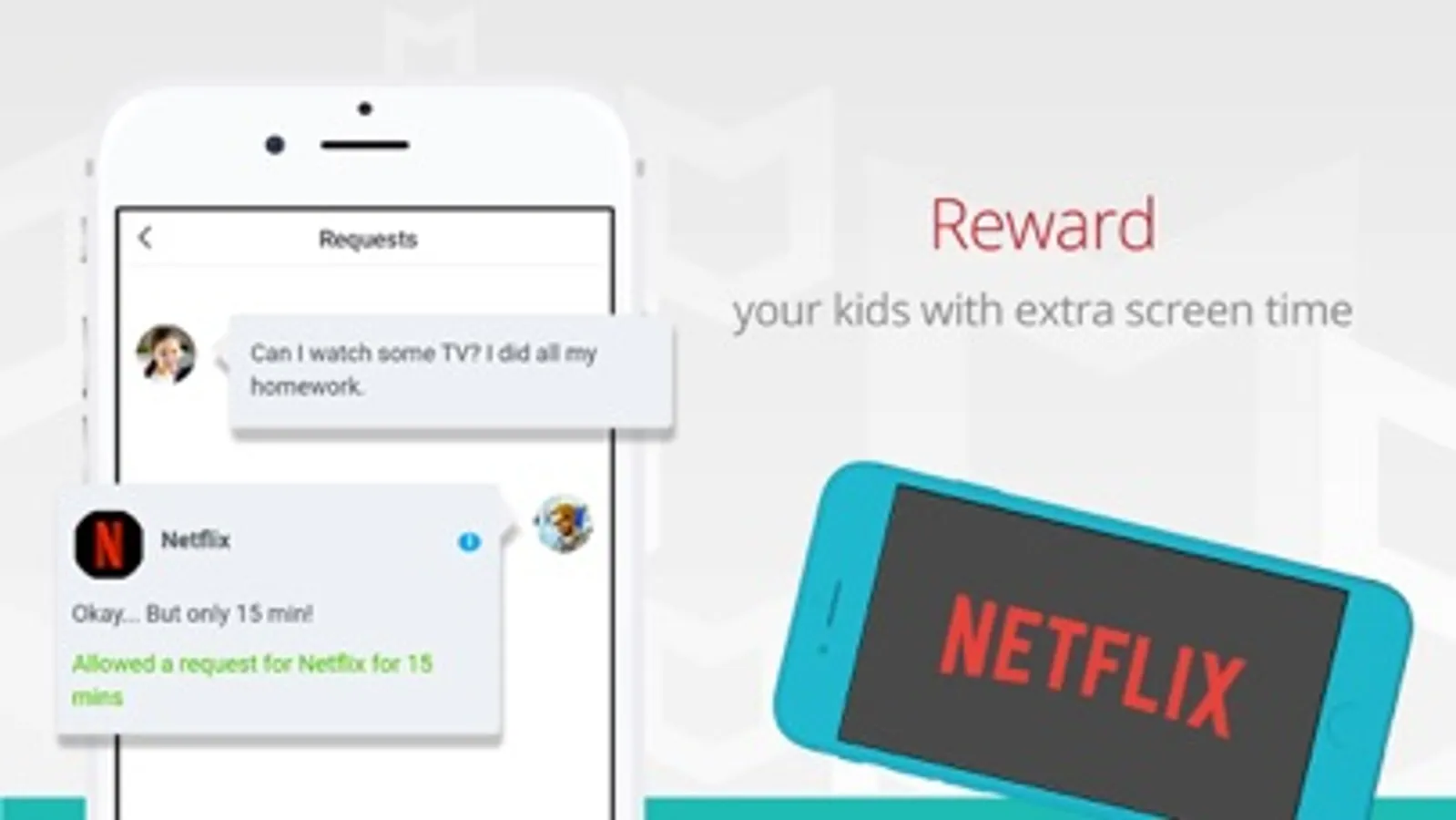
• Permission Requests*
– Allows kids to request more screen time or to use a blocked app
• Uninstall Protection*
– Prevents kids from deleting Safe Family without permission
Try our 30-day free trial – offers the full McAfee Safe Family experience for free. McAfee Safe Family supports an unlimited number of your kids’ devices, including smartphones, tablets and PCs. You have the option at the end of the 30-day free trial to sign up for a monthly or yearly subscription.
Payment info:
• Payment will be charged to your iTunes Account at confirmation of purchase
• Paid subscriptions automatically renew unless auto-renew is turned off at least 24-hours before the end of the current period
• Auto-renewal can be turned off by going to Account Settings after purchase
• Length of subscription: monthly and yearly
• Any unused portion of a free trial period will be forfeited when the user purchases a subscription
† Only available on iOS
* Only available on other operating systems
McAfee Safe Family is only available on smartphones, tablets and PCs (not available on Macs). For a full list of system requirements, please visit mcafee.com/systemrequirements.
Please visit our website family.mcafee.com to learn more about how we keep your family safe. Find support or give us feedback on Safe Family at service.mcafee.com.
View our privacy policy at mcafee.com/legal.
McAfee Safe Family equips parents with easy-to-use tools needed to improve visibility and digital safety for their children, such as screen time management, app blocking, live location alerts and more. Shield your kids from dangerous and inappropriate content by monitoring their activities on their smartphones, tablets and PCs, instantly blocking apps you deem unsafe. Safe Family supports an unlimited number of devices, so everyone is covered.
Remember what family dinnertime was like before smartphones? Get that quality time back – digitally lock your kids’ devices (and maybe even your spouse’s) using our time-out feature.
No more worrying about your kids going to a friend’s house. Receive alerts when they arrive at or leave designated locations that you set like school, home or Amy’s house.
McAfee Safe Family includes:
• Screen Time Management
– Control screen time and set custom time limits
• App Blocking
– Block inappropriate or time-wasting apps
• Digital Time-Out
– Lock devices on command until chores are done
• Website Filtering*
– Automatically blocks inappropriate and dangerous websites
• Web and App Usage History*
– See what your kids are up to on their devices
• Block In-app Purchases†
– Stop unauthorized spending online
• Location Alerts
– Get notified when your kids leave or arrive at designated locations
• Location Tracking
– Monitor your kids’ location with device tracking
• Permission Requests*
– Allows kids to request more screen time or to use a blocked app
• Uninstall Protection*
– Prevents kids from deleting Safe Family without permission
Try our 30-day free trial – offers the full McAfee Safe Family experience for free. McAfee Safe Family supports an unlimited number of your kids’ devices, including smartphones, tablets and PCs. You have the option at the end of the 30-day free trial to sign up for a monthly or yearly subscription.
Payment info:
• Payment will be charged to your iTunes Account at confirmation of purchase
• Paid subscriptions automatically renew unless auto-renew is turned off at least 24-hours before the end of the current period
• Auto-renewal can be turned off by going to Account Settings after purchase
• Length of subscription: monthly and yearly
• Any unused portion of a free trial period will be forfeited when the user purchases a subscription
† Only available on iOS
* Only available on other operating systems
McAfee Safe Family is only available on smartphones, tablets and PCs (not available on Macs). For a full list of system requirements, please visit mcafee.com/systemrequirements.
Please visit our website family.mcafee.com to learn more about how we keep your family safe. Find support or give us feedback on Safe Family at service.mcafee.com.
View our privacy policy at mcafee.com/legal.
Safe Family: Screen Time App Screenshots
Tap to Rate:
Reviews for Safe Family: Screen Time App
Budcms
Painful and useless
Trying to use this to manage your child’s screen time or content is useless and extremely frustrating. It does not respond in a timely fashion on your kids phone when you make a a change from yours, IF it responds at all! Frustration is the only thing this app provides.
8ecuncnejc Sox,sicnryfb
0
0