In this app, users can monitor their glucose levels in real time and customize alerts. Includes real-time data sharing, customizable alerts, and device compatibility features.
AppRecs review analysis
AppRecs rating 2.9. Trustworthiness 81 out of 100. Review manipulation risk 24 out of 100. Based on a review sample analyzed.
★★☆☆☆
2.9
AppRecs Rating
Ratings breakdown
5 star
33%
4 star
14%
3 star
13%
2 star
14%
1 star
27%
What to know
✓
Low review manipulation risk
24% review manipulation risk
⚠
Pricing complaints
Many low ratings mention paywalls or pricing
⚠
High negative review ratio
40% of sampled ratings are 1–2 stars
About Dexcom G6
Always know your glucose number and where it’s heading with the Dexcom G6 and G6 Pro Continuous Glucose Monitoring (CGM) Systems –indicated for diabetes treatment decisions with zero fingersticks and no calibration.* Before you start making treatment decisions with your G6 or G6 Pro, work with your healthcare provider to learn how.
*Fingersticks required for diabetes management decisions if symptoms do not match readings.
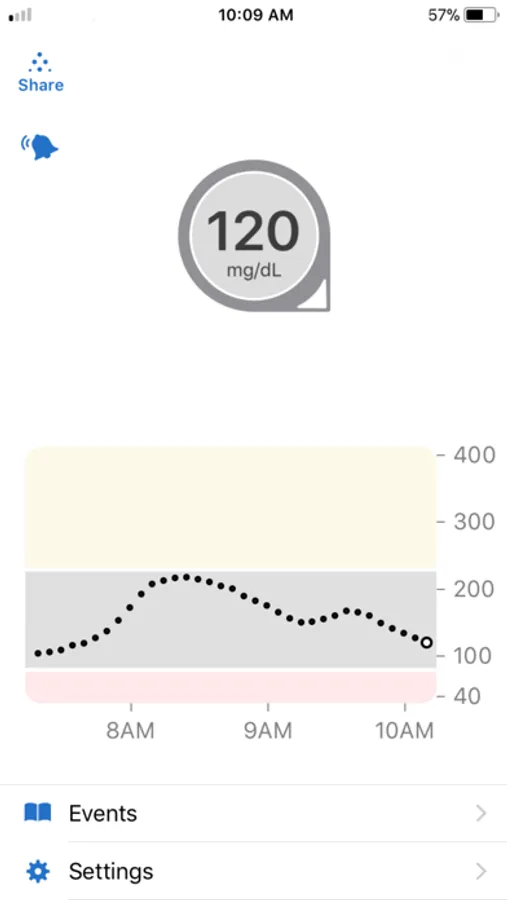
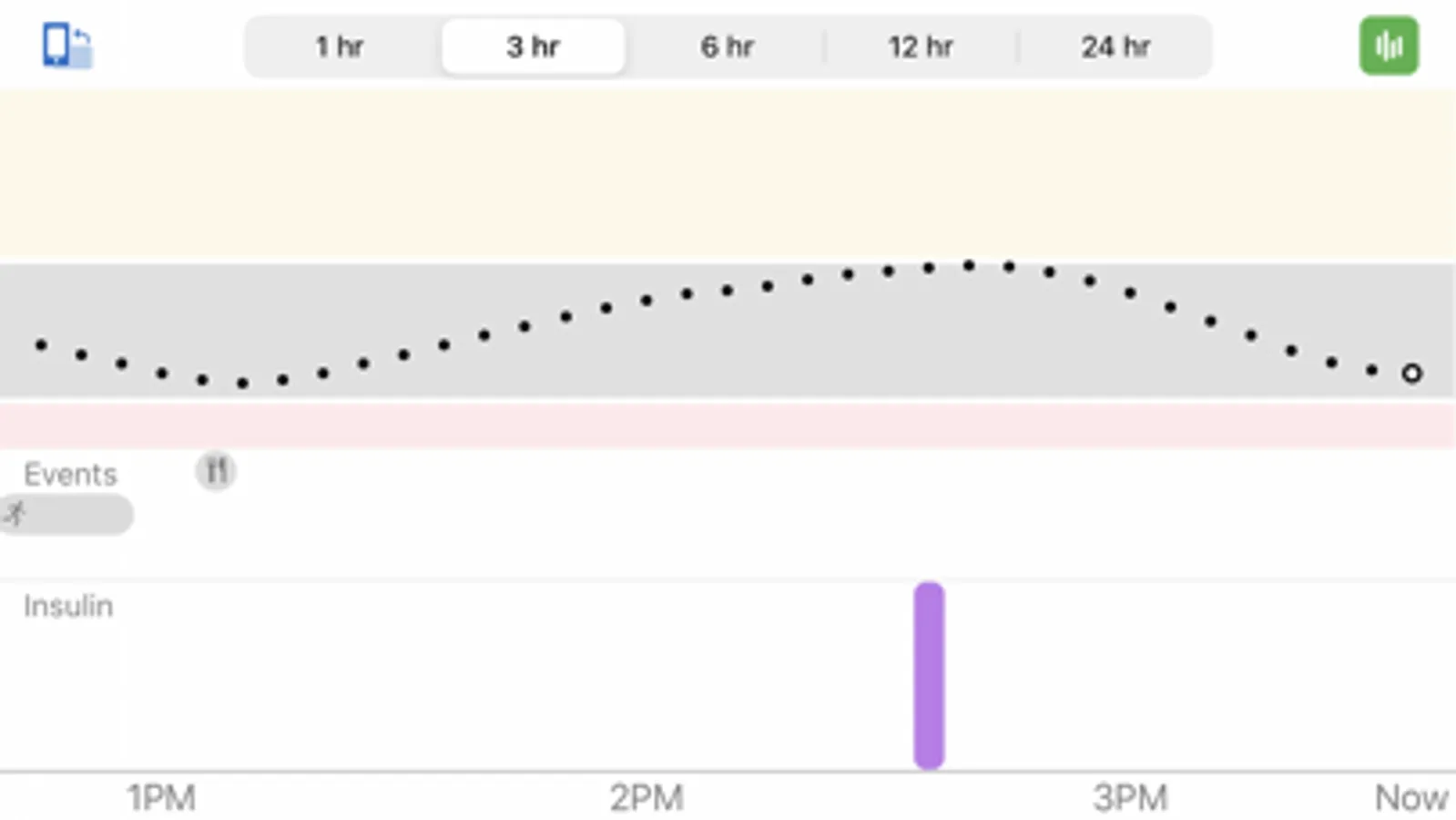
Always know your glucose number with just a quick glance at your compatible smartphone or smartwatch. For a list of compatible devices visit www.dexcom.com/compatibility. Dexcom G6 and G6 Pro provide real-time glucose readings for patients with type 1 or type 2 diabetes every five minutes. Dexcom G6 and G6 Pro are indicated for children, age 2 years and older.
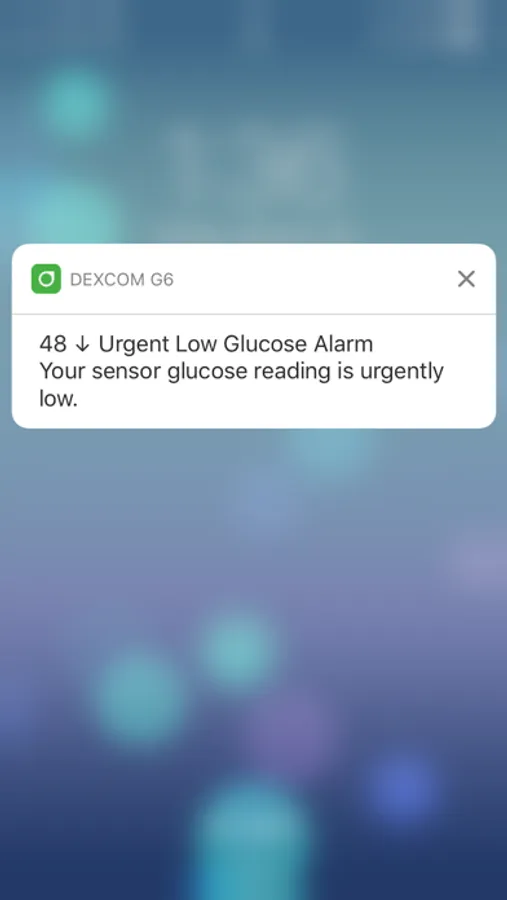
The Dexcom G6 and G6 Pro Systems provide personalized trend alerts on your smart device and let you see when your glucose levels are going too low, or too high, so you can better manage your diabetes. The Alert Schedule** feature lets you schedule and customize a second set of alerts. Custom alert sounds are available, including a Vibrate-Only option on the phone for glucose alerts. The only exception is the Urgent Low Alarm, which you can’t turn off.
The Always Sound** setting, which is on by default, allows you to receive certain Dexcom CGM Alerts even if your phone sound is off, set to vibrate, or in Do Not Disturb mode. This allows you to silence calls or texts but still receive audible CGM Alarm and Alerts, including the Urgent Low Alarm, Low and High Glucose alerts, Urgent Low Soon Alert**, and Rise and Fall Rate alerts**. A Home screen icon shows you if your Alerts will sound or not. For safety, the Urgent Low Alarm and three alerts can’t be silenced: Transmitter Failed, Sensor Failed, and App Stopped.
Other features:
• Share** your glucose data with up to ten followers in real time. Followers can monitor your glucose data and trends in real time on their compatible smart device with the Dexcom Follow** app. Share and Follow functions require an internet connection
• Health app access so you can share retrospective glucose data with third party apps
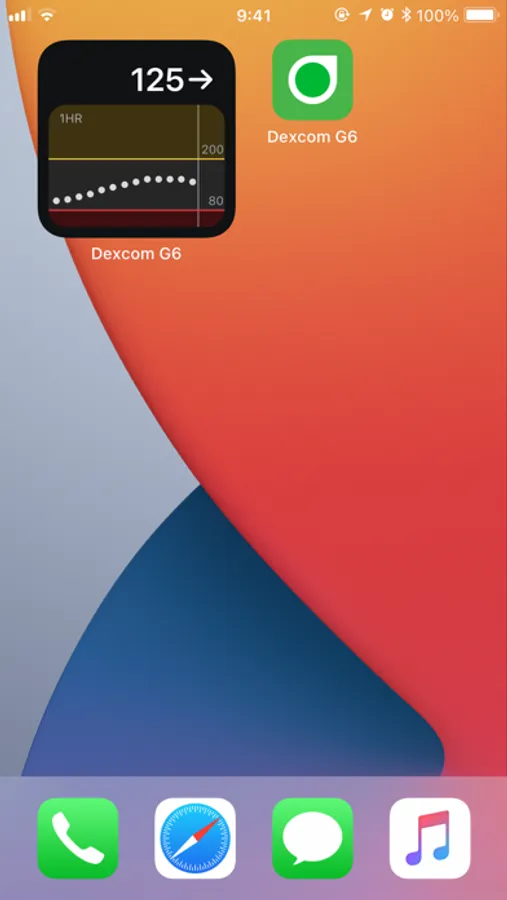
• Today View widget allows you to view your glucose data on the lock screen of your smart device
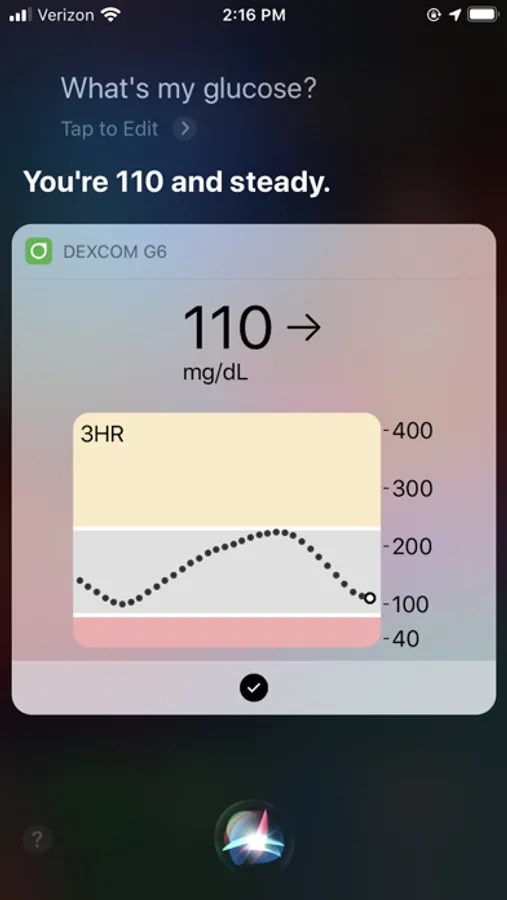
• Add a shortcut to Siri to run by asking Siri to read your current glucose value, using a custom phrase
**Not available on Dexcom G6 Pro CGM System
Apple Watch
View your glucose information, trend graph, and alerts and alarm right from your wrist with the Dexcom G6 Apple Watch app. Watches require compatible smart device to use app.
Customer Reviews
This app store should not be used as your first point of contact to resolve technical or customer services issues. In order to protect your privacy and personal information, and promptly resolve any technical or customer services issues you are having with any Dexcom product, please contact 1-888-738-3646 or www.dexcom.com/tech-support.
Dexcom is required to follow up with customers regarding product-related complaints. If Dexcom determines that your comment/complaint requires follow up, a technical support representative will attempt to contact you to gather more information regarding your comment/complaint.
Dexcom is a registered trademark in the US.
Dexcom G6 Screenshots
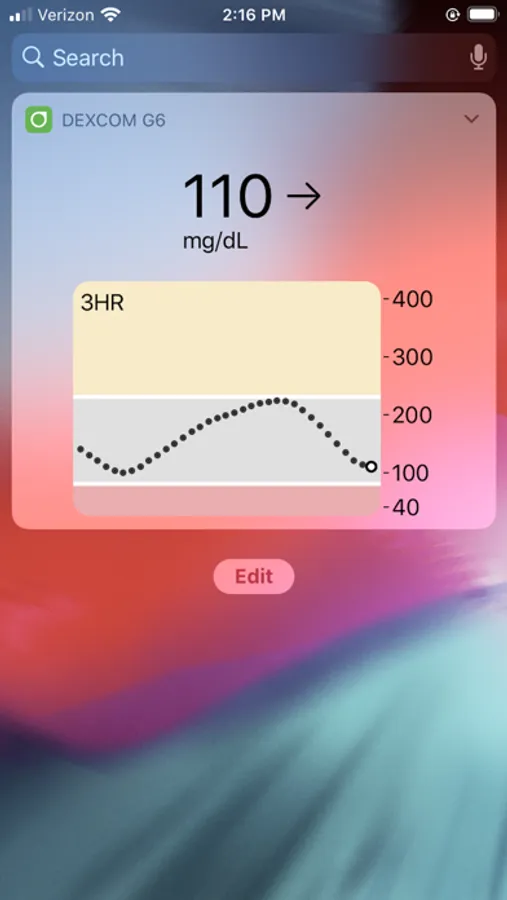
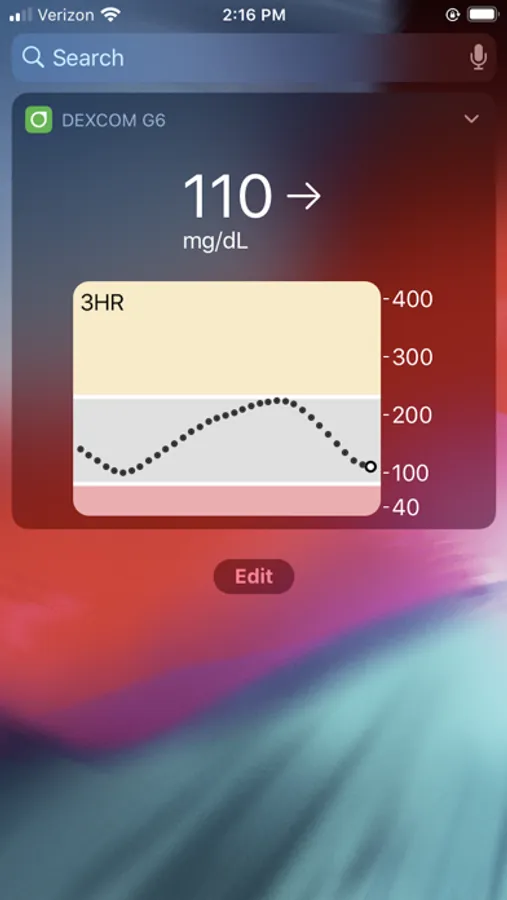
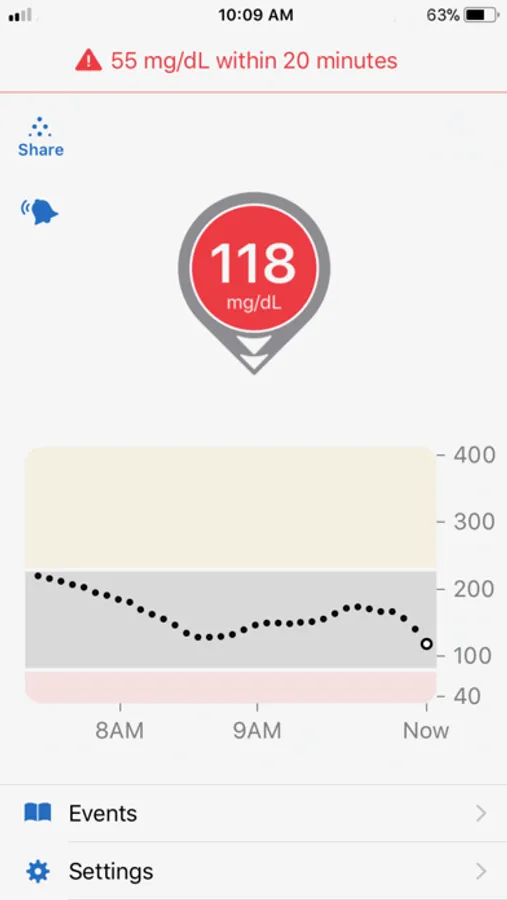
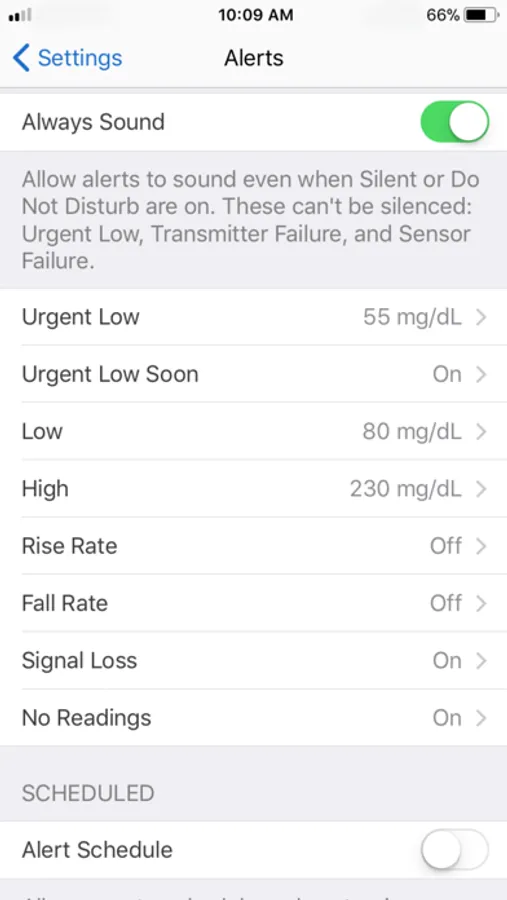
Tap to Rate:
Reviews for Dexcom G6
AshPawsz
Doesn’t work
This app is awful! I’m not sure how it’s happened but my settings screen does not look like anyone else I know with the g6. I have no option to re-calibrate so everything is super, super, off.
whoppedoope
keeps me alive ty
i love this app so much and my parents have the follow app but if you can somehow like create something would send through when your glucose is low that like asks what treatment did you have and there can be like custom stuff you added like tablets or juice or whatever you have and you tap what you had and it sends through to the follow app so my parents don't always text me or bug me about it and if like i don't see or tap it they'll know there's a problem like i fainted or something so they can do something so yeah i just thought of this one day it would be a dream come true if this happened ty for this app i love it!