
In this health management app, users can monitor blood glucose levels, adjust insulin settings, and connect with continuous glucose monitors. Includes features for profile management, insulin delivery control, and device connectivity.
AppRecs review analysis
AppRecs rating 3.4. Trustworthiness 78 out of 100. Review manipulation risk 23 out of 100. Based on a review sample analyzed.
★★★☆☆
3.4
AppRecs Rating
Ratings breakdown
5 star
46%
4 star
12%
3 star
12%
2 star
9%
1 star
22%
What to know
✓
Low review manipulation risk
23% review manipulation risk
✓
Credible reviews
78% trustworthiness score from analyzed reviews
⚠
High negative review ratio
30% of sampled ratings are 1–2 stars
About Omnipod 5 App
Simple and automated insulin delivery with the Omnipod 5 System is made possible with the Omnipod 5 Pod, the Omnipod 5 App on an Insulet-provided Controller or on your personal compatible smartphone** and the Dexcom G6 and G7 CGM.
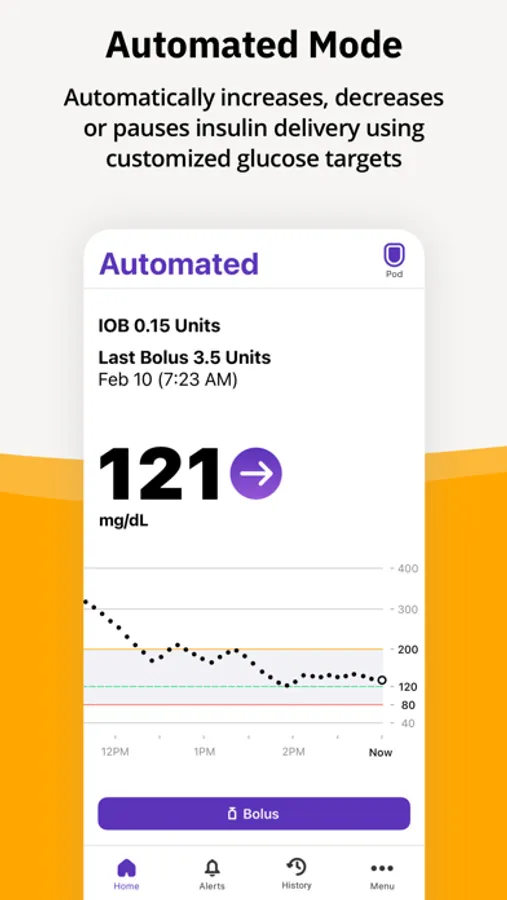
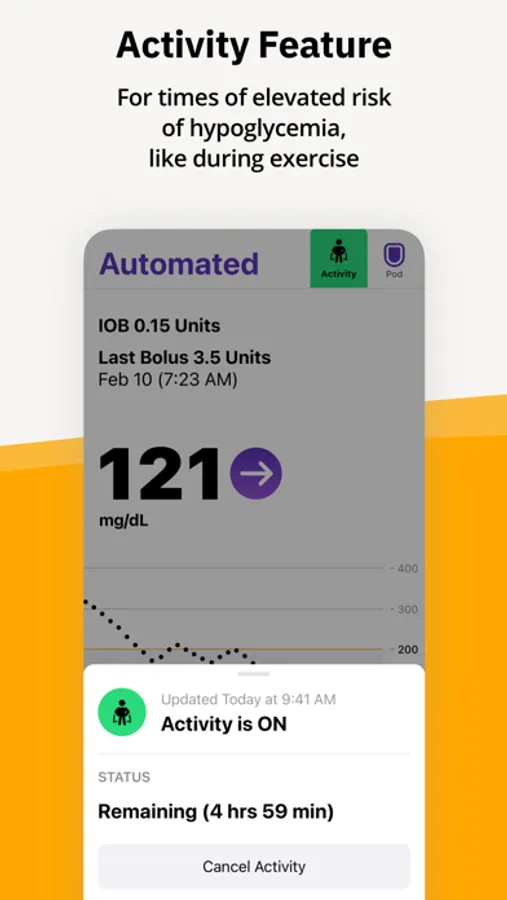
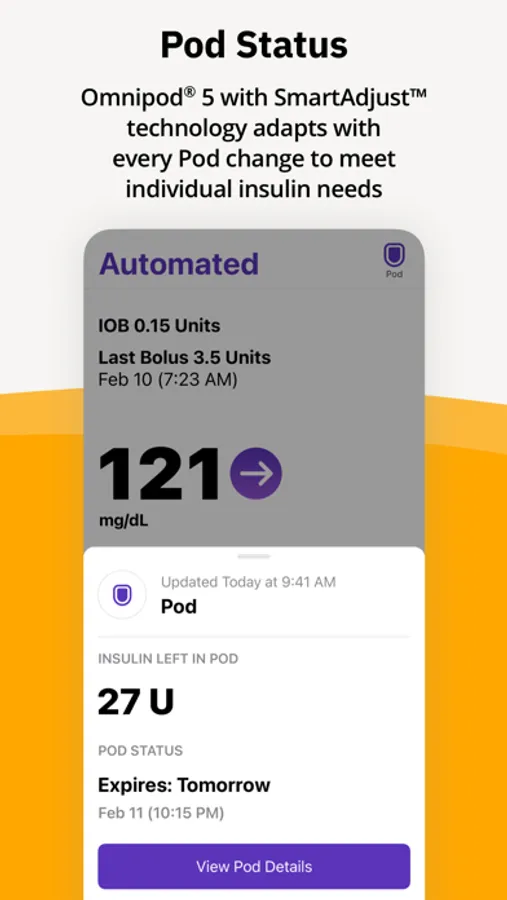
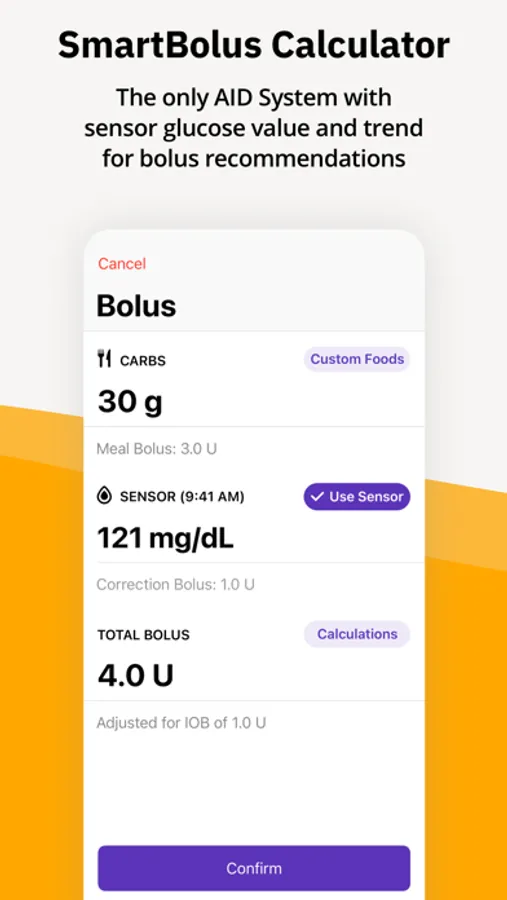
The Omnipod 5 App allows you to select a basal profile, target glucose, deliver a bolus, activate, and deactivate the Pod, connect with the Dexcom G6 and G7 CGM, and more.
* Fingersticks required for diabetes treatment decisions if symptoms or expectations do not match readings
** For a list of the latest compatible smartphones, please visit: https://www.omnipod.com/compatibility
Intended Use:
The Omnipod 5 App is part of the Omnipod 5 Automated Insulin Delivery System. The Omnipod 5 System is indicated for use by individuals with Type 1 diabetes mellitus in persons 2 years of age and older and for adults with Type 2 diabetes. The Omnipod 5 System is intended for single patient, home use and requires a prescription. The Omnipod 5 System is compatible with the following U-100 insulins: NovoLog®, Humalog®, and Admelog®.
Refer to the Omnipod® 5 Automated Insulin Delivery System User Guide for complete safety information including indications, contraindications, warnings, cautions, and instructions.
Do not use the Omnipod 5 App without receiving the proper training.
This app store should not be used as your first point of contact to resolve technical or customer services issues. In order to protect your privacy and personal information, and to promptly resolve any technical or customer services issues you are having with any Insulet product, please contact Insulet customer support at 1-800-591-3455 or at Omnipod.com/contact-us.
Disclaimer: You must seek a doctor’s advice in addition to using this app and before making any medical decisions.
©2025 Insulet Corporation. Omnipod, SmartAdjust, Podder, PodderCentral, the Omnipod logo, and Simplify Life are trademarks or registered trademarks of Insulet Corporation. All rights reserved. Dexcom and Dexcom G6 and G7 are registered trademarks of Dexcom, Inc. and used with permission. The use of third-party trademarks does not constitute an endorsement or imply a relationship or other affiliation.
All other trademarks are the property of their respective owners.
Omnipod 5 App Screenshots


Tap to Rate:
Reviews for Omnipod 5 App
fixyosh¡t
Can’t transfer a pod
Get a new phone and have to waste insulin because you can’t transfer a pod. Could transfer my Dexcom connection in a snap, to be sure since you all partner with them in other way they could help with this function?
Wlandymore
Development reducing intelligence
Unfortunately, the past two updates to the app have reduced the intelligence of the app being able to pause the insulin so now it’s far more likely that you will run high. That, coupled with the fact that it can’t auto-bolts means the control is worse now. I used to always be 95%+ in the range, but now the app wants to run higher all the time. Add an auto-bolts and perhaps an “aggressiveness” setting from 0-5 and this would be as close to a pancreas as you could get