In this app, you can write daily entries and secure your thoughts with a password or biometric lock. Includes backup options via iCloud and export features to save or share your diary entries.
AppRecs review analysis
AppRecs rating 4.7. Trustworthiness 61 out of 100. Review manipulation risk 31 out of 100. Based on a review sample analyzed.
★★★★☆
4.7
AppRecs Rating
Ratings breakdown
5 star
80%
4 star
15%
3 star
3%
2 star
1%
1 star
1%
What to know
✓
High user satisfaction
80% of sampled ratings are 5 stars
✓
Authentic reviews
Natural distribution, no red flags
About Diary With Password
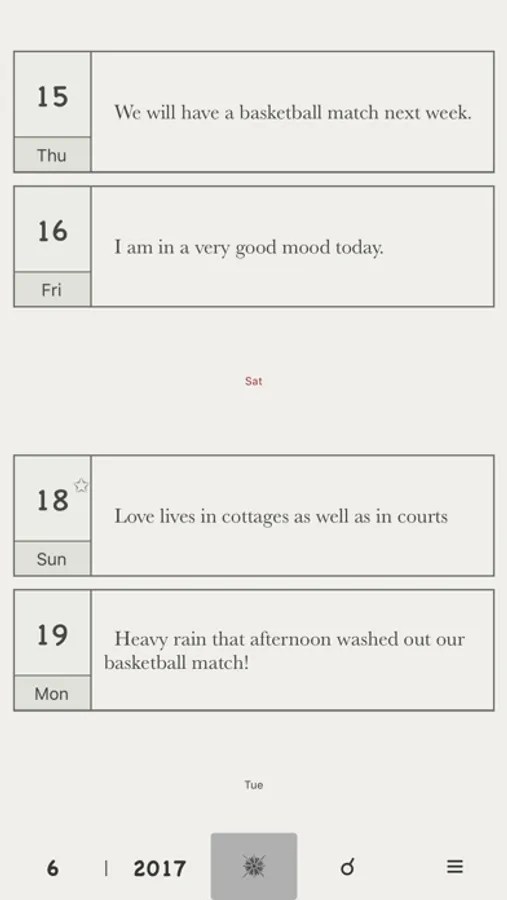
Track life's progress
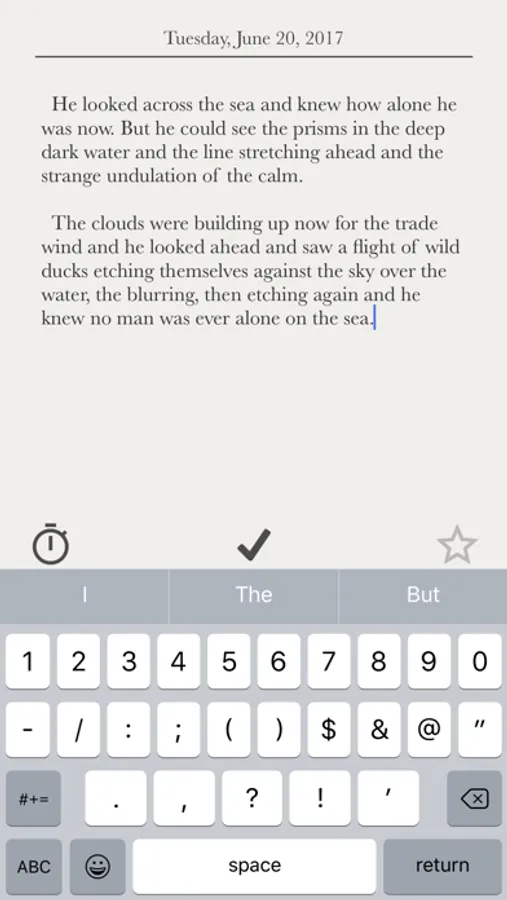
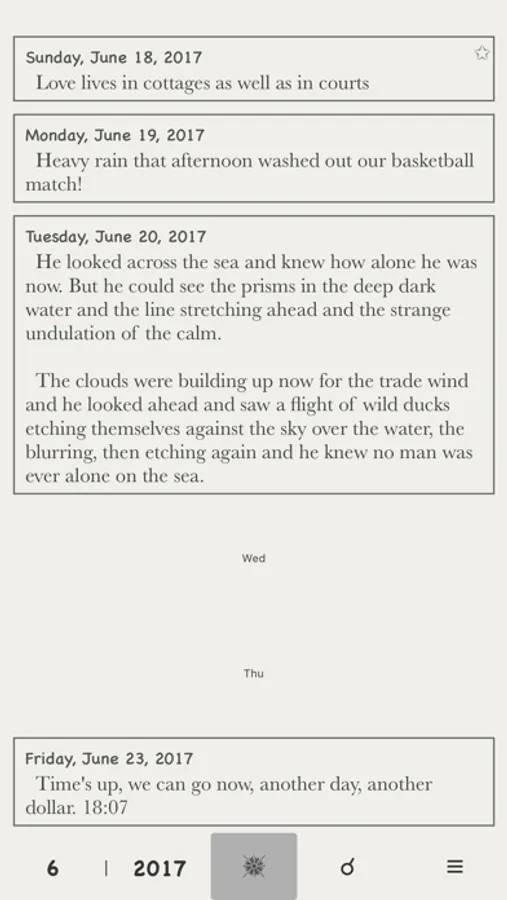
Log a little bit about each day
Look back at the emotions and the opinions and even mundane aspects of your life
Write out all your emotions in a space and no one will see
This is an electronic diary
Simple and friendly
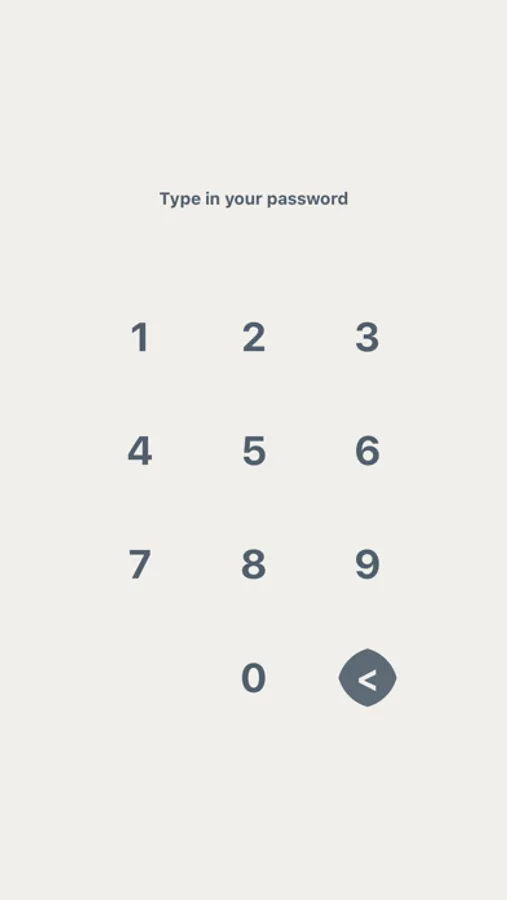
■ Password
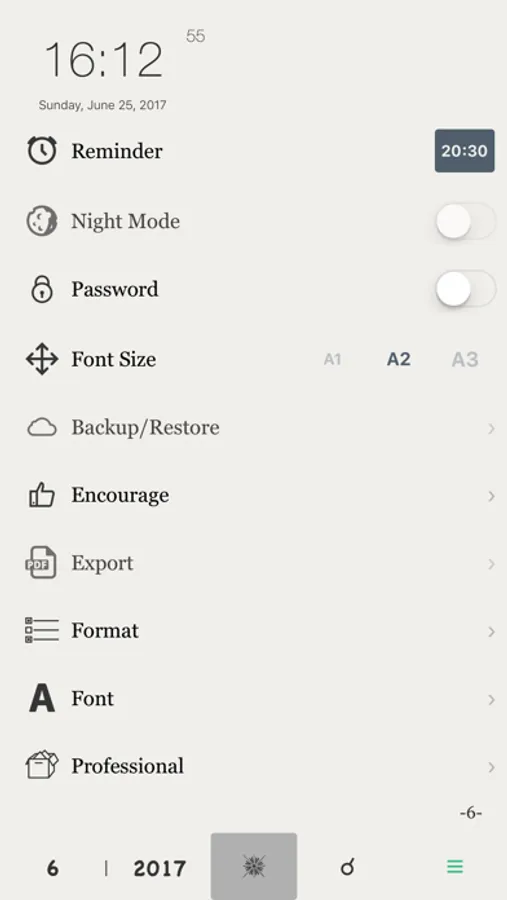
-set a password to protect your diary secrets
■ Time Stamp
-note the time by touching the inconspicuous clock button
■ Reminder
-friendly reminder to write about your day
■ Delete
-swipe your finger to delete the diary you want to delete
■ Night Mode
-to make looking at a screen in a dark room easier on your eyes
■ iCloud
-back up your data/Restore the data on your iOS device
■ Export
-export your diary as a text/Export the diary to PDF file
(The exported file can be sent to you by email. Please make sure that a mail account has been set on the device. You can also choose to export your data to your iOS file system on your device)
■ Sizes
-choose a new font size from the font size list
■ Sign
-add a good diary to your favorites
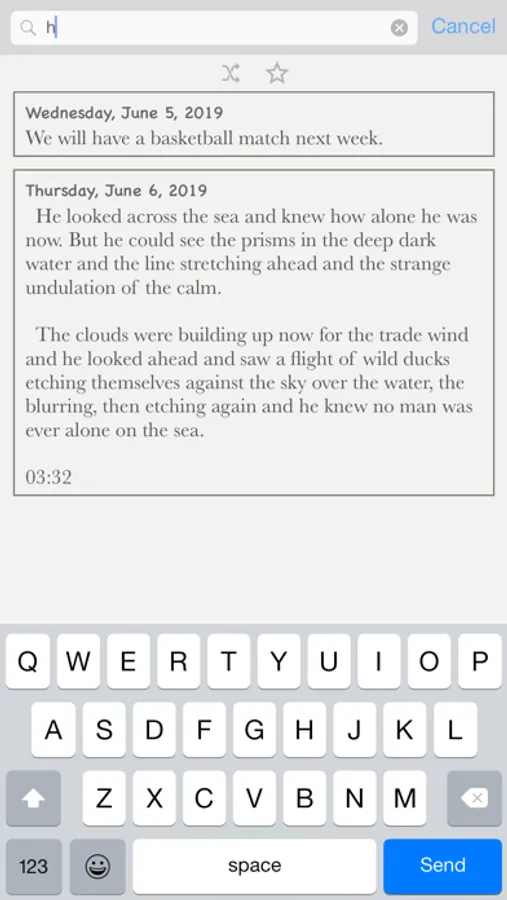
■ Search
-full text search-able - search entries by containing text
■ Fonts
-to change the font type, in the font list, select a font
■ Touch ID / Face ID
-need the related hardware support (iPhone 5s+)
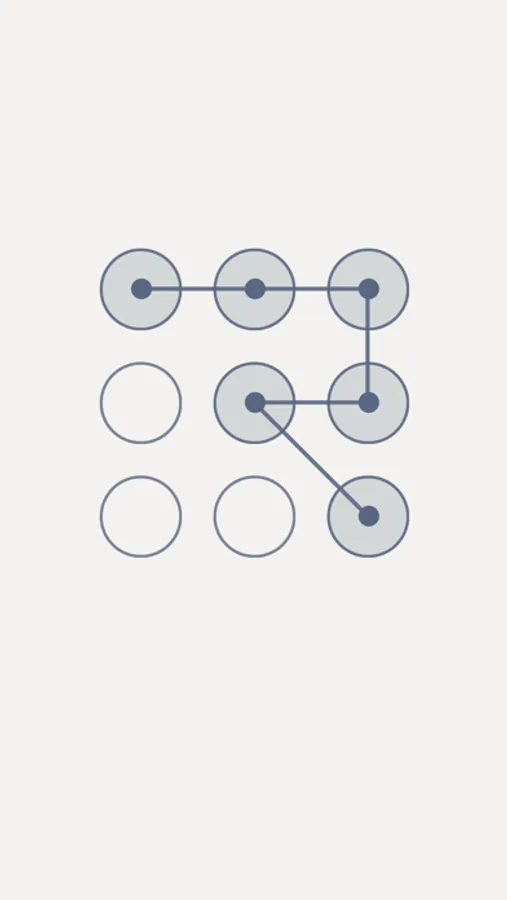
■ Pattern Lock
-security and ease
Log a little bit about each day
Look back at the emotions and the opinions and even mundane aspects of your life
Write out all your emotions in a space and no one will see
This is an electronic diary
Simple and friendly
■ Password
-set a password to protect your diary secrets
■ Time Stamp
-note the time by touching the inconspicuous clock button
■ Reminder
-friendly reminder to write about your day
■ Delete
-swipe your finger to delete the diary you want to delete
■ Night Mode
-to make looking at a screen in a dark room easier on your eyes
■ iCloud
-back up your data/Restore the data on your iOS device
■ Export
-export your diary as a text/Export the diary to PDF file
(The exported file can be sent to you by email. Please make sure that a mail account has been set on the device. You can also choose to export your data to your iOS file system on your device)
■ Sizes
-choose a new font size from the font size list
■ Sign
-add a good diary to your favorites
■ Search
-full text search-able - search entries by containing text
■ Fonts
-to change the font type, in the font list, select a font
■ Touch ID / Face ID
-need the related hardware support (iPhone 5s+)
■ Pattern Lock
-security and ease
Diary With Password Screenshots
Tap to Rate:
Reviews for Diary With Password
Brilei67
Fav diary
I love it so much bc it keeps all my stuff safe and has a passcode I love the app
BossyGirl999
Great
Really easy to use and like that I can change my font size the only thing I’m not to happy about it is how little days on the week are.