AppRecs review analysis
AppRecs rating 1.5. Trustworthiness 74 out of 100. Review manipulation risk 28 out of 100. Based on a review sample analyzed.
★☆☆☆☆
1.5
AppRecs Rating
Ratings breakdown
5 star
11%
4 star
0%
3 star
0%
2 star
5%
1 star
84%
What to know
✓
Low review manipulation risk
28% review manipulation risk
✓
Credible reviews
74% trustworthiness score from analyzed reviews
⚠
Mixed user feedback
Average 1.5★ rating suggests room for improvement
About RS-AERO1I
[Function overview]
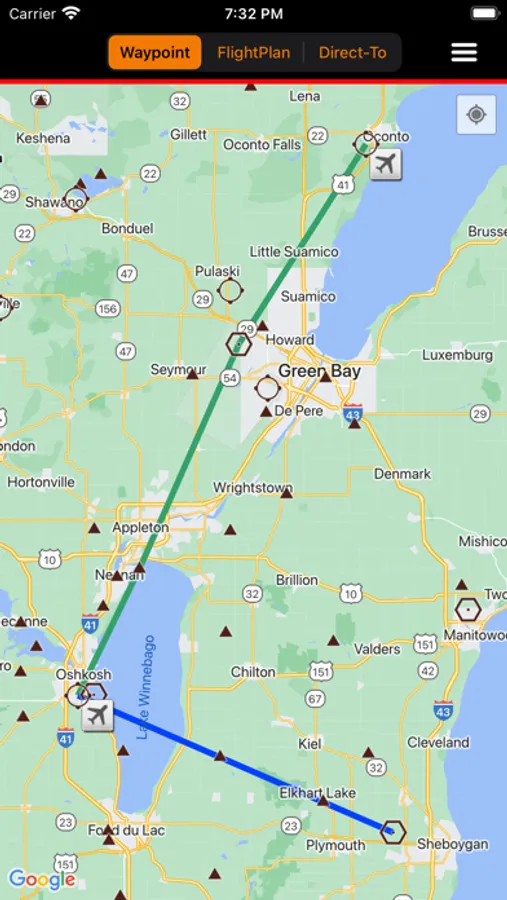
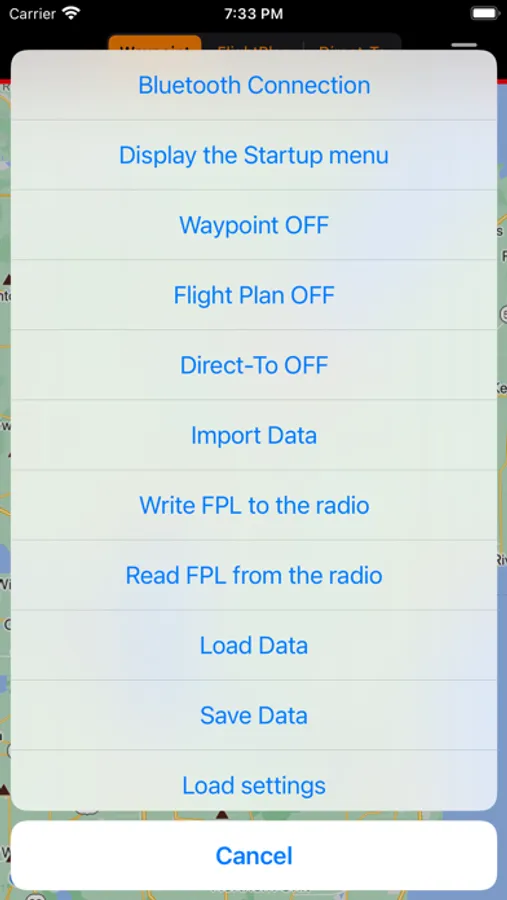
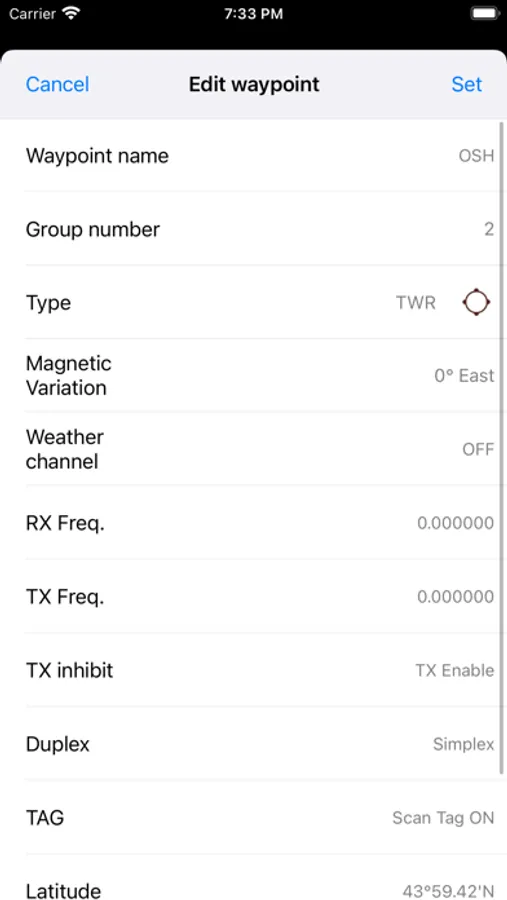
・Waypoint
You can create waypoints on the map and edit their name, type, location, and so on.
・Flight plan
You can create and edit flight plans by linking waypoints on the map.
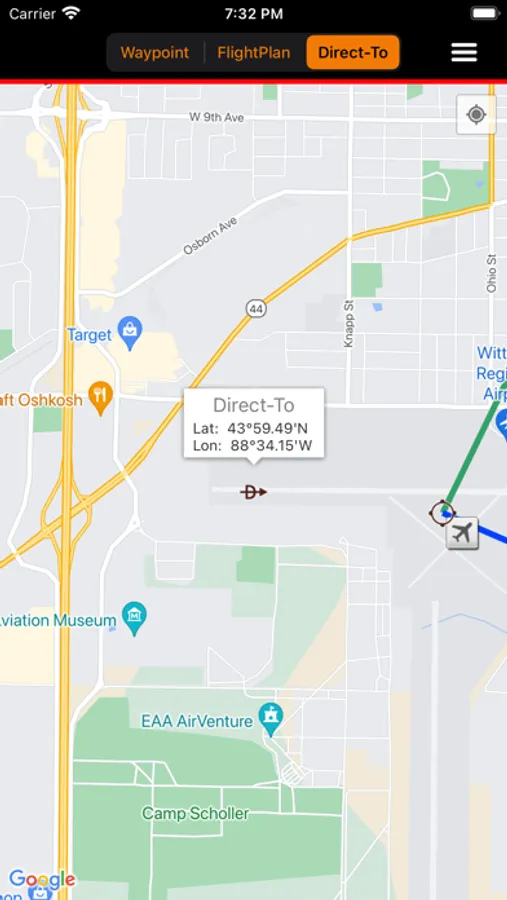
・Direct To
You can instantly send any waypoint or location on the map to the transceiver as a
destination with only a few taps.
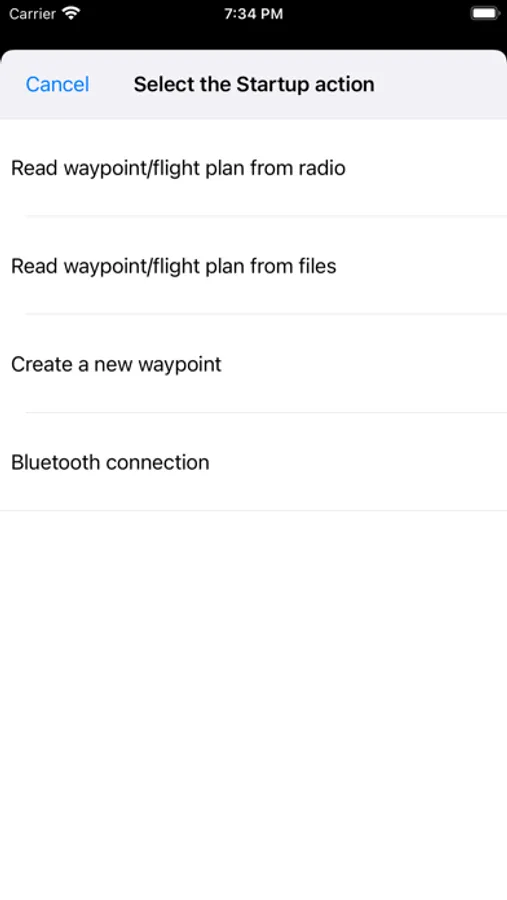
・Import
You can import waypoints or flight plans from GPX and FPL files.
・Save / Load
You can save and load waypoint and flight plan data for various purposes.
[Compatible transceivers]
IC-A25N/IC-A25NE
Note:
- The RS-AERO1I may not work with all iPhones or iPads.
- The RS-AERO1I may not work, depending on the OS version or other installed application.
- Bluetooth LE is used for the connection to the transceiver, so it may take time to
complete data transfer.
- Transferring data while talking through the transceiver may cause data transfer failure.
- You need an Internet connection to use some functions.
・Waypoint
You can create waypoints on the map and edit their name, type, location, and so on.
・Flight plan
You can create and edit flight plans by linking waypoints on the map.
・Direct To
You can instantly send any waypoint or location on the map to the transceiver as a
destination with only a few taps.
・Import
You can import waypoints or flight plans from GPX and FPL files.
・Save / Load
You can save and load waypoint and flight plan data for various purposes.
[Compatible transceivers]
IC-A25N/IC-A25NE
Note:
- The RS-AERO1I may not work with all iPhones or iPads.
- The RS-AERO1I may not work, depending on the OS version or other installed application.
- Bluetooth LE is used for the connection to the transceiver, so it may take time to
complete data transfer.
- Transferring data while talking through the transceiver may cause data transfer failure.
- You need an Internet connection to use some functions.
RS-AERO1I Screenshots
Tap to Rate:
Reviews for RS-AERO1I
Kw159
Needs desperate update app not functional
This app is a good concept but it is crashing since there have been no updates for years to the software. Icom company please please update your app so that the software is compatible with the radios!!!
Derek stamper
Useless
Seriously it is garbage.