With this video editing app, you can add pan, zoom, and slow-motion effects to your videos and photos, animate text and emojis, and apply filters. Includes key frame editing, overlay options, and frame-by-frame adjustment tools.
AppRecs review analysis
AppRecs rating 3.4. Trustworthiness 76 out of 100. Review manipulation risk 25 out of 100. Based on a review sample analyzed.
★★★☆☆
3.4
AppRecs Rating
Ratings breakdown
5 star
40%
4 star
16%
3 star
8%
2 star
12%
1 star
24%
What to know
✓
Low review manipulation risk
25% review manipulation risk
✓
Credible reviews
76% trustworthiness score from analyzed reviews
About Zoominator
How it works for photos:
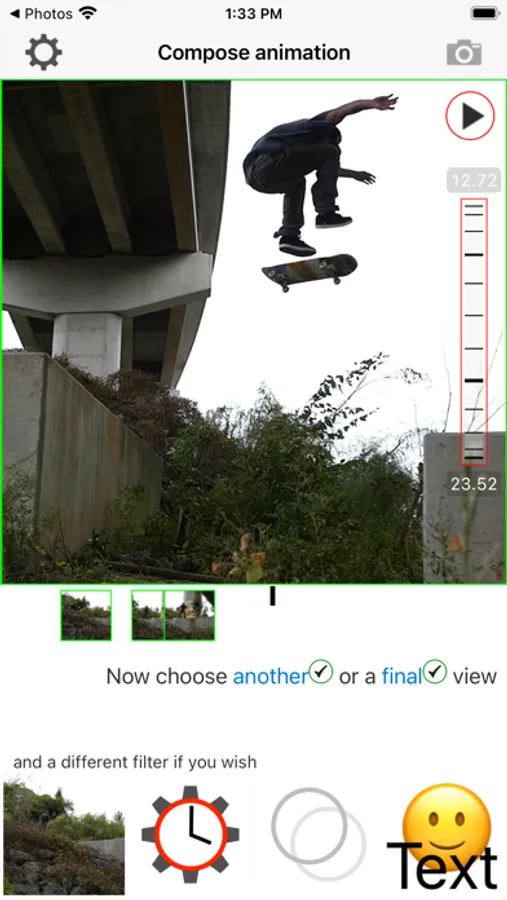
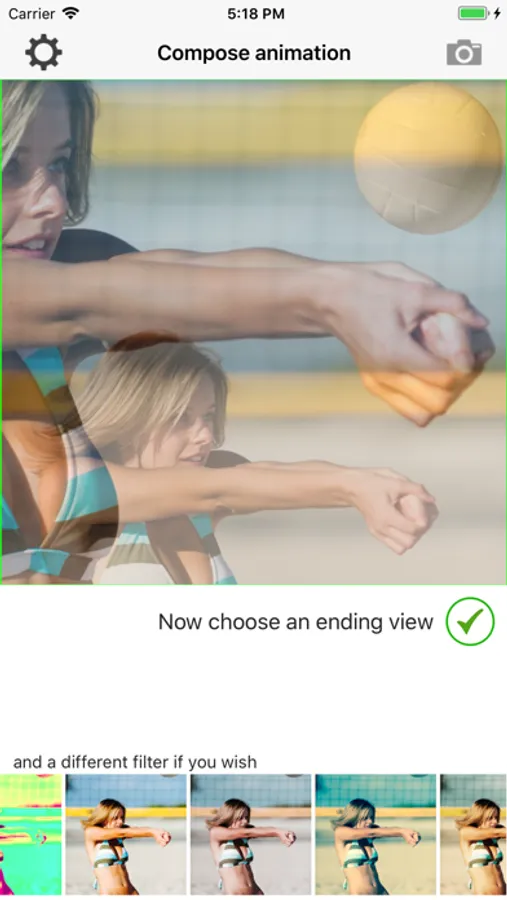
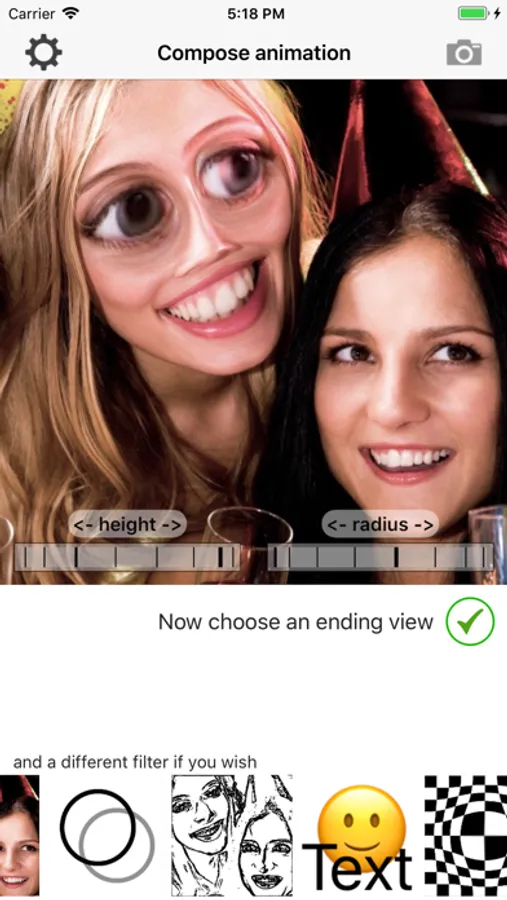
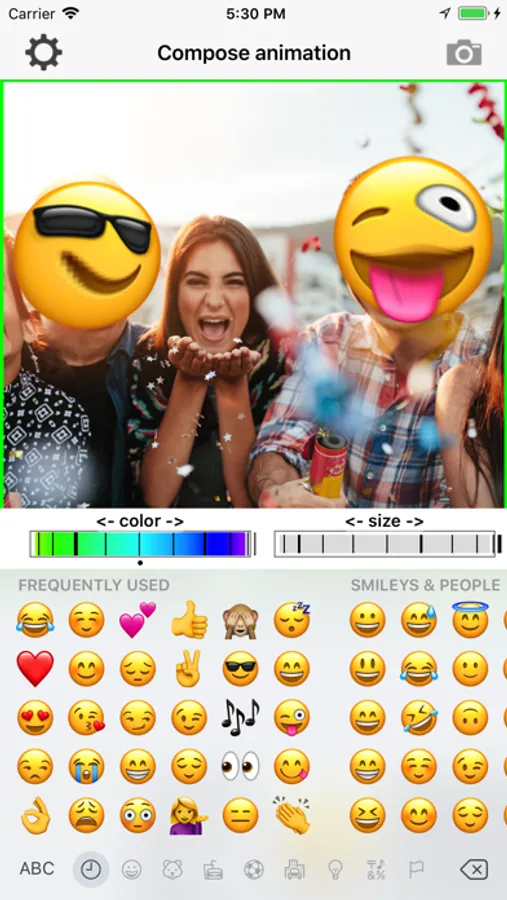
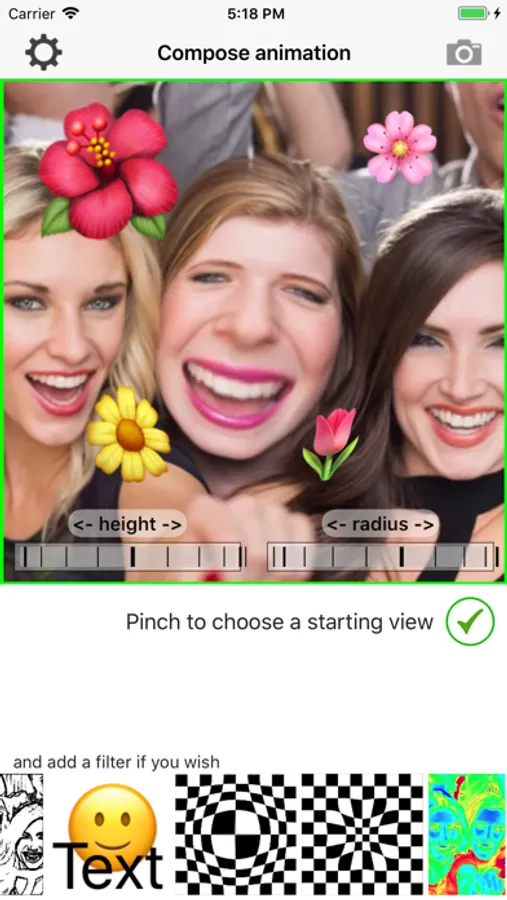
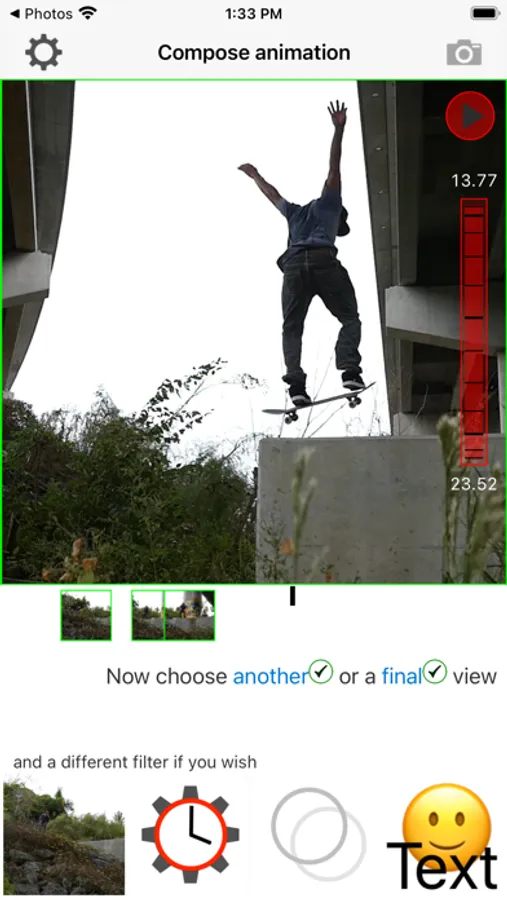
1. pinch and drag to set a key frame
2. add a filter or some text if you want
3. pinch and drag to set another key frame
4. add a different filter or add/modify text if you want
5. Keep adding more key frames, or say Okay and create a video that smoothly moves from one key frame to the next
How it works for videos:
Just the same as for photos, but use the thumbwheel to roll through the video to set the key frames at different times. Turn on thumbwheel recording to output exactly the frame rate you want, forward, backward or paused.
Zoominator Screenshots
Tap to Rate:
Reviews for Zoominator
Dr. Hydrogen
Same problem but I found a fix
I had the same high contrast problem. With great effort, I discovered it was only for the new videos made with HEVC or H.265 format, Apples new and improved compression system. I’m using an iPhone 13 pro max. Zoominator doesn’t appear to have been updated in over a year. The older H.264 style still works with Zoominator. So you need to convert your newer video to the older style. To see what your video is, open it from your camera roll, then swipe up to reveal the meta data. The way I figured it out is to upload it to another video app, then immediately save it again and use that version. I used the free video editing app called Videoshop. There are probably other apps that will do it too. iMovie doesn’t do that for me.
AviaToons
Preview looks nothing like the video
I was trying to zoom in on a video, the preview showed that the subject was centered but when I went to download the video it was out of the frame.