In this AR measurement app, you can measure lengths and areas by positioning points in your environment. Includes multiple measurement modes, saving options, and unit adjustments.
AppRecs review analysis
AppRecs rating 4.6. Trustworthiness 73 out of 100. Review manipulation risk 35 out of 100. Based on a review sample analyzed.
★★★★☆
4.6
AppRecs Rating
Ratings breakdown
5 star
78%
4 star
11%
3 star
5%
2 star
2%
1 star
4%
What to know
✓
Credible reviews
73% trustworthiness score from analyzed reviews
✓
High user satisfaction
78% of sampled ratings are 5 stars
✓
Authentic reviews
Natural distribution, no red flags
About AR Measure
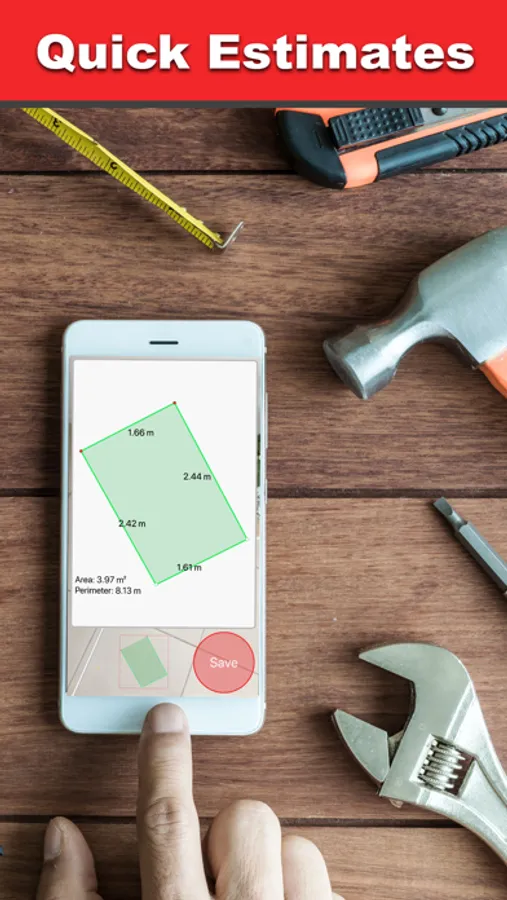
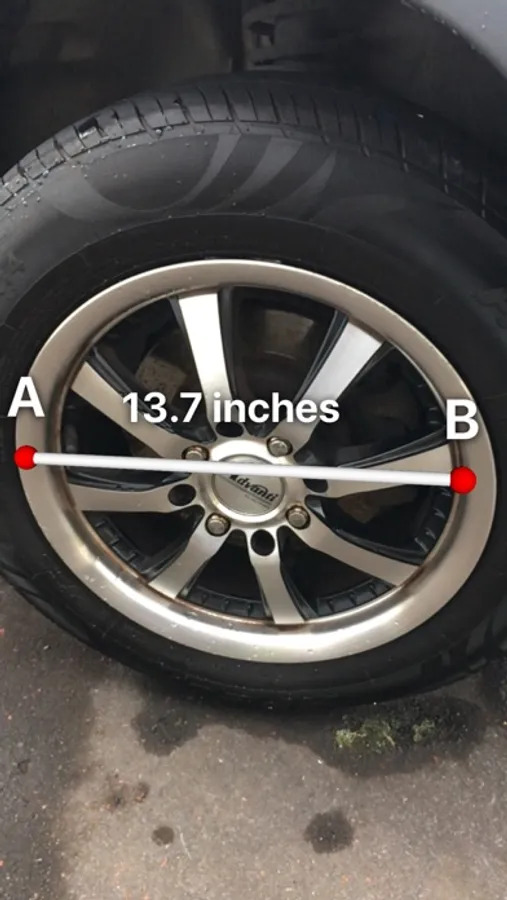
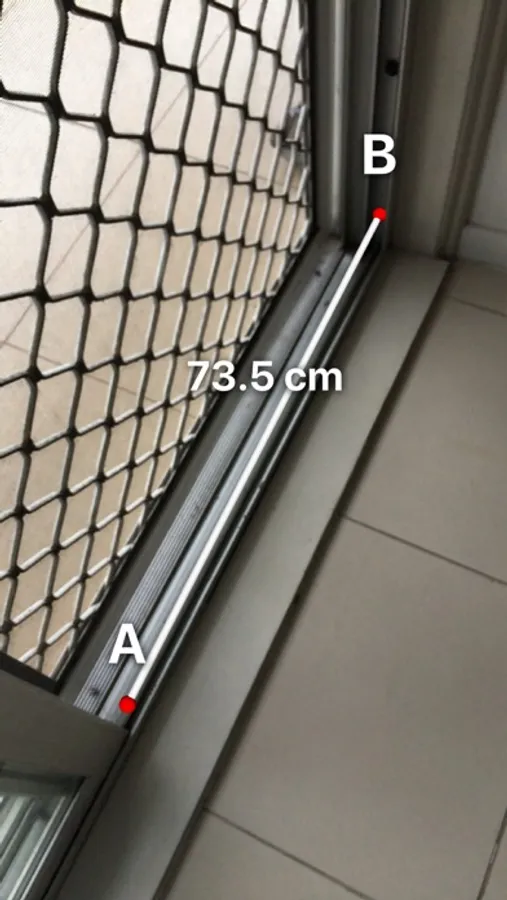
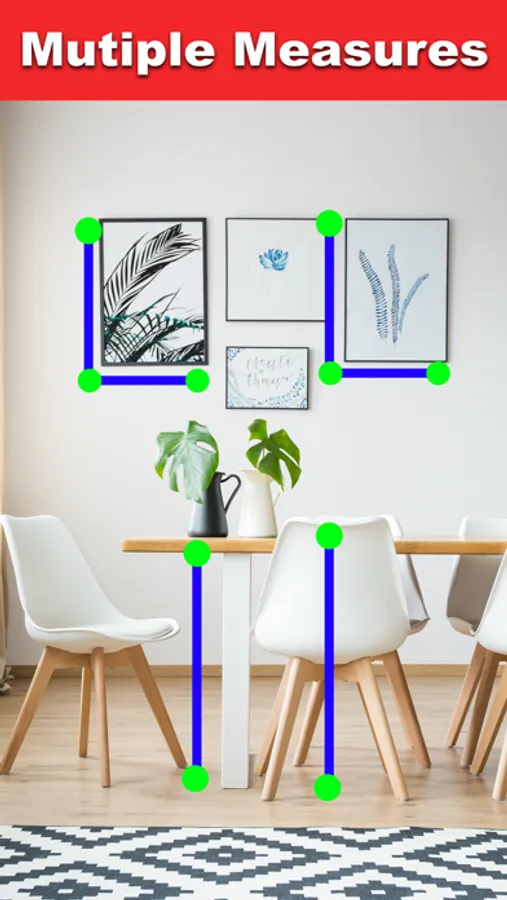
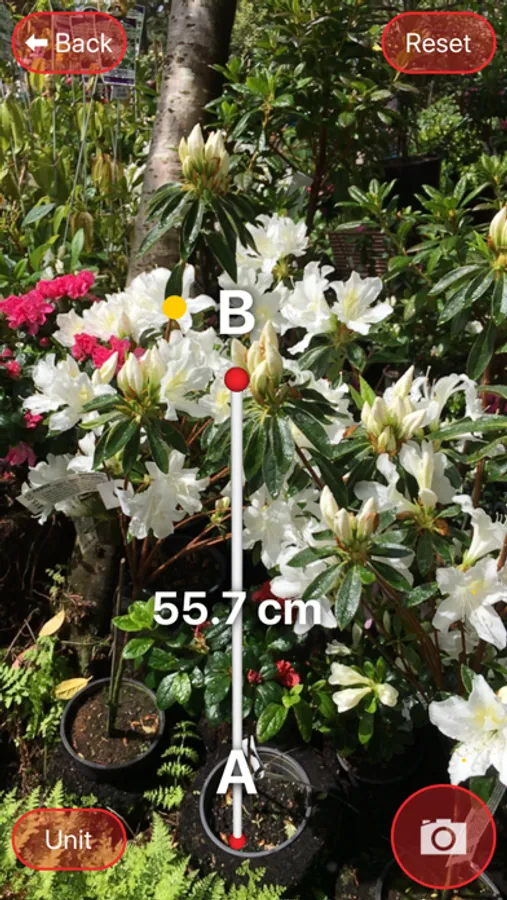
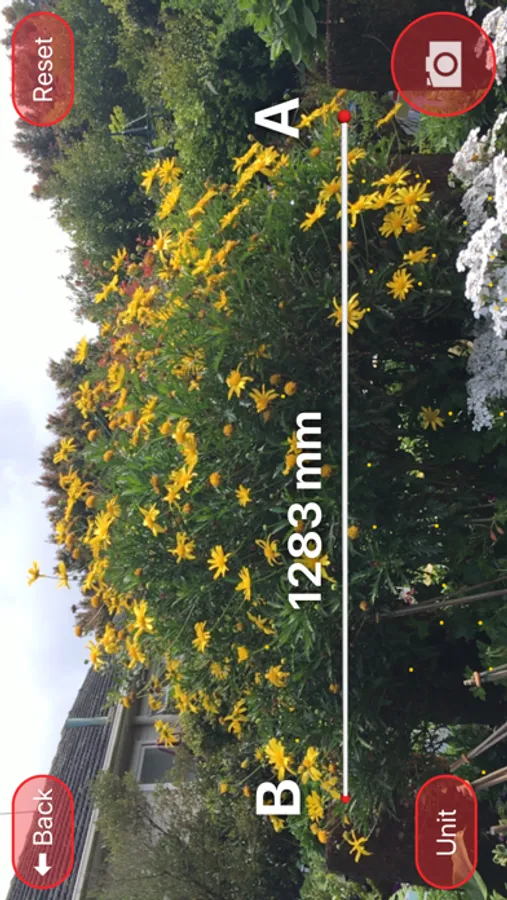
Measure lengths and areas using only your mobile device! AR Measure is the quickest way to measure two points and area sizes.
Features:
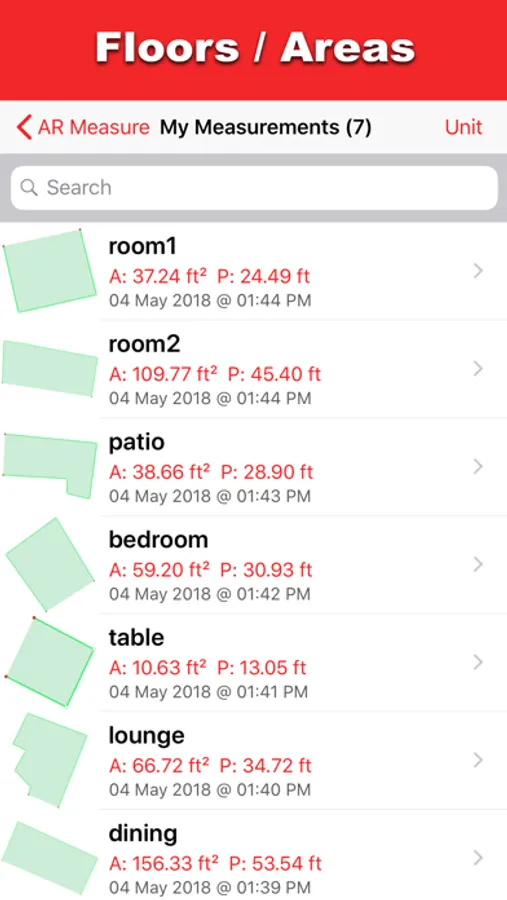
• Many modes of measurements including 4 A to B modes and 1 Area mode.
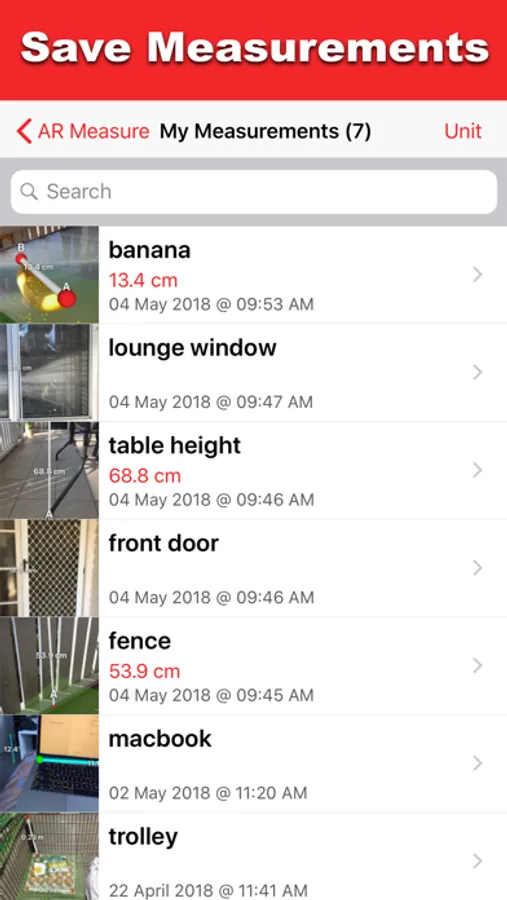
• Save your screenshots/areas in the app for later reference. Tap the Camera/Save button.
• Change the unit of measurement by tapping the "Unit" button.
Tips:
• Make sure the area is well lit.
• Get close to where you are placing your points.
• Keep your movements steady.
Features:
• Many modes of measurements including 4 A to B modes and 1 Area mode.
• Save your screenshots/areas in the app for later reference. Tap the Camera/Save button.
• Change the unit of measurement by tapping the "Unit" button.
Tips:
• Make sure the area is well lit.
• Get close to where you are placing your points.
• Keep your movements steady.
AR Measure Screenshots
Tap to Rate:
Reviews for AR Measure
Bec&Dex
I 🩷 it!
I was really impressed with this app. It was easy to use. It has a lot of features the other apps don’t have. I really love it.
RumZulu
Not accurate
Off by a foot