With this notes app, you can create, organize, and customize text notes with attachments, folders, and reminders. Includes passcode lock, themes, auto folders, and note exporting features.
AppRecs review analysis
AppRecs rating 3.0. Trustworthiness 75 out of 100. Review manipulation risk 28 out of 100. Based on a review sample analyzed.
★★★☆☆
3.0
AppRecs Rating
Ratings breakdown
5 star
56%
4 star
11%
3 star
7%
2 star
4%
1 star
21%
What to know
✓
Low review manipulation risk
28% review manipulation risk
⚠
Ad complaints
Many low ratings mention excessive ads
⚠
Pricing complaints
Many low ratings mention paywalls or pricing
About BluLines
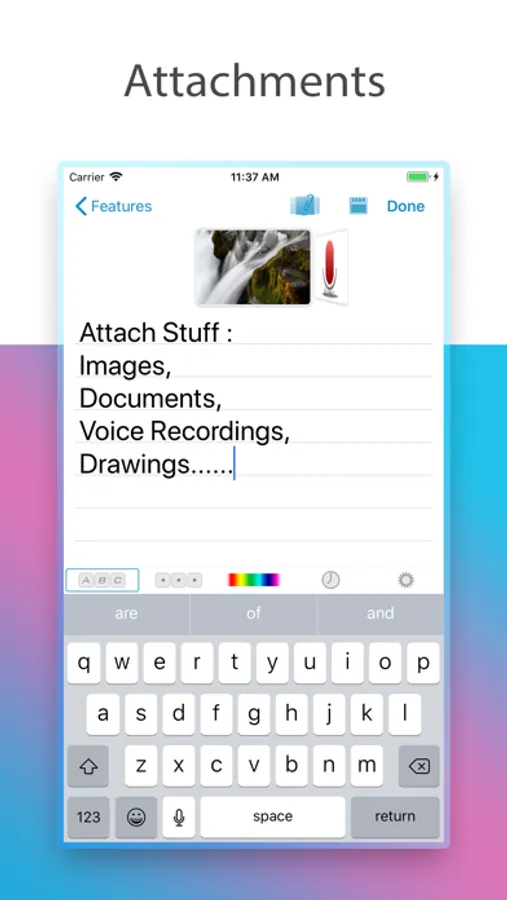
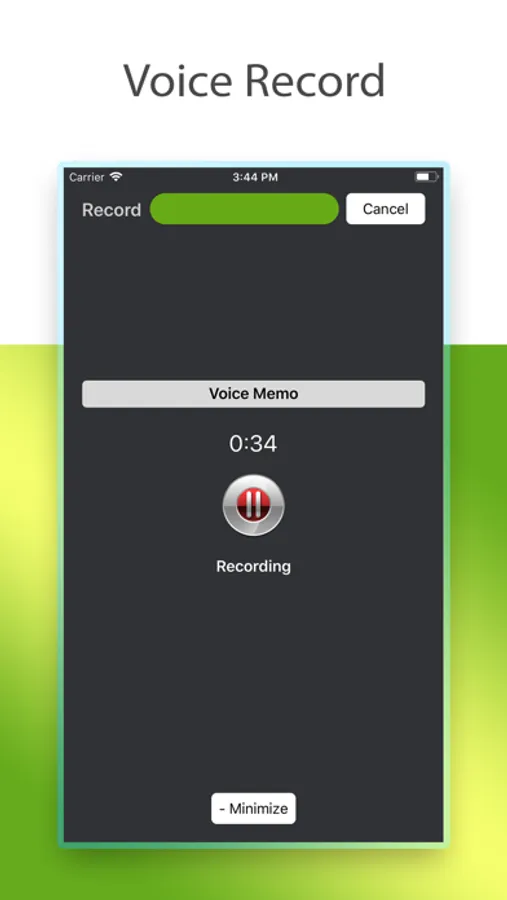
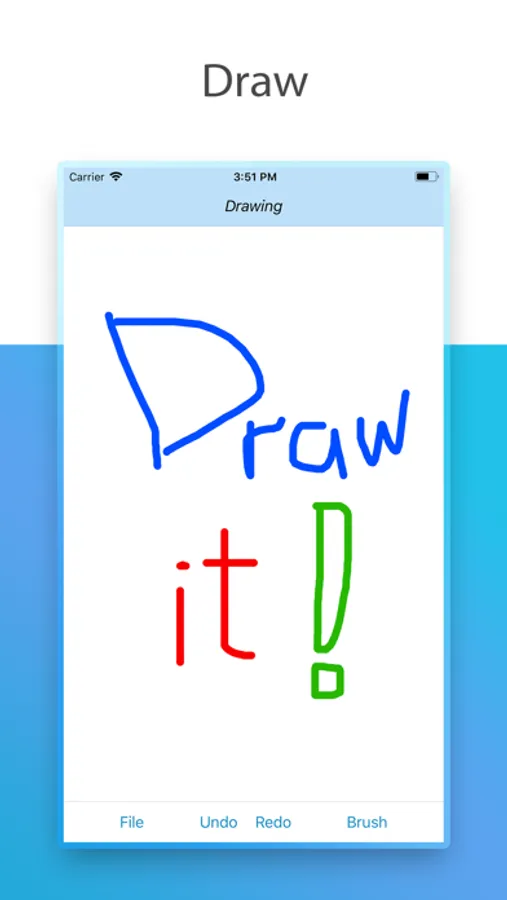
+ Note attachments: photos, documents, voice recordings, drawings, video links.
+ Folder Groups
+ Turn folder into a to-do list
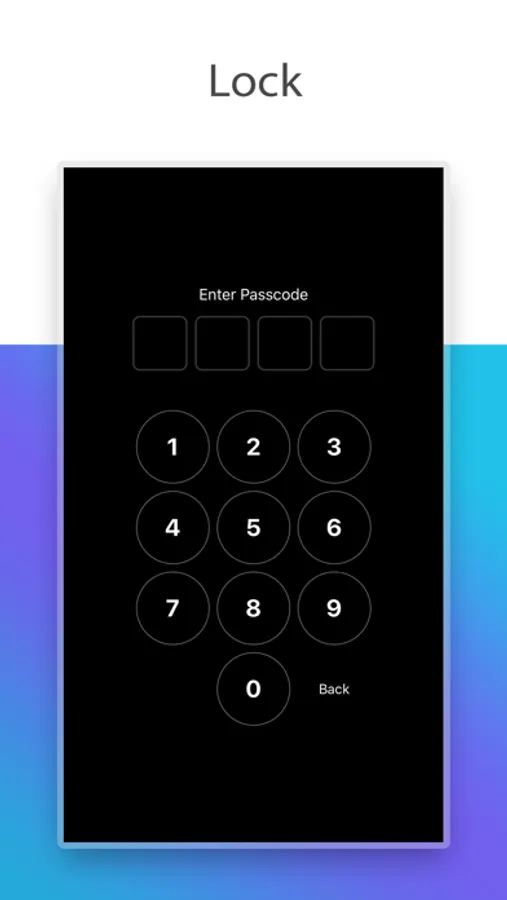
+ Passcode lock
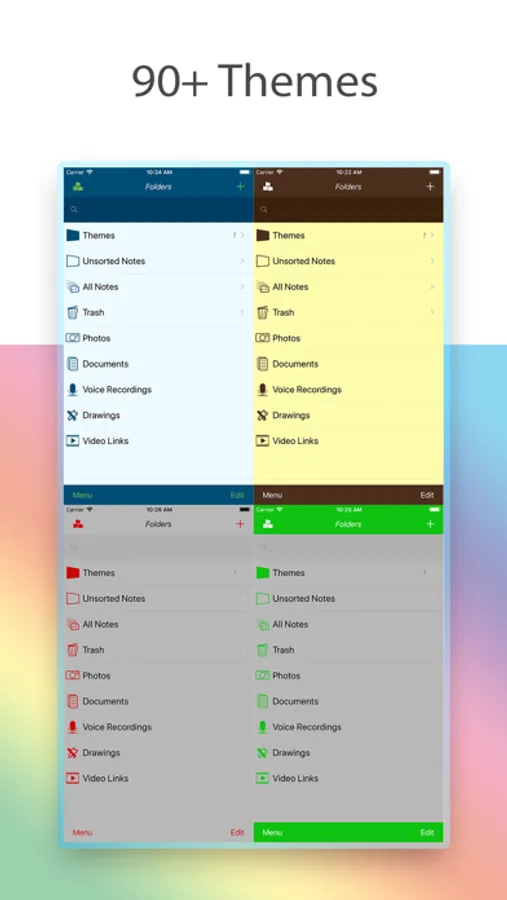
+ Themes
+ Reminders
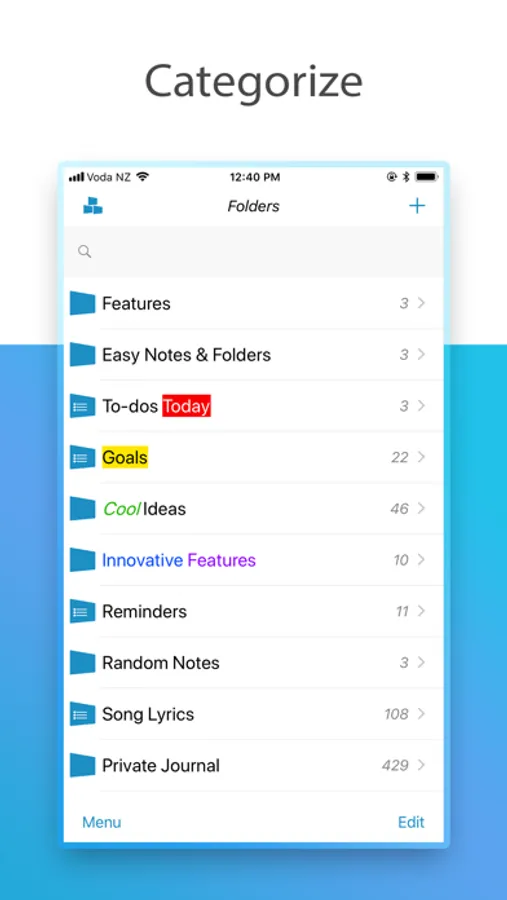
• Auto Folders: create smarter folders with filters to find your notes quicker with one tap.
• Folder name highlighting: make your important folders stand out
• Individual folder sort modes
• Turn folders into todo lists
• Note Locate, finds the first note starting with the first letter or phrase in a folder
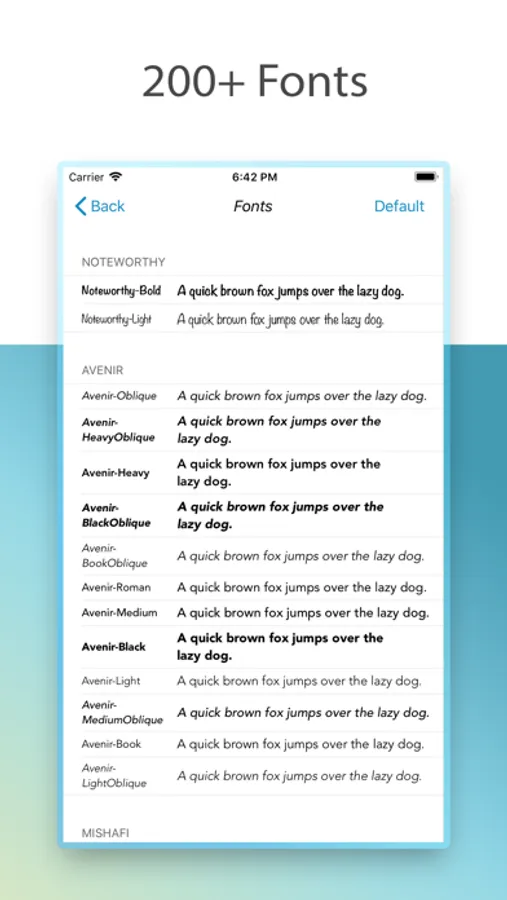
• Individual note font, choose from all the available iOS fonts.
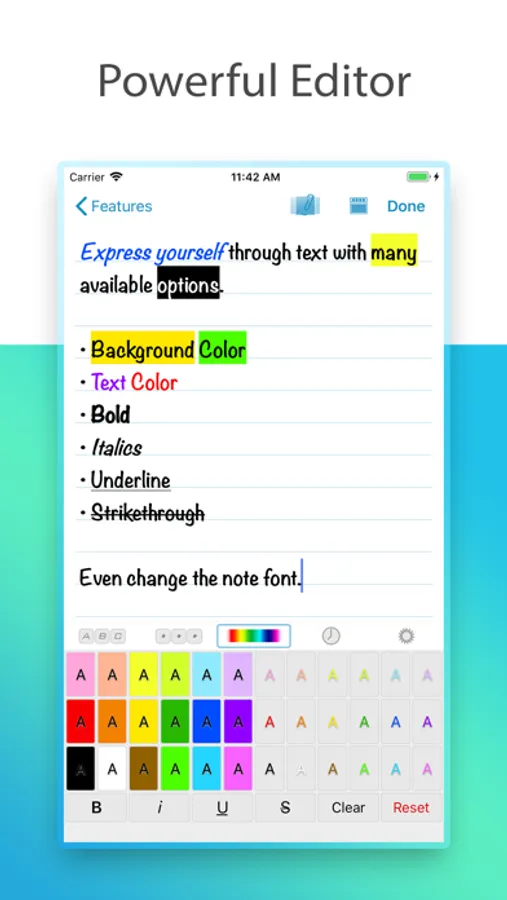
• Text highlighting including Bold, Italics, Underline, Strike text functions
• Export a note to iCloud Drive with attachments and rich text format (RTF) with highlighting.
• Set note as reminder and go back to the note from the reminder.
+ Note attachments: photos, documents, voice recordings, drawings, video links.
+ Folder Groups
+ Turn folder into a to-do list
+ Passcode lock
+ Themes
+ Reminders
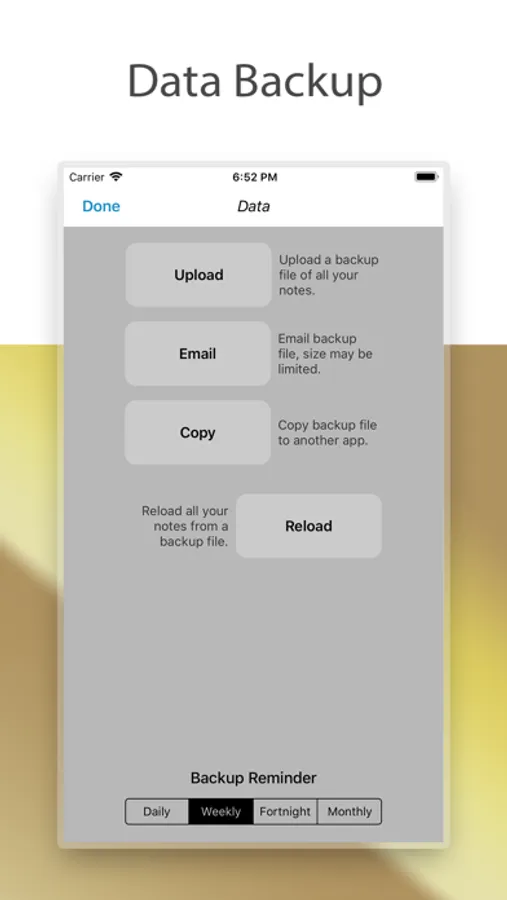
BluLines Screenshots
Tap to Rate:
Reviews for BluLines
AJ Bjerke
Holds your notes hostage
I paid $6 dollars a few years ago for the ad free “one time purchase” Now it’s asking me to pay $15 for the same ad free version “one time purchase - no subscription ever.” It's just a subscription to your notes app with extra steps.
Nathan Stauffer
Why would anybody ever use this?
Adds for a notes app should be met with a criminal prosecution.