With this note-taking app, you can organize notes using filters, customize folder themes, and access a powerful editing keyboard. Includes auto folders, folder highlighting, file attachments, and a trash folder.
About BluLines Pro
Pro Features:
• Auto Folders: create smarter folders with filters to find your notes quicker in one tap.
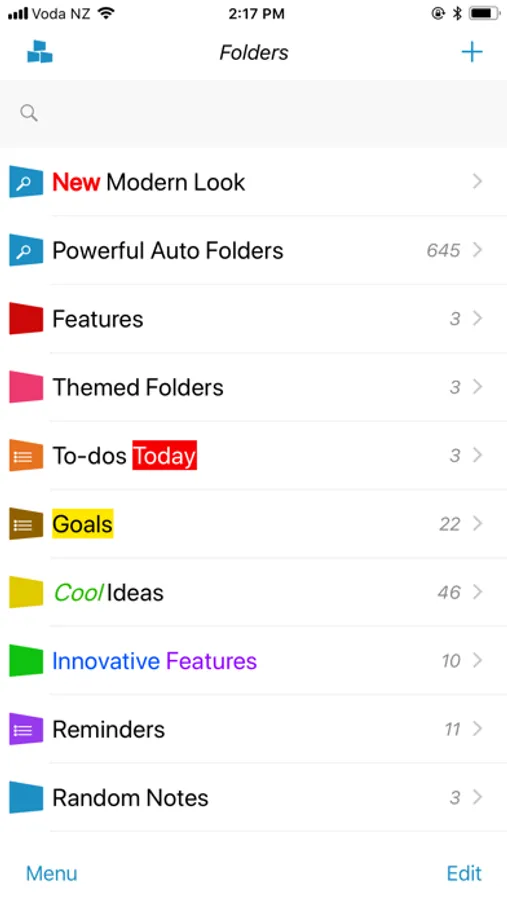
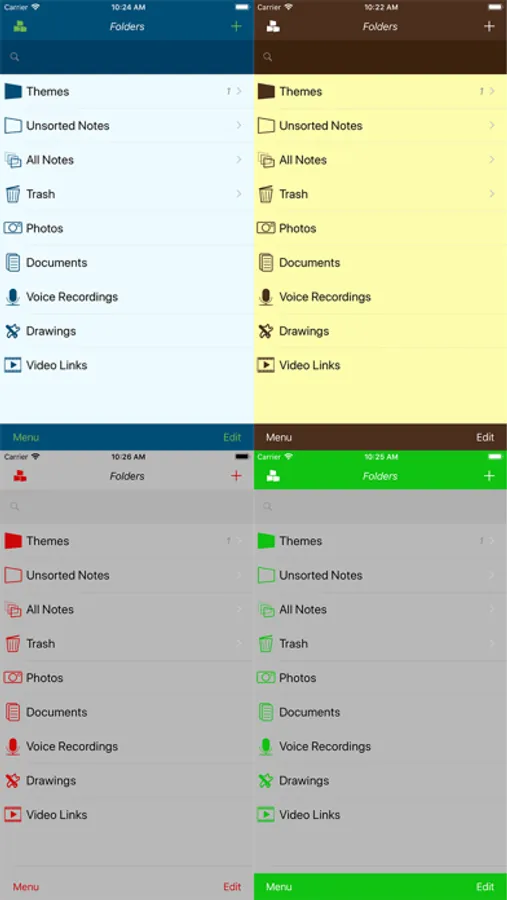
• Folder Themes: set theme for individual folders.
• Tri-Panel Mode, see folders, notes and editor on one screen on your iPad.
Features:
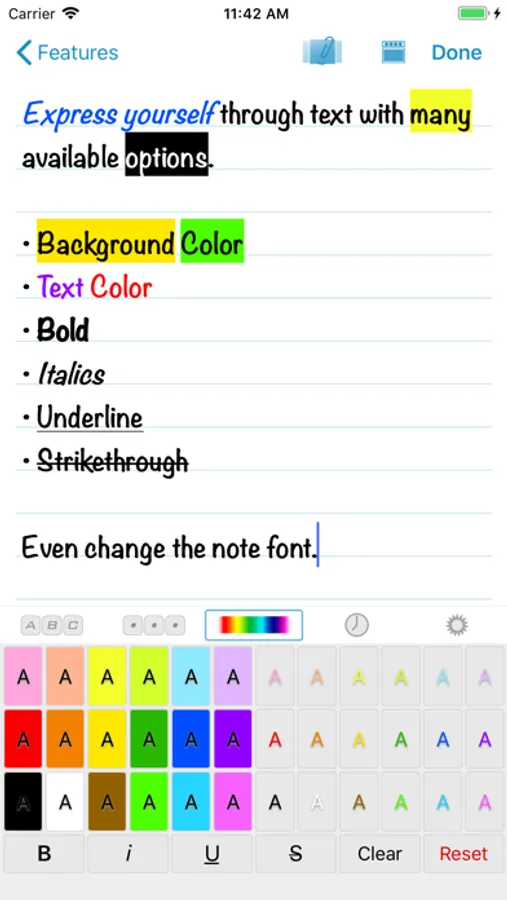
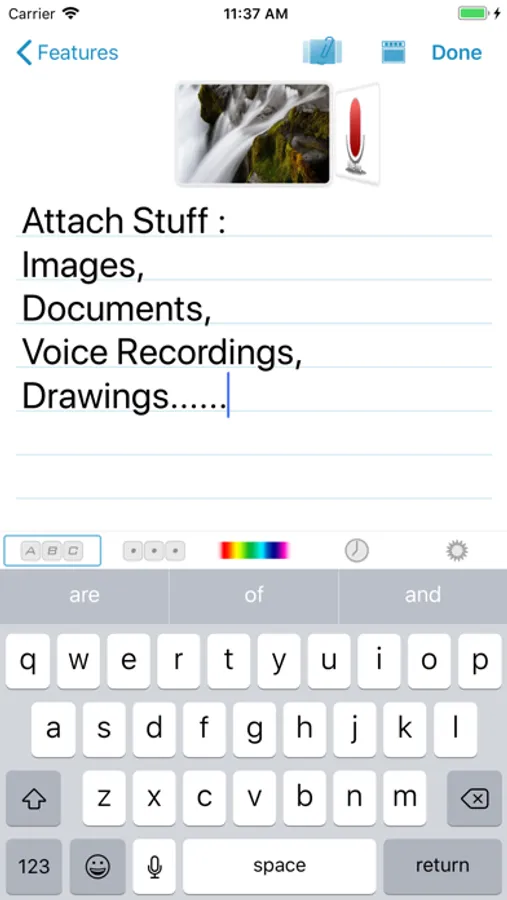
• Powerful note editing keyboard with quick access to Custom Keyboard, Highlighting.
• Add and view almost any type of file as a Document, not just office files anymore.
• Folder name highlighting: make your important folders stand out.
• Individual folder sort modes.
• Note Locate, quickly find the first note starting with the first letter or phrase in a folder
• Individual note font, choose from all the available iOS fonts.
• Bold, Italics, Underline, Strike text and more highlighting colors.
• Export a note to iCloud Drive with attachments and rich text format (RTF) with highlighting.
• Trash folder.
Many original features:
+ Note attachments: photos, documents, voice recordings, drawings, video links.
+ Folder Groups
+ Turn folder into a to-do list
+ Passcode lock
+ Themes
+ Reminders
One time Remove Ads purchase! No subscriptions ever guaranteed!
Get it now free on iPhone, iPad, iPod Touch and Apple Watch!
• Auto Folders: create smarter folders with filters to find your notes quicker in one tap.
• Folder Themes: set theme for individual folders.
• Tri-Panel Mode, see folders, notes and editor on one screen on your iPad.
Features:
• Powerful note editing keyboard with quick access to Custom Keyboard, Highlighting.
• Add and view almost any type of file as a Document, not just office files anymore.
• Folder name highlighting: make your important folders stand out.
• Individual folder sort modes.
• Note Locate, quickly find the first note starting with the first letter or phrase in a folder
• Individual note font, choose from all the available iOS fonts.
• Bold, Italics, Underline, Strike text and more highlighting colors.
• Export a note to iCloud Drive with attachments and rich text format (RTF) with highlighting.
• Trash folder.
Many original features:
+ Note attachments: photos, documents, voice recordings, drawings, video links.
+ Folder Groups
+ Turn folder into a to-do list
+ Passcode lock
+ Themes
+ Reminders
One time Remove Ads purchase! No subscriptions ever guaranteed!
Get it now free on iPhone, iPad, iPod Touch and Apple Watch!
BluLines Pro Screenshots
Tap to Rate: