In this audio editing app, you can work with multiple tracks, trim, cut, and apply effects. Includes multitrack support, equalizer, live recording, and cloud import options.
AppRecs review analysis
AppRecs rating 2.6. Trustworthiness 63 out of 100. Review manipulation risk 25 out of 100. Based on a review sample analyzed.
★★☆☆☆
2.6
AppRecs Rating
Ratings breakdown
5 star
46%
4 star
6%
3 star
4%
2 star
3%
1 star
41%
What to know
⚠
Ad complaints
Many low ratings mention excessive ads
⚠
Pricing complaints
Many low ratings mention paywalls or pricing
⚠
High negative review ratio
44% of sampled ratings are 1–2 stars
About Sound Editor: Audio Changer
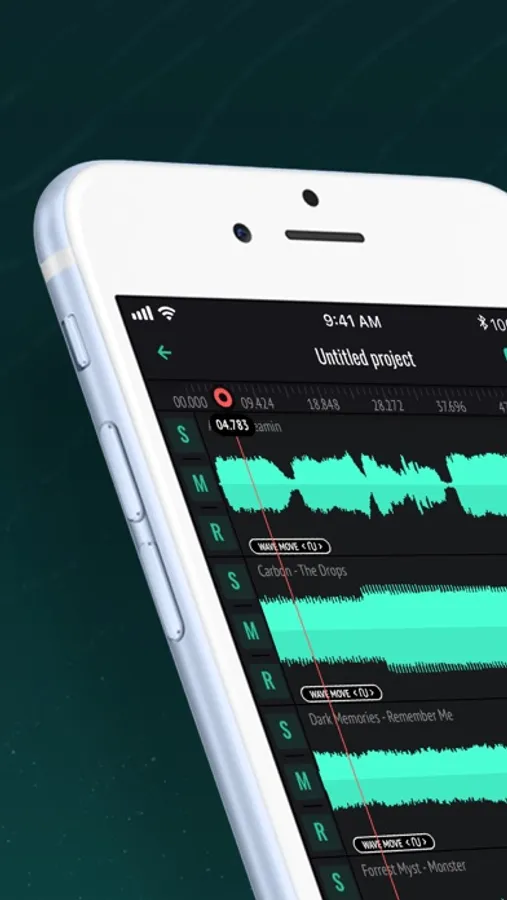
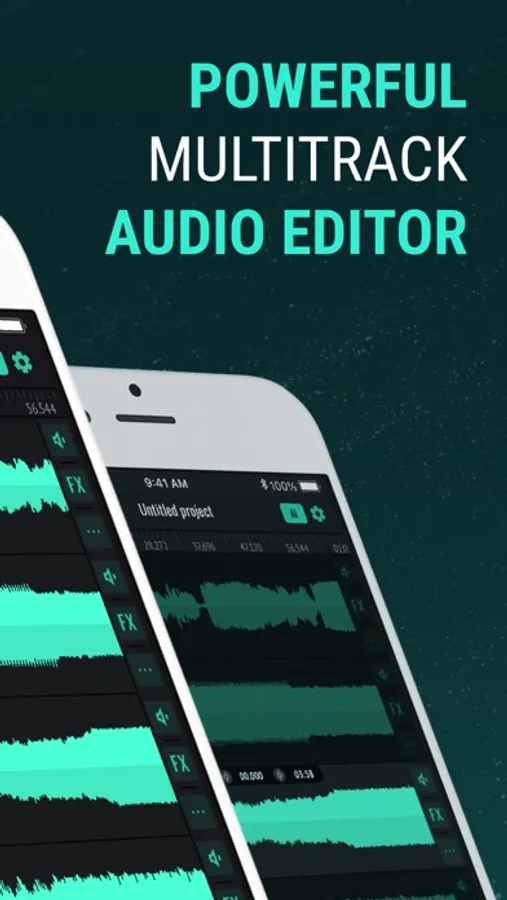
MULTITRACKS AUDIO EDITOR
Work with up to 5 multitracks simultaneously for comprehensive and layered editing, regardless of file size. Sound Editor’s functionality offers precise control over every element of your audio, allowing for complex arrangements and detailed sound design.
SET OF BASIC EDITING INSTRUMENTS
Effortlessly cut, copy, paste, trim, and delete specific audio regions with pinpoint accuracy. Apply Fade In/Out effects for smooth transitions, or insert Silence where needed for precise timing and clarity.
EQUALIZER AND AUDIO EFFECTS
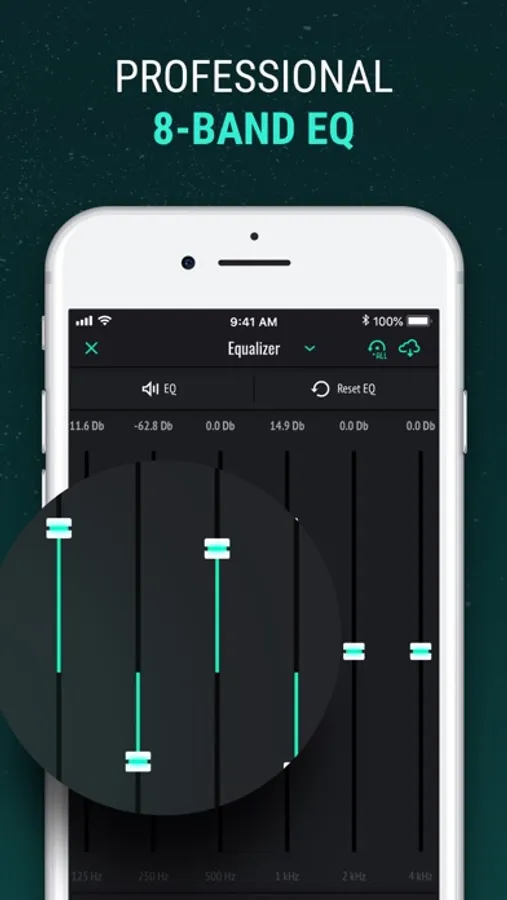
Fine-tune your sound with our powerful 8-band equalizer, providing precise control over the frequency spectrum. Apply fully adjustable, professional audio effects – including reverb, delay, chorus, and more – to enhance your tracks. Both the equalizer and effects can be sent to the master channel for global processing, or routed to individual tracks for targeted adjustments. This advanced equalizer will help you get professional sound.
AI INSTRUMENT ISOLATION
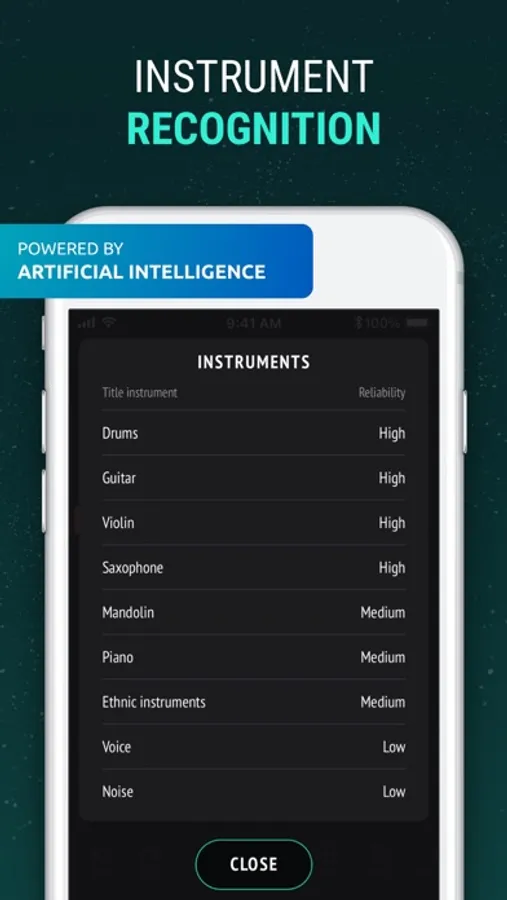
Harness the power of Artificial Intelligence to automatically separate your tracks into individual instrument stems, streamlining your mixing process. Now you can isolate vocals, guitar, bass, drums, piano, and more in any track you choose, and do it all in seconds! Edit, remix, and master each isolated stem to create your perfect sound.
SOUND RECORDER
Record high-quality audio on the go with unlimited recording time. Perfect for capturing ideas, rehearsals, or live performances.
SUPPORTS MULTIPLE AUDIO FORMATS
Input: WAV, AIFF, MP3, M4A, AIFC, AAC, AU, FLAC
Output: M4A, MP3, MP4, WAV, CAF, AIFF, AIFC, AAC, AU, FLAC – ensuring compatibility with virtually any audio file.
DOWNLOAD TRACKS FROM ITUNES LIBRARY AND CLOUD STORAGES
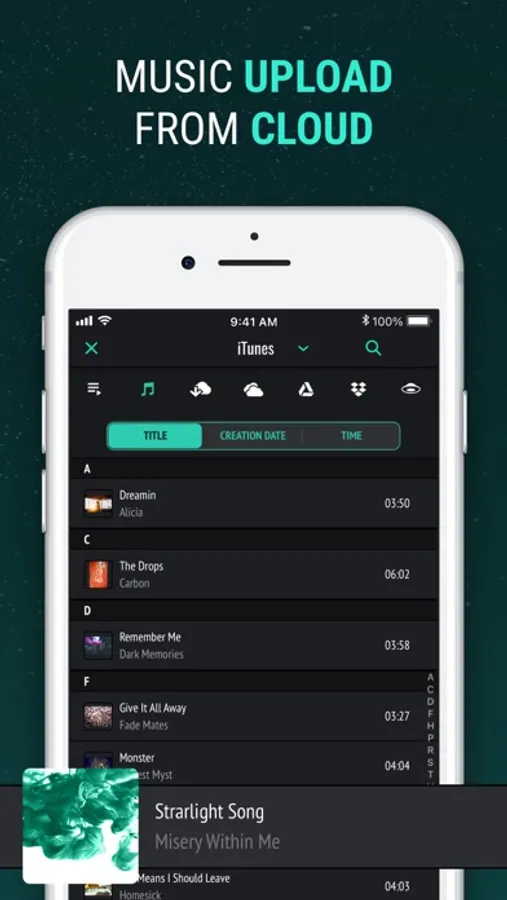
Seamlessly import songs from your iTunes Library, or directly from popular cloud storages like Google Drive, DropBox, and OneDrive with our audio lab.
Designed for musicians, podcasters, and audio engineers, this audio editor allows you to import existing tracks or recording your own directly within the app, offering a complete suite of instruments and professional-grade audio effects. Whether you're a seasoned pro or just starting out, our mixing station empowers you to create polished, high-quality audio. Utilize our powerful tools to become a true music editor.
PREMIUM: Features such as additional tracks in the audio editor, AI instruments isolation, sound effects, export to various audio formats, cloud storage integration, unlimited project creation, and the ability to upload audio directly from your device storage are available only by subscription. In the free version of the application, these features may be limited.
Privacy Policy: http://musictopia.club/privacy
Terms of Service: http://musictopia.club/tos
Sound Editor: Audio Changer Screenshots
Tap to Rate:
Reviews for Sound Editor: Audio Changer
mo staxx
No a clear way to export sound
We have been searching all over the app and we can’t find a way to export the audio files onto the phone for external usage. it is like we’re trapped to just listening to the recording in the app. Is there a way that I’m not sure of to export the sound? There are also no videos that we can find of this app we like the app just need a lot of tweaking but don’t give up.
Corny11
Why do I need to pay just to get in to this app?
So when I downloaded the app I didn't know that it needed Priemum and I never pay for an app that's useless I couldn't even get an experience!