In this audio editing app, you can record, cut, and apply effects to audio files. Includes support for multiple formats, auto-trim, and cloud uploads.
AppRecs review analysis
AppRecs rating 4.4. Trustworthiness 77 out of 100. Review manipulation risk 26 out of 100. Based on a review sample analyzed.
★★★★☆
4.4
AppRecs Rating
Ratings breakdown
5 star
82%
4 star
10%
3 star
3%
2 star
1%
1 star
4%
What to know
✓
Low review manipulation risk
26% review manipulation risk
✓
Credible reviews
77% trustworthiness score from analyzed reviews
⚠
Pricing complaints
Many low ratings mention paywalls or pricing
About WavePad Music and Audio Editor
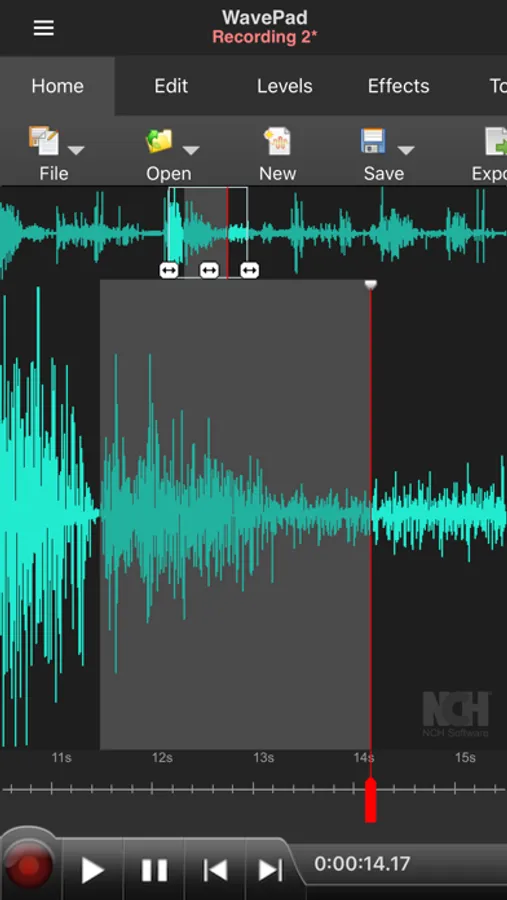
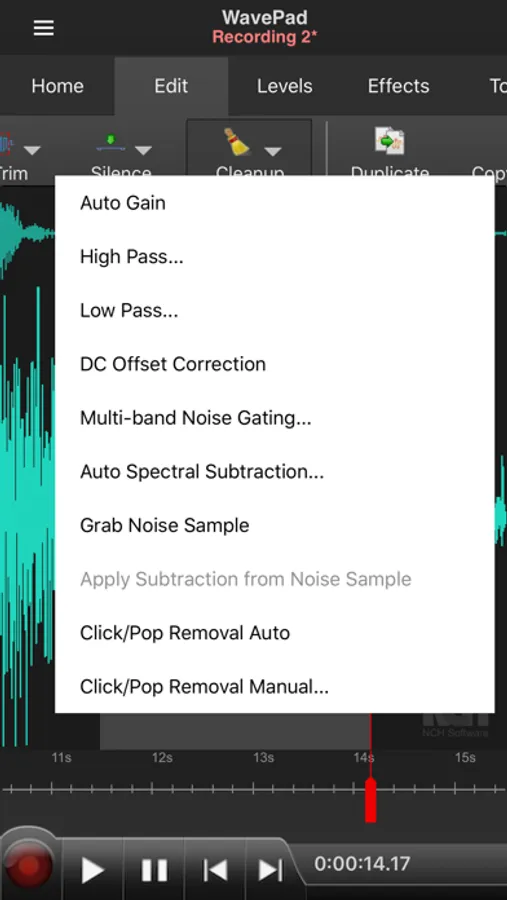
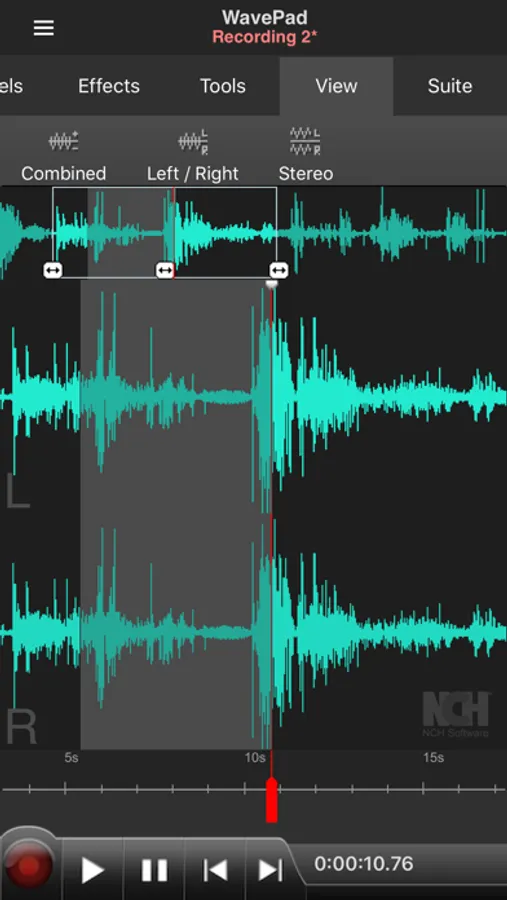
WavePad Audio Editor supports a number of formats including vox, gsm, and more! Whether you are a professional or an at-home enthusiast, WavePad has all of the tools you need to edit audio files. Typical applications include ringtones, voice-overs, trim sound bits, and many more!
WavePad features:
• Supports a number of file formats including wave and aiff
• Editing capabilities include cut, copy, paste, insert, trim and more
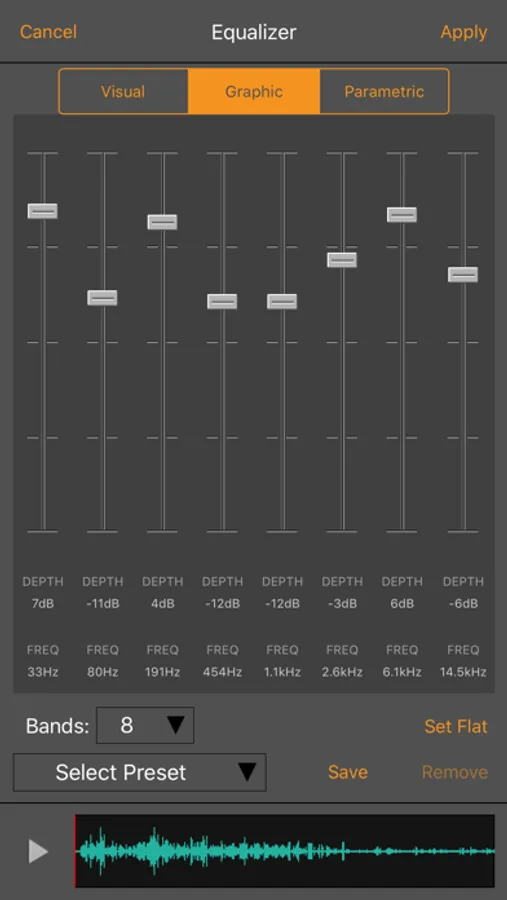
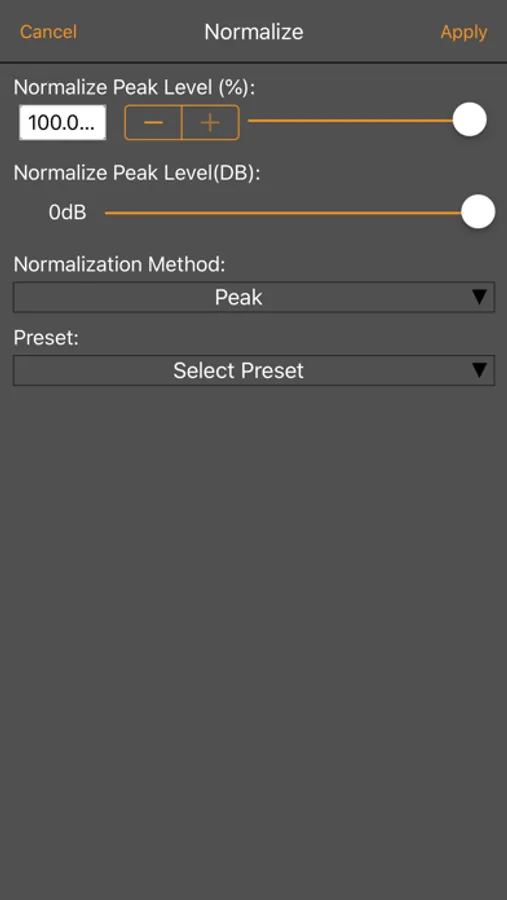
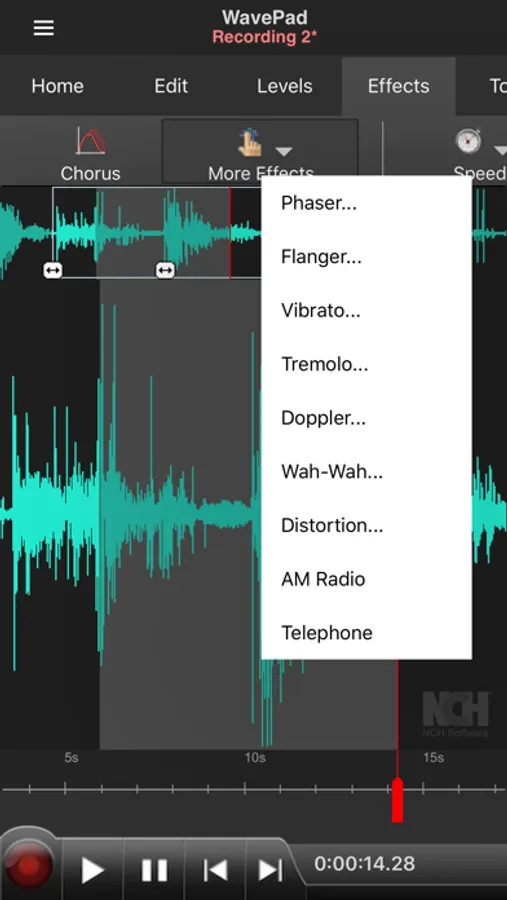
• Effects include amplify, normalize, echo and more
• Work with multiple files
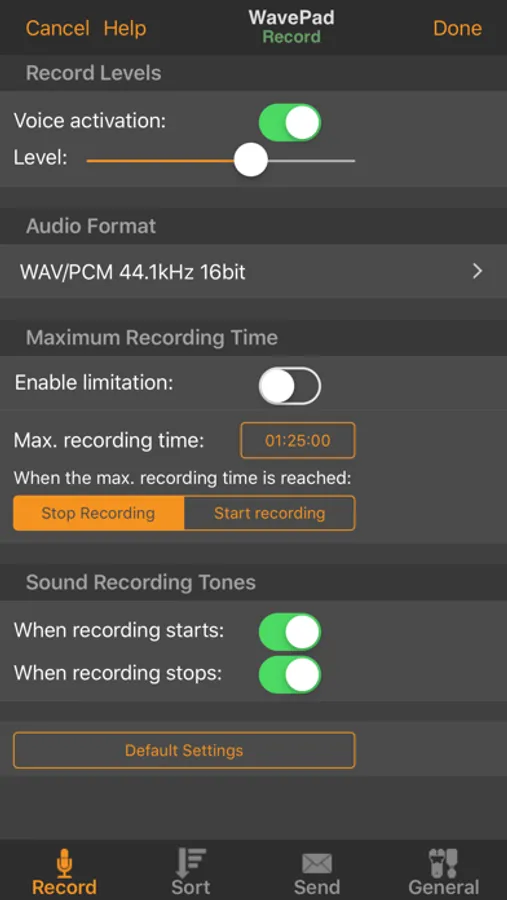
• Supports auto-trim and voice activated recording
• Select sample rates from 8000-44100hz, 8-32 bits
• Recording runs in the background and when the screen turns off
• Upload to and download from your Google Drive and Dropbox account
WavePad contains optional in-app purchases and subscriptions.
• Subscriptions are billed monthly while purchases are one time payments (these are not subscriptions)
• Your subscription will automatically renew unless auto-renew is turned off at least 24-hours before the end of the current period,
• Account will be charged for renewal within 24-hours prior to the end of the current period, and cost depends on your chosen package
• Payments will be charged to your iTunes Account at confirmation of purchase
• Auto-renewal may be turned off by going to the user's Account Settings after purchase
• Any unused portion of a free trial period, if offered, will be forfeited when the user purchases a subscription to that publication, where applicable
For assistance using WavePad:
http://www.nch.com.au/support/supportcontact.html?software=WavePad
Terms of service:
https://www.nch.com.au/general/legal.html
Privacy Policy:
https://www.nch.com.au/general/privacy.html
WavePad Music and Audio Editor Screenshots
Tap to Rate:
Reviews for WavePad Music and Audio Editor
yara9999
Lifesaving app
I tried so many apps and websites to edit my audio files for voiceover jobs and nothing compares to this app!!! User friendly, you can find all the features you need, no subscription required which is shocking compared to other non free apps , this has been a great help, can’t recommend this app enough
Kamryn.W.25
Why I Got Too Angry Here
It Refuses To Let Me In The Pitch Speed Profile And Says Unable To Connect Apple Device Please Check Your Connection And I Got So Mad I Stormed Off And Blamed You Guys For This.