AppRecs review analysis
AppRecs rating 4.3. Trustworthiness 80 out of 100. Review manipulation risk 26 out of 100. Based on a review sample analyzed.
★★★★☆
4.3
AppRecs Rating
Ratings breakdown
5 star
72%
4 star
9%
3 star
2%
2 star
7%
1 star
9%
What to know
✓
Low review manipulation risk
26% review manipulation risk
✓
Credible reviews
80% trustworthiness score from analyzed reviews
✓
High user satisfaction
81% of sampled ratings are 4+ stars (4.3★ average)
About Classic Art Stickers
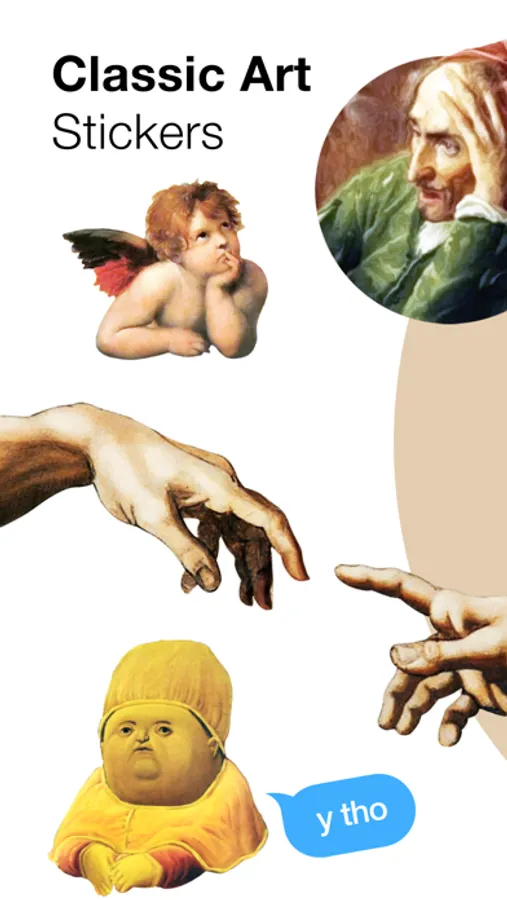
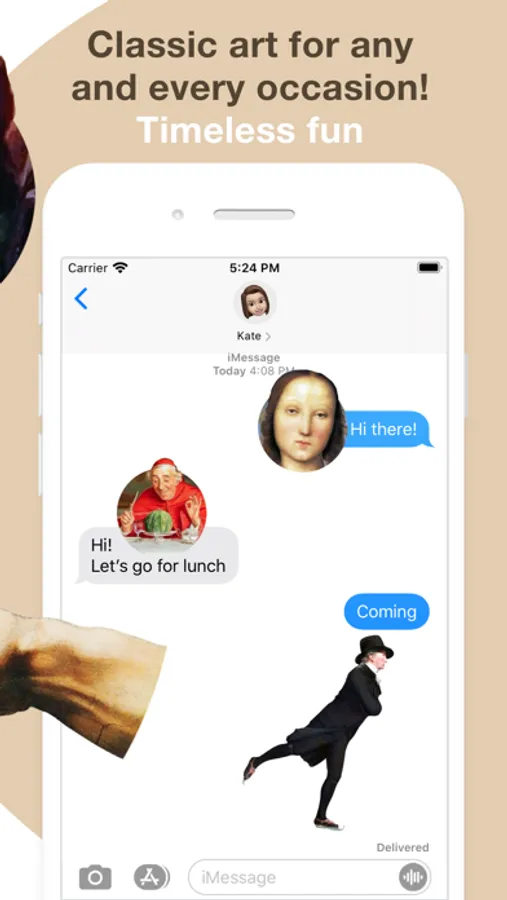
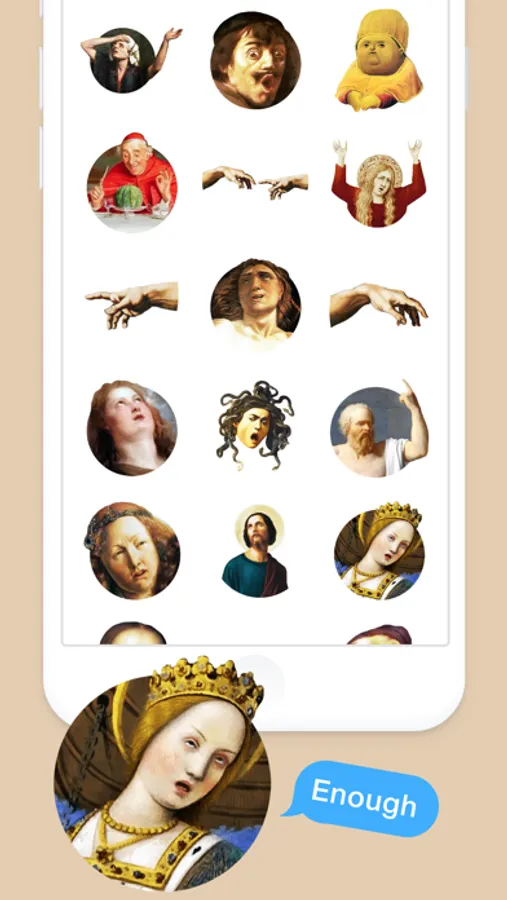
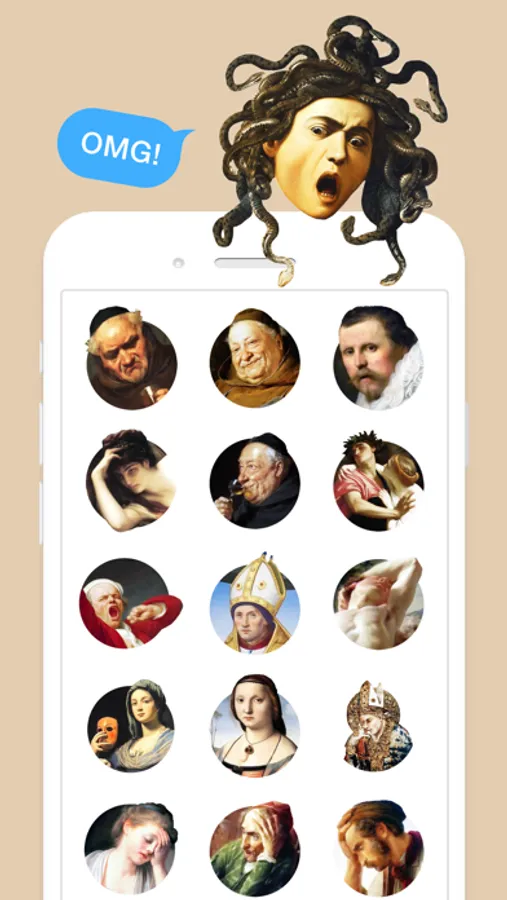
Add classic art to your messages! Dozens of famous, emotional and funny paintings. Specially designed to send to your friends and stick all over your text messages.
1. HOW TO USE STICKERS:
• Open Messages and tap the Compose button to start a new message. Or go to an existing conversation.
• Swipe left or right over the app drawer to find the one that you want to use.
• Then tap the app to open it.
If you want to add a sticker, touch and hold the sticker, then drag it to the message bubble. The sticker will automatically send when you add it to the message.
2. MANAGING STICKERS:
• Open Messages and tap the Compose button to start a new message. Or go to an existing conversation.
• Swipe left over the app drawer and tap the More button .
• Tap Edit button to manage or reorder stickers. Or swipe left over the app to Delete.
If the stickers won't open, re-open Messages app (swipe-up and open again)
3. EXTRAS:
Don't forget to check out our other sticker packs!
Enjoy!
1. HOW TO USE STICKERS:
• Open Messages and tap the Compose button to start a new message. Or go to an existing conversation.
• Swipe left or right over the app drawer to find the one that you want to use.
• Then tap the app to open it.
If you want to add a sticker, touch and hold the sticker, then drag it to the message bubble. The sticker will automatically send when you add it to the message.
2. MANAGING STICKERS:
• Open Messages and tap the Compose button to start a new message. Or go to an existing conversation.
• Swipe left over the app drawer and tap the More button .
• Tap Edit button to manage or reorder stickers. Or swipe left over the app to Delete.
If the stickers won't open, re-open Messages app (swipe-up and open again)
3. EXTRAS:
Don't forget to check out our other sticker packs!
Enjoy!
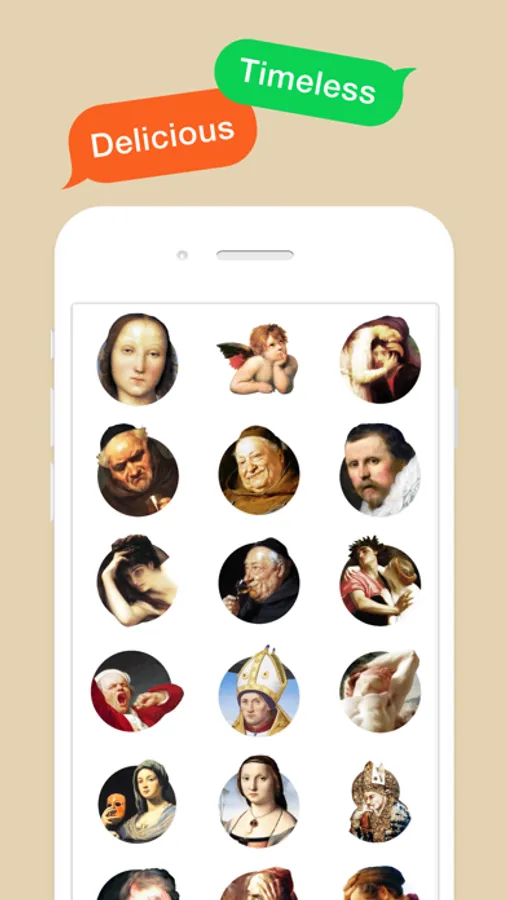
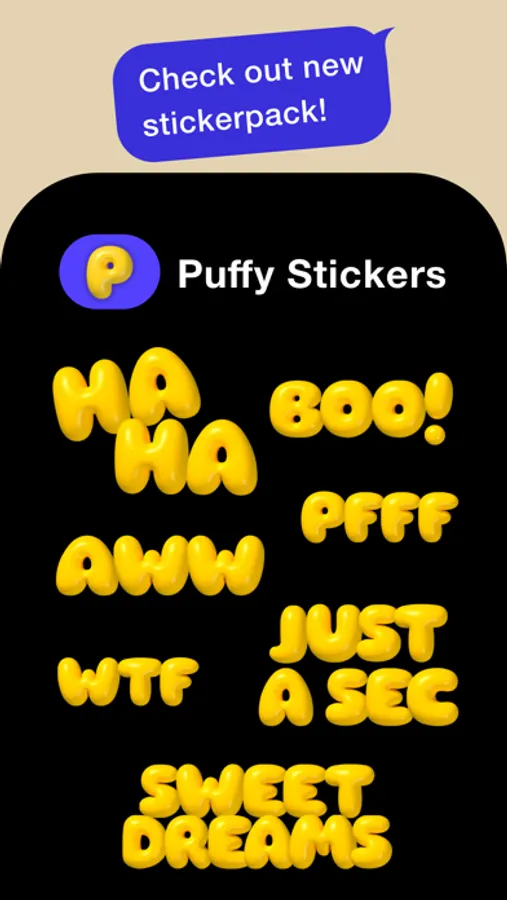
Classic Art Stickers Screenshots
Tap to Rate:
Reviews for Classic Art Stickers
ehooton
Love love love these!
All of this creator’s stickers are amazing (I don’t own the rats with pizza, though). I just want MORE!!! So amazing. Please buy!
Suzivangogh
$1.99 for 36 not-so-great stickers
The title sums it up.