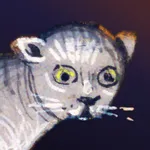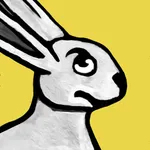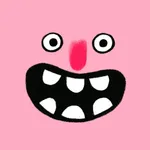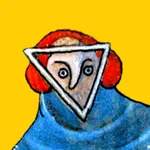
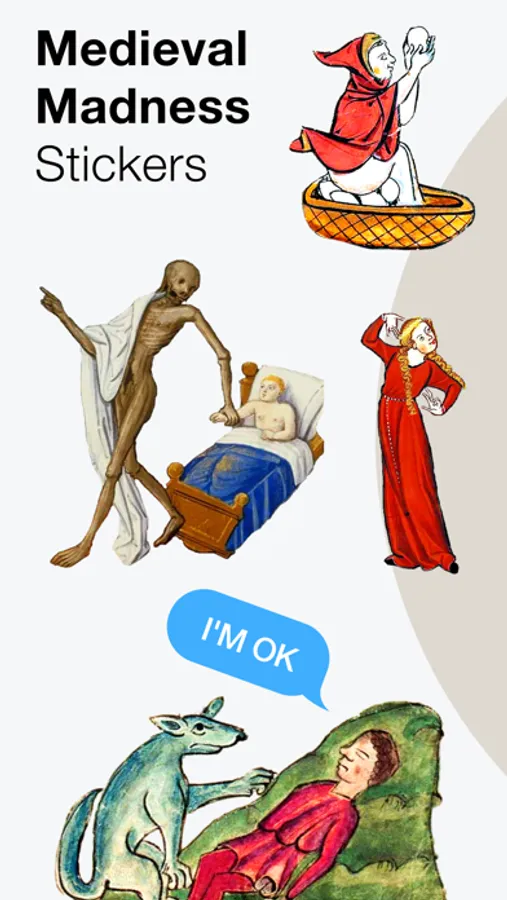
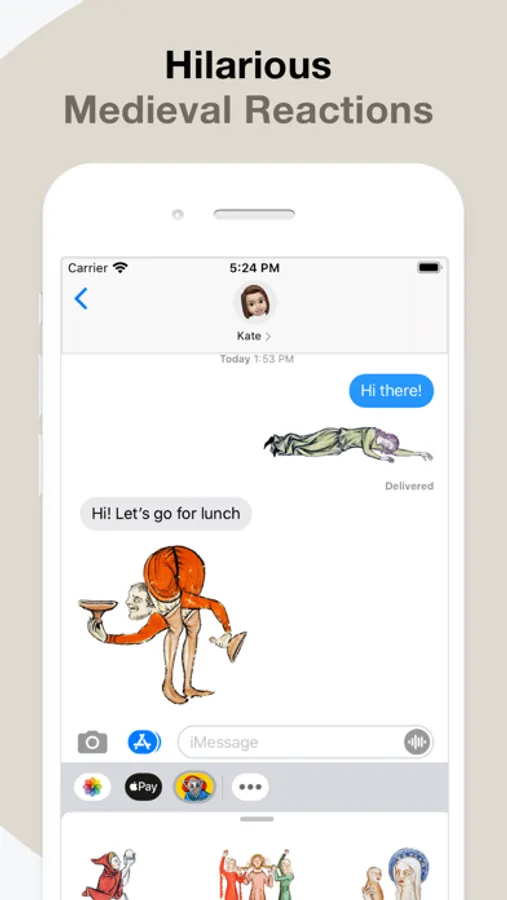
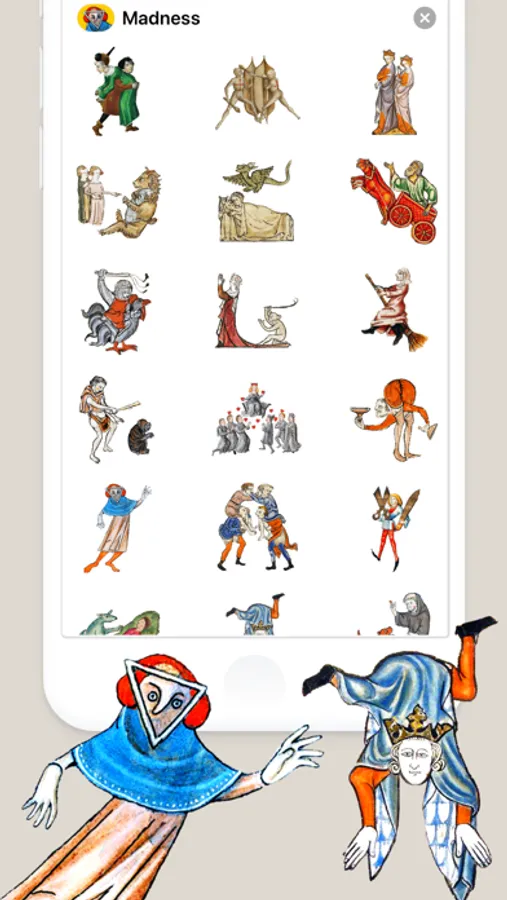
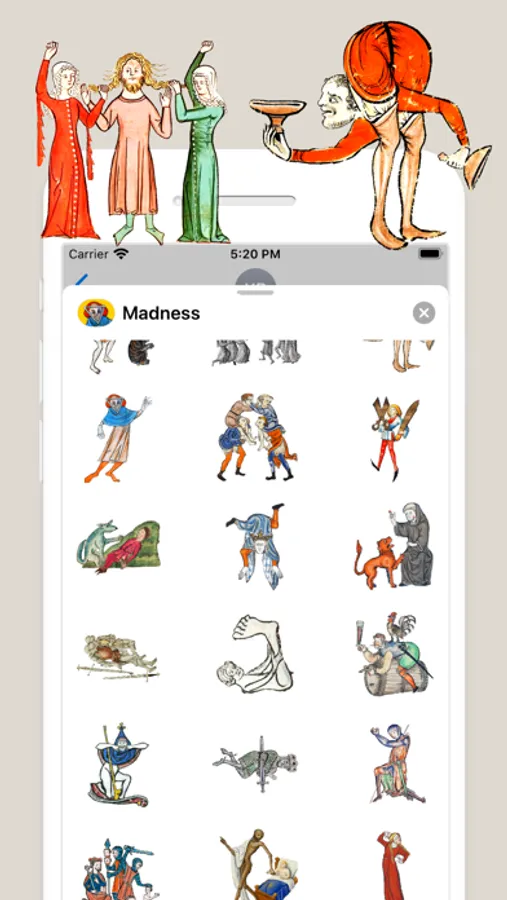
In this messaging sticker app, you can browse, select, and send quirky medieval-themed stickers to your contacts. Includes options to manage, reorder, and delete sticker packs.
AppRecs review analysis
AppRecs rating 4.5. Trustworthiness 58 out of 100. Review manipulation risk 30 out of 100. Based on a review sample analyzed.
★★★★☆
4.5
AppRecs Rating
Ratings breakdown
5 star
100%
4 star
0%
3 star
0%
2 star
0%
1 star
0%
What to know
✓
High user satisfaction
100% of sampled ratings are 5 stars
About Medieval Madness Stickers
For those of us who can appreciate weird and funny drawings, these stickers can’t fail to fascinate. Specially designed to send to your friends and stick all over your text messages!
HOW TO USE STICKERS:
• Open Messages and tap the Compose button to start a new message. Or go to an existing conversation.
• Swipe left or right over the app drawer to find the one that you want to use.
• Then tap the app to open it.
If you want to add a sticker, touch and hold the sticker, then drag it to the message bubble. The sticker will automatically send when you add it to the message.
MANAGING STICKERS:
• Open Messages and tap the Compose button to start a new message. Or go to an existing conversation.
• Swipe left over the app drawer and tap the More button .
• Tap Edit button to manage or reorder stickers. Or swipe left over the app to Delete.
If the app won't open, re-open Messages app (swipe-up and open again).
EXTRAS:
Don't forget to check out our other stickerpacks!
Enjoy!
HOW TO USE STICKERS:
• Open Messages and tap the Compose button to start a new message. Or go to an existing conversation.
• Swipe left or right over the app drawer to find the one that you want to use.
• Then tap the app to open it.
If you want to add a sticker, touch and hold the sticker, then drag it to the message bubble. The sticker will automatically send when you add it to the message.
MANAGING STICKERS:
• Open Messages and tap the Compose button to start a new message. Or go to an existing conversation.
• Swipe left over the app drawer and tap the More button .
• Tap Edit button to manage or reorder stickers. Or swipe left over the app to Delete.
If the app won't open, re-open Messages app (swipe-up and open again).
EXTRAS:
Don't forget to check out our other stickerpacks!
Enjoy!
Medieval Madness Stickers Screenshots
Tap to Rate:
Reviews for Medieval Madness Stickers
Razzilou
The Most Creative!!
You have to have a certain kind of friends to send these to ~ maybe? They’re SO outlandish (as was Bosch, to say the least) but SO perfect and well curated. Thanks!!
E.Beagle
Weirdly Fantastic
Amazing app! I’ve gotten almost all of his apps and they consistently get the most interest and unique responses when people see the images. P. Dubov is one of the most creative and unique app creators of the genre.