AppRecs review analysis
AppRecs rating 4.5. Trustworthiness 54 out of 100. Review manipulation risk 34 out of 100. Based on a review sample analyzed.
★★★★☆
4.5
AppRecs Rating
Ratings breakdown
5 star
100%
4 star
0%
3 star
0%
2 star
0%
1 star
0%
What to know
✓
High user satisfaction
100% of sampled ratings are 5 stars
About Rat Stickers: Pizza, Burger...
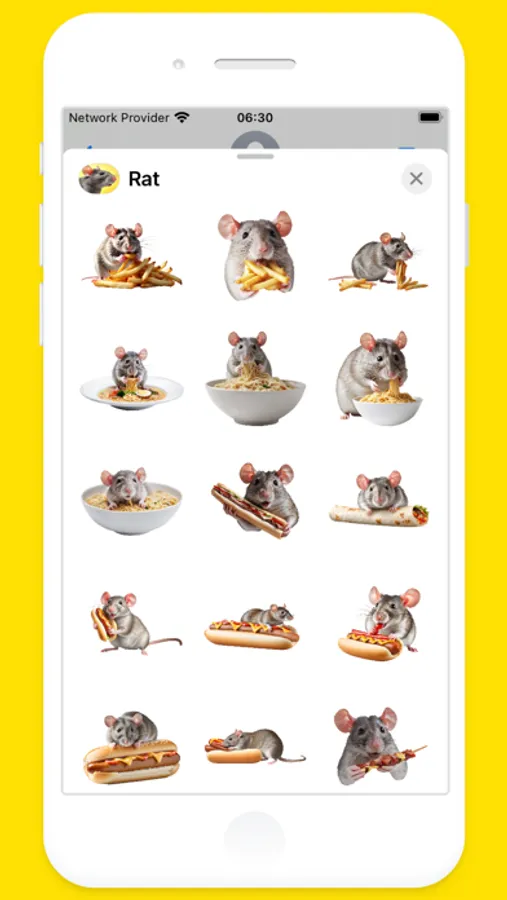
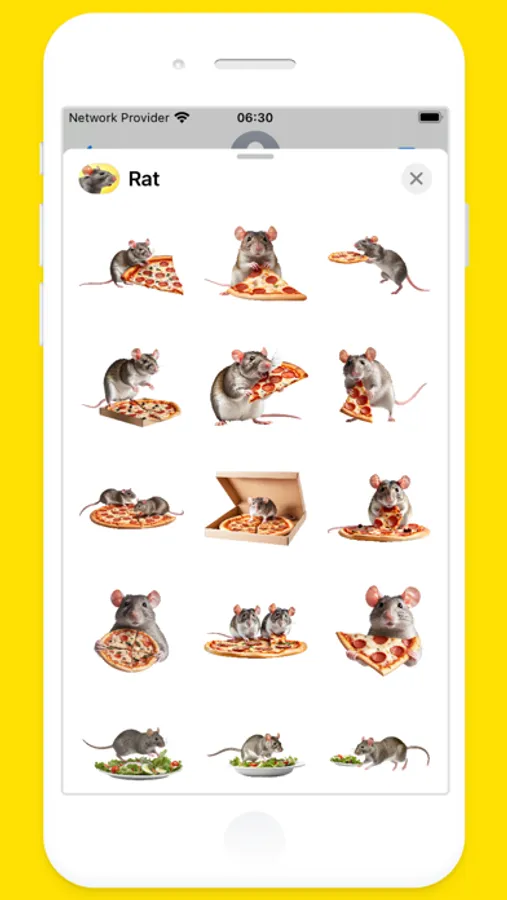
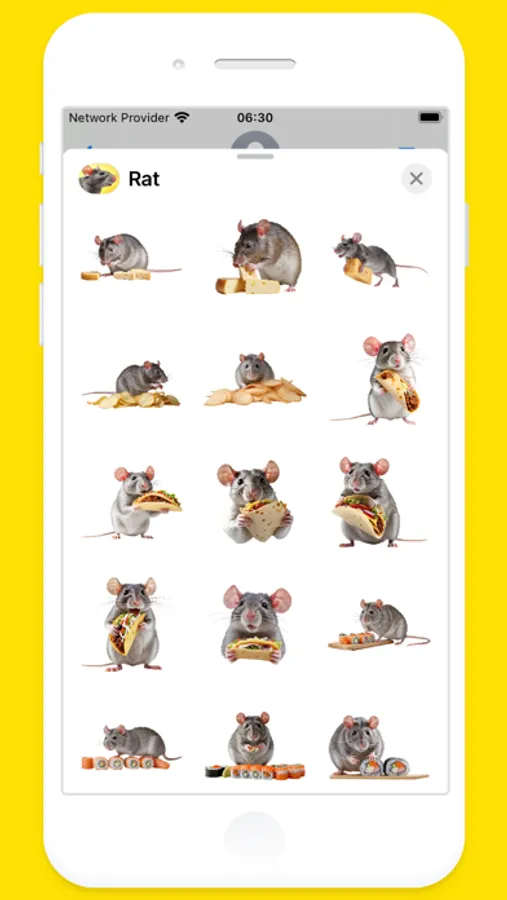
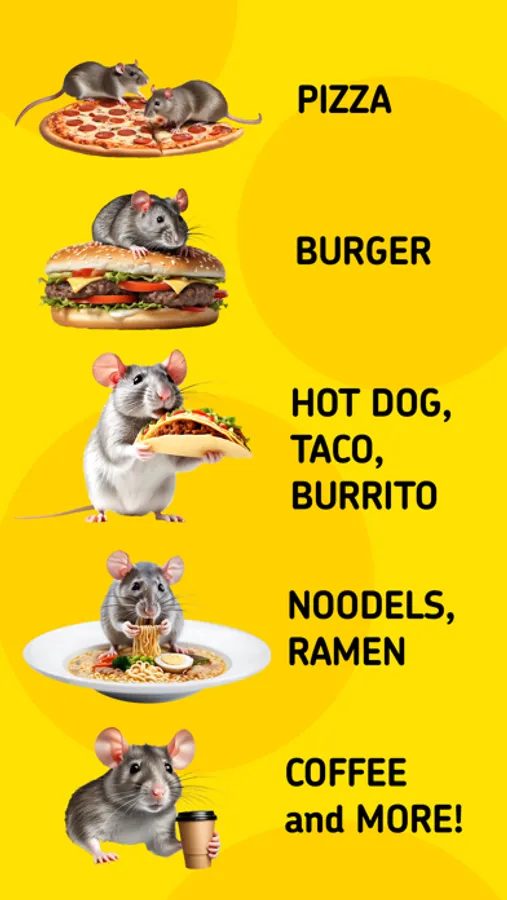
OMG! Rat Stickers for iMessage!
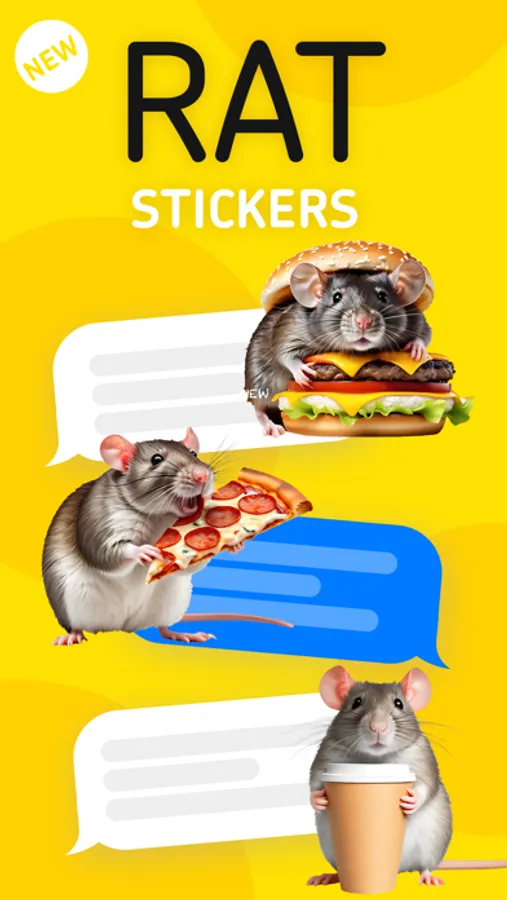
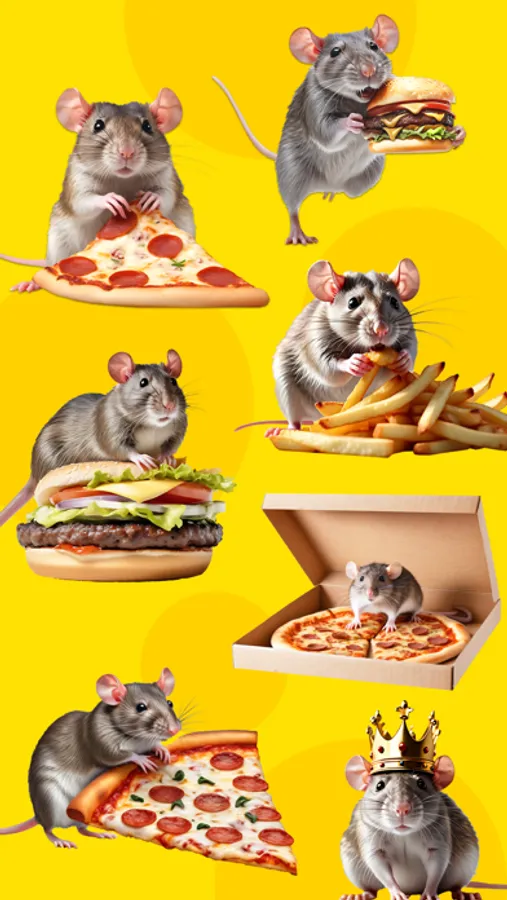
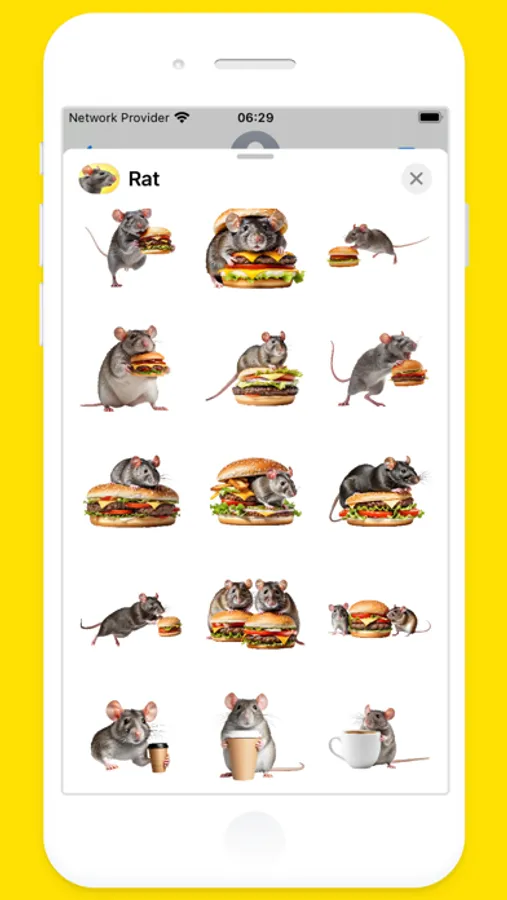
Put hillarios rats on anything with this sticker pack.
You can peel and place these stickers on anything in your conversation — bubbles, images, or even other stickers.
HOW TO USE:
1. Open the Messages app, then start a new message or open a conversation.
2. Tap the Apps button (on iOS 17 tap (+) button), select Rat Stickers
3. You can add Rat Stickers on message bubbles in conversations, and angle the stickers or make them different sizes. You can also place a sticker on top of another sticker.
MOVE, RESIZE or DELETE stickers:
1. After you place a Rat Stickers on top of message bubbles in conversations, you can make changes to it.
2. Do any of the following:
- Move or resize a sticker: Touch and hold the sticker, then make any changes.
- Delete a sticker: Touch and hold the message bubble, tap Sticker Details, swipe left on the sticker you want to delete (on your iPhone only), then tap the Delete button.
- See any text covered by a sticker: Double-tap the message bubble.
Put hillarios rats on anything with this sticker pack.
You can peel and place these stickers on anything in your conversation — bubbles, images, or even other stickers.
HOW TO USE:
1. Open the Messages app, then start a new message or open a conversation.
2. Tap the Apps button (on iOS 17 tap (+) button), select Rat Stickers
3. You can add Rat Stickers on message bubbles in conversations, and angle the stickers or make them different sizes. You can also place a sticker on top of another sticker.
MOVE, RESIZE or DELETE stickers:
1. After you place a Rat Stickers on top of message bubbles in conversations, you can make changes to it.
2. Do any of the following:
- Move or resize a sticker: Touch and hold the sticker, then make any changes.
- Delete a sticker: Touch and hold the message bubble, tap Sticker Details, swipe left on the sticker you want to delete (on your iPhone only), then tap the Delete button.
- See any text covered by a sticker: Double-tap the message bubble.
Rat Stickers: Pizza, Burger... Screenshots

Tap to Rate:
Reviews for Rat Stickers: Pizza, Burger...
pleasefixthislol123
i love these RATS!!!!!!
I love this app so much I use the stickers ALL the time!! I think it’d be awesome though if ya’ll added rats with saucy chicken wings, like the ones at Buffalo Wild Wings!
LuthienW
Rat mommy approves!
As a fancy rat owner and food lover, I just had to have this sticker pack. It is the most adorable thing. 🥰 I would love to see maybe steak, milk, hot cocoa and any desserts.