With this healthcare app, you can access NHS services, request prescriptions, and view health records. Includes secure login options, appointment management, and messaging features.
AppRecs review analysis
AppRecs rating 2.7. Trustworthiness 75 out of 100. Review manipulation risk 22 out of 100. Based on a review sample analyzed.
★★☆☆☆
2.7
AppRecs Rating
Ratings breakdown
5 star
32%
4 star
7%
3 star
6%
2 star
13%
1 star
43%
What to know
✓
Low review manipulation risk
22% review manipulation risk
⚠
Mixed user feedback
Average 2.7★ rating suggests room for improvement
⚠
High negative review ratio
56% of sampled ratings are 1–2 stars
About NHS App
You can use the app if you are aged 13 or over. You must be registered with an NHS GP surgery in England or the Isle of Man.
You can also log in through the NHS website on a computer to use NHS App services.
Access NHS services
----------------------
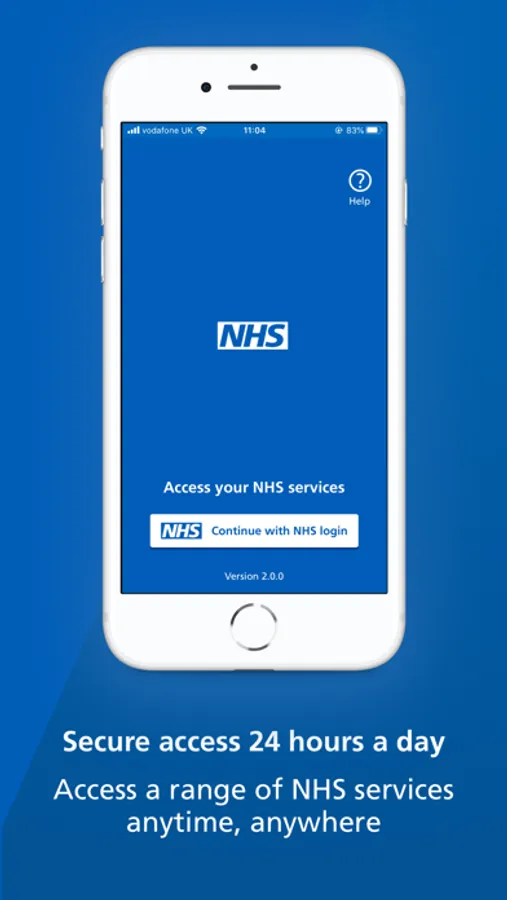
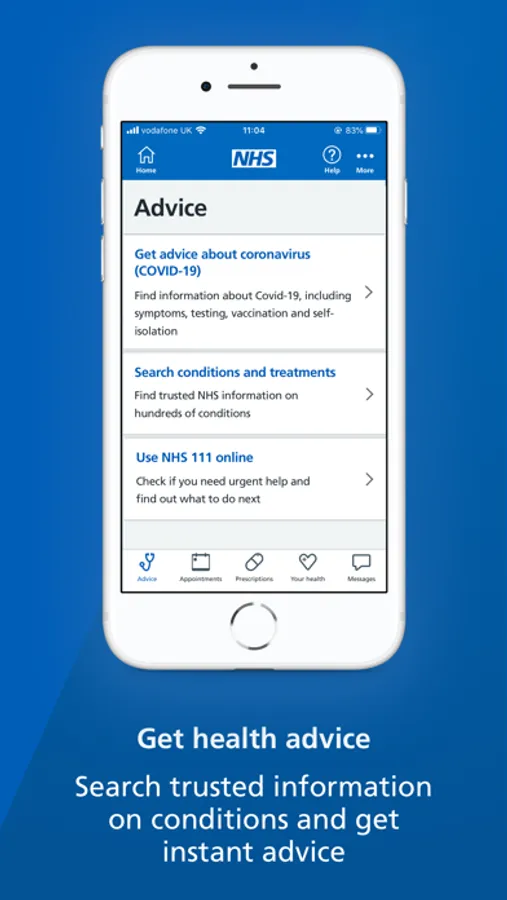
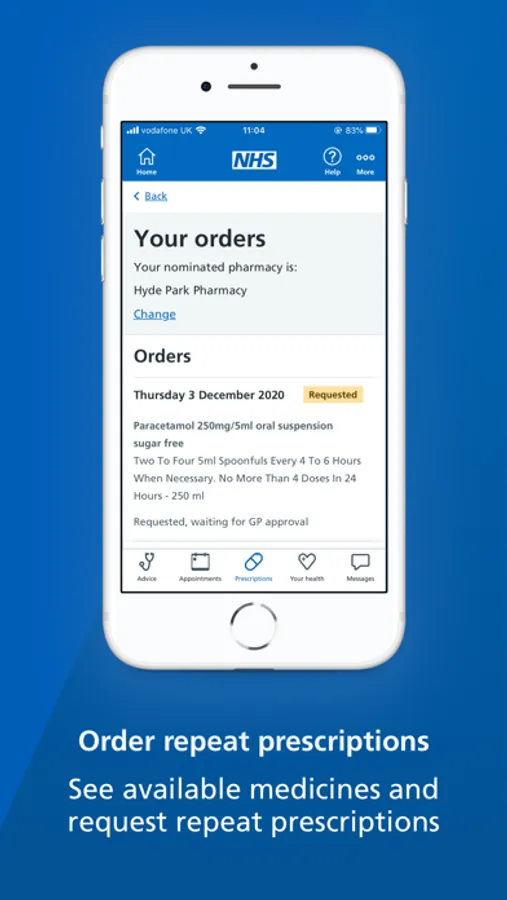
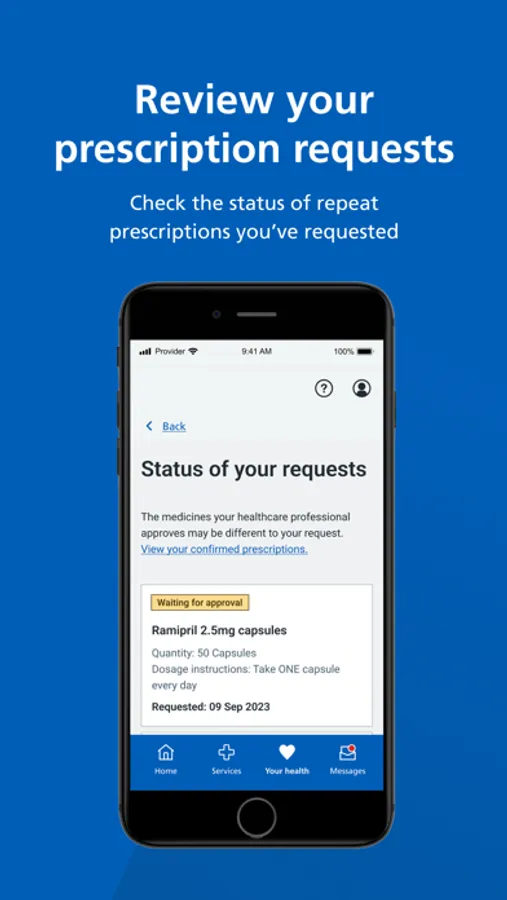
Use the NHS App to access your NHS services, anytime and anywhere. You can request repeat prescriptions, use 111 online, find nearby NHS services and more.
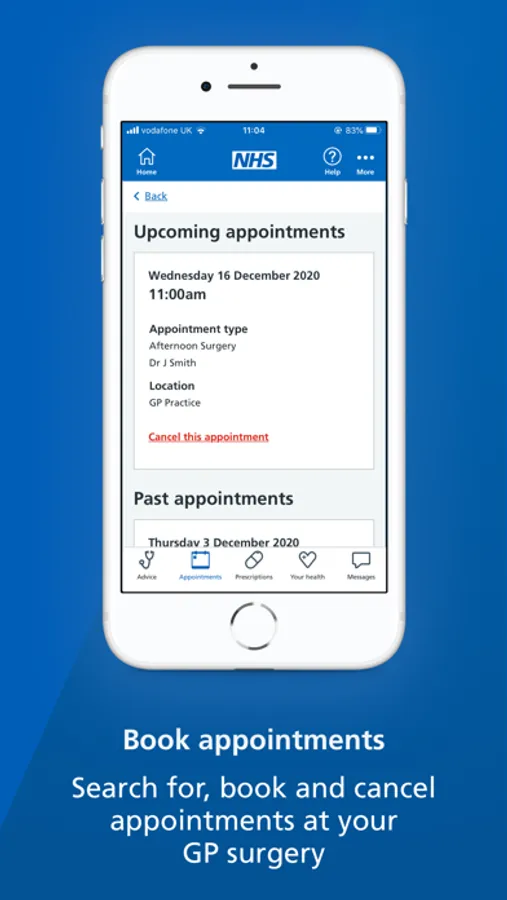
Depending on your GP surgery, you may also be able to book appointments and contact your surgery about a health problem.
Manage your health
--------------------
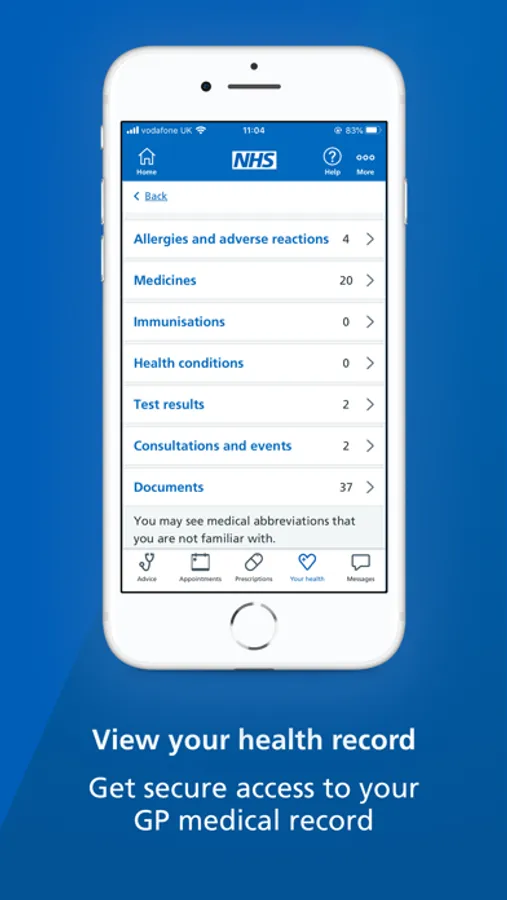
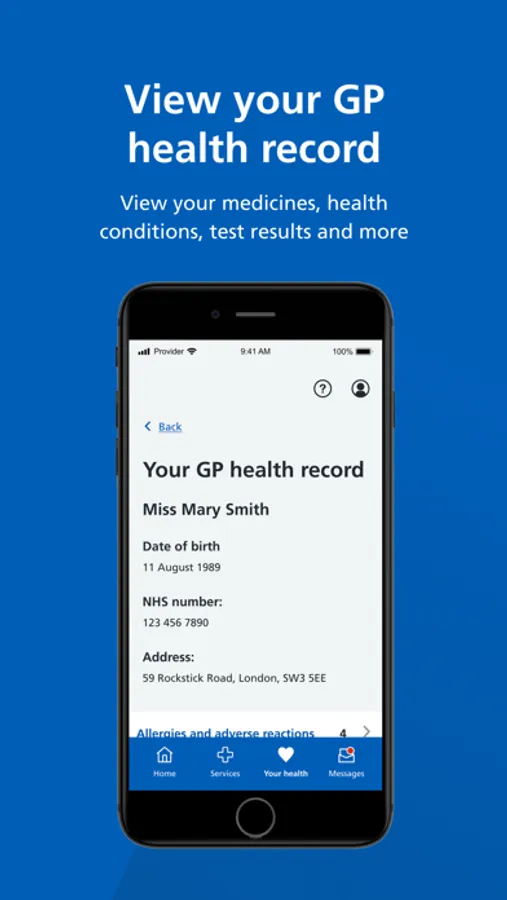
The NHS App gives you a convenient way to view your GP health record, including your test results.
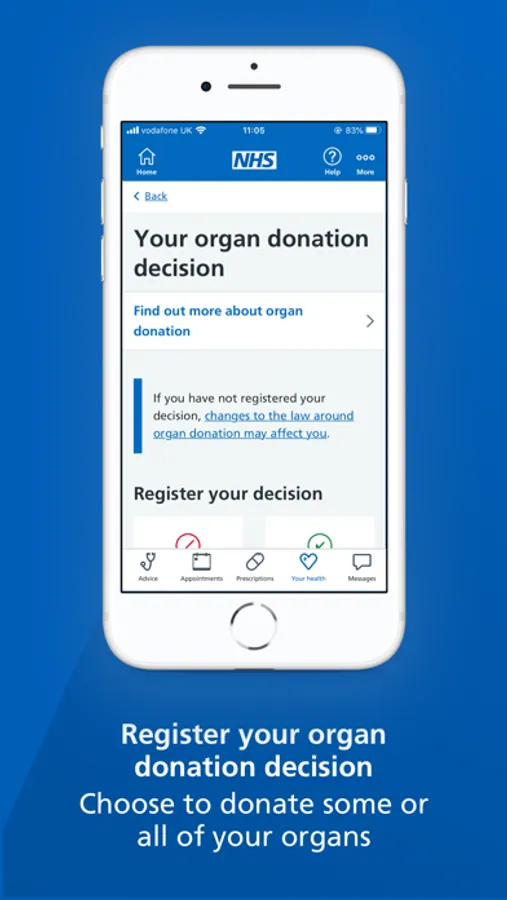
You can manage your upcoming appointments and prescription requests. You can also make choices about your health, like your organ donation decision.
Receive messages
-------------------
You can get important messages from your GP surgery and other NHS services through the app. Turning on notifications can alert you to new messages.
Manage services for other people
---------------------------------
You can switch profiles to access services for other people in the NHS App, such as a child or family member. Your GP surgery needs to give you access and you must both share the same surgery.
Log in securely
---------------
The NHS App will guide you through setting up an NHS login if you do not have one already. You will be asked to prove who you are. The app will then securely connect to information from your NHS services. If your iPhone or iPad supports Touch ID or Face ID, you can use it to log in, every time you use the app.
NHS App Screenshots
Tap to Rate:
Reviews for NHS App
Alongnicknamebecauseallthenick
Useless app
This app is absolutely pathetic. If you click (while logged in) on “make an appointment,” it says “there are no appointments available, please contact your GP.” Ok, not great, but fair enough, so you’d think that they would provide the telephone number to contact your GP… nope. If you navigate over to your GP information, guess what? No phone number! The app says “ask a question to your GP”! So you click on that and it brings up a long disclaimer screen saying they are going to pass along all your private information to a third party! Come on, guys! You can a lot better than this! Online appointments save everyone time and save the NHS money. Having this app adds no value over walking over to your GP and queueing whenever you need anything.
José93Barcelona
Doesn’t sync with apple health
Doesn’t connect with apple health unfortunately we are lagging behind here. Nice to have my test results, but it’s time consuming to manually transfer data to the health app.