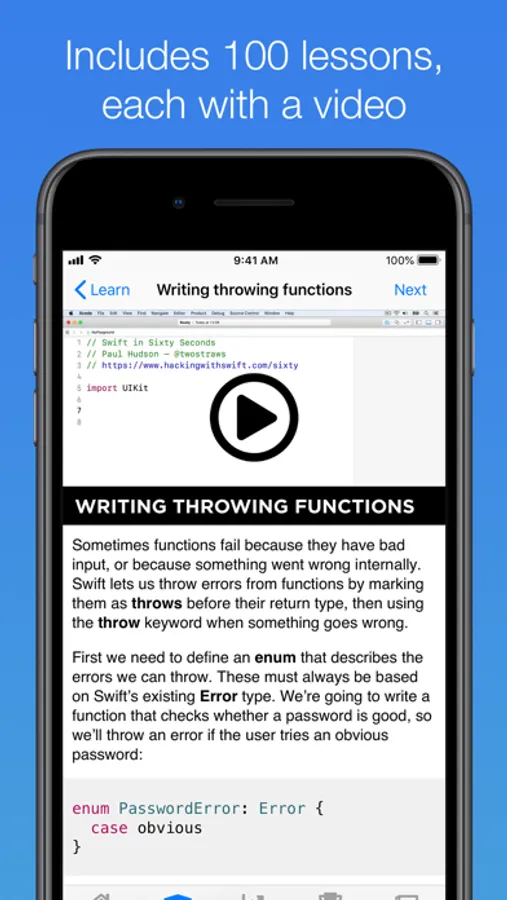
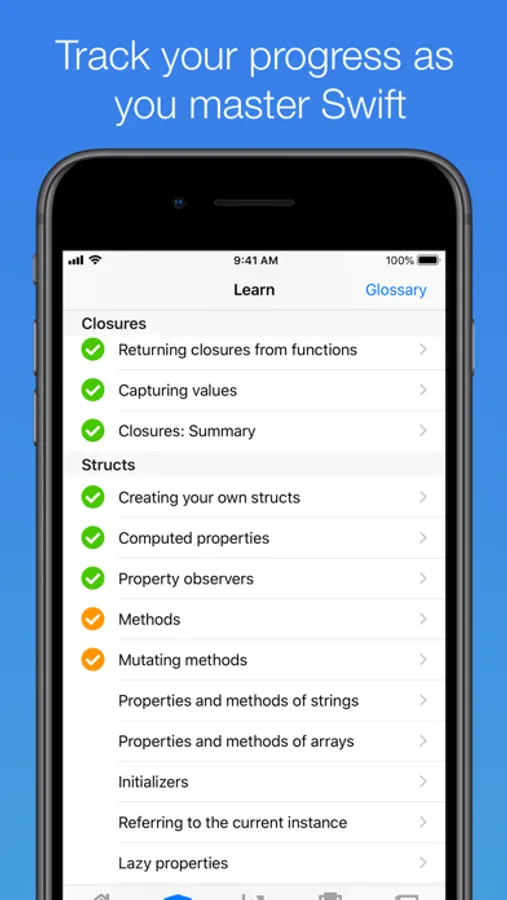
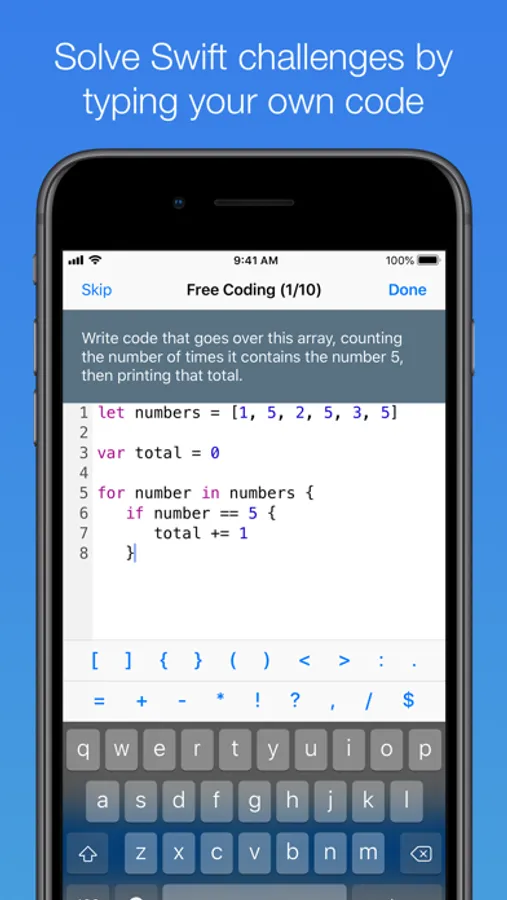
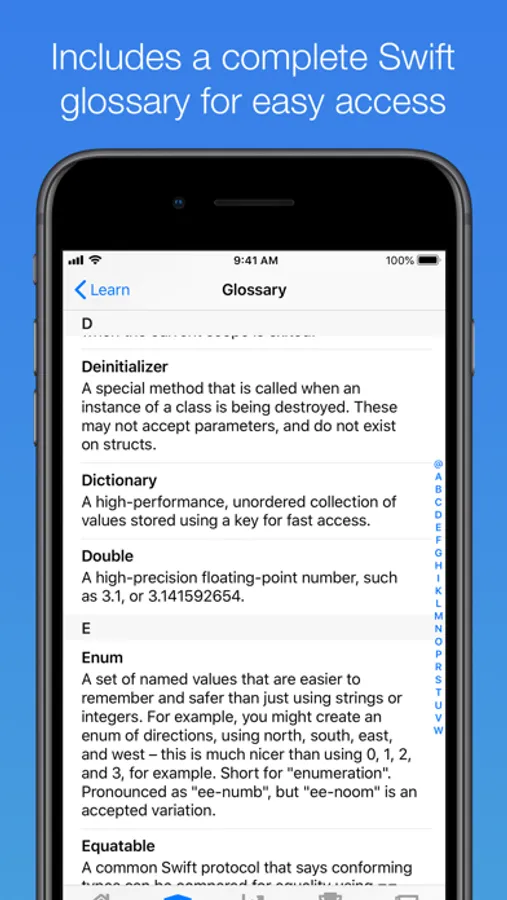
In this educational app, you can watch short videos, complete quizzes, and practice Swift coding activities to learn programming on your iPhone. Includes interactive challenges, progress tracking, and daily skill tests.
AppRecs review analysis
AppRecs rating 4.5. Trustworthiness 66 out of 100. Review manipulation risk 30 out of 100. Based on a review sample analyzed.
★★★★☆
4.5
AppRecs Rating
Ratings breakdown
5 star
93%
4 star
5%
3 star
1%
2 star
0%
1 star
1%
What to know
✓
High user satisfaction
93% of sampled ratings are 5 stars
About Unwrap
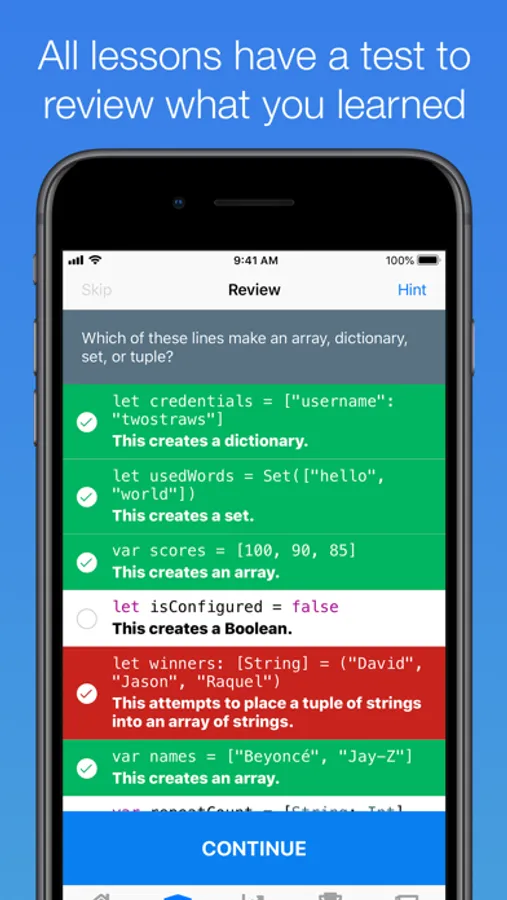
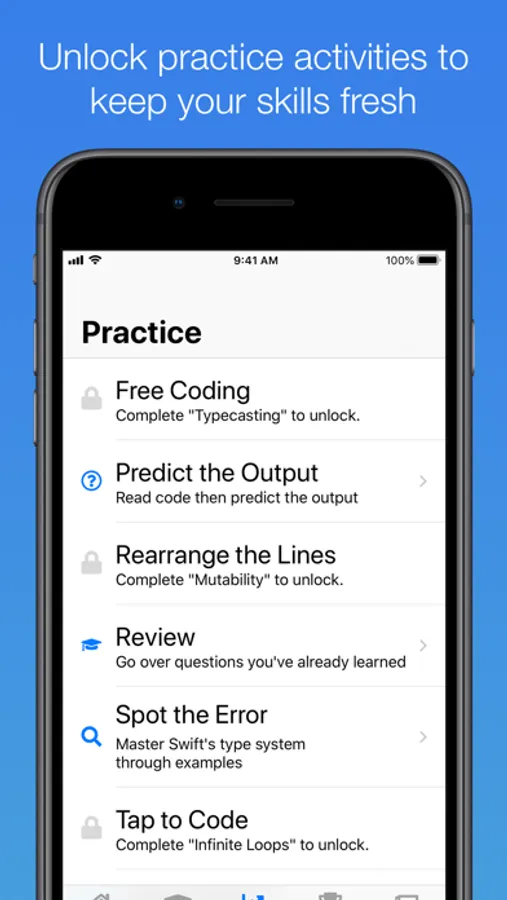
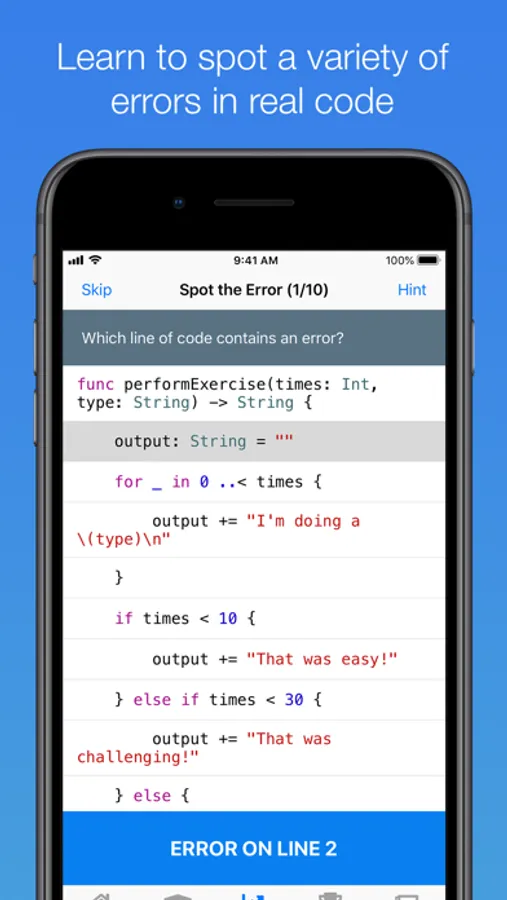
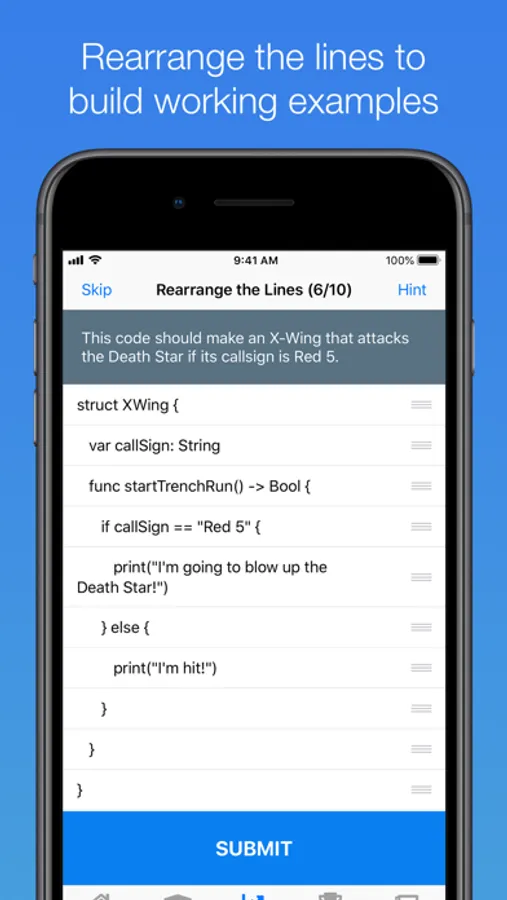
As you progress you'll unlock practice activities: free coding, predict the output, rearrange the lines, spot the error, tap to code, type checker, and more – all designed to get you reading and writing as much Swift as possible. Each day you can tackle a new daily challenge, pitting you against 10 random activities that will test your skills in a variety of areas.
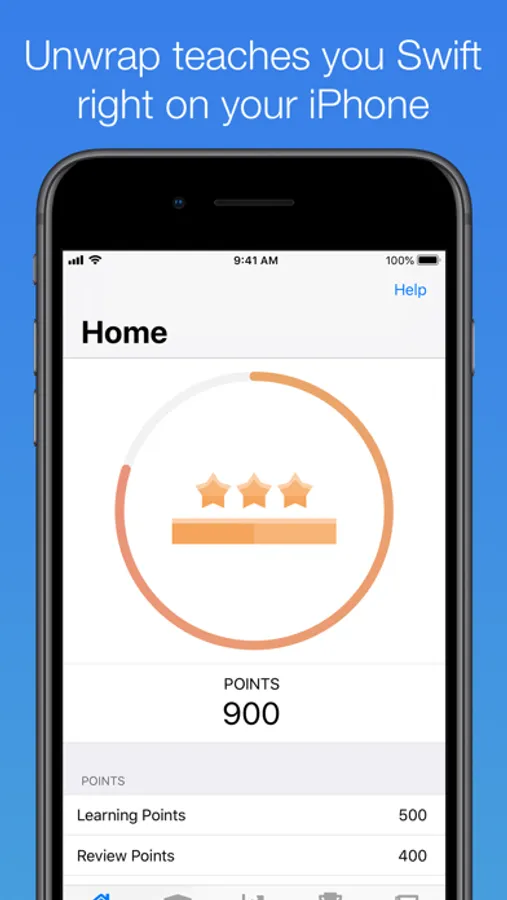
Completing lessons and activities also earns points and badges so you can monitor your progress as you go from zero to hero – it's the fastest and easiest way to learn Swift on the go.
Even better, Unwrap is free: no cost to download , and no surprise in-app purchases to unlock lessons. So what's stopping you? Dive in today!
Swift and the Swift logo are trademarks of Apple Inc.
Unwrap Screenshots
Tap to Rate:
Reviews for Unwrap
klaatu_barada_nikto_3
Videos Stopped Working
I love this app and could never give it less than five stars. I do wish the developer would fix the issue with the video’s not working on Mac OS. I know it’s natively supported on Mac OS which is why I still give it five stars. Please fix the videos. Thank you.
mentholiptus
Amazing tool for a beginner
As someone who is trying to learn how to code in his late 40s, I’m incredibly grateful for the generosity of this developer. This app is the perfect study tool for all of Paul Hudson‘s lessons on how to code with swift. I’ve tried off on over the years to learn how to code, and I never seem to get past the basics. Working through “100 days of SwiftUI“, it’s all finally starting to click. Thank you, Paul for all that you do!