CX ROP
PANASONIC ENTERTAINMENT & COMMUNICATION CO., LTD.
2.8 ★
5 ratings
Free
AppRecs review analysis
AppRecs rating 2.8. Trustworthiness 78 out of 100. Review manipulation risk 20 out of 100. Based on a review sample analyzed.
★★☆☆☆
2.8
AppRecs Rating
Ratings breakdown
5 star
20%
4 star
0%
3 star
40%
2 star
20%
1 star
20%
What to know
✓
Low review manipulation risk
20% review manipulation risk
✓
Credible reviews
78% trustworthiness score from analyzed reviews
⚠
Mixed user feedback
Average 2.8★ rating suggests room for improvement
About CX ROP
CX ROP (CX series memory camera recorder Remote Operation Panel)
=== Description ===
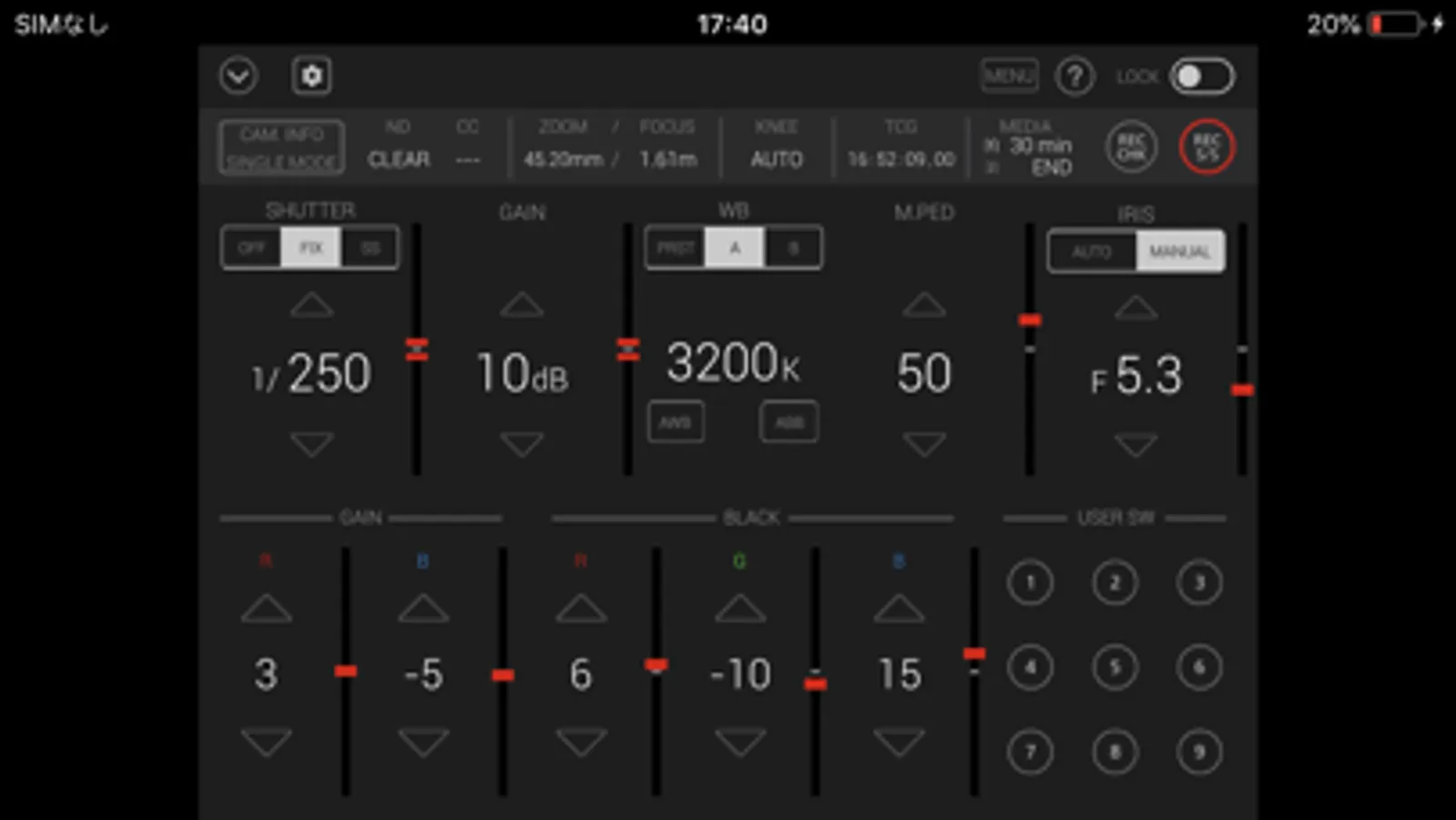
CX ROP is a control program that enables the wireless remote control of the memory camera recorder "Panasonic CX series".
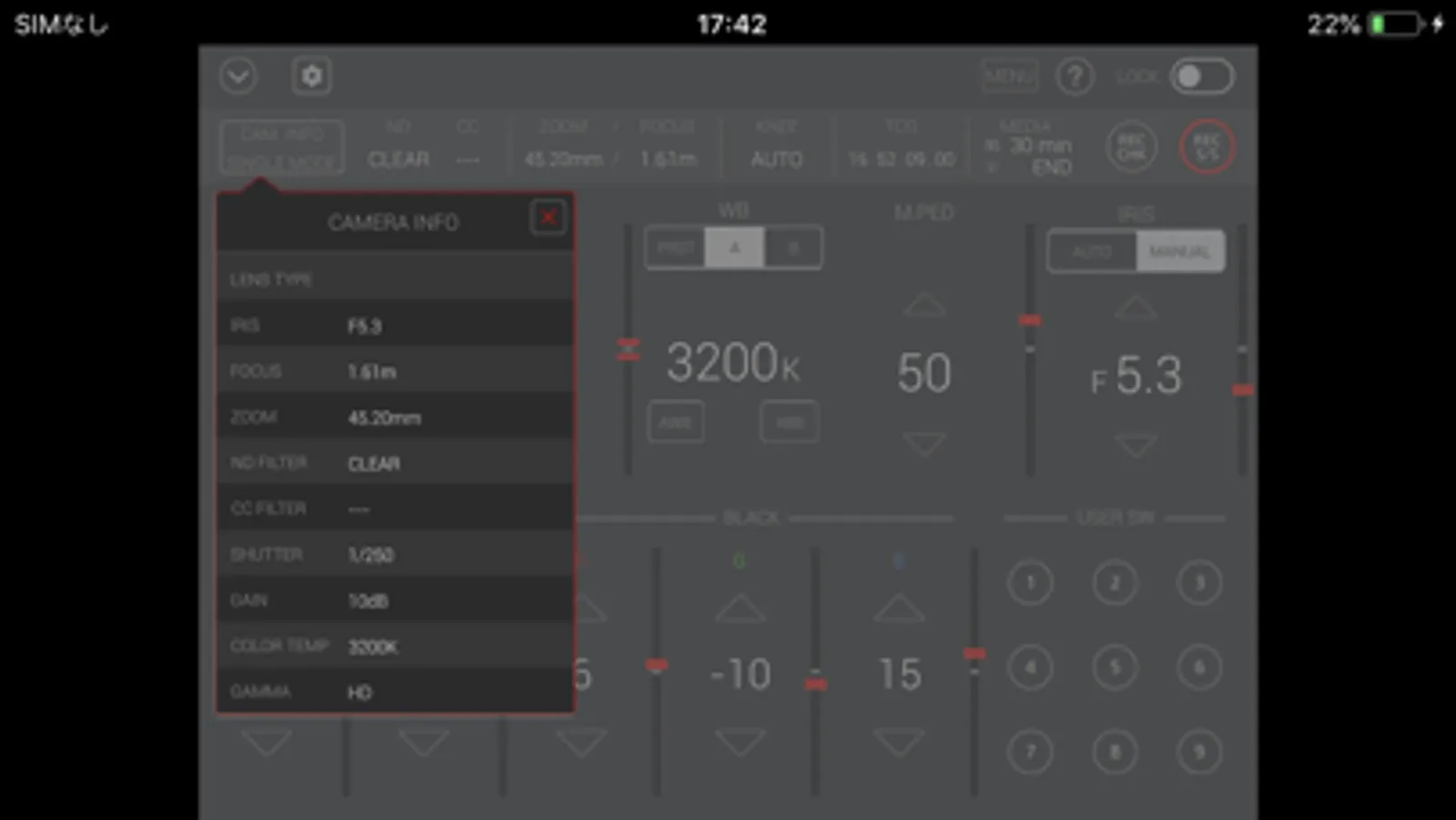
It provides a GUI that displays status information, settings and user switch status in a single screen and the ability to change camera settings intuitively using a screen touch.
Buttons such as user buttons and REC S/S button in screen can manipulate camera recorder.
CX ROP cam manipulate one memory camera reorder by switching up to eight memory camera reorders. Please tap a "?" button to see a hint for usage of this app.
[NOTE]
For wireless LAN connection with the camera, a wireless module needs to be purchased separately.
https://pro-av.panasonic.net/en/
=== Applicable Model ===
AG-CX350 series.
(AG-CX350 / CX350P / CX350PJ / CX350EJ / CX350ED /
CX350EN / CX350AN / CX350PX, AJ-UPX360MC,
AG-CX200MC)
AG-CX4000 series.
(AJ-CX4000G, AJ-UPX900MC)
=== Supported OS ===
iOS12 or later
=== Features ===
1. Camera status display
- List of camera information
- ND/CC FILTER
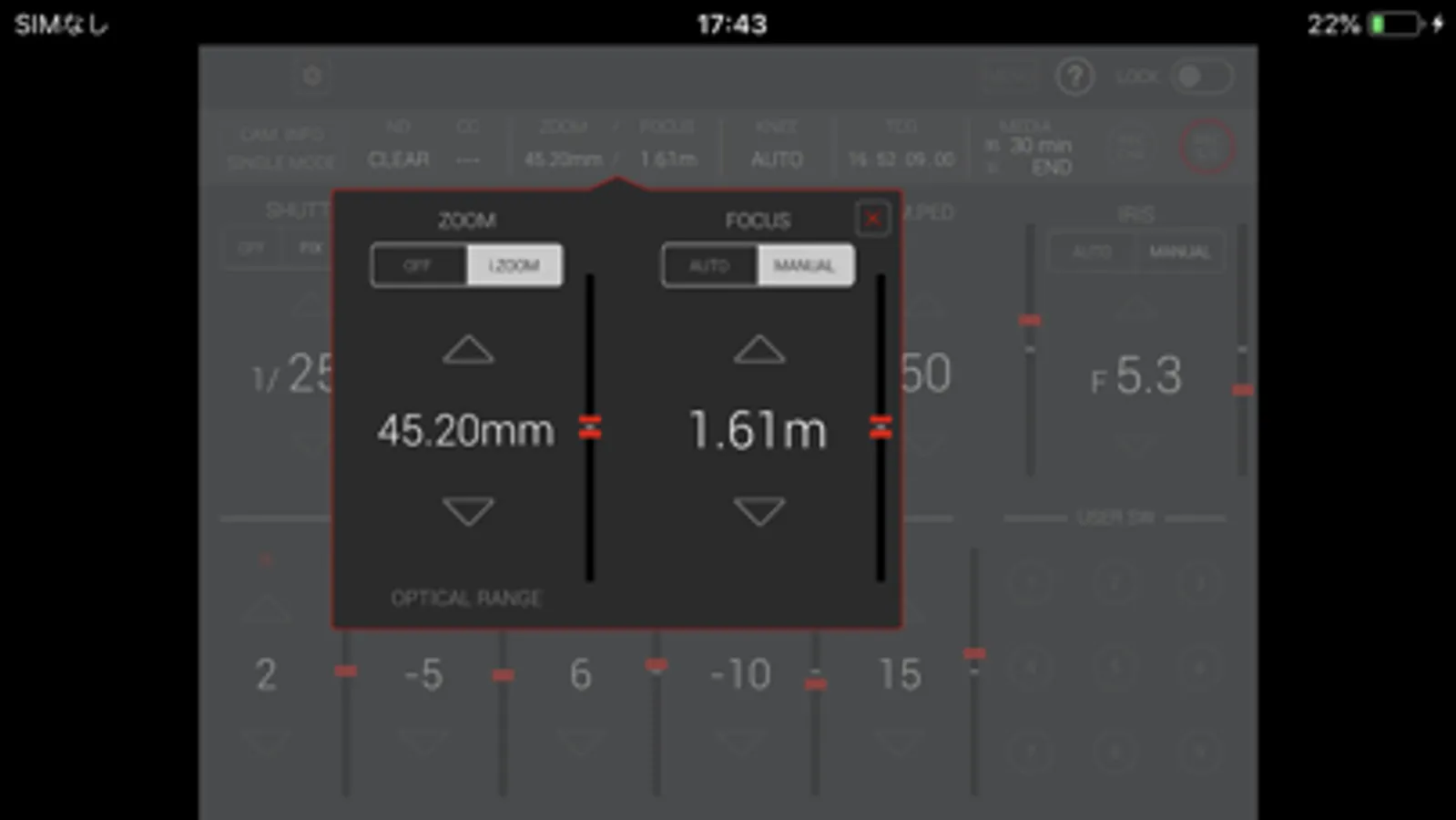
- ZOOM/FOCUS
- KNEE
- TCG
- Remaining time of recording media
2. CONTROLLABLE FUNCTIONS
- SHUTTER (OFF/FIX/SS)
- GAIN
- WHITE BALANCE(PRE/A/B, AWB, ABB)
- MASTER PEDESTAL
- IRIS(AUTO/MANUAL)
- Painting GAIN(R/B)
- Painting BLACK(R/G/B)
- USER SW (1-9) *AG-CX350 series
(1-5) *AJ-CX4000 series
- MENU display and setting
- HELP
- LOCK (disable operation on CX ROP)
- Switching CAM/BARS Output image
- ZOOM (i.ZOOM / i.ZOOM OFF) *AG-CX350 series Only.
- FOCUS(AUTO/MANUAL) *AG-CX350 series Only.
- KNEE(AUTO/MANUAL/OFF)
- TCG(TC/UB display and setting)
- REC CHECK
- REC Start/Stop
- REC META DATA setting
3. Settings and switching of a connected camera
You can set or switch connected cameras in a connect setting panel by tapping a connect manipulation button in the screen. Please refer to "CONNECTION" item by tapping "?" for details.
4. Automatic Connected Camera Search Function
Easy IP protocol automatically searches for cameras on the same network.
It is effective when [Easy IP] is [20 MIN.] or [UNLIMITED] on the camera side.
=== NOTE ===
1) With iOS14, permission is required for local network communication.
Select [Settings]-[Privacy]-[Local Network] and enable the [CX ROP] switch.
2)In iOS, camera information may not be displayed correctly on the app screen.
This can be fixed by turning on airplane mode and then turning off again.
・SETTINGS
1. Close "CX ROP".
2. Select "Settings" on the device home screen
3. Turn on "Airplane mode"
4. Turn off "Airplane mode"
5. Launch "CX ROP"
*These settings need to be repeated after turning off or restarting the device.
CX ROP Screenshots
Tap to Rate:
Reviews for CX ROP
Arolarobola
Missing feature
You can adjust just about everything that displays in the app with the exception of the ND Filters. I shoot football with the AG-CX350 on HiPod and need remote control of the ND Filters because we go from bright sunlight to generator lights during the games. Please update app!
Top_Speed1
Missing 1 major feature!
Has control of camera yes, but it lacks the most important feature... a monitor image of the camera! Being wi-fi or LAN transmitted, there is no reason we can’t have the camera image either in a box or selectable in GUI.