Screen Mirroring+ for Fire TV
Kraus und Karnath GbR 2Kit Consulting
3.2 ★
14 ratings
$9.99
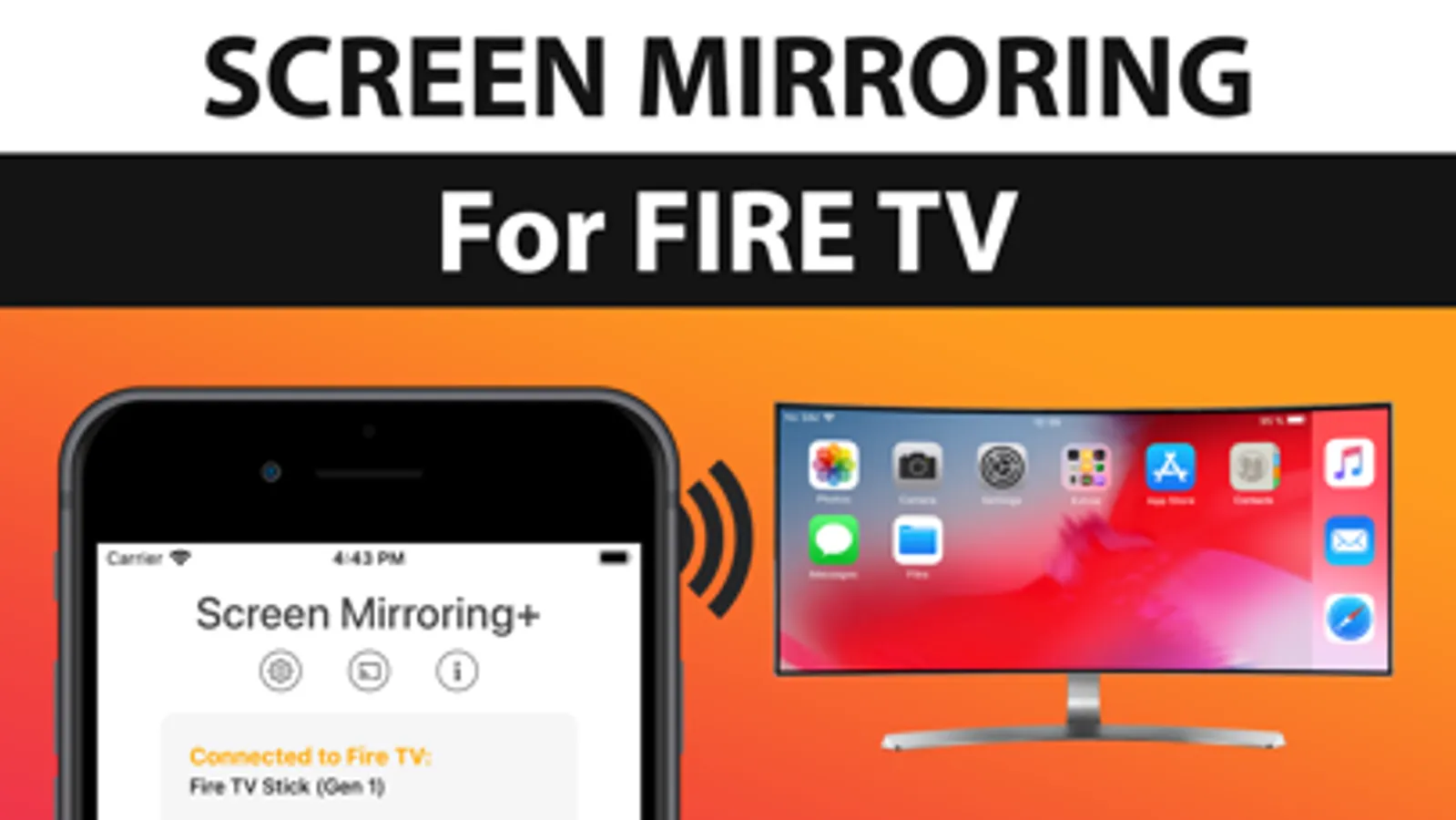
In this screen mirroring app, you can share your iPhone or iPad screen on Fire TV, including photos, videos, and presentations. Includes high-quality streaming with zero delay and supports various Fire TV devices and TVs.
AppRecs review analysis
AppRecs rating 3.3. Trustworthiness 62 out of 100. Review manipulation risk 27 out of 100. Based on a review sample analyzed.
★★★☆☆
3.3
AppRecs Rating
Ratings breakdown
5 star
48%
4 star
5%
3 star
4%
2 star
5%
1 star
37%
What to know
✓
Low review manipulation risk
27% review manipulation risk
⚠
High negative review ratio
42% of sampled ratings are 1–2 stars
About Screen Mirroring+ for Fire TV
Screen Mirroring+ for Fire TV is the easy screen mirror app to share your iPhone or iPad screen on your Fire TV. It's the most advanced screen mirroring solution with zero delay and the highest screen quality.
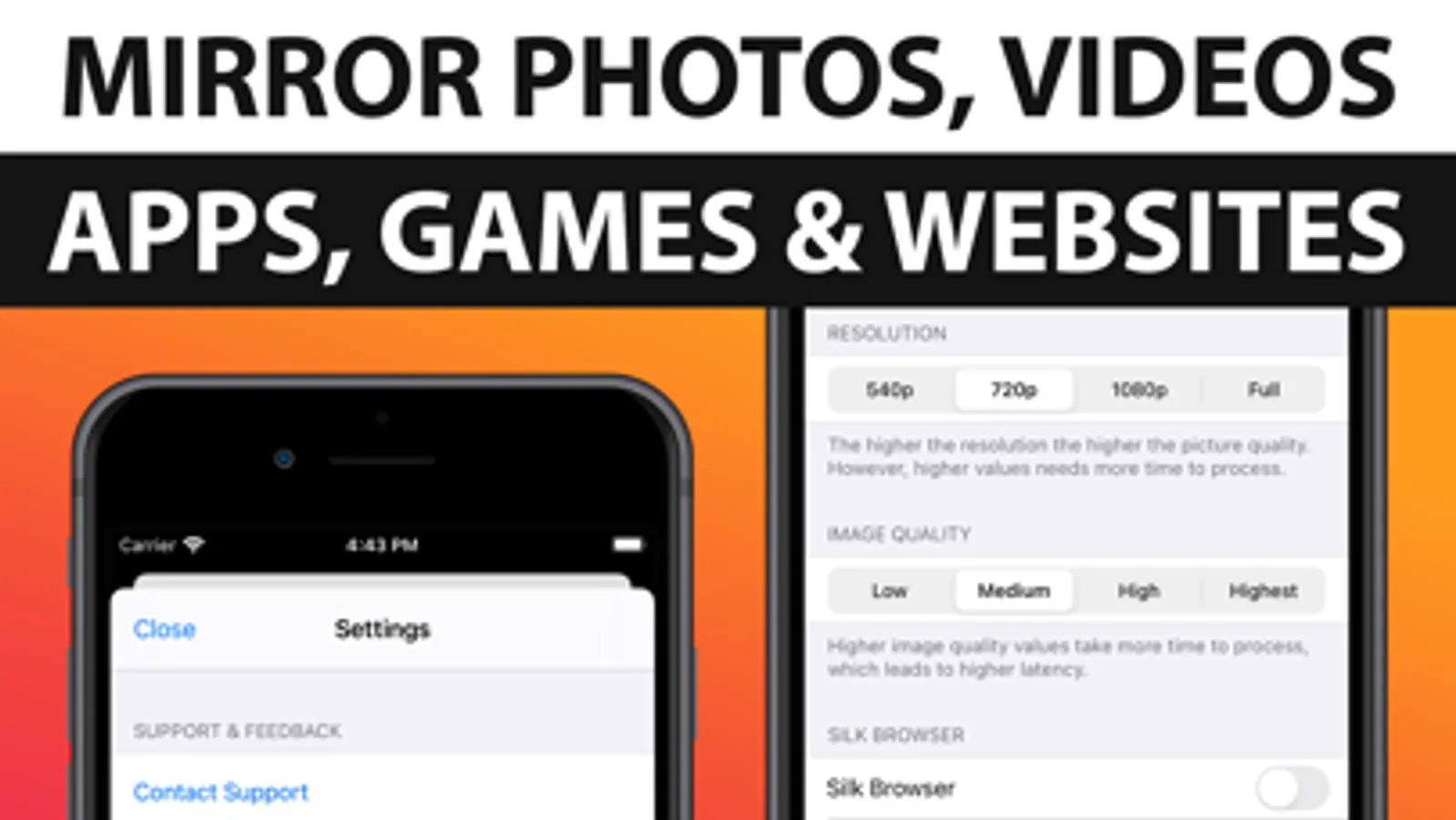
Mirror photos, videos, games, websites, apps, presentations, documents and spreadsheets on Fire TV.
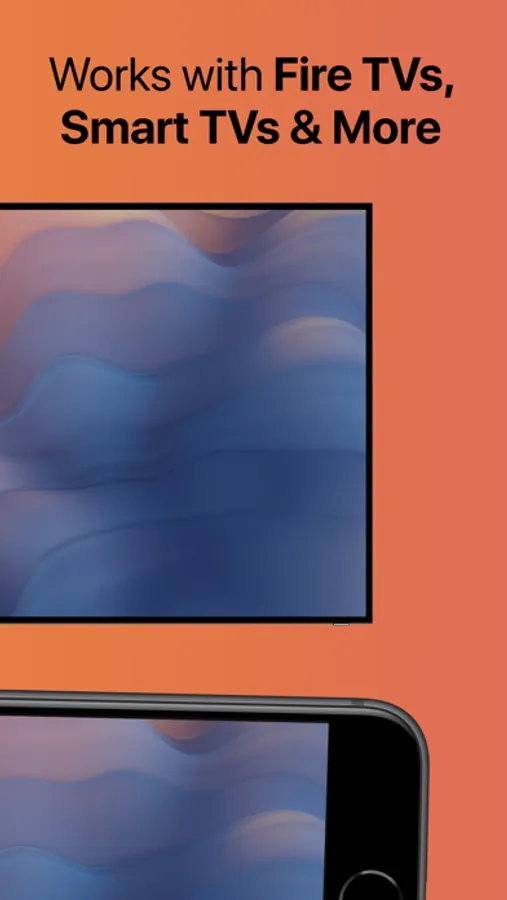
* Supported Fire TVs: Fire TV Box+Stick, Fire TV Cube and all other devices of the Fire TV Family.
* Supported TVs: Insignia TV and Toshiba TV with Fire TV Edition
* Your iPhone/iPad and your Fire TV must be connected to the same wifi to enable screen mirroring. Please do not use VPN, Proxy, VLANS and Subnets.
* Latency is supreme (below 1 second) when you have good wifi network conditions
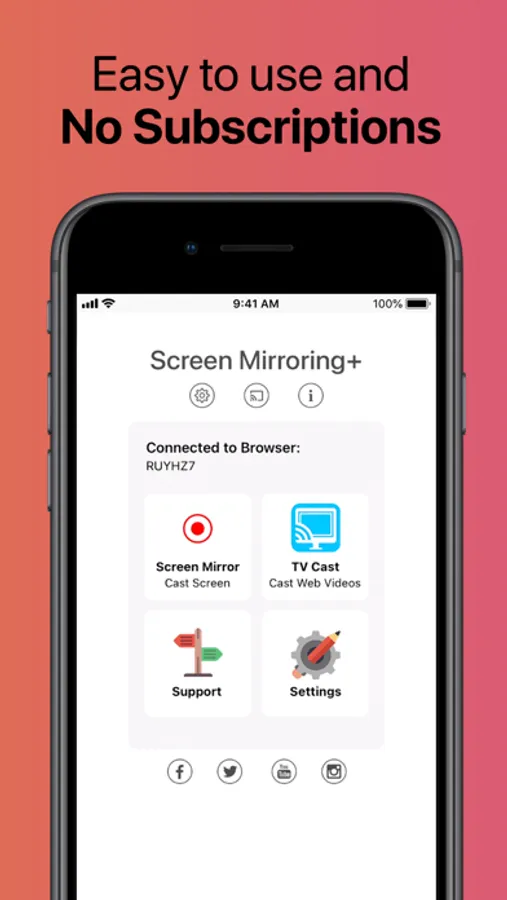
* No hidden subscriptions or costs
* Black screen issues: Some third party apps prevent screen mirroring. When you try to mirror them, you will just see a black screen on your TV, for example with Netflix and Disney+. This is a restriction chosen by Netflix and others, so we cannot fix it at the moment.
If you like the app and our constant work on it, please give the app a positive rating on the App Store. Many thanks in advance from the development & support team.
Disclaimer: This app is not affiliated with Amazon or any other trademark mentioned here. This app was not created or endorsed by Amazon.
Mirror photos, videos, games, websites, apps, presentations, documents and spreadsheets on Fire TV.
* Supported Fire TVs: Fire TV Box+Stick, Fire TV Cube and all other devices of the Fire TV Family.
* Supported TVs: Insignia TV and Toshiba TV with Fire TV Edition
* Your iPhone/iPad and your Fire TV must be connected to the same wifi to enable screen mirroring. Please do not use VPN, Proxy, VLANS and Subnets.
* Latency is supreme (below 1 second) when you have good wifi network conditions
* No hidden subscriptions or costs
* Black screen issues: Some third party apps prevent screen mirroring. When you try to mirror them, you will just see a black screen on your TV, for example with Netflix and Disney+. This is a restriction chosen by Netflix and others, so we cannot fix it at the moment.
If you like the app and our constant work on it, please give the app a positive rating on the App Store. Many thanks in advance from the development & support team.
Disclaimer: This app is not affiliated with Amazon or any other trademark mentioned here. This app was not created or endorsed by Amazon.
Screen Mirroring+ for Fire TV Screenshots
Tap to Rate:
Reviews for Screen Mirroring+ for Fire TV
Kevin Gipson
Simply Doesn’t Work!
The video works on my iPhone screen, but appears as a frozen image of the first frame of the video. Waste of time and money.
Beautifulkayfrancisfan
Haven’t ever written a review for an app
But I feel betrayed