With this photo editing app, you can remove objects, cover areas, and clone parts of photos or videos. Includes tools for cropping, watermarking, trimming, and applying effects.
AppRecs review analysis
AppRecs rating 4.4. Trustworthiness 45 out of 100. Review manipulation risk 28 out of 100. Based on a review sample analyzed.
★★★★☆
4.4
AppRecs Rating
Ratings breakdown
5 star
74%
4 star
9%
3 star
2%
2 star
11%
1 star
5%
What to know
✓
Authentic reviews
Natural distribution, no red flags
About Photo Eraser - Remove Object
You can remove the unwanted objects without erasing the background.
Achieve repair effects by removing or covering.This app provides a variety of photo and video editing tools to achieve this function.
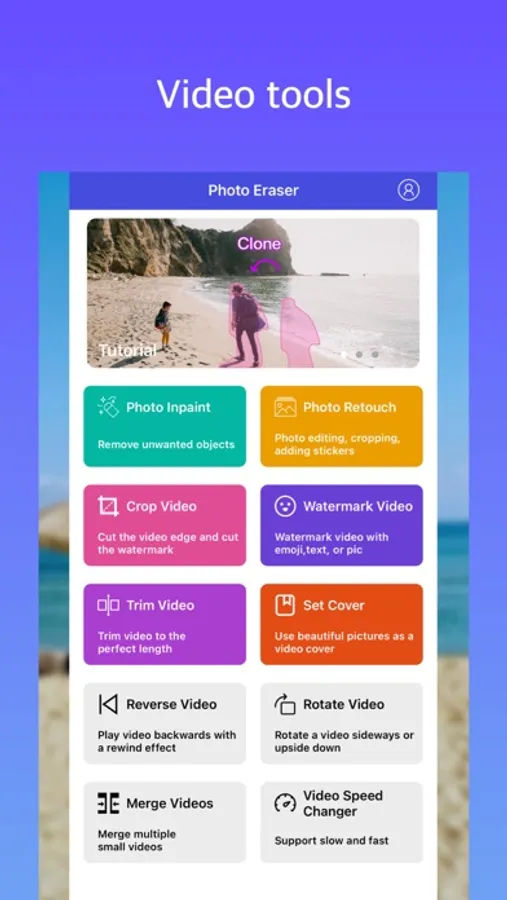
- Remove Objects: Automatically delete unwanted objects by swipe to select objects.
- Clone Tool:Repair photos by cloning parts of the image and then covering the unwanted parts.
- Brush Tool:For pictures with a single color background, use the brush tool to apply the background color to remove objects.
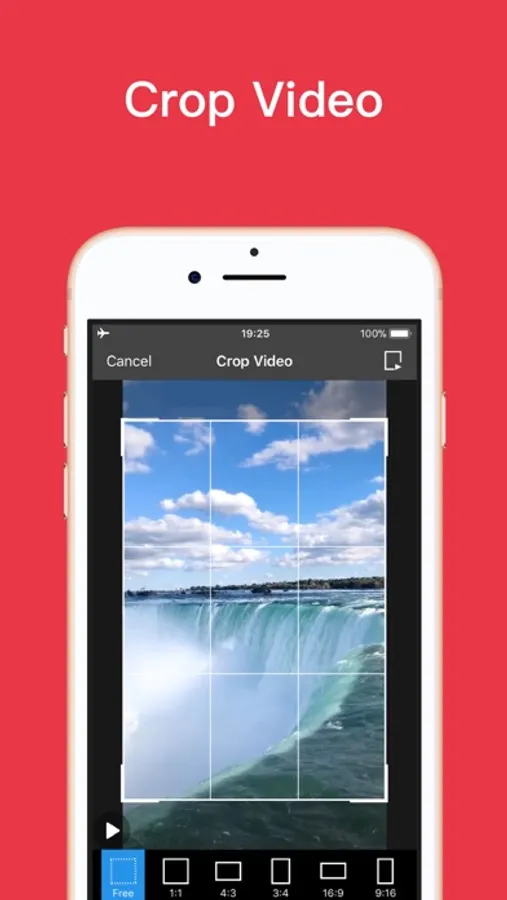
- Crop Tool: Cut edges of photos and videos
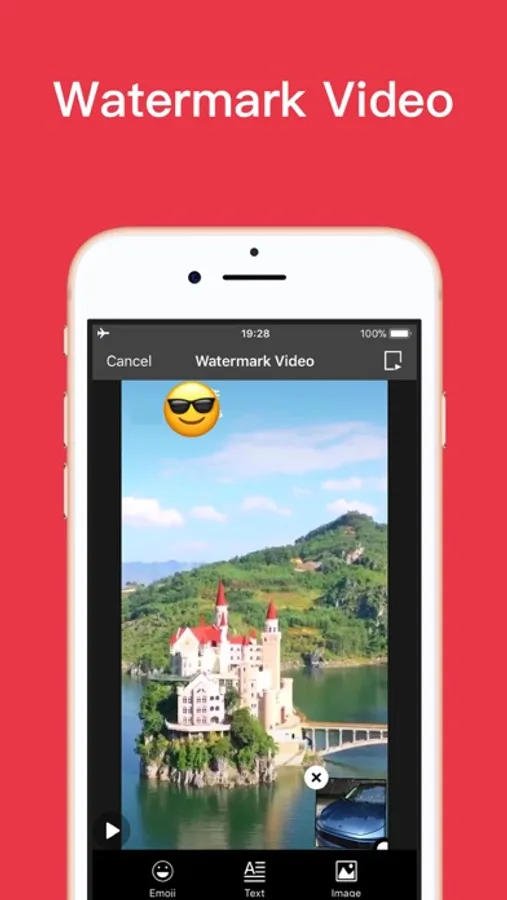
- Watermark Video: Add emoji, pictures, stamps, caption and text to the video.
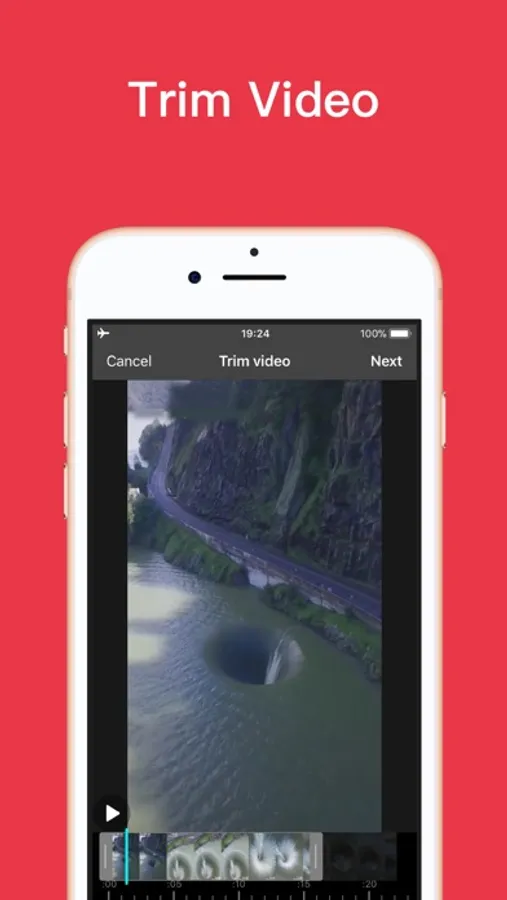
- Trim Video: Trim video to the perfect length.
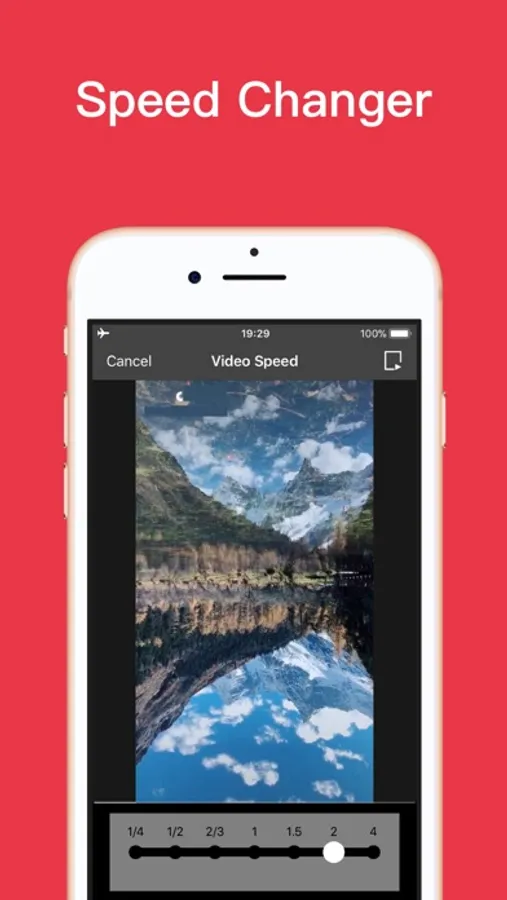
- Other tools:Set Cover, Reverse Video, Rotate Video, Merge Videos, Video Speed Changer.
Upgrade to Professional Version
#Permanent professional version:
* Make a one-time purchase and resume purchases anytime, anywhere.
#Annual professional version:
* Annual auto-renewable subscription, automatic renewal upon expiration.
* Payment will be charged to iTunes Account at confirmation of purchase.
* Your subscription will automatically renew unless auto-renew is turned off at least 24 hours before the end of the current period.
* Subscriptions may be managed by the user and auto-renewal may be turned off by going to the user's iTunes Account Settings after purchase.
Privacy Policy:https://yuntangapps.web.app/privacypolicy.html
Terms of Use:https://yuntangapps.web.app/terms.html
Contact us:yun_tang_tech@163.com
Achieve repair effects by removing or covering.This app provides a variety of photo and video editing tools to achieve this function.
- Remove Objects: Automatically delete unwanted objects by swipe to select objects.
- Clone Tool:Repair photos by cloning parts of the image and then covering the unwanted parts.
- Brush Tool:For pictures with a single color background, use the brush tool to apply the background color to remove objects.
- Crop Tool: Cut edges of photos and videos
- Watermark Video: Add emoji, pictures, stamps, caption and text to the video.
- Trim Video: Trim video to the perfect length.
- Other tools:Set Cover, Reverse Video, Rotate Video, Merge Videos, Video Speed Changer.
Upgrade to Professional Version
#Permanent professional version:
* Make a one-time purchase and resume purchases anytime, anywhere.
#Annual professional version:
* Annual auto-renewable subscription, automatic renewal upon expiration.
* Payment will be charged to iTunes Account at confirmation of purchase.
* Your subscription will automatically renew unless auto-renew is turned off at least 24 hours before the end of the current period.
* Subscriptions may be managed by the user and auto-renewal may be turned off by going to the user's iTunes Account Settings after purchase.
Privacy Policy:https://yuntangapps.web.app/privacypolicy.html
Terms of Use:https://yuntangapps.web.app/terms.html
Contact us:yun_tang_tech@163.com
Photo Eraser - Remove Object Screenshots
Tap to Rate:
Reviews for Photo Eraser - Remove Object
app user😤
Terrible update
It was better when it had remove logo therefore 1 star is all you need