
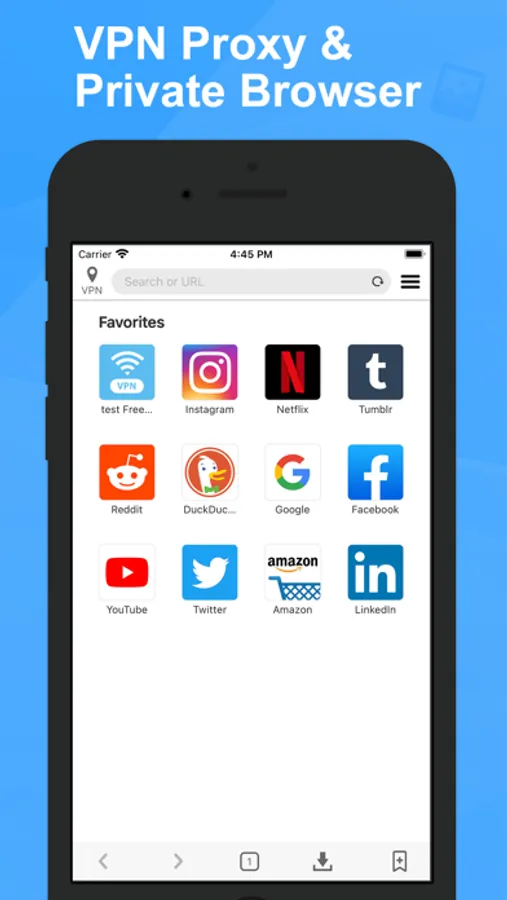
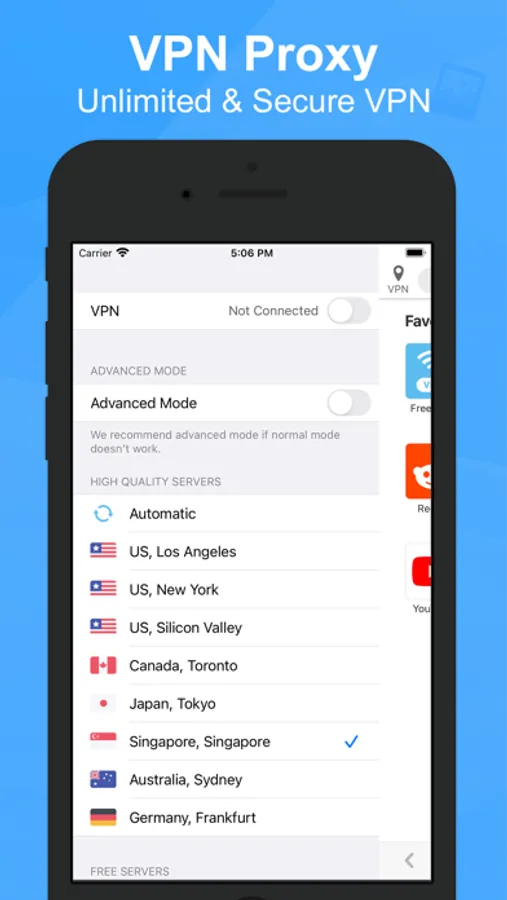
With this web browser app, you can surf the internet securely using the integrated free VPN proxy and multi-window support. Includes multiple servers around the world, no activity logs, and one-tap connection.
AppRecs review analysis
AppRecs rating 4.6. Trustworthiness 67 out of 100. Review manipulation risk 41 out of 100. Based on a review sample analyzed.
★★★★☆
4.6
AppRecs Rating
Ratings breakdown
5 star
82%
4 star
7%
3 star
4%
2 star
2%
1 star
5%
What to know
⚠
Questionable review patterns
41% review manipulation risk - some review patterns appear unusual
⚠
Rating authenticity concerns
High rating concentration (82% 5-star) in sampled ratings
⚠
Review quality concerns
67% of sampled 5-star reviews are very short
About Private Browser - VPN Proxy
Choose our advantages:
- Interface refreshing.
- Easy to use.You just need one tap to connect.
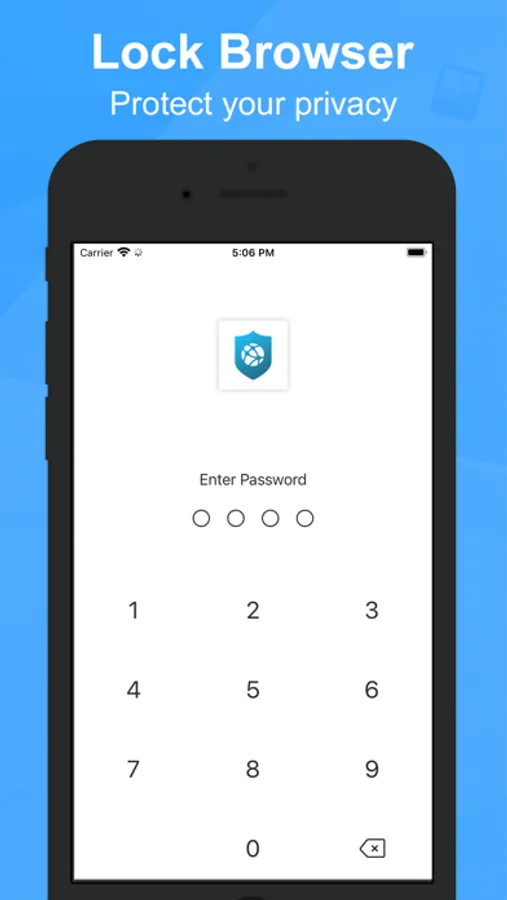
- Secure. Private Browser will protect your personal data while you are online.
- Free. free unlimited VPN.
- Fast. Private Browser enable you to access to all websites.
- Convenient. provide multi-window and label.
- Multiple servers. We provide you with multiple servers around the world.
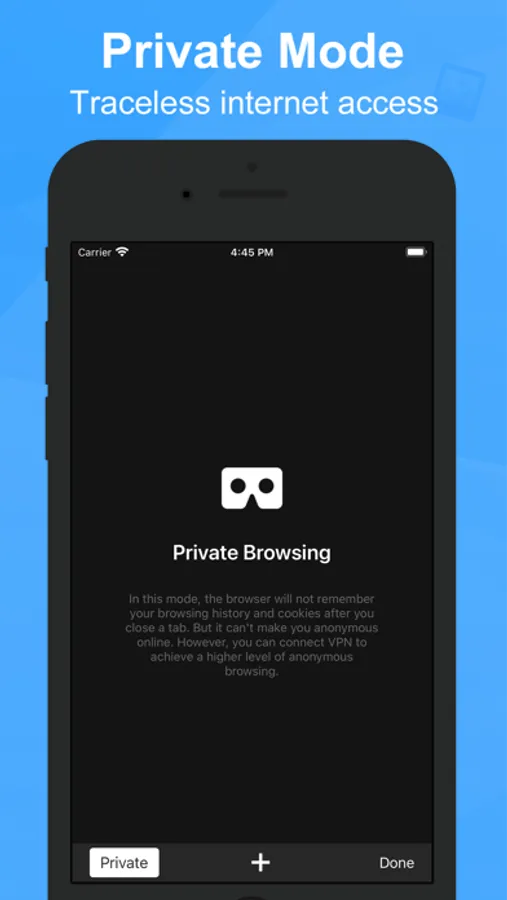
- Privacy. we don’t log any of your activity and will never share it with anyone.
- Support iPhone & iPad.
LEGAL:
For more information, please visit our "Terms of Use" and "Privacy Policy"
Terms of Service: https://vpn-browser.esvpnapp.com/terms.html
Privacy Policy: https://vpn-browser.esvpnapp.com/policy.html
Contact us: https://vpn-browser.esvpnapp.com/
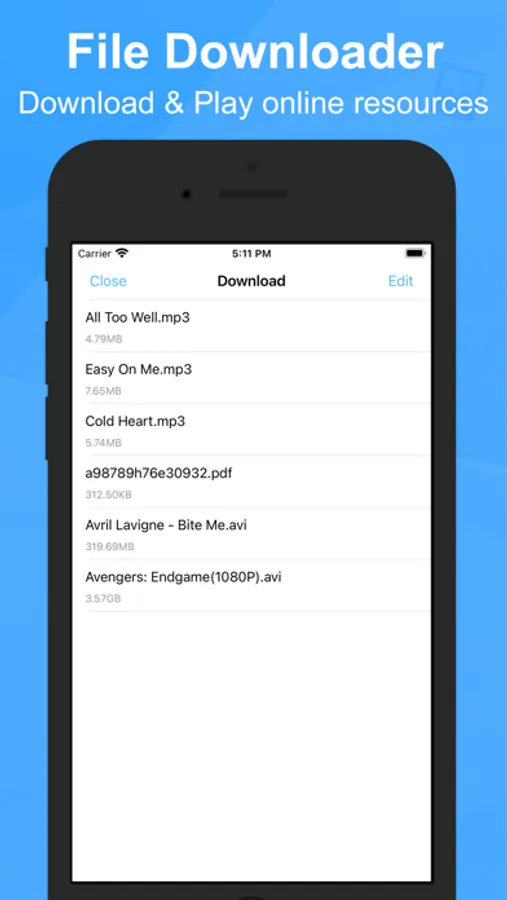
Private Browser - VPN Proxy Screenshots
Tap to Rate:
Reviews for Private Browser - VPN Proxy
Never Waz
Disappearing VPN
I went into settings on the app never did get to use it. I saw the setting VPN. I clipped it to enable it. The app closed by itself so I then clicked on the icon and it appears to open and then just goes right back to the icon It doesn’t come on after I enabled the VPN. I can’t even delete it because it just pops up and goes back to icon. It doesn’t do the normal where I can delete it. ?????
Jorvinskate1269
Jorvinskate69
Jorvinskate69