In this PDF to JPG PNG GIF converter app, you can select PDF files to convert all pages or images to various image formats. Includes fast processing, batch conversion, and sharing options.
AppRecs review analysis
AppRecs rating 4.0. Trustworthiness 74 out of 100. Review manipulation risk 31 out of 100. Based on a review sample analyzed.
★★★★☆
4.0
AppRecs Rating
Ratings breakdown
5 star
88%
4 star
2%
3 star
3%
2 star
1%
1 star
6%
What to know
✓
Credible reviews
74% trustworthiness score from analyzed reviews
✓
High user satisfaction
88% of sampled ratings are 5 stars
⚠
Ad complaints
Many low ratings mention excessive ads
About Convert PDF to JPG,PDF to PNG
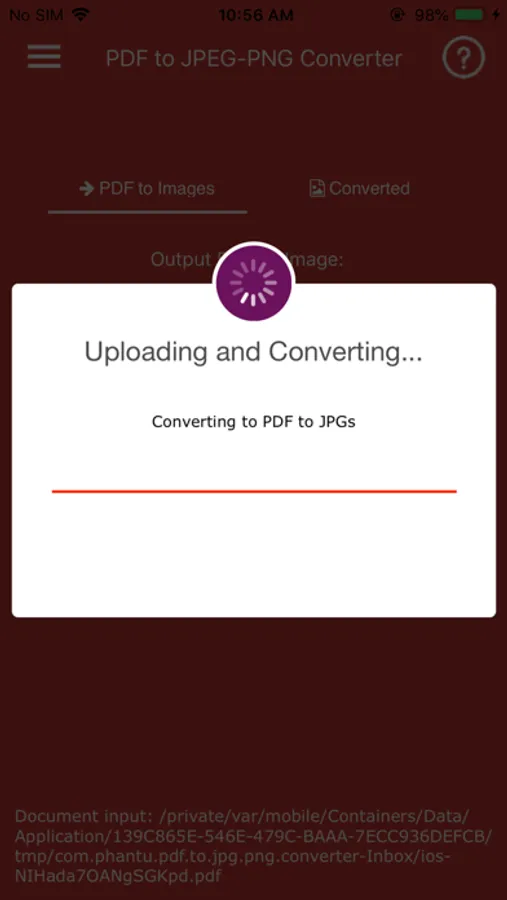
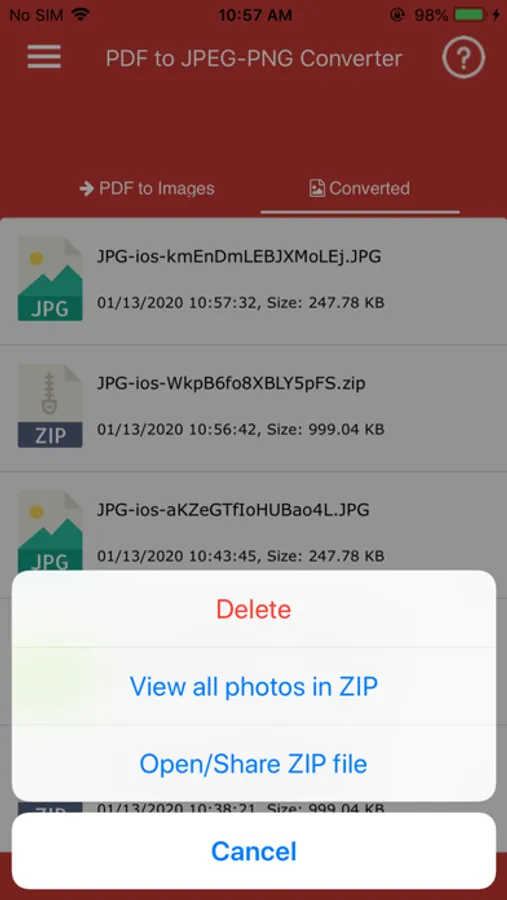
PDF to JPG/PNG/GIF Converter - Image Converter is free for you if you need to convert your PDF files to the JPG/PNG/GIF images. You just need to install this app on your IOS device and select the document to convert.
Convert free unlimited number of files, no delay between conversions, no queue, convert all PDF pages and much more.
On the top of that this PDF to JPG Converter - Image Converter is really fast, lightweight and stable. The application is also straightforward and easy to use. Convert all pages in a PDF to JPG or extract all images in a PDF to JPG or PDF to PNG , PDF to GIF
App Premium Features:
- Convert PDF files to JPG or JPEG photos
- Convert PDF files to PNG photos
- Convert PDF files to GIF photos
- Simple and easy to use interface
- Powerful PDF to JPG Converter.
- App is really fast, lightweight and stable.
- Share your documents: When you convert the documents to JPG format then you can easily share the images with others.
- Files are converted very easy and fast so your battery is not wasted and conversion speeds are much faster.
- Your high quality files are converted in few seconds by clicking button.
- Reading mode gives you better understating to choose to convert to jpg files conversion.
- It's that simple. It is also fast, the converter quickly handles even large files with complex images.
- PDF quickly convert to JPG has perfect user guide to understand steps for generate.
- Convert PDF files to photos with JPG/JPEG and PNG/GIF extension
- App quickly handles even large files with complex images.
- You can easily share high quality images to social media.
- App is very useful for corporate office and day to business.
- App does not change or delete the original file.
Note:
This application will not work on files protected by password or malformed files.
Convert free unlimited number of files, no delay between conversions, no queue, convert all PDF pages and much more.
On the top of that this PDF to JPG Converter - Image Converter is really fast, lightweight and stable. The application is also straightforward and easy to use. Convert all pages in a PDF to JPG or extract all images in a PDF to JPG or PDF to PNG , PDF to GIF
App Premium Features:
- Convert PDF files to JPG or JPEG photos
- Convert PDF files to PNG photos
- Convert PDF files to GIF photos
- Simple and easy to use interface
- Powerful PDF to JPG Converter.
- App is really fast, lightweight and stable.
- Share your documents: When you convert the documents to JPG format then you can easily share the images with others.
- Files are converted very easy and fast so your battery is not wasted and conversion speeds are much faster.
- Your high quality files are converted in few seconds by clicking button.
- Reading mode gives you better understating to choose to convert to jpg files conversion.
- It's that simple. It is also fast, the converter quickly handles even large files with complex images.
- PDF quickly convert to JPG has perfect user guide to understand steps for generate.
- Convert PDF files to photos with JPG/JPEG and PNG/GIF extension
- App quickly handles even large files with complex images.
- You can easily share high quality images to social media.
- App is very useful for corporate office and day to business.
- App does not change or delete the original file.
Note:
This application will not work on files protected by password or malformed files.
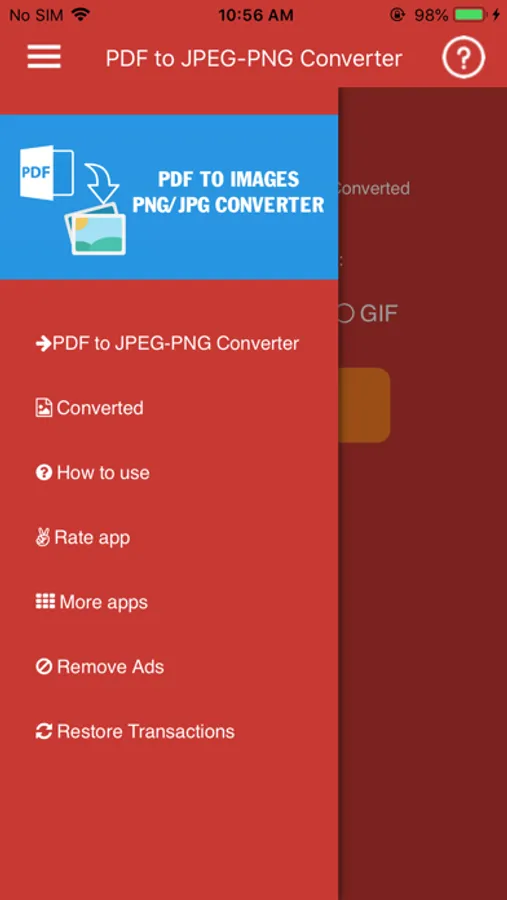
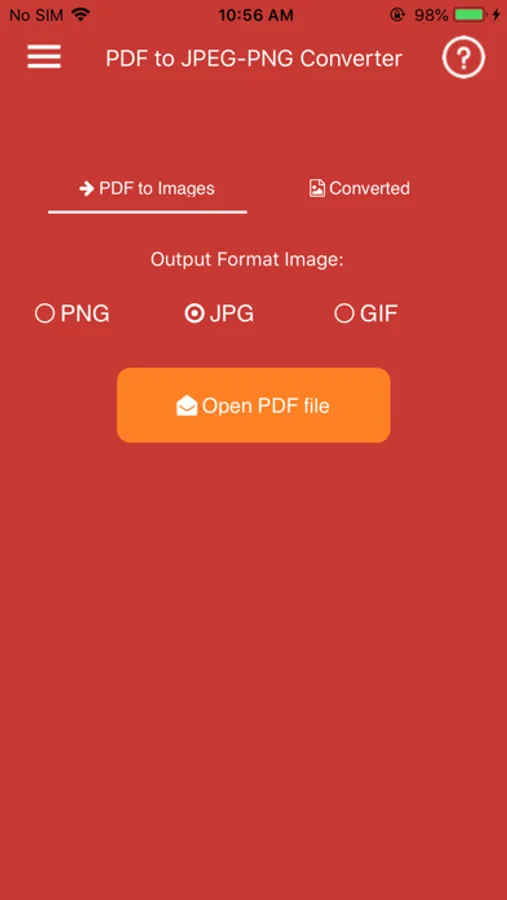
Convert PDF to JPG,PDF to PNG Screenshots
Tap to Rate:
Reviews for Convert PDF to JPG,PDF to PNG
User with attitude
Nothing works
The title of my review says it all.
TurkeyMan808
Best in class
Only app that does this that’s actually free. At least out of 4 that I tried