AppRecs review analysis
AppRecs rating 4.1. Trustworthiness 90 out of 100. Review manipulation risk 27 out of 100. Based on a review sample analyzed.
★★★★☆
4.1
AppRecs Rating
Ratings breakdown
5 star
78%
4 star
0%
3 star
0%
2 star
0%
1 star
22%
What to know
✓
Low review manipulation risk
27% review manipulation risk
✓
Credible reviews
90% trustworthiness score from analyzed reviews
✓
High user satisfaction
78% of sampled ratings are 4+ stars (4.1★ average)
About EazyDraw
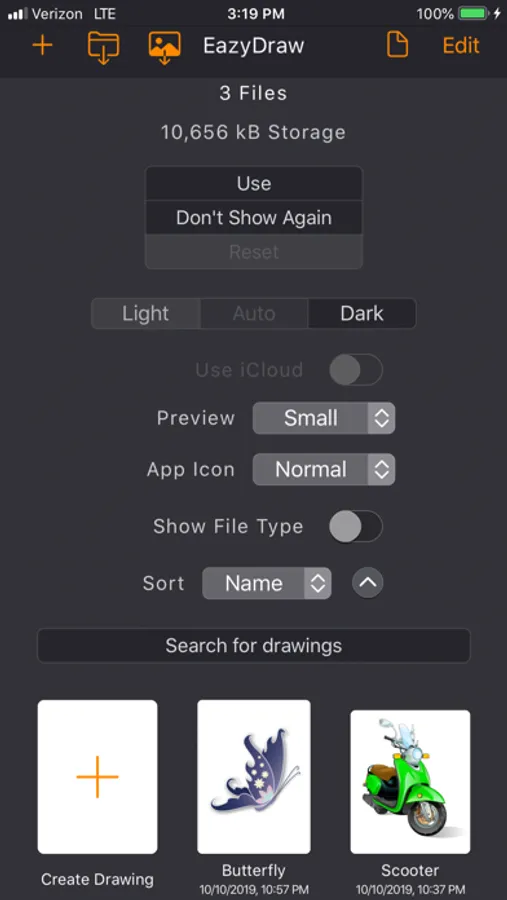
EazyDraw for iPad and iPhone works seamlessly with EazyDraw for Mac. Use Handoff, copy and paste between devices, or rely on iCloud to create and edit drawings anywhere — on iPad, iPhone, MacBook, or desktop.
Designed for efficient drawing on mobile
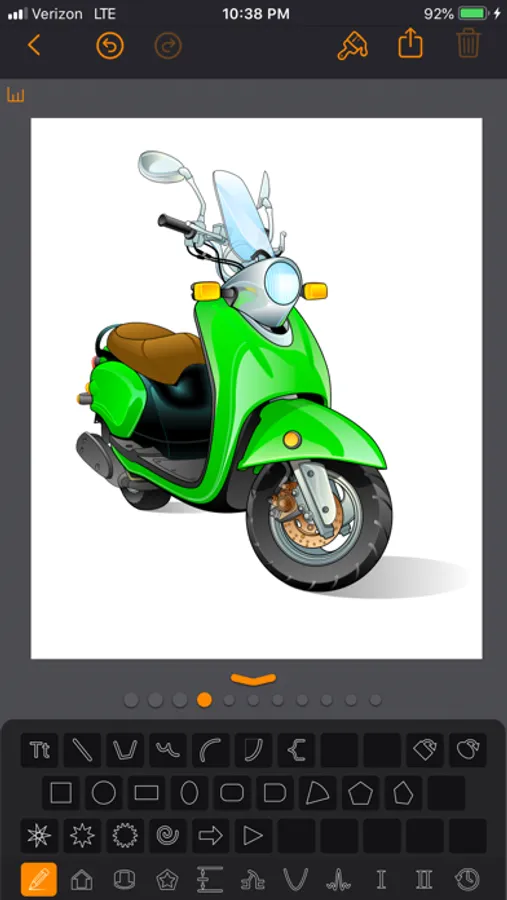
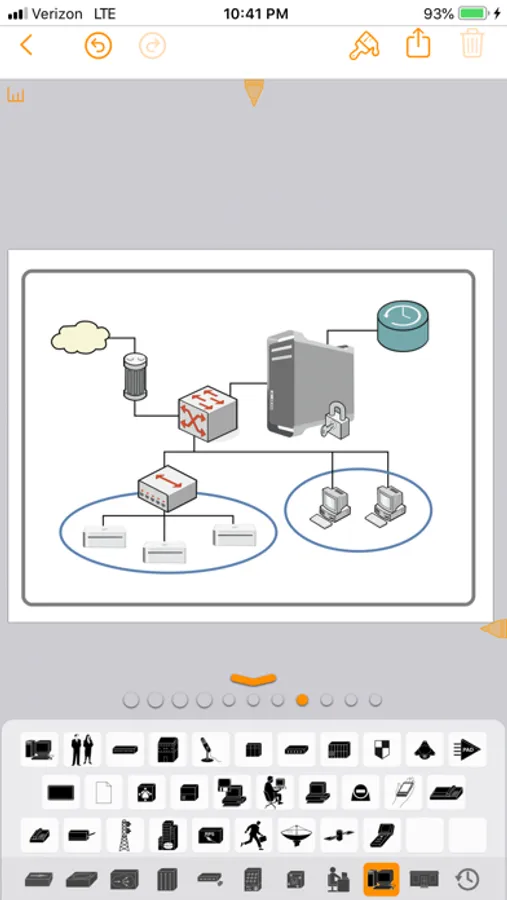
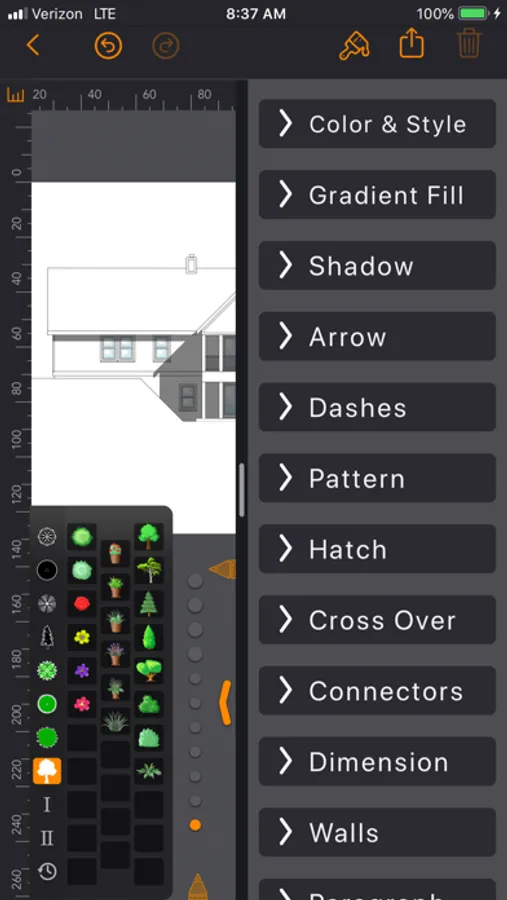
Optimize screen space with the resizable keyboard. Move it to the bottom, left, or right side of the screen. The keyboard integrates text entry, color selection, inspectors, and a large library of ready-to-use tools and symbols.
Choose from seven customizable keyboards with a single tap. Drag and drop keys to rearrange them, or open a keyboard for full editing. Select from collections of scientific symbols, charting tools, emoji, and world languages — or build your own from the complete Unicode character set.
Powerful vector drawing tools
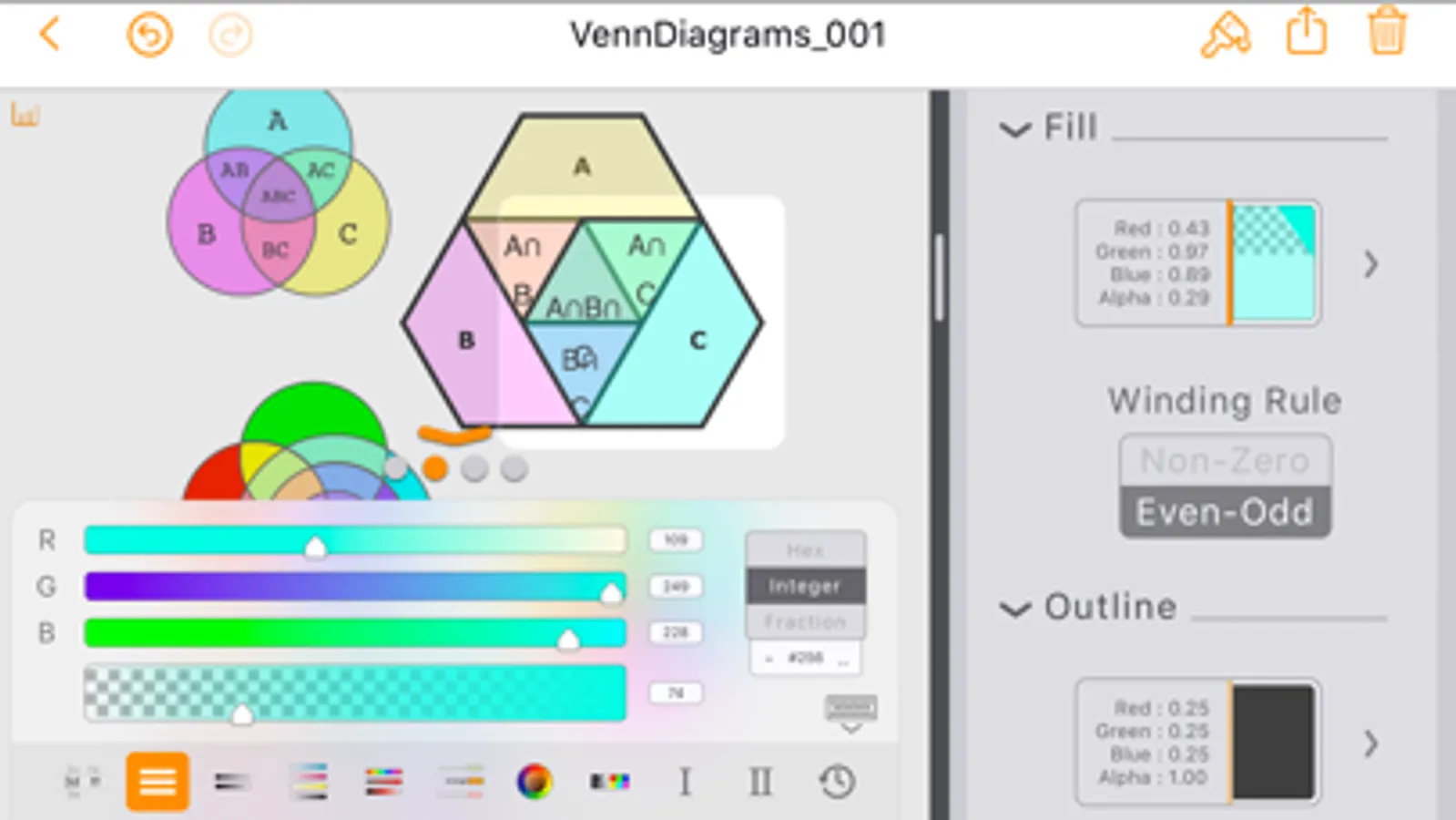
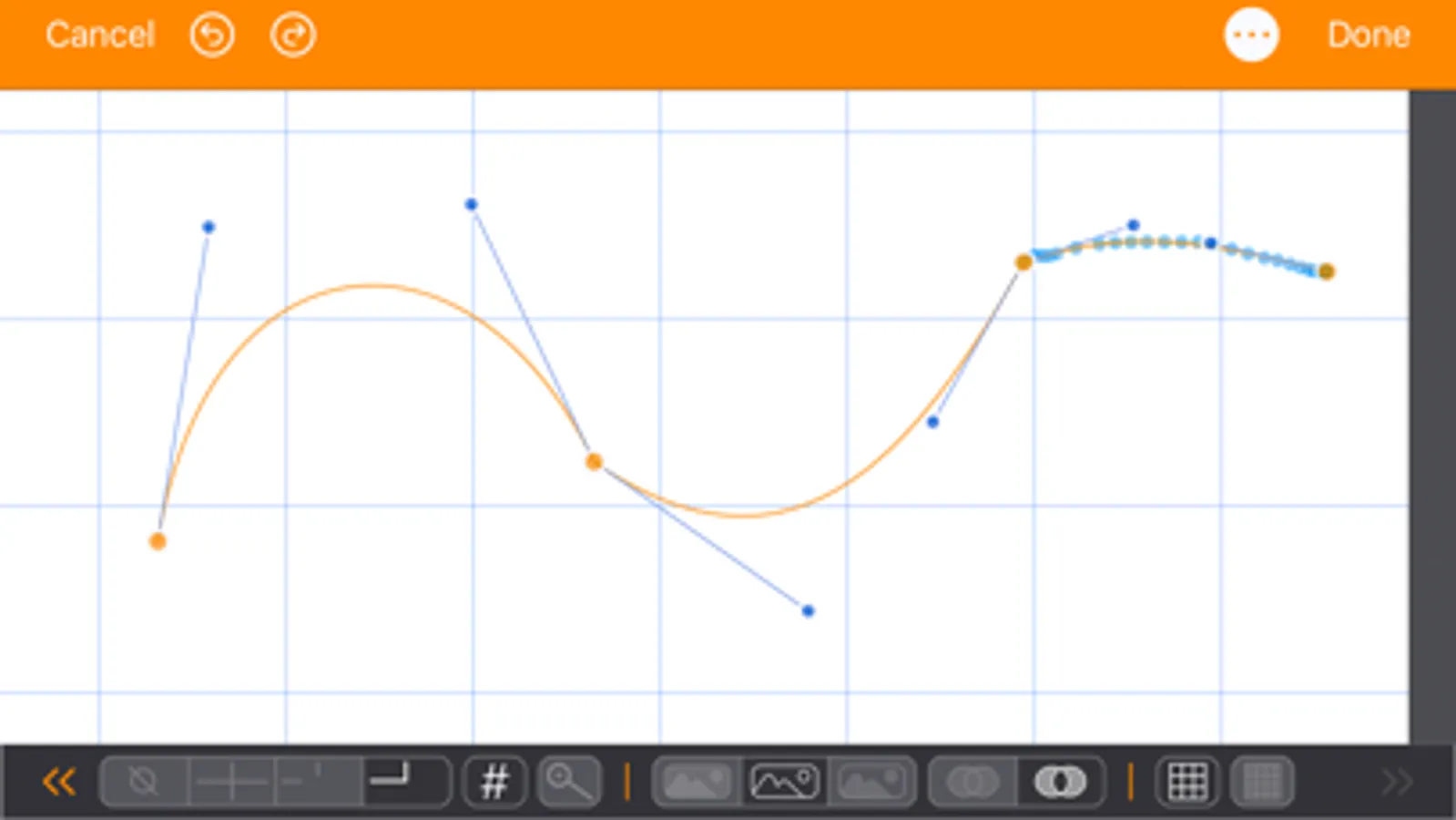
Enhance drawings with gradients, drop shadows, arrows, dashes, textures, and vector hatching. Inspect and select colors using eight integrated color pickers.
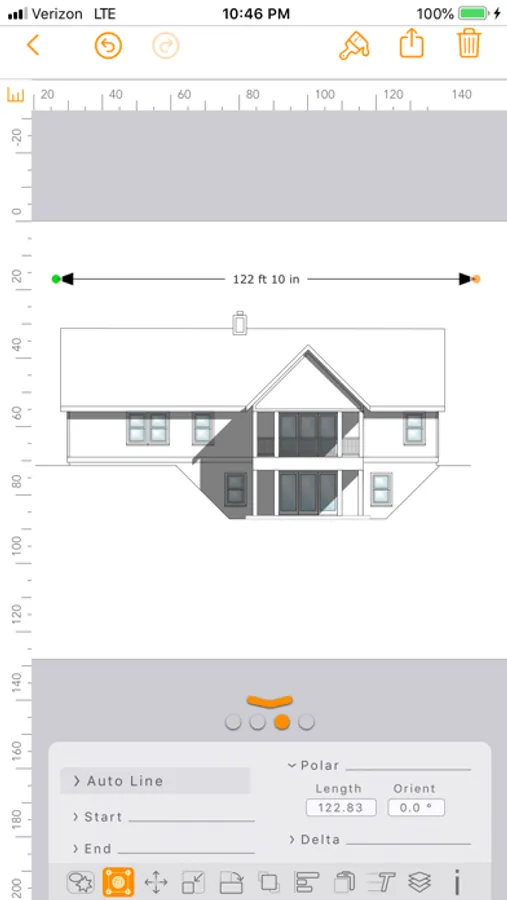
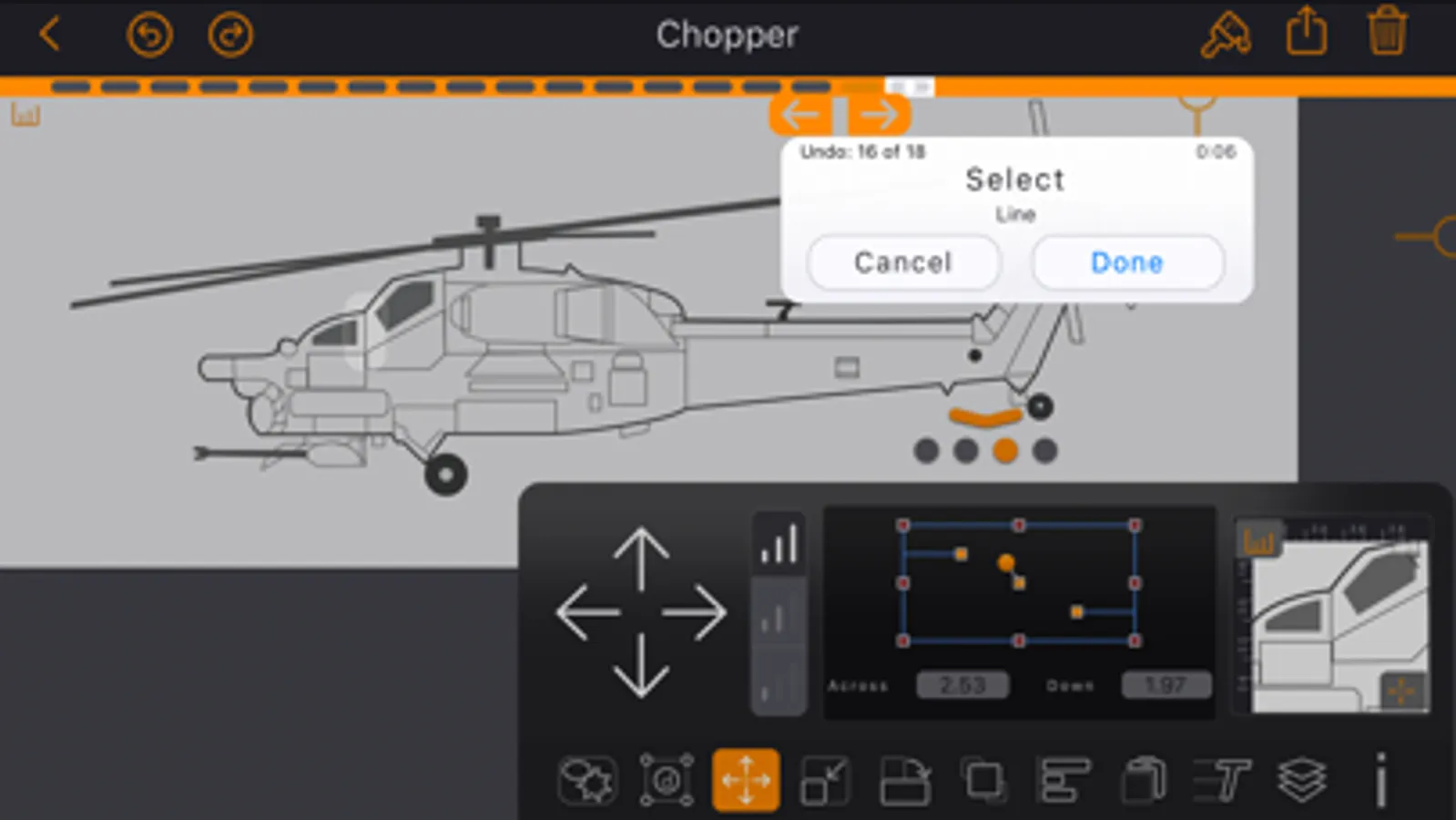
Create scaled technical drawings with Auto-Dimensions, grids, guides, rulers, and snapping tools. Build diagrams and flowcharts with integrated typeset text and automatic connectors.
Built for iPadOS workflows
EazyDraw fully supports Split View, multitasking, and drag and drop. Import content from other apps or devices and continue editing instantly.
Flexible export options
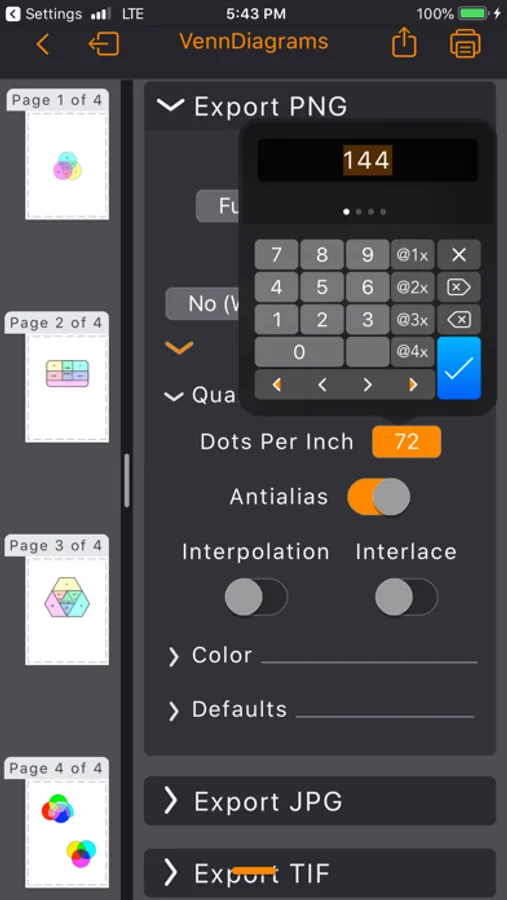
Export to PDF, PNG, JPG, or TIFF. Send images directly to Photos or share with other apps.
EazyDraw is fully color-managed and supports both sRGB and P3 wide-gamut color. The color wheel inspector automatically generates complementary palettes to help you design with confidence.
EazyDraw Screenshots
Tap to Rate:
Reviews for EazyDraw
SKCPITT
Worst drawing iPad tool
Not stable. Inconsistent operations on major and minor gripe activations. Snapping to the grids or vertices is working inconsistently. Overall, inconsistent operation. can easily understand it is free now.
JoeSkeptic
Unusual but good interface
I’m a long time user of the desktop version of Eazydraw. This iPad version is full featured and as capable as the desktop app i.e. extremely capable. I think you will do better with the iPad app if you have some familiarity with the desktop app as the app can do many unique things. Over the years the desktop interface fell behind in terms of design and I found myself trying out other drawing apps. The iPad app has a completely original interface design. Ultimately it’s a good design but it takes a bit of time and experimentation to figure it out. A descriptive document is needed. The centerpiece of the new design is a ‘keyboard’ for which you select preassigned sets of ‘keys’ for the task at hand. This works fine. Other settings type items are hidden behind various icons and not always where you might hope them to be. I probably should give the app 4.5 stars but I am so pleased there is an iOS version of the app that it’s worth 5 to me. I don’t understand the pricing yet, no charge or nag screen so far, and that’s a pretty amazing deal that won’t last! Well, thanks Dekorra and keep up the great work.