AppRecs review analysis
AppRecs rating 3.9. Trustworthiness 84 out of 100. Review manipulation risk 23 out of 100. Based on a review sample analyzed.
★★★☆☆
3.9
AppRecs Rating
Ratings breakdown
5 star
62%
4 star
0%
3 star
19%
2 star
5%
1 star
14%
What to know
✓
Low review manipulation risk
23% review manipulation risk
✓
Credible reviews
84% trustworthiness score from analyzed reviews
✓
Good user ratings
62% positive sampled reviews
About TouchDraw 2
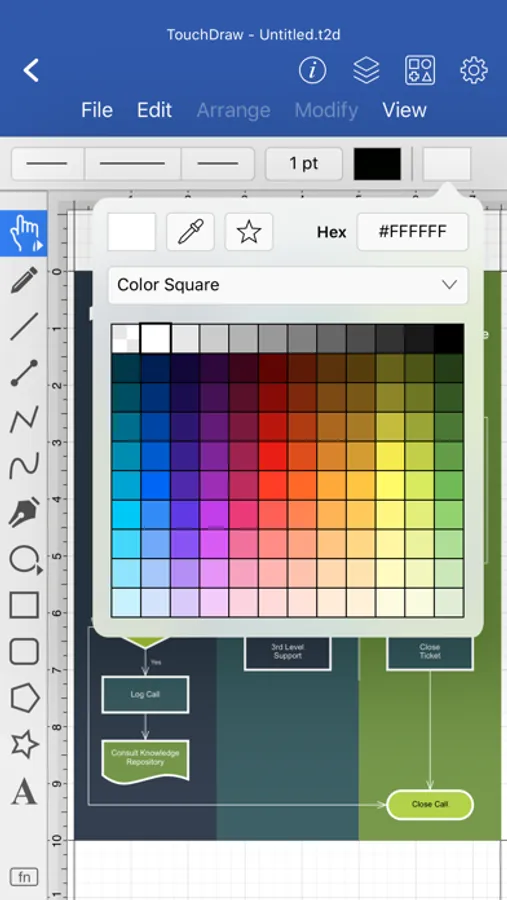
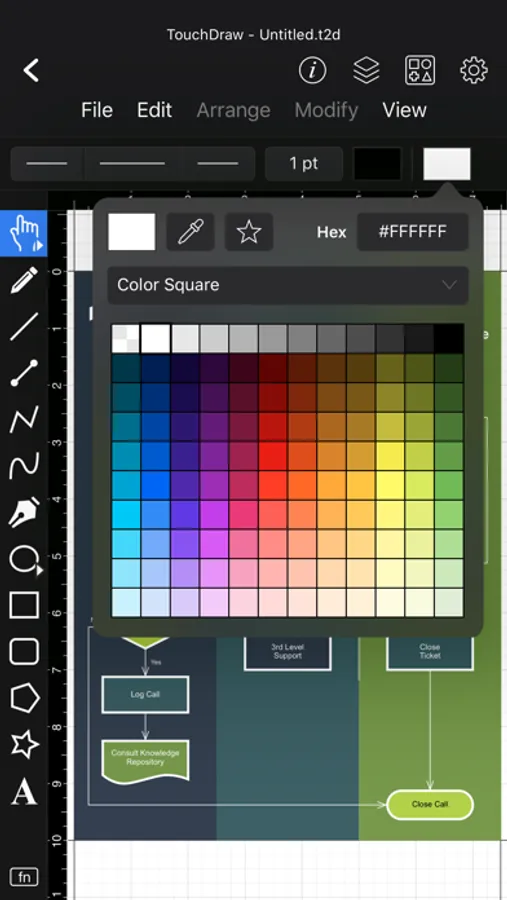
From the first tap, TouchDraw 2 feels intuitive. Use familiar multi-touch gestures and Apple Pencil to draw shapes and lines naturally. Smart guides, snap-to-grid tools, and shape recognition help beginners create polished results, while more advanced users can take advantage of layers, dimension lines, and connectors that stay intelligently linked as you move elements.
TouchDraw is perfect for countless scenarios—flowcharts, floor plans, mind maps, technical drawings, illustrations, and more. It adapts to your needs without locking you into a specific workflow. This version includes a free 7-day trial, after which you can unlock the full experience with a one-time purchase. No subscriptions, no recurring fees—just a single payment to own it forever.
Key Features:
* Designed for touch and Apple Pencil with an intuitive, gesture-based interface
* Smart shape recognition and snapping tools for easy alignment and layout
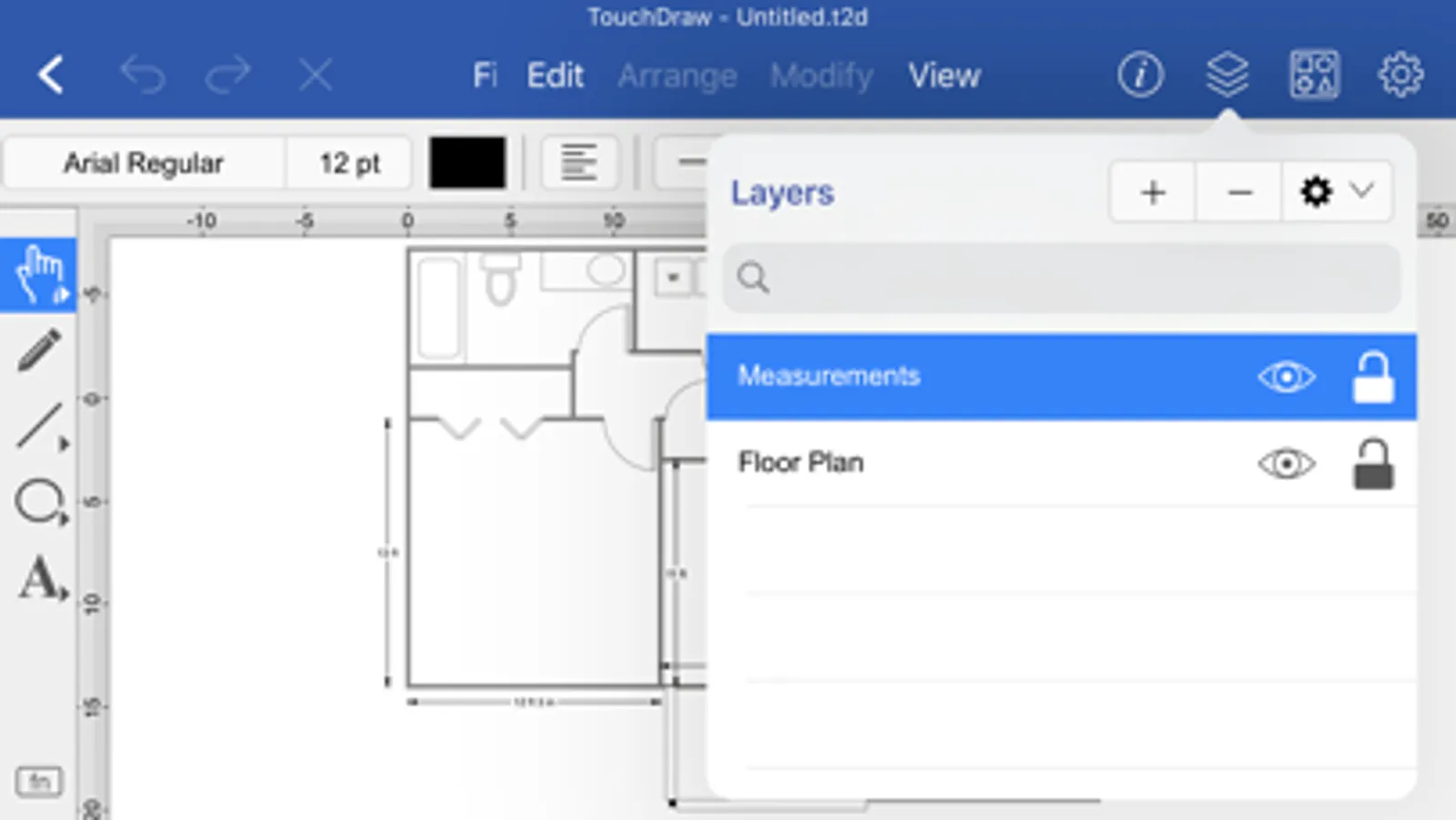
* Layers, dimensions, and connector lines for detailed, organized drawings
* Ideal for diagrams, plans, charts, illustrations, and other 2D visuals
* Import/export to SVG, PDF, PNG, and Visio® formats; iCloud Drive support
Includes a free 7-day trial with a one-time purchase to unlock the full app
TouchDraw 2 Screenshots
Tap to Rate:
Reviews for TouchDraw 2
IonlyLikeCoolStuff
Not bad but better for diagrams than floor plans
This will probably fit your needs for the usual Visio type stuff like flowcharts and network diagrams, but it’s not the greatest thing for floor plans. There are some areas where the UI seems to be lacking and some minor bugs that can get annoying. However, I bought it anyway because it seems to be the best and perhaps only non-subscription app that will draw automatically labeled dimension lines in a reasonable manner. I normally use Affinity Designer for everything, but Affinity is lacking the ability to draw dimension lines and insert measurements. So I’ve ended up having to look elsewhere for floor plans, and I didn’t like any of the “super automatic” floor plan apps. If you want to do general artwork, get Affinity Designer or something else because the bezier curve handle editing UI in TouchDraw is pretty badly designed. You have to use the press-and-hold context menu for this. In general the app relies too heavily on context and pull-down menus to be convenient, and the “modifier key” idiom is too slow. It also has touch zones for handles and such that are way too large for use with a stylus. People who only use this to create flowcharts and conceptual diagrams will likely have a much better experience with this app, but floorplans are awkward to create and artwork would likely be more awkward along with missing a number of features (like fill patterns and stroke brushes).
meredithutah
Updated Version
Edit: The developer has reached out and resolved the issue, which I greatly appreciate. Making mistakes is natural, but it’s how we fix the, that matters. I’m grateful the error could be fixed, and appreciate being let known. After buying TouchDraw right when it came out, a decade ago, I have used it a lot and for a long time. The reason I’m leaving this 1 star review, is on this new ‘updated version’ now for the third time in two weeks the app does not save my work—even when clicking in File->Save. When I close the app and open it, my last hour or two of work is missing. Not acceptable for any app in 2021.