
With this LaTeX editor, you can create, edit, and export .tex files and PDFs using syntax highlighting and instant preview features. Includes file synchronization, built-in snippets, and error handling tools.
AppRecs review analysis
AppRecs rating 4.3. Trustworthiness 78 out of 100. Review manipulation risk 22 out of 100. Based on a review sample analyzed.
★★★★☆
4.3
AppRecs Rating
Ratings breakdown
5 star
90%
4 star
4%
3 star
2%
2 star
1%
1 star
3%
What to know
✓
Low review manipulation risk
22% review manipulation risk
✓
Credible reviews
78% trustworthiness score from analyzed reviews
✓
High user satisfaction
90% of sampled ratings are 5 stars
About LaTeX Editor Tex Pro
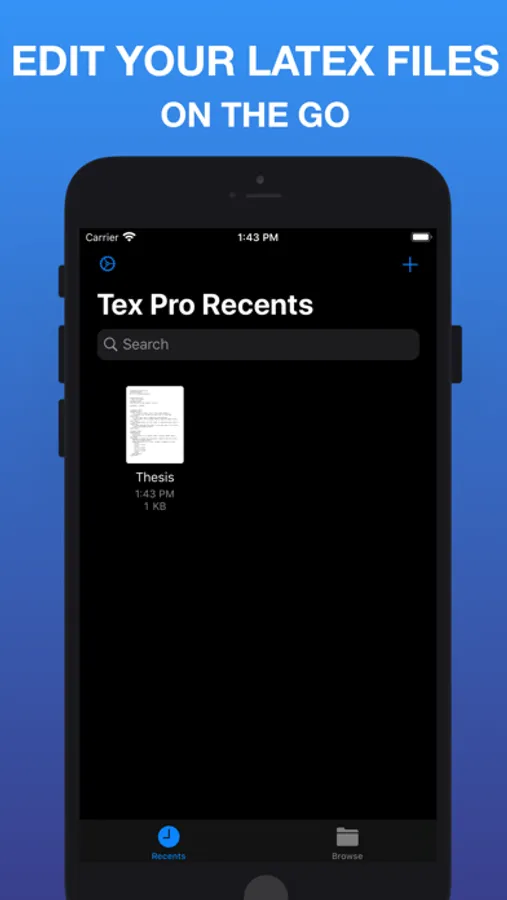
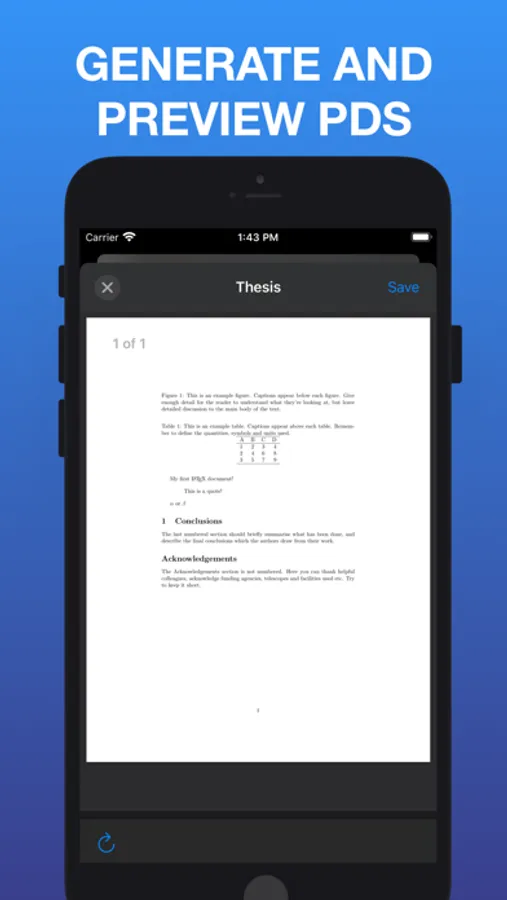
Tex Pro is the best LaTeX editor for your iOS devices. It lets you to create and edit your .tex files and export a PDF from them.
We spent a lot of time to create the best editor for the iOS ecosystem. It works well with the iOS 13 Files app and supports multiple windows on the iPad.
Main Features:
* Files synchronization (including Dropbox, Box, Drive and other file providers)
* Use PdfTeX or LuaTex to generate a PDF
* Stores .tex documents and generated PDF on your device
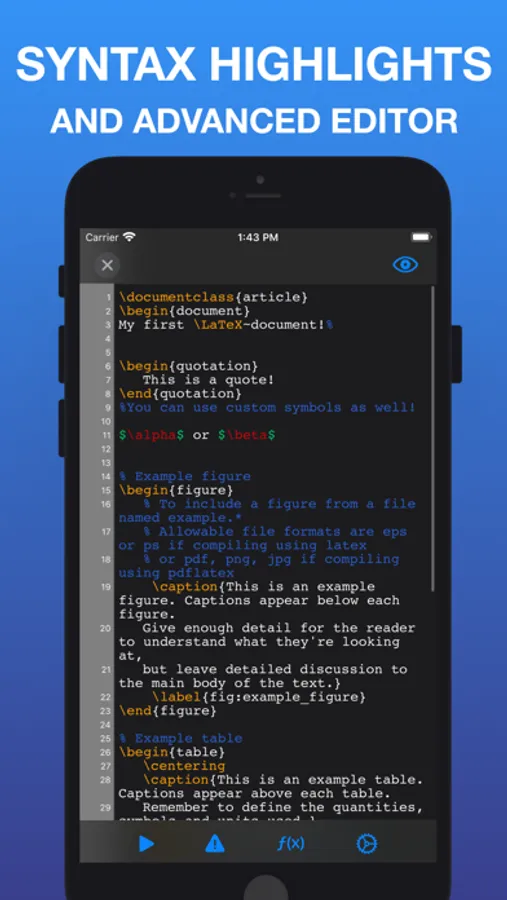
* Syntax highlighting
* Line numbers
* Autosave
* Full keyboard support
* Export the generated PDF to other Apps or save to Files
* Built in snippets
* Built in symbols collection
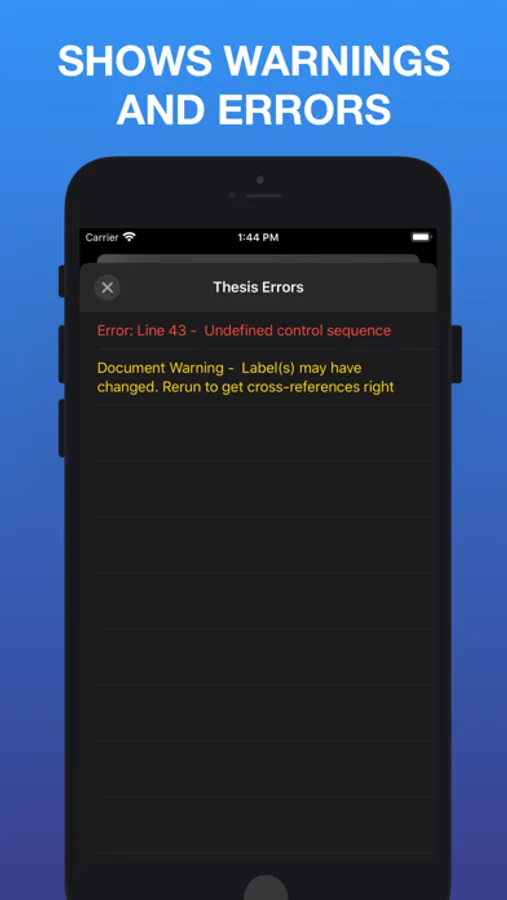
* Error and warning handling and highlighting in your .tex file
* Instant Preview next to the editor on iPad
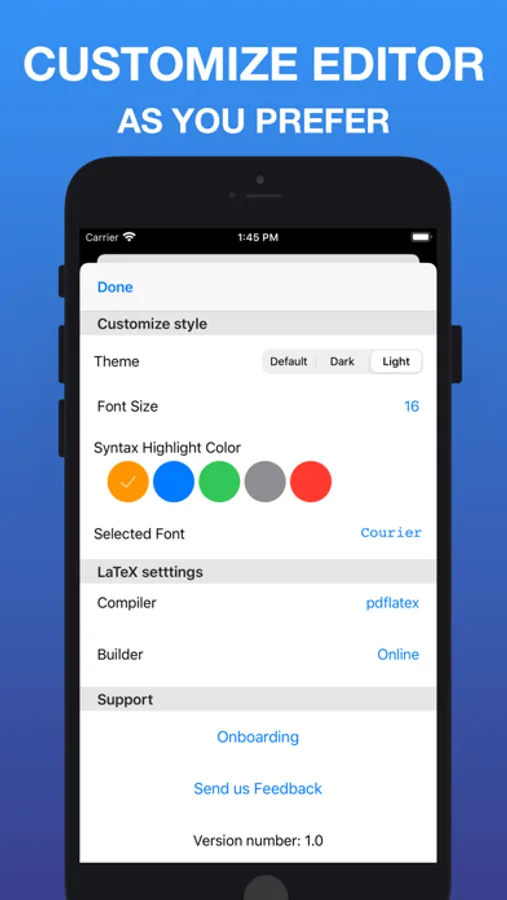
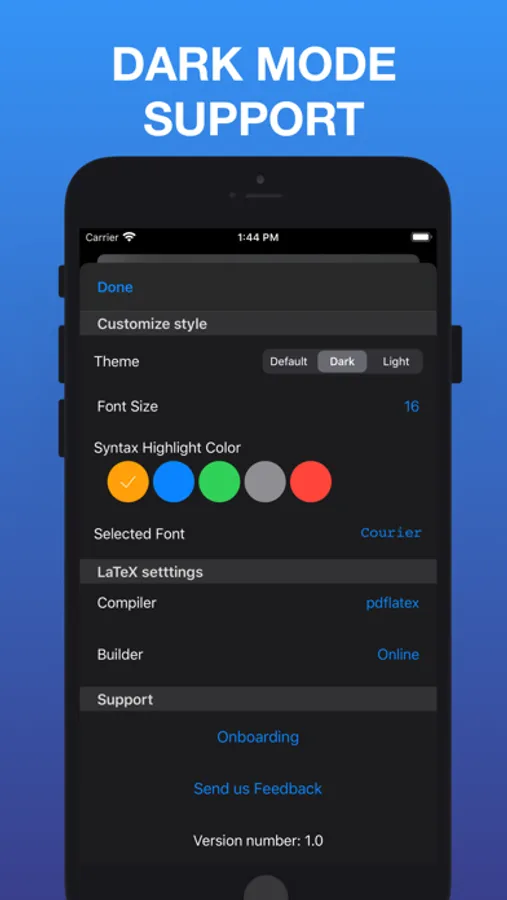
* Font size change
* Syntax highlight color change
* Full dark mode support
* Select custom fonts for the editor
We spent a lot of time to create the best editor for the iOS ecosystem. It works well with the iOS 13 Files app and supports multiple windows on the iPad.
Main Features:
* Files synchronization (including Dropbox, Box, Drive and other file providers)
* Use PdfTeX or LuaTex to generate a PDF
* Stores .tex documents and generated PDF on your device
* Syntax highlighting
* Line numbers
* Autosave
* Full keyboard support
* Export the generated PDF to other Apps or save to Files
* Built in snippets
* Built in symbols collection
* Error and warning handling and highlighting in your .tex file
* Instant Preview next to the editor on iPad
* Font size change
* Syntax highlight color change
* Full dark mode support
* Select custom fonts for the editor
LaTeX Editor Tex Pro Screenshots
Tap to Rate:
Reviews for LaTeX Editor Tex Pro
nickname384737
Packages?
I can’t seem to get any packages to work. All it does is say that it’s looking for the sty file. I’ve tried \usepackage{suppose} and \usepackage{verse}
Meandsandy
Tex pro
Locked up unable to edit now can’t retrieve file .