
AppRecs review analysis
AppRecs rating 4.5. Trustworthiness 65 out of 100. Review manipulation risk 22 out of 100. Based on a review sample analyzed.
★★★★☆
4.5
AppRecs Rating
Ratings breakdown
5 star
0%
4 star
0%
3 star
100%
2 star
0%
1 star
0%
What to know
✓
Low review manipulation risk
22% review manipulation risk
About dualmon Remote Access
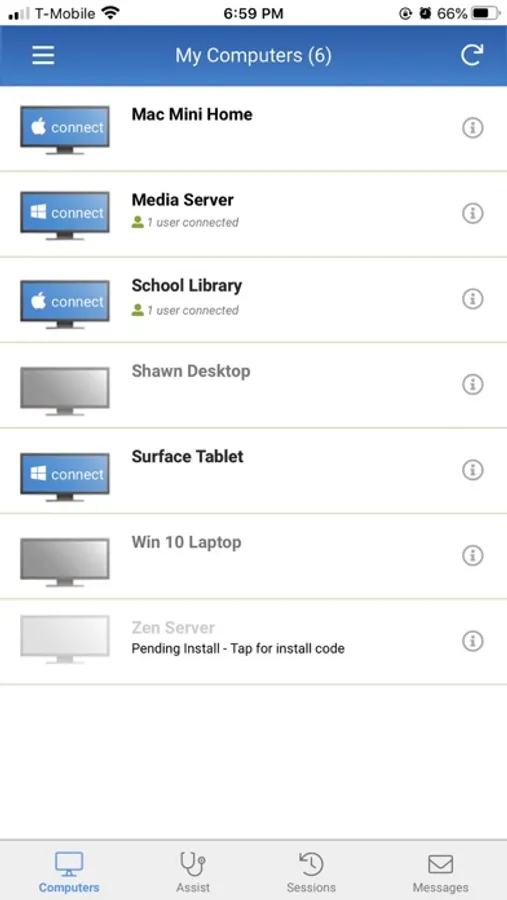
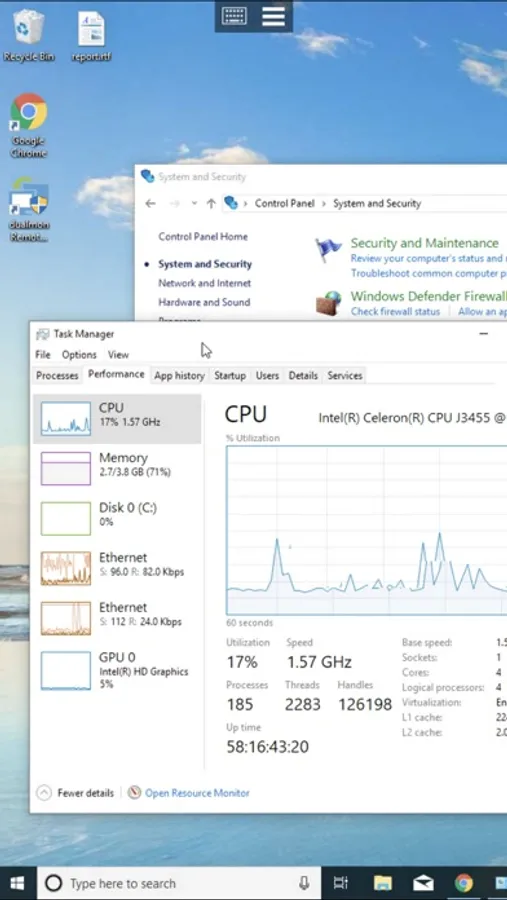
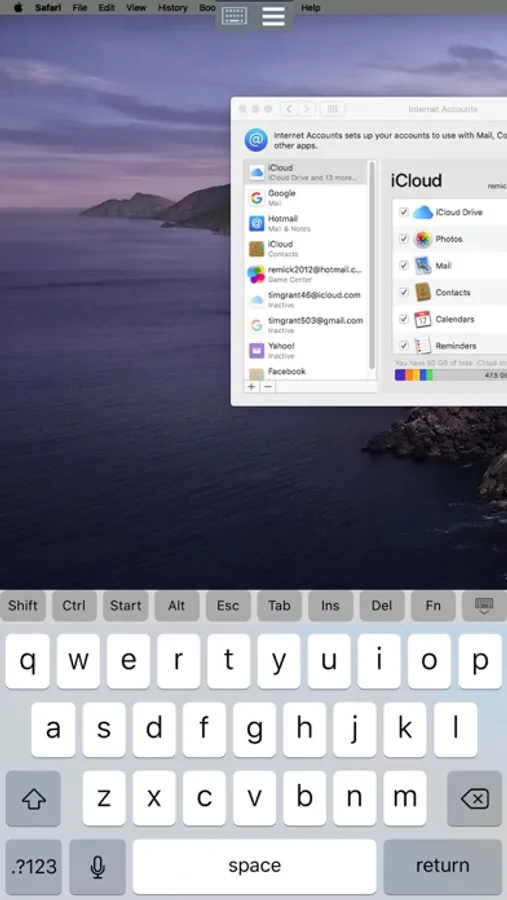
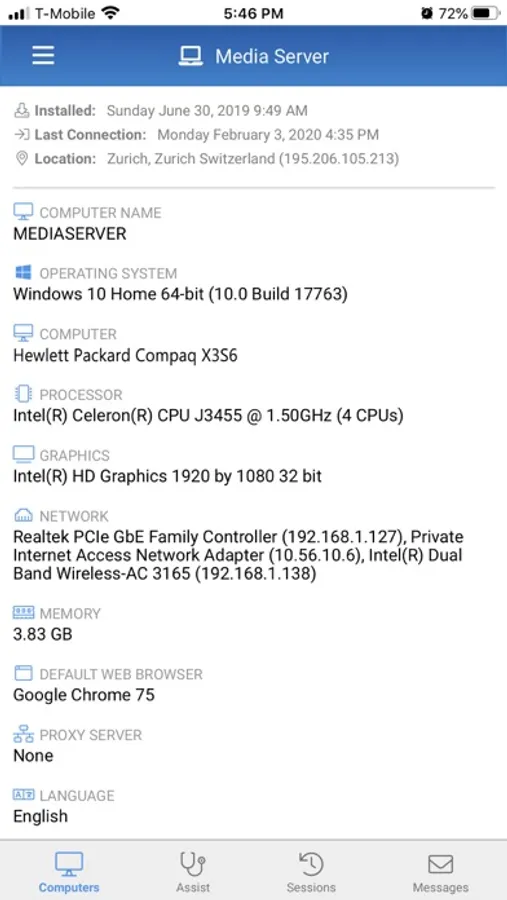
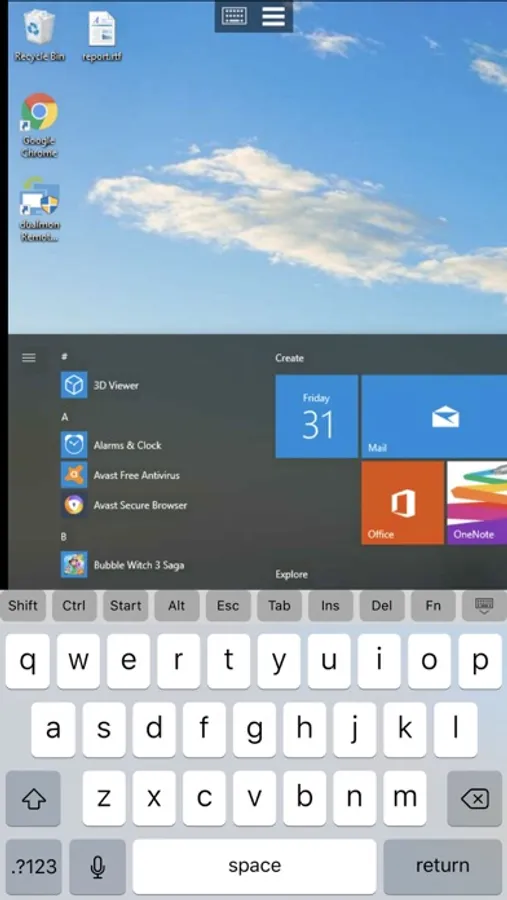
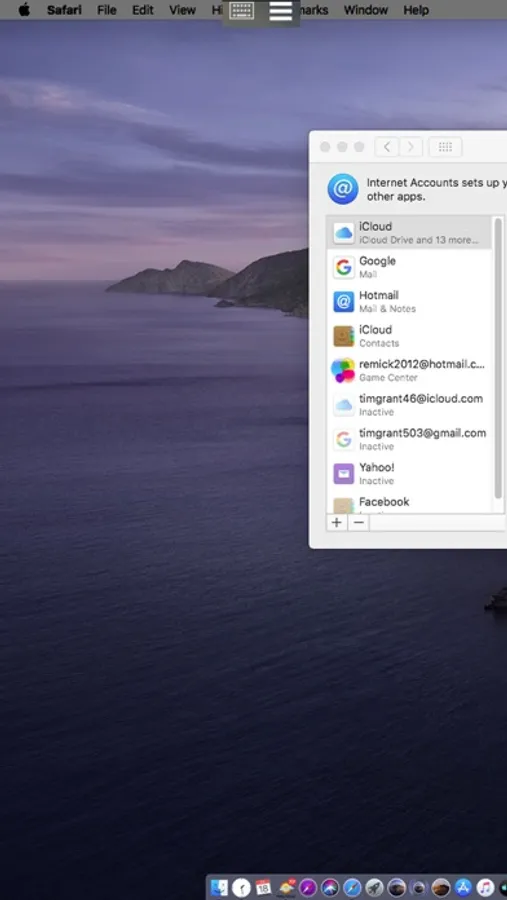
• See the screens of your PCs and Macs from anywhere, as if you're in front of them.
• Remotely access your programs and files right from your iPhone or iPad.
• Pinch and zoom – quickly navigate around your entire desktop with simple, intuitive gestures.
• Fully functional keyboard, including special keys like Ctrl, Alt, and Function keys.
• Switch between multiple monitors by tapping the monitor buttons.
• Remotely connect securely without needing special configuration of your firewall.
• End-to-end AES encryption, dual passwords, multi-factor authentication, and whitelisting for added peace of mind.
• No network limitations - connect to the remote computer over cellular or WiFi.
• Connect simultaneously while another mobile or desktop device is also connected.
• Automatically reconnects when switching between WiFi and cellular, or if the signal drops.
• With the Remote Assist plan you can provide assistance right from your iPhone or iPad.
GETTING STARTED IS EASY:
1. Download the dualmon app from the App Store.
2. Make sure you have dualmon installed on the PC or Mac you want to connect to.
3. Open the dualmon app from your iPad or iPhone and enter your password to access your computers.
dualmon Remote Access Screenshots
Tap to Rate:
Reviews for dualmon Remote Access
Pourya pj
Sad that DualMon is not updating anything anymore
DualMon is a good service. But I guess they are not expanding nor updating anymore. Their app is old. Even the app screen won’t cover the whole page. When you use TeamViewer, the iphone app is amazing. You can have mouse mode or just use it like iPhone’s touch screen and move around. But with dualmon, you get nothing. You can’t even click and drag a window. Or can’t say expand a box in word. Th app is very basic. I have been a paid subscriber of DualMon. But now I’m considering switching back to TeamViewer. It’s sad.