
AppRecs review analysis
AppRecs rating 2.5. Trustworthiness 75 out of 100. Review manipulation risk 23 out of 100. Based on a review sample analyzed.
★★☆☆☆
2.5
AppRecs Rating
Ratings breakdown
5 star
28%
4 star
4%
3 star
16%
2 star
8%
1 star
44%
What to know
✓
Low review manipulation risk
23% review manipulation risk
✓
Credible reviews
75% trustworthiness score from analyzed reviews
⚠
Mixed user feedback
Average 2.6★ rating suggests room for improvement
About Remote Utilities
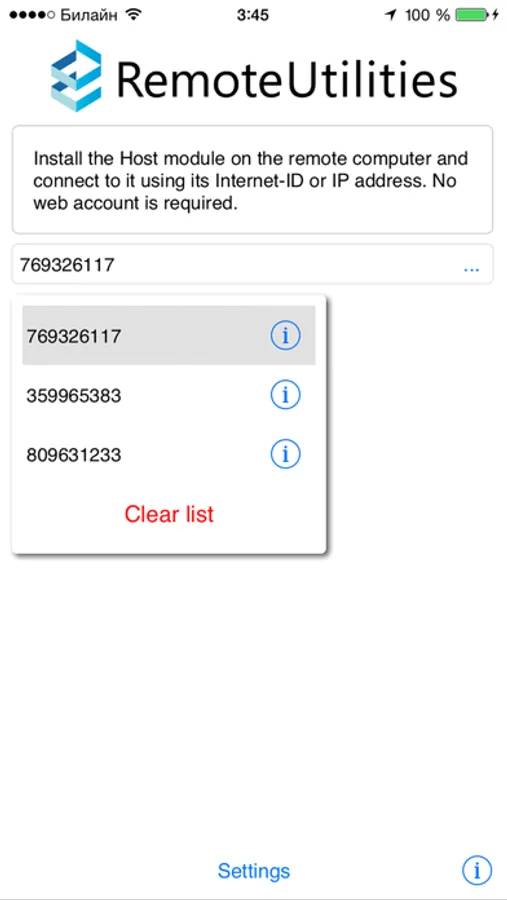
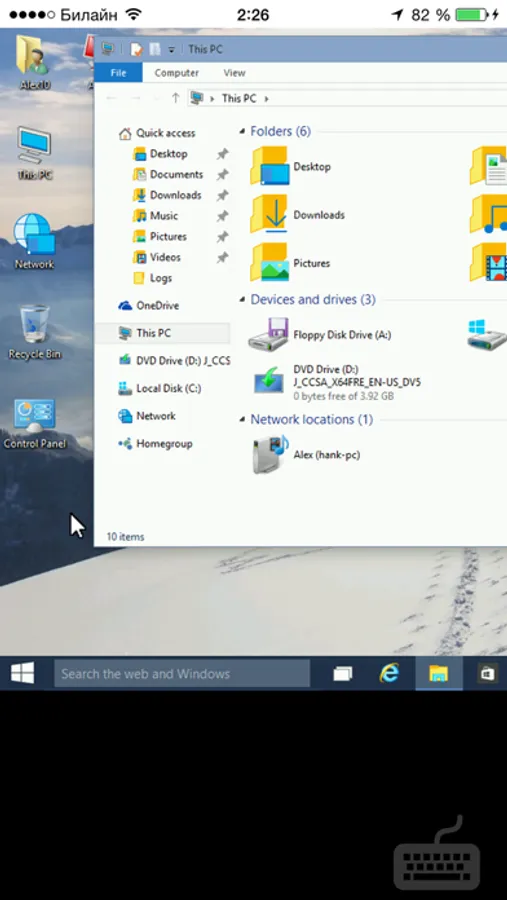
This app is a mobile version of the Viewer. You can use it for free to connect to your remote PCs from mobile devices.
Main features:
- View the remote desktop on your mobile device screen, control the mouse pointer and send keystrokes.
- Connect to a remote PC behind a firewall or a proxy.
- Access unattended and attended PCs from anywhere.
- Connect by an IP address or an easy-to-use Internet ID.
In order to connect to a remote PC, install the Host module on it. You can download the Host module from Remote Utilities official website https://www.remoteutilities.com.
Remote Utilities Screenshots
Tap to Rate:
Reviews for Remote Utilities
JosephAW
Lately stopped working on iPad
For some reason, my iPhone connects perfectly fine but my iPad keeps saying wrong password and I’ve checked all the settings a dozen times and I’ve reset the password and it still works on the iPhone, but it won’t work on the iPad, just weird
Users of iPhone11s
Not very good
It is ok for viewing - to help someone on the other end - but too many features are lacking.