In this note-taking and drawing app, you can create, edit, and organize handwritten documents using tools like selection and erasing. Includes cloud support, SVG compatibility, undo/redo, and Apple Pencil integration.
AppRecs review analysis
AppRecs rating 5.0. Trustworthiness 85 out of 100. Review manipulation risk 25 out of 100. Based on a review sample analyzed.
★★★★★
5.0
AppRecs Rating
Ratings breakdown
5 star
80%
4 star
8%
3 star
3%
2 star
3%
1 star
8%
What to know
✓
Low review manipulation risk
25% review manipulation risk
✓
Credible reviews
85% trustworthiness score from analyzed reviews
✓
High user satisfaction
80% of sampled ratings are 5 stars
About Stylus Labs Write Pro
MODERN DOCUMENT HANDLING
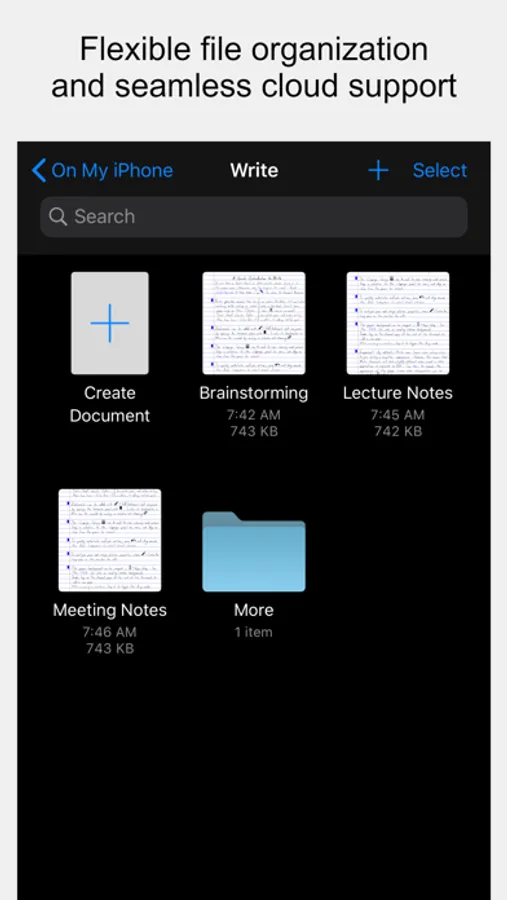
* uses standard Apple document browser for completely flexible file organization
* supports iCloud and all other cloud services that integrate with the Files app
* non-proprietary SVG file format can be opened in other vector graphics apps and web browsers
UNIQUE TOOLS FOR HANDWRITTEN DOCUMENTS
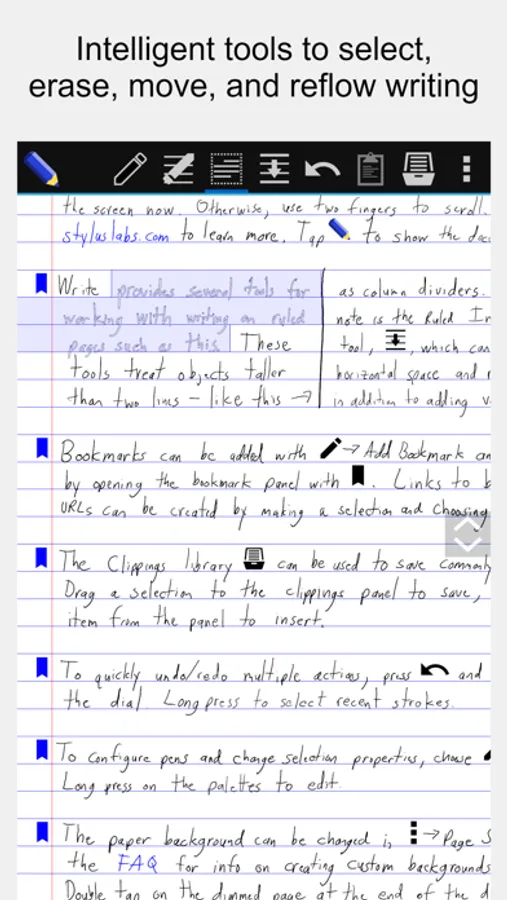
* intelligent tools to select, erase, and move writing
* reflow handwritten text with the insert space tool
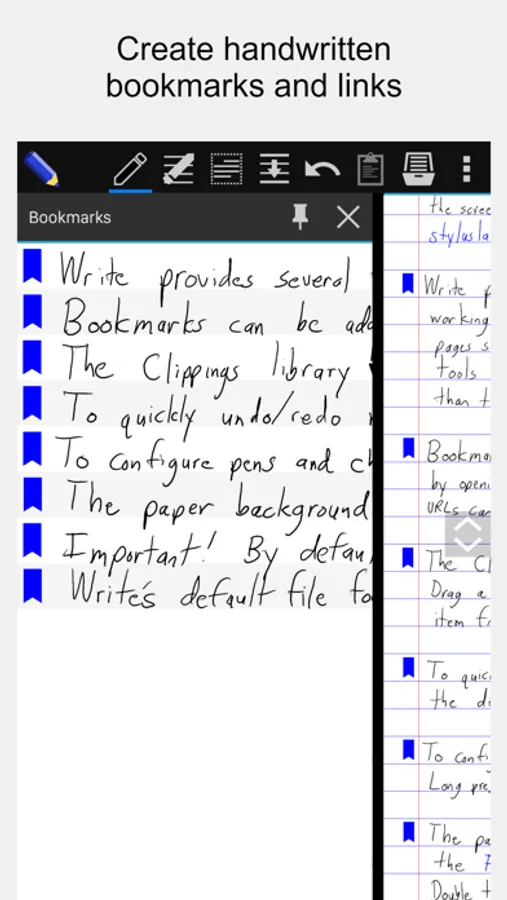
* create bookmarks labeled with handwriting
* create handwritten links to bookmarks and websites
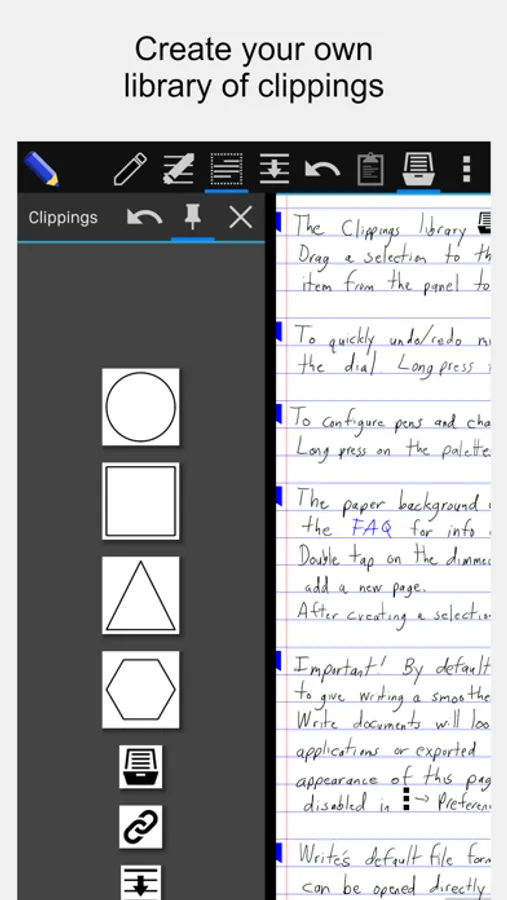
* save clippings for easy pasting into any document
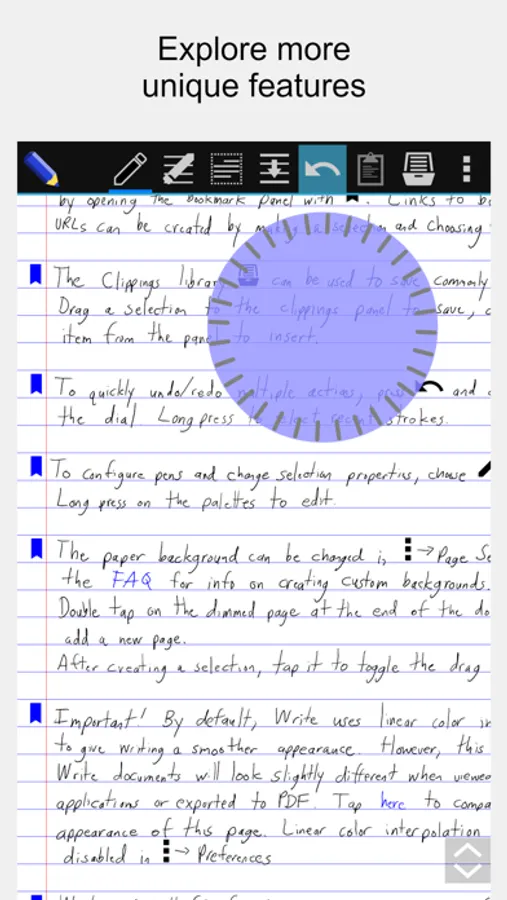
* unlimited undo/redo jog dial
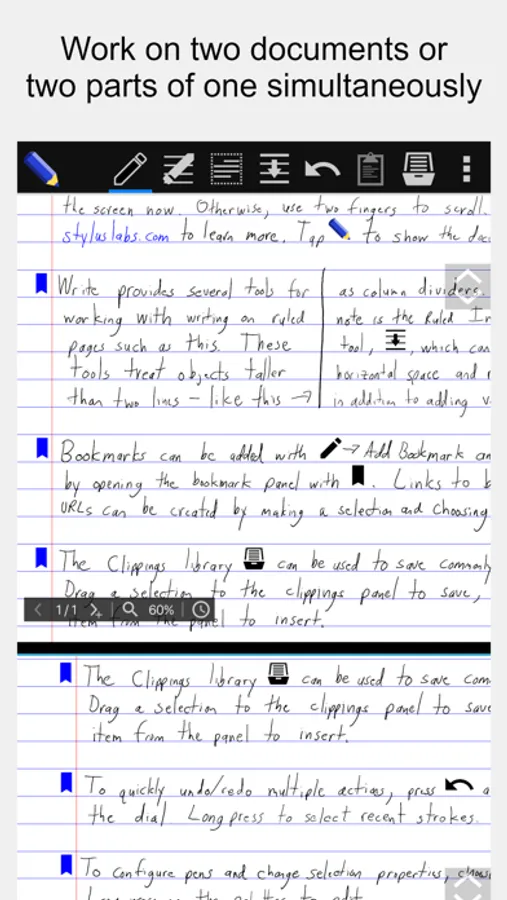
* split view: work on two documents or two parts of the same document
STANDARD NOTE-TAKING AND DRAWING TOOLS
* Apple Pencil support
* insert images (and vector content as SVG)
* cut, copy, paste, move, scale, and rotate selections
* cut, copy, and paste pages within and between documents
* customize and save pens
* customize page size, color, and ruling
* pages can grow automatically when writing nears edge
* PDF export
Website: https://www.styluslabs.com
Source: https://github.com/styluslabs/Write
FAQ: https://www.styluslabs.com/faq
Support: support@styluslabs.com
Stylus Labs Write Pro Screenshots
Tap to Rate:
Reviews for Stylus Labs Write Pro
bobbielf2
Help! Bug in clipping images?
Original post (9/23/24): Starting today, when I try to use clipped images, I receive an error message “Damaged Document” and all my clipped imaged in my library are lost! (It says the location folder “/private/….” cannot be found.) I am in an urgent need for support. Can you help resolve this bug? Update (10/7/24): The bug is fixed in the latest update. The developer is quick to respond. Keep up the good work!
tlgevers
Not working Macbook Pro
App is broken, cannot open, save or create new docs, cannot request a refund either