AppRecs review analysis
AppRecs rating 2.5. Trustworthiness 0 out of 100. Review manipulation risk 0 out of 100. Based on a review sample analyzed.
★★☆☆☆
2.5
AppRecs Rating
Ratings breakdown
5 star
0%
4 star
0%
3 star
33%
2 star
0%
1 star
67%
What to know
⚠
Mixed user feedback
Average 2.5★ rating suggests room for improvement
About Write Only 2
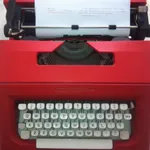
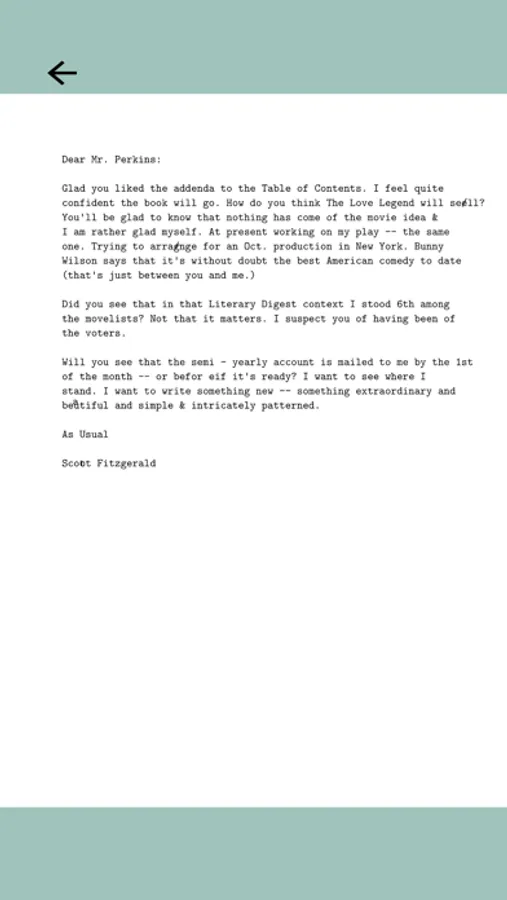
Write Only is dedicated to creative writing rather than busy editing. It helps you focus more on putting words on paper. Using it is like sitting in front of a typewriter and watching words flow out of your finger tips.
Everything you put down on the page is permanent. All the typing is saved as a PDF file, including the positions, the font size, and the colors that the texts come out with. No matter where and when you are going to view these pages, they will be kept exactly same as the time you typed them.
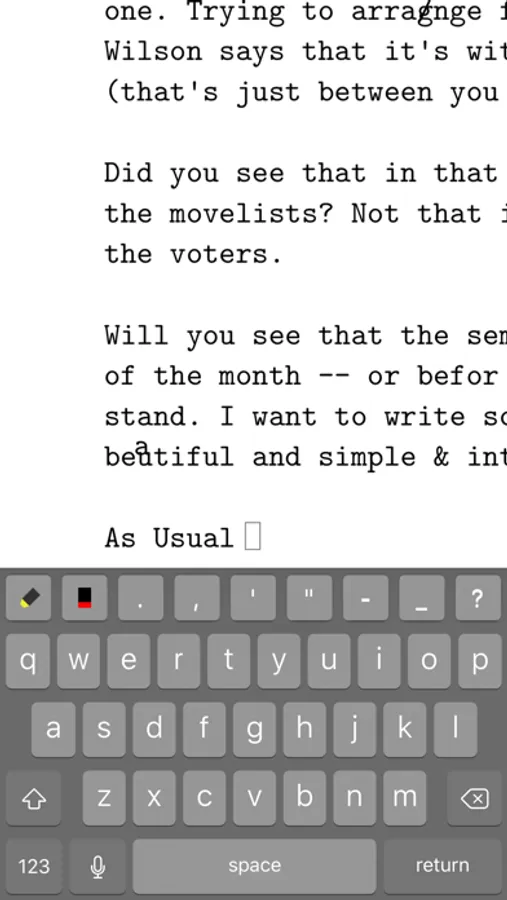
Fixed cursor sits right above the keyboard, therefore your eyes will be close both to the text you're typing and the fingers, and that can help to reduce typing errors.
You can start typing on the page at any place by tapping on that location and use any margin you want by moving the page. It is very easy to type aligned texts.
An extension keybar includes frequently used keys like ' or ; that are difficult to access in iOS' default keyboard.
Write Only is good for writing the first draft of any work, especially poetry, diary or journal. When you come back to your writings years later, the shapes of the text and the errors you made will help you recall the moments of the writing.
FEATURES
- Sync with iCloud Drive
- Beautiful typewriter font.
- Minimal interface.
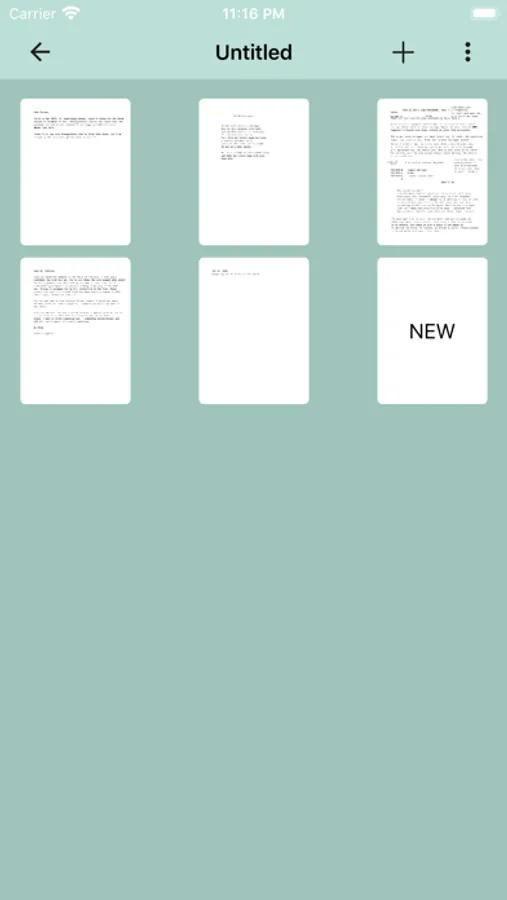
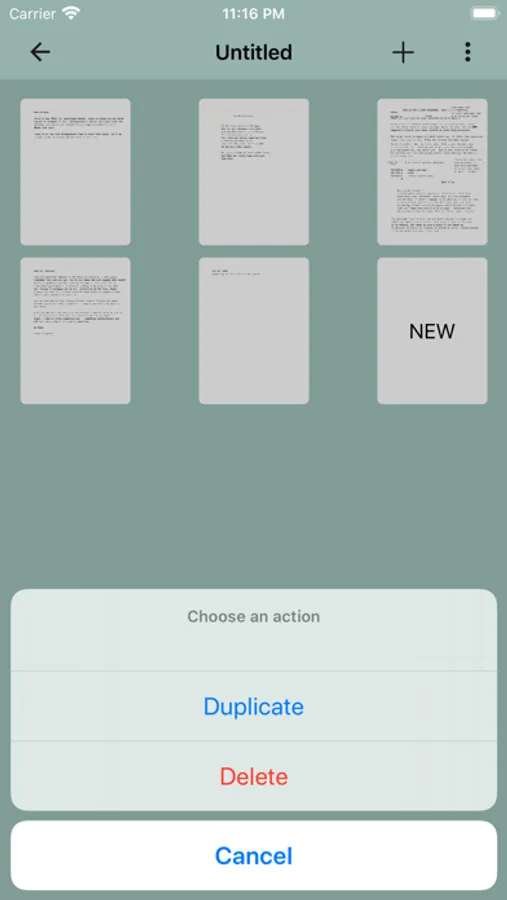
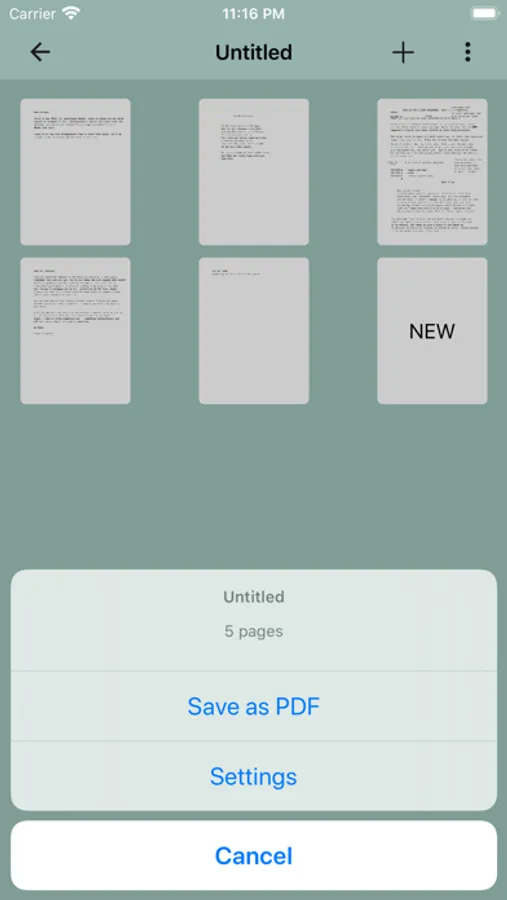
- Saved as a PDF file that you can print to paper.
- Accessory keybar contains frequently used keys missing in the default keyboard.
- Two text colors: black and red.
Everything you put down on the page is permanent. All the typing is saved as a PDF file, including the positions, the font size, and the colors that the texts come out with. No matter where and when you are going to view these pages, they will be kept exactly same as the time you typed them.
Fixed cursor sits right above the keyboard, therefore your eyes will be close both to the text you're typing and the fingers, and that can help to reduce typing errors.
You can start typing on the page at any place by tapping on that location and use any margin you want by moving the page. It is very easy to type aligned texts.
An extension keybar includes frequently used keys like ' or ; that are difficult to access in iOS' default keyboard.
Write Only is good for writing the first draft of any work, especially poetry, diary or journal. When you come back to your writings years later, the shapes of the text and the errors you made will help you recall the moments of the writing.
FEATURES
- Sync with iCloud Drive
- Beautiful typewriter font.
- Minimal interface.
- Saved as a PDF file that you can print to paper.
- Accessory keybar contains frequently used keys missing in the default keyboard.
- Two text colors: black and red.
Write Only 2 Screenshots
Tap to Rate:
Reviews for Write Only 2
m.seanted
need multilingual character
this is what i’m looking for. very simple, just like the typewriter which makes me focus o.ln writing and nothing else. But i didn’t expect it is a Enlglish only typewriter. it will be much better that this app supports multilingual characters.
Alex_TW
Not very user friendly
It will not allow me to export as an Image as the pictures indicate.