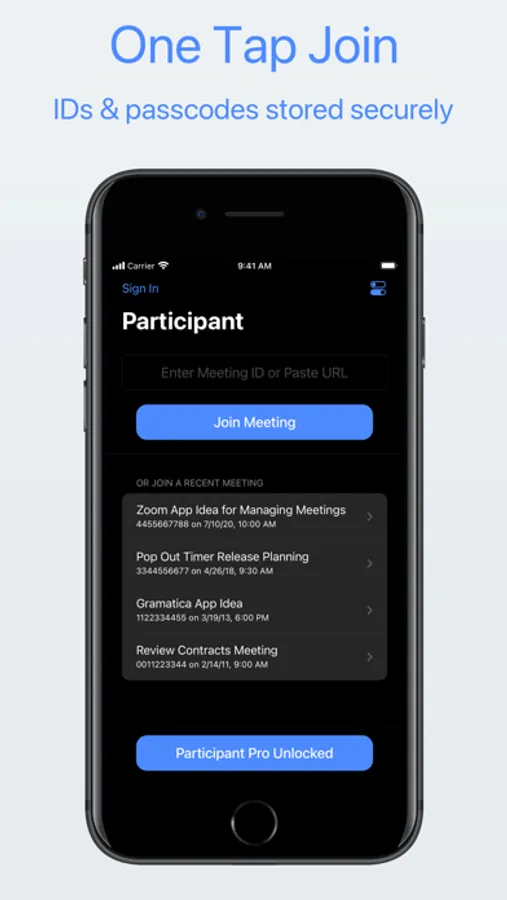
In this app, you can join Zoom meetings quickly using stored IDs and passcodes, and control your mic, camera, and raised hand with on-screen buttons. Includes recent meeting access, device controls, data saving options, and remote management features.
AppRecs review analysis
AppRecs rating 4.3. Trustworthiness 74 out of 100. Review manipulation risk 25 out of 100. Based on a review sample analyzed.
★★★★☆
4.3
AppRecs Rating
Ratings breakdown
5 star
86%
4 star
7%
3 star
2%
2 star
1%
1 star
3%
What to know
✓
Low review manipulation risk
25% review manipulation risk
✓
Credible reviews
74% trustworthiness score from analyzed reviews
✓
High user satisfaction
86% of sampled ratings are 5 stars
About Participant 3rd Party Zoom App
• Get back in that meeting quickly – your recent meeting IDs and passcodes are stored and one tap away. No more searching for the link or trying to find the passcode in an email.
• Control of your mic, camera, and raised hand – always on-screen and easy to reach.
• Data Saver Mode – bad connection or on cellular? Use Data Saver to turn off your camera and stop streaming videos. This will reduce your data usage by approximately 60-95% depending on the number of participants.
• Live Activity – control your mic or raised hand from the Dynamic Island or Lock Screen.
• Watch app – control your meeting from across the room. Use the Apple Watch app to control the mic, camera, and raised hand in a meeting on iPhone or iPad.
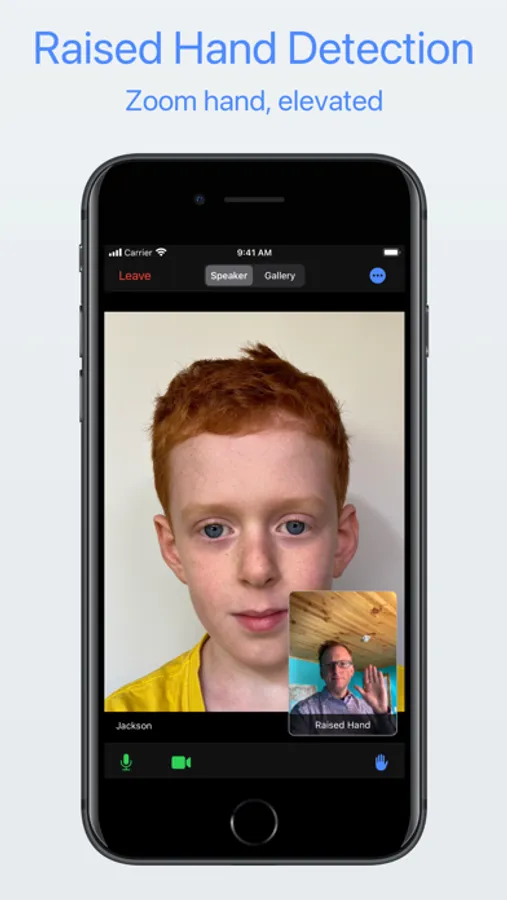
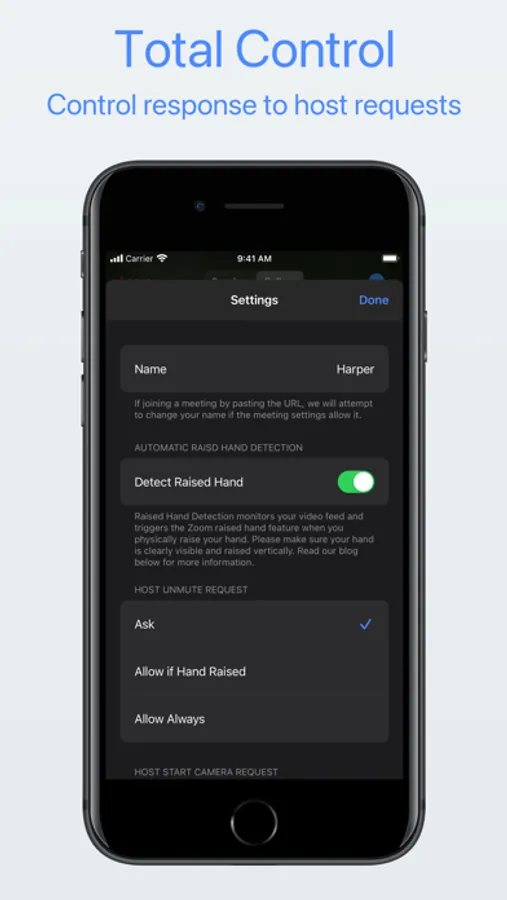
• Automatic Raised Hand Detection – turn this on in Meeting Settings and we'll raise your Zoom hand when you raise your actual hand. Vision at work.
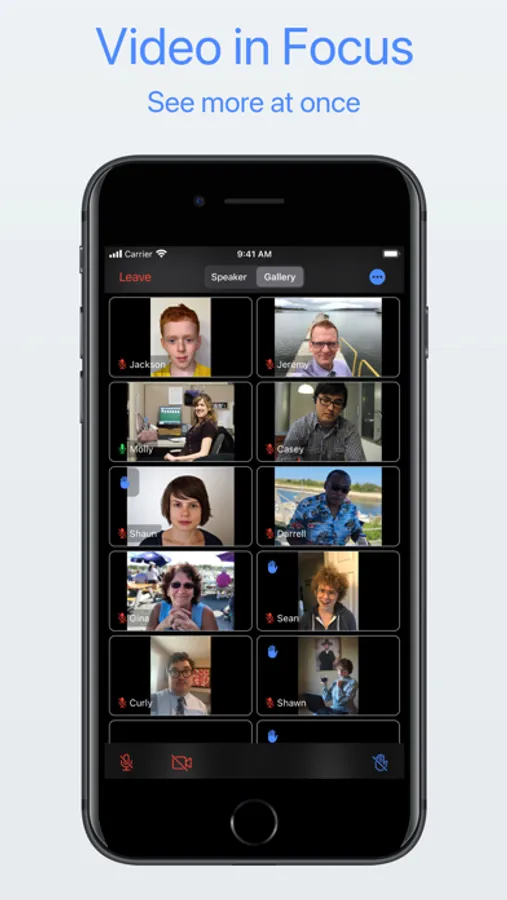
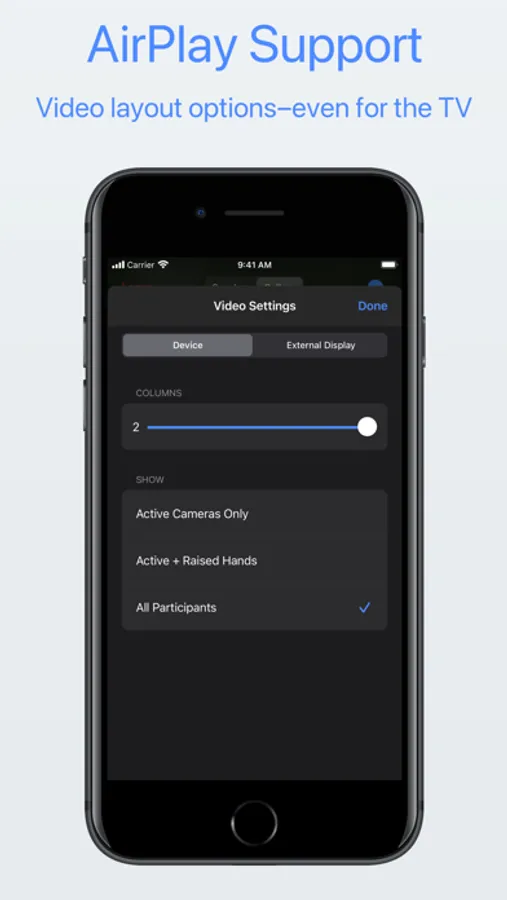
• Put videos in focus – configure columns, focus on active cameras only, or hold and drag to sort it just how you like it.
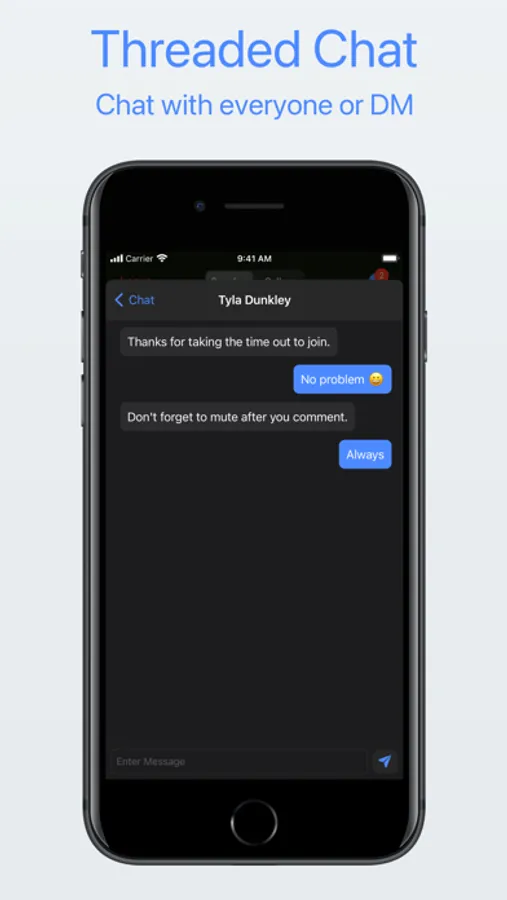
• Sane chat – Pro users can use threaded chat. No more accidentally responding to everyone when you meant to DM.
• Get on the big screen – share to your Apple TV and you have total control of what is shown on the external display.
• Zoom in/zoom out – simply tap a video to get a larger view. Tap again to close it.
• Control host requests – you control what happens if a host asks to unmute or start your camera: ask, always allow, or automatically allow if your hand is raised.
Thanks for giving Participant a try. Let us know what you think.
Please note that webinars are not currently supported.
* Participant uses the Zoom SDK but is not endorsed, certified, warrantied, or supported by Zoom Communications Inc. If Zoom changes their policies or capabilities of their SDK this app may lose access.
If you choose to purchase a Pro subscription, payment will be charged to your iTunes account, and your account will be charged for renewal 24 hours prior to the end of the current period. Auto-renewal may be turned off at any time by going to your settings in the iTunes Store after purchase.
Terms of use: https://thinktapwork.com/tos.html
Participant 3rd Party Zoom App Screenshots
Tap to Rate:
Reviews for Participant 3rd Party Zoom App
AnthonyAtlanta
Love the DJ love the music, Choice
Never disappointed with our teacher and the music selection very thankful to be a part of the group and hope that I can bring something and share with everyone. I realize that my original misunderstanding was all derived from my own insecurity, but I’m very thankful that that’s cleared up again the DJ is fabulous as reflected in the tip that’s left.!
noahoe
I’m going to get the
I’m going to get