In this enterprise app, you can access business information, manage tasks, and view KPIs. Includes push notifications, widgets, insights cards, and Apple Watch integration.
AppRecs review analysis
AppRecs rating 4.3. Trustworthiness 80 out of 100. Review manipulation risk 24 out of 100. Based on a review sample analyzed.
★★★★☆
4.3
AppRecs Rating
Ratings breakdown
5 star
73%
4 star
8%
3 star
4%
2 star
4%
1 star
12%
What to know
✓
Low review manipulation risk
24% review manipulation risk
✓
Credible reviews
80% trustworthiness score from analyzed reviews
✓
High user satisfaction
80% of sampled ratings are 4+ stars (4.3★ average)
About SAP Mobile Start
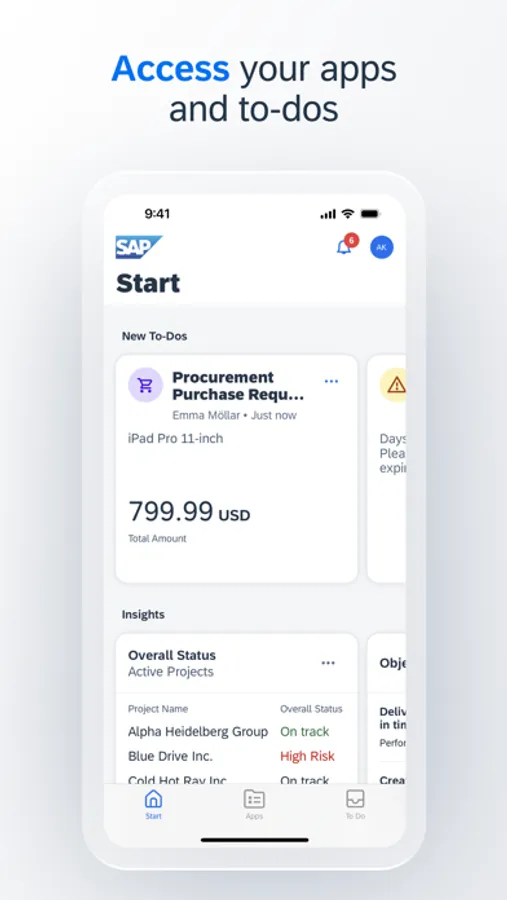
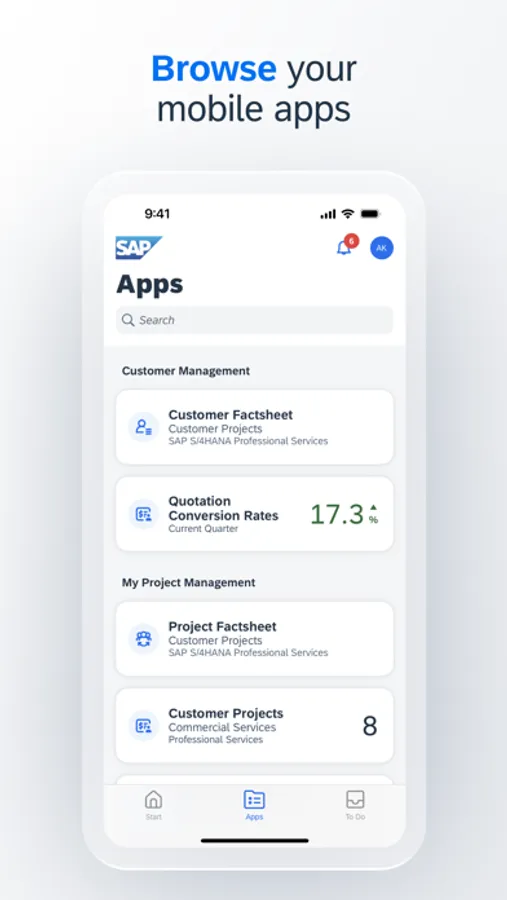
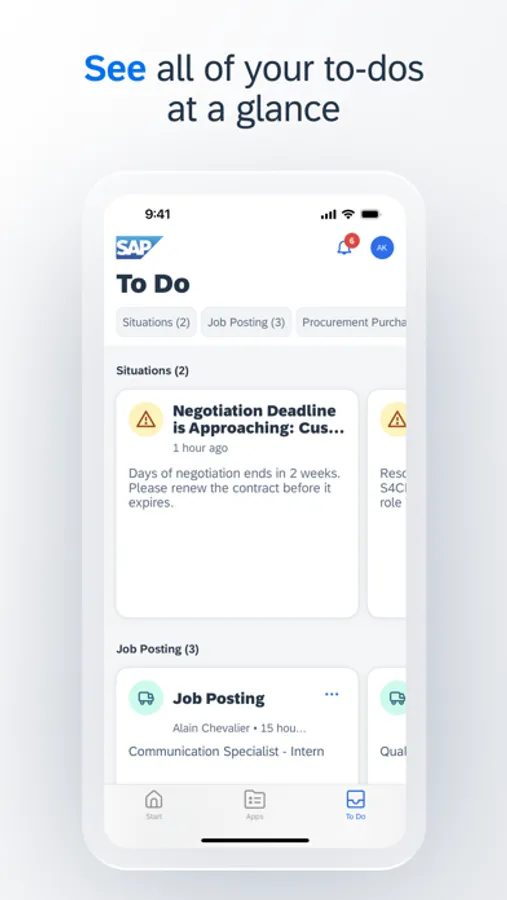
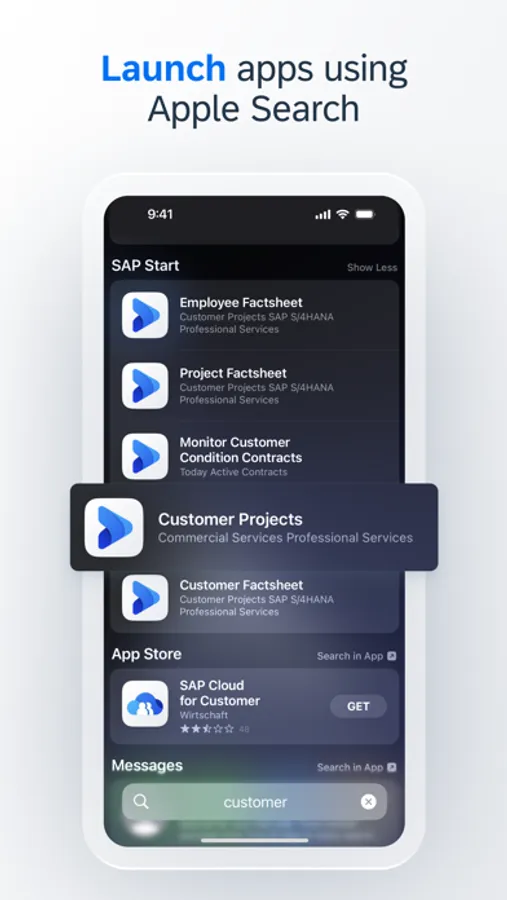
SAP Mobile Start is the entry point that places your business directly at your fingertips. Access your important business information, apps and processes through a harmonized and intuitive user interface. The app uses latest device and OS capabilities like widgets, Apple Search and push notifications to make sure you never miss an important event. The SAP Task Center integration combines all tasks in one user-friendly view and allows the swift handling of tasks to speed up business processes. Keep track of your to-dos and KPIs on our accompanying Apple Watch app. SAP Mobile Start enables you to make informed and timely decisions and increases your productivity, anytime and anyplace.
Key features of SAP Mobile Start:
- Easy access to your important apps
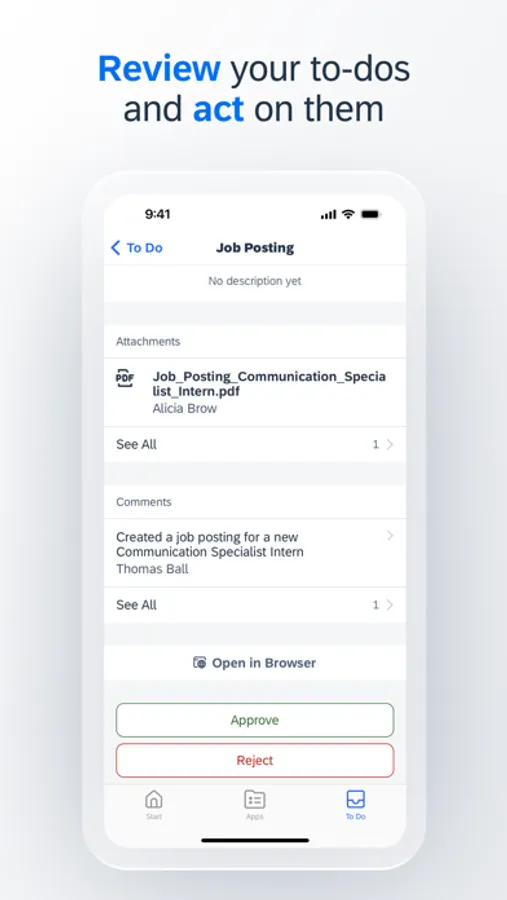
- All your approval tasks available and ready to process on the To-Dos tab and in the Apple Watch app
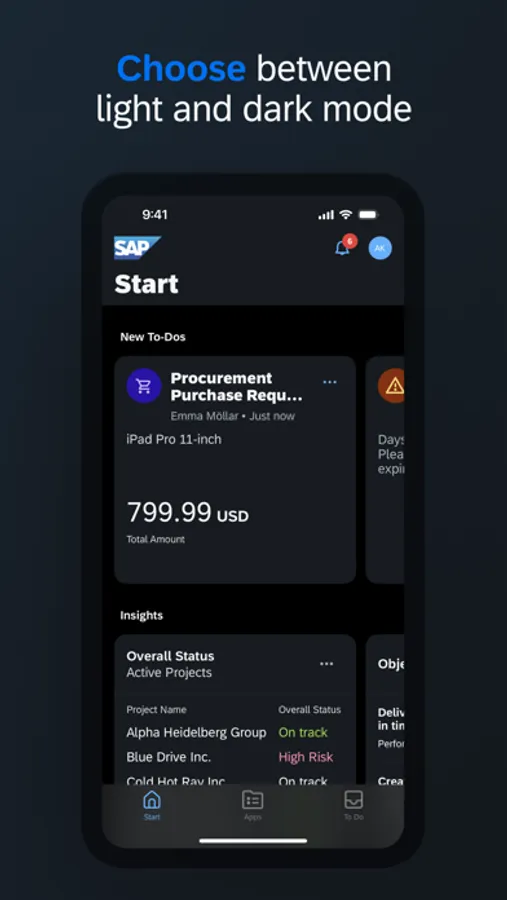
- Rich at-a-glance information with Insights Cards (SAP Start required)
- Intelligent app suggestions based on user behavior
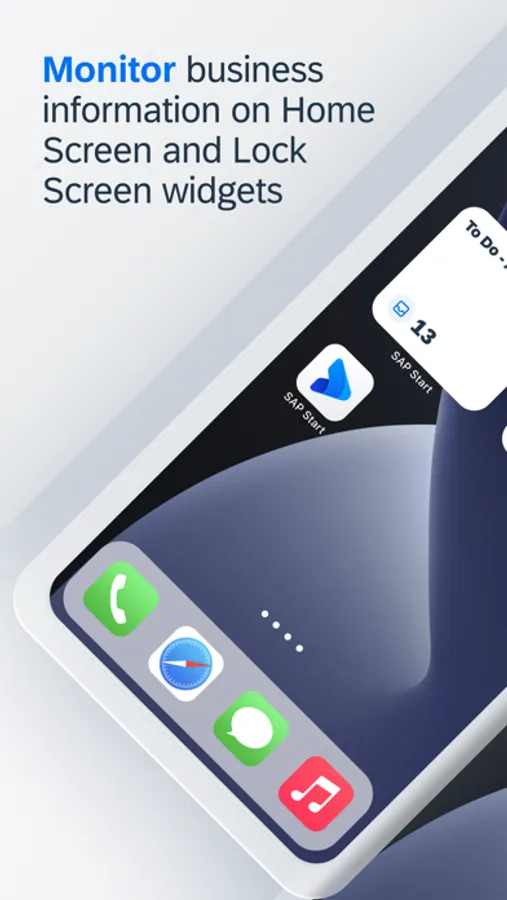
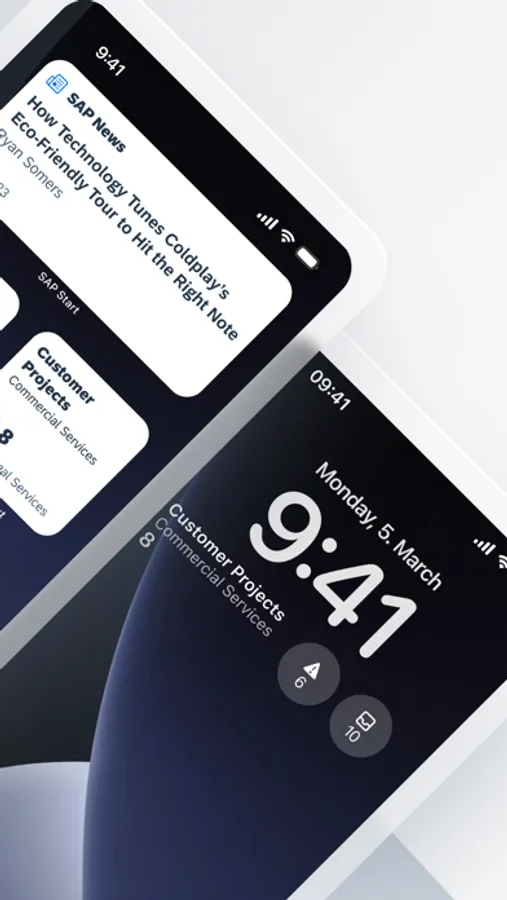
- Widgets to monitor business information
- Support for Apple Watch
- Apple Search and in-app search to immediately find native and web apps
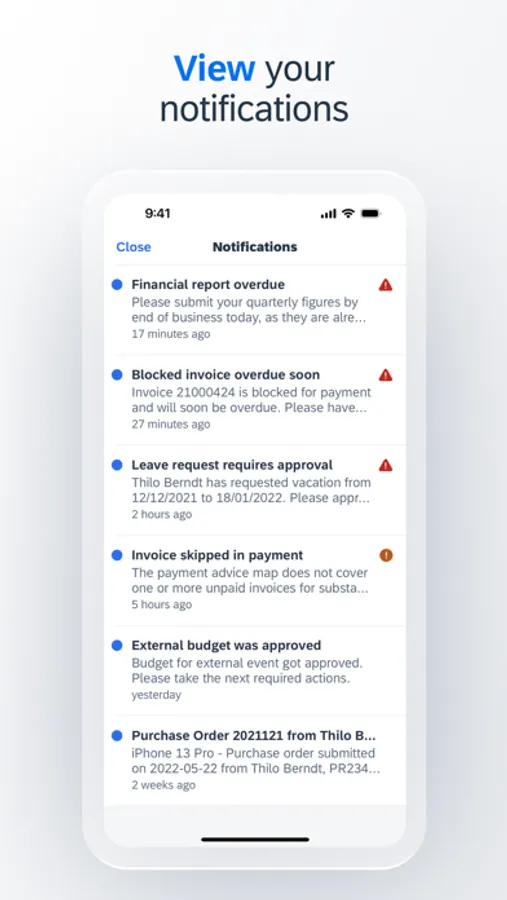
- Push notifications to always stay up to date*
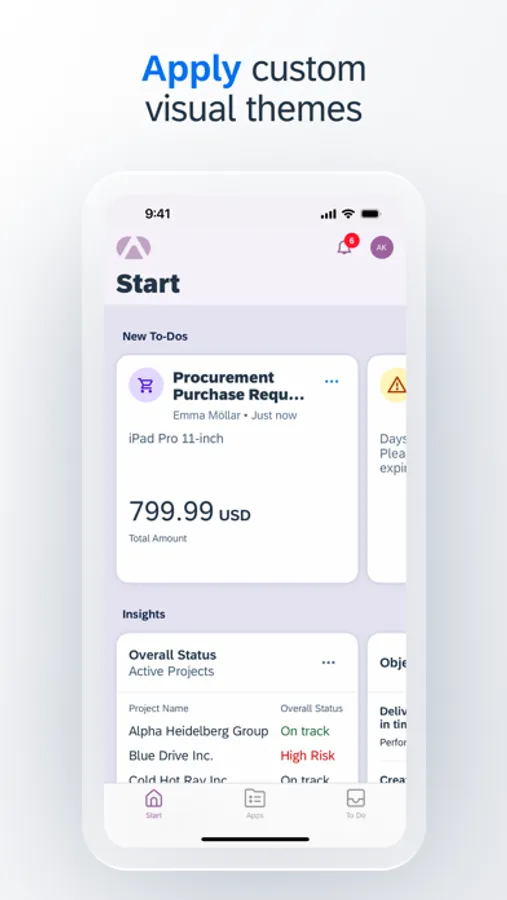
- Themes for custom corporate branding for iPhone and iPad
- MDM (Mobile Device Management) support for iPhone, iPad and Apple Watch
* Push notifications are currently not available in China.
Note: To use SAP Mobile Start with your business data, you must be a user of the underlying business solutions and have an SAP Build Work Zone, standard edition site or SAP Start site enabled by your IT department. You can test the app by using the demo mode.
Key features of SAP Mobile Start:
- Easy access to your important apps
- All your approval tasks available and ready to process on the To-Dos tab and in the Apple Watch app
- Rich at-a-glance information with Insights Cards (SAP Start required)
- Intelligent app suggestions based on user behavior
- Widgets to monitor business information
- Support for Apple Watch
- Apple Search and in-app search to immediately find native and web apps
- Push notifications to always stay up to date*
- Themes for custom corporate branding for iPhone and iPad
- MDM (Mobile Device Management) support for iPhone, iPad and Apple Watch
* Push notifications are currently not available in China.
Note: To use SAP Mobile Start with your business data, you must be a user of the underlying business solutions and have an SAP Build Work Zone, standard edition site or SAP Start site enabled by your IT department. You can test the app by using the demo mode.
SAP Mobile Start Screenshots
Tap to Rate:
Reviews for SAP Mobile Start
Jakeoliciouz
QR code and link don’t work
The QR code to activate on phone still doesn’t work, as others have said. And the email link is an invalid address, so I can’t go that route either.
Yvetteisthedevil
Doesn’t work
It can’t scan the QR code for them nor is there no option for any other codes my company offers.