
In this app, you can customize bilateral stimulations with adjustable presets, sounds, animations, and vibrations. Includes device connectivity, remote control, and online broadcasting features.
AppRecs review analysis
AppRecs rating 4.2. Trustworthiness 82 out of 100. Review manipulation risk 20 out of 100. Based on a review sample analyzed.
★★★★☆
4.2
AppRecs Rating
Ratings breakdown
5 star
78%
4 star
7%
3 star
4%
2 star
4%
1 star
8%
What to know
✓
Low review manipulation risk
20% review manipulation risk
✓
Credible reviews
82% trustworthiness score from analyzed reviews
⚠
Pricing complaints
Many low ratings mention paywalls or pricing
About EMDR
STIMULATIONS YOUR WAY
The EMDR app offers numerous ways to customize your stimulation experience:
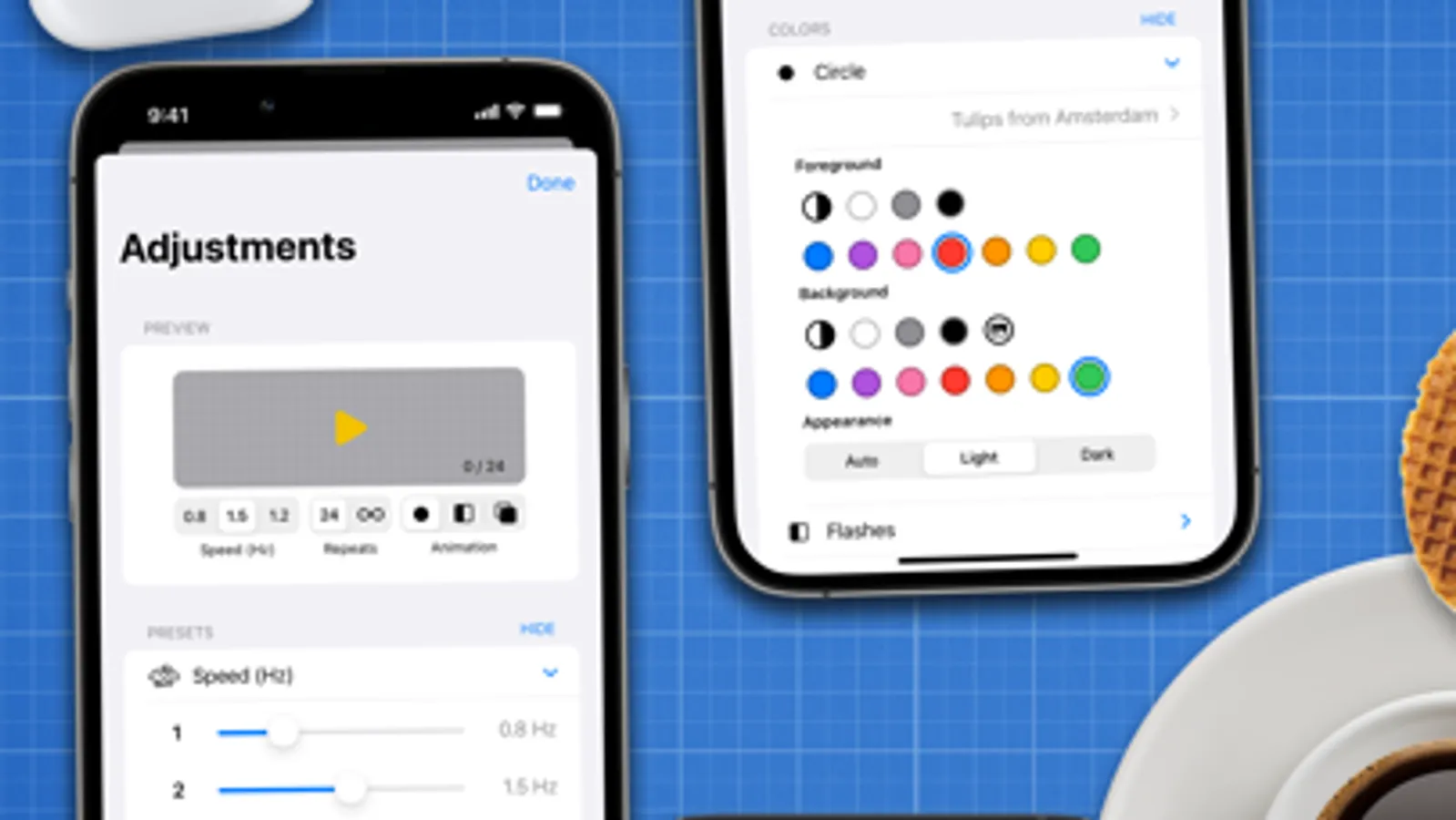
• Presets and a slider allow you to quickly adjust the speed.
• With an auto-stop function, you don't need to count along.
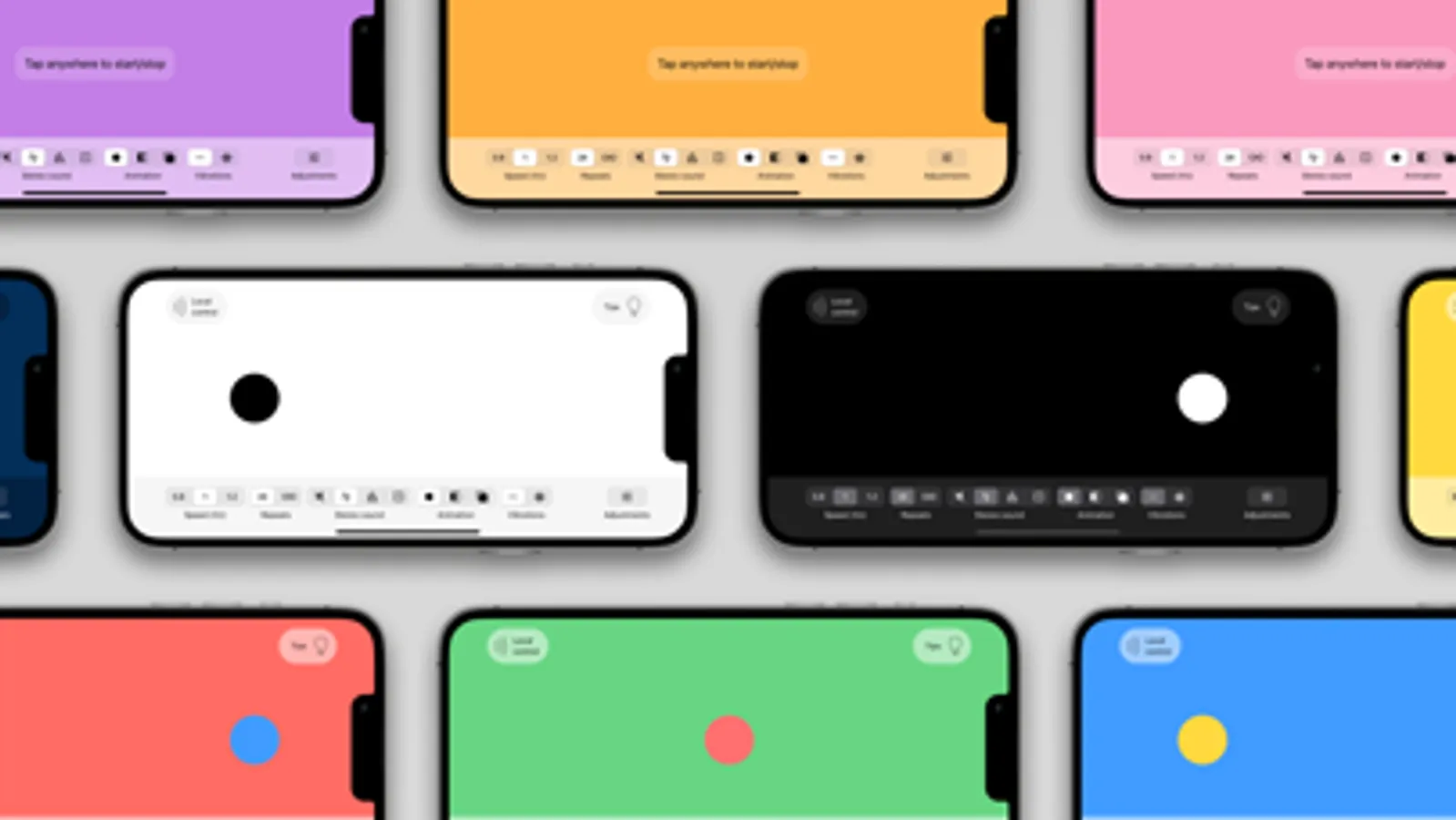
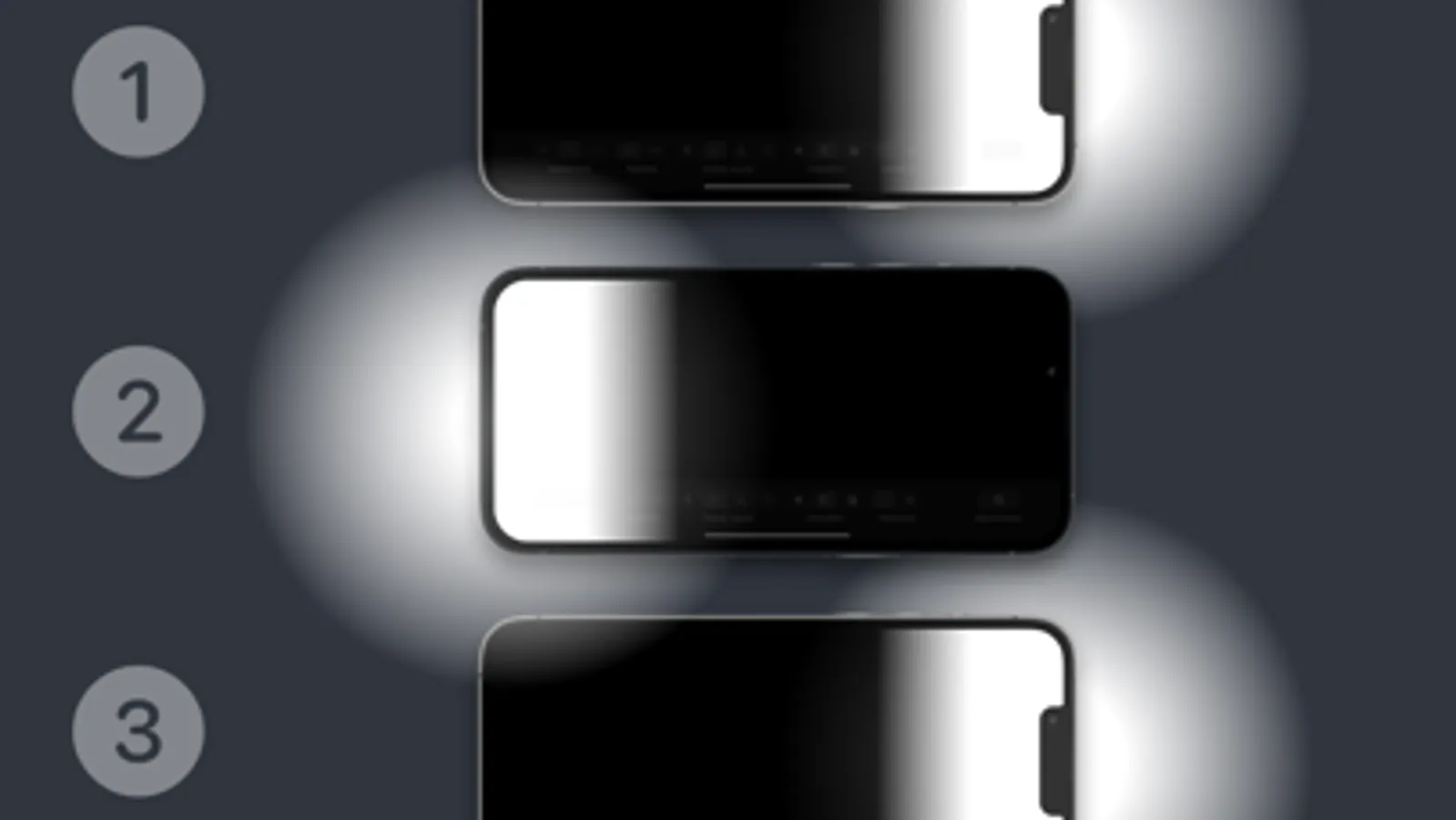
• Choose from a wide range of stereo sounds, animations, and vibrations.
• Personalize the experience with customizable colors and more.
MAKE USE OF YOUR OWN DEVICES
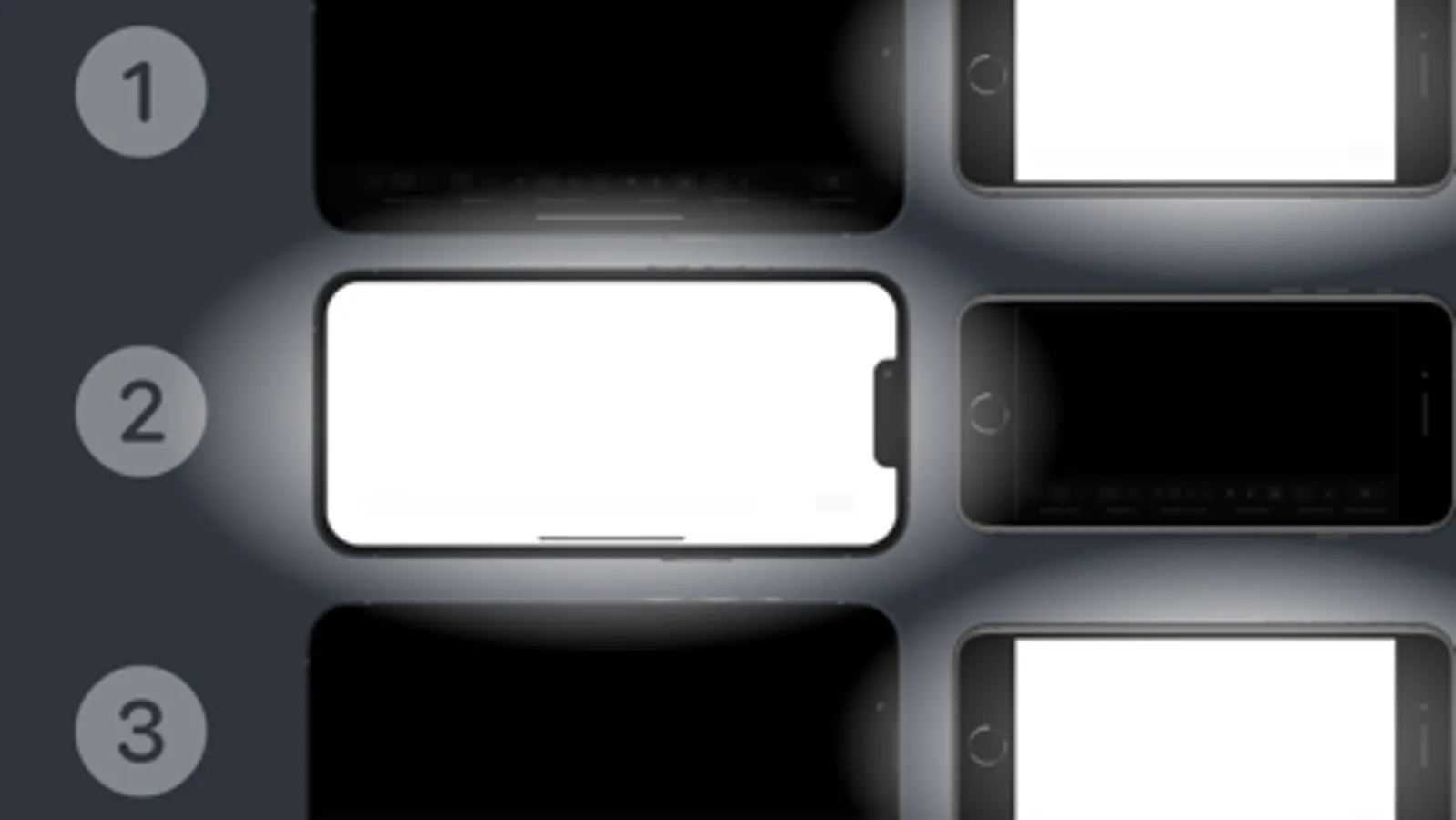
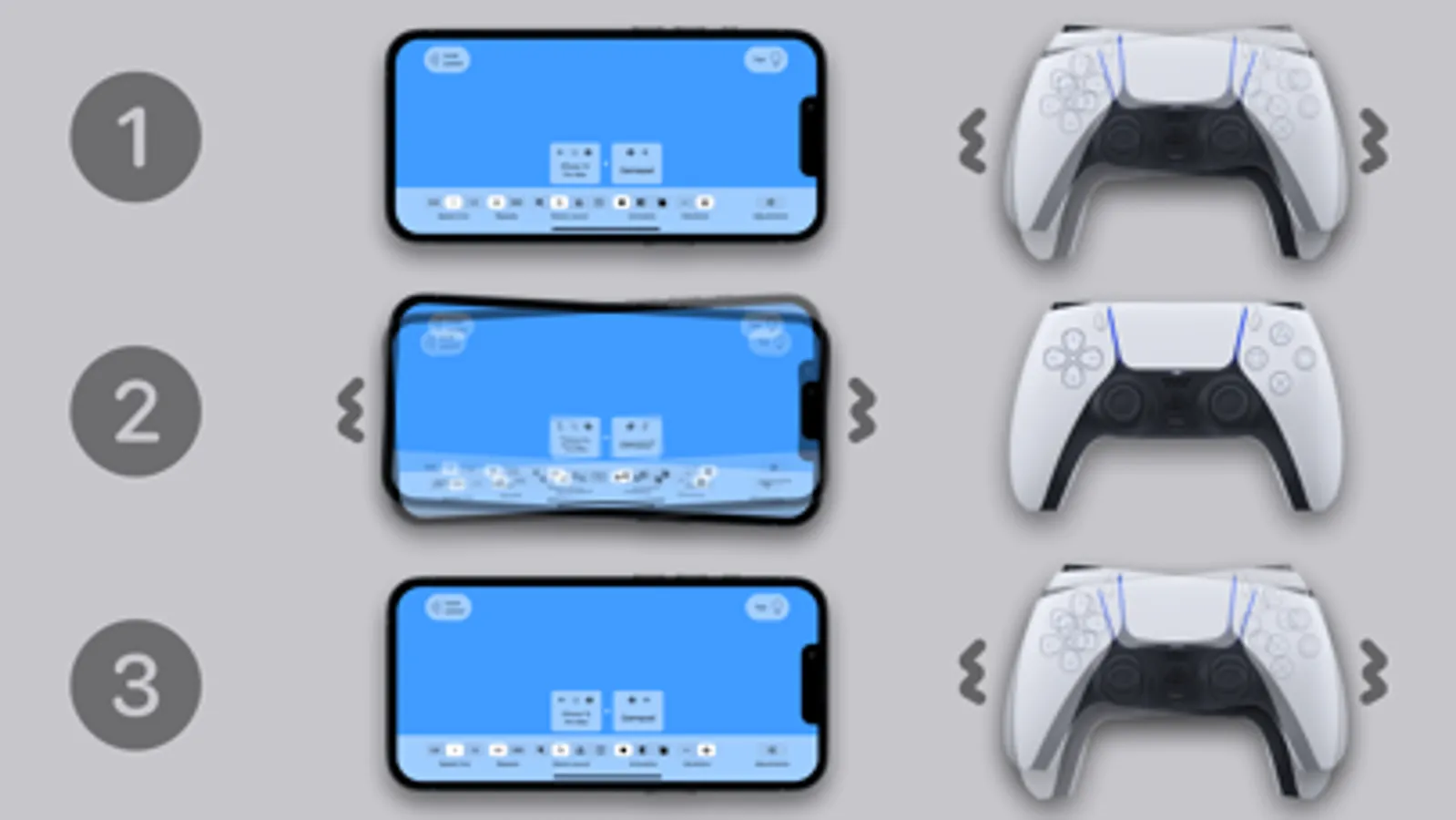
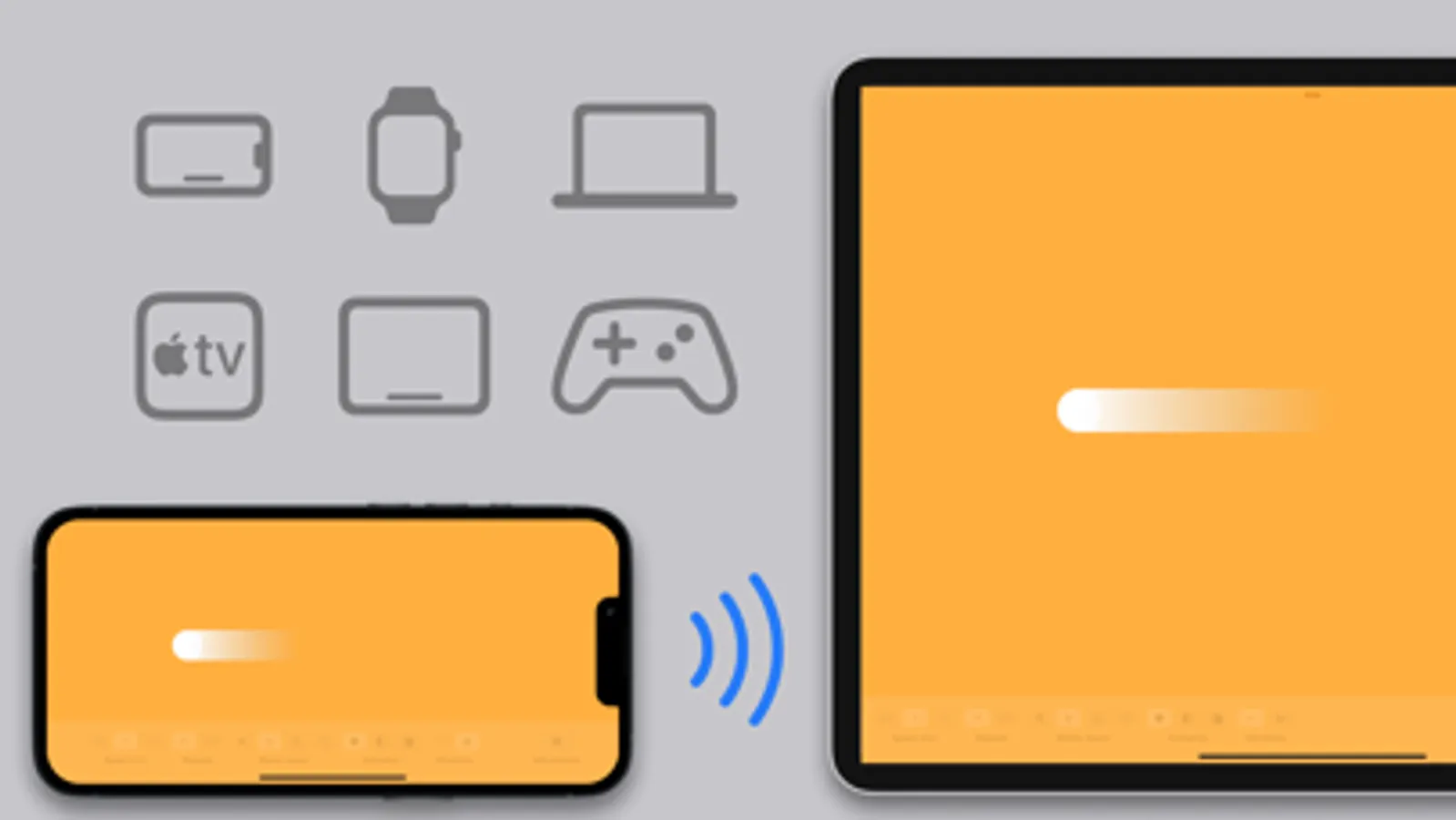
Our app connects seamlessly with other devices, including iPhone, iPad, Mac, Apple TV, Apple Watch, Apple Vision Pro, Joy-Cons, and traditional game controllers. Alternate flashes or vibrations between devices, or use one device to control the other remotely.
BROADCAST YOUR STIMULATIONS
With EMDR Connect, you can broadcast your stimulations to a protected webpage, accessible on all types of computers, tablets, and phones. This way, you can send your stimulations to your own local devices and those of others, online.
TRY ONE MONTH FOR FREE
Discover for yourself why the EMDR app has become the tool of choice for many users. With a one-month trial, you’ll have ample time to explore how the EMDR app can work for you, so download the app today!
APP PURPOSE
This app is a general tool for generating various neutral types of bilateral and other types of stimulations. It can be used in a wide range of applications, including:
• Scientific research, e.g., testing reaction times to visual stimuli.
• Educational use, e.g., as an illustration in learning and teaching about bilateral stimulus applications.
• Focus and attention, e.g., improving time perception through repeated auditory signals.
• Relaxation and wellness, e.g. in promoting physical relaxation through rhythmic vibration.
Terms of Use (EULA): https://www.apple.com/legal/internet-services/itunes/dev/stdeula/
EMDR Screenshots
Tap to Rate:
Reviews for EMDR
ByJango
Apple TV app is Completely Broken
This is a good app on iPhone and iPad but the Apple TV app just doesn’t work. Any hard click function on a remote starts the animation up. Even when navigating in settings. Idk how you can rationalize charging a subscription when core functionality on a platform is borked.
Critical Reader
Insanely Fast w/ No Adjustments Possible
I’m no expert. All I know about EMDR is the years. I did it in therapy with a trained professional but the first thing they typically do is let you choose your own speed. For this app, the options are very fast or unbelievably fast. How on earth are not a toggle that goes way down to 30 BPM. If we’re talking about reprogramming the nervous system, different peoples nervous system need different things and if it’s super Duper fast, it’s always going to be up regulating for people who might not need that at all. Wild!