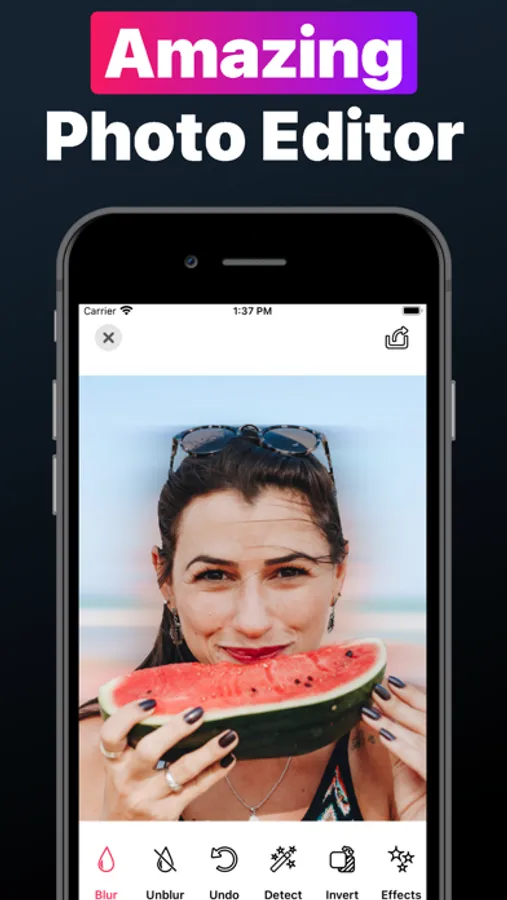
In this photo editing app, you can blur, replace, or remove backgrounds with simple taps. Includes effects like mosaic, zoom, and filters for customization.
AppRecs review analysis
AppRecs rating 4.5. Trustworthiness 0 out of 100. Review manipulation risk 0 out of 100. Based on a review sample analyzed.
★★★★☆
4.5
AppRecs Rating
Ratings breakdown
5 star
79%
4 star
6%
3 star
3%
2 star
7%
1 star
5%
What to know
✓
High user satisfaction
85% of sampled ratings are 4+ stars (4.5★ average)
✓
Authentic reviews
Natural distribution, no red flags
About Blur Photo Background Changer
Transform Your Photos Instantly with Blur Photo Background Changer!
Looking to give your photos a professional touch? Look no further!
Blur Photo Background Changer is your go-to app for quick, easy, and stunning photo edits. Here's why you should download it now:
► Effortless Background Editing
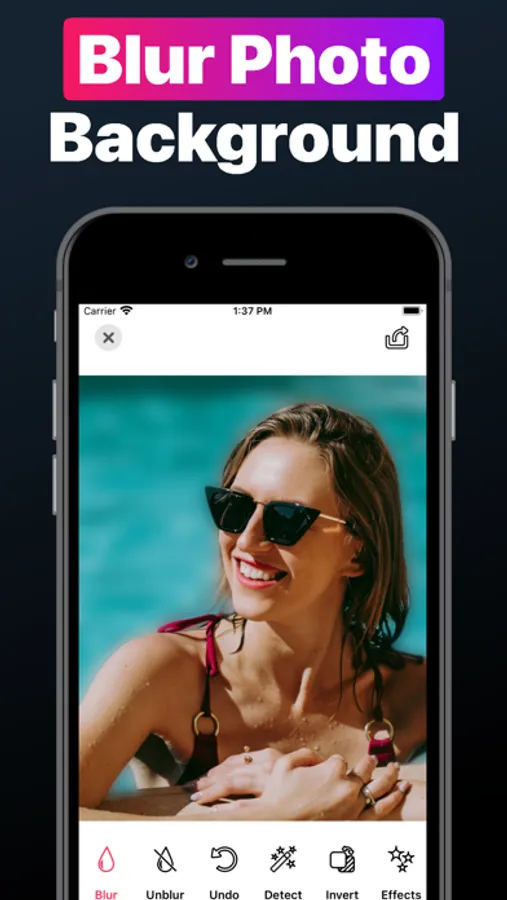
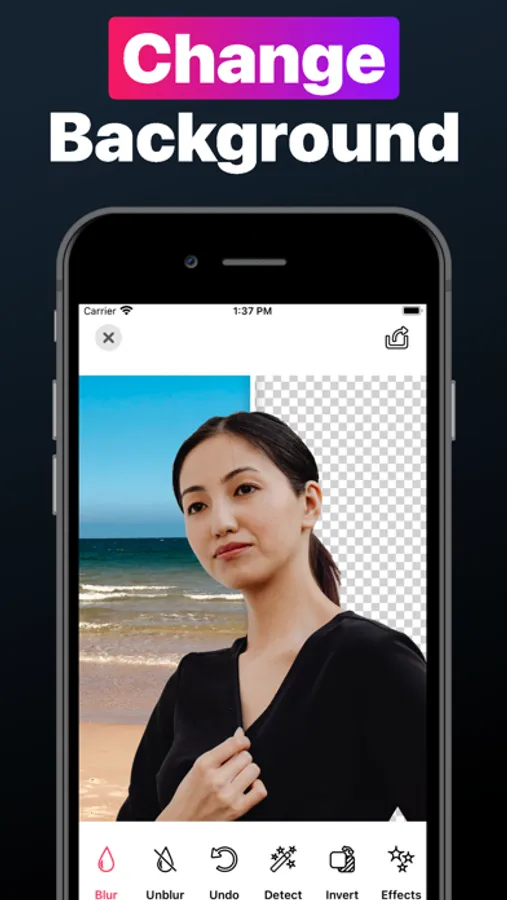
Blur, replace, or remove photo backgrounds with just a few taps.
► Stunning Effects & Filters
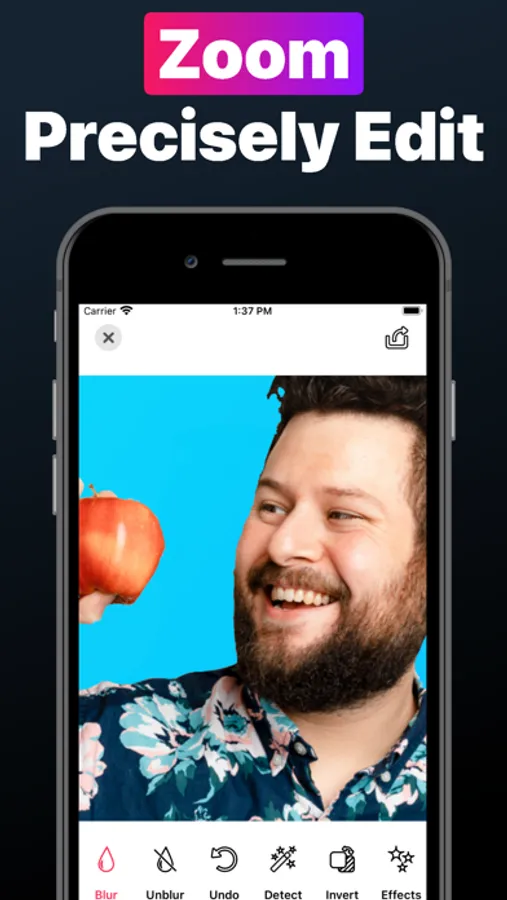
Enhance your photos with a wide selection of effects including blur, mosaic, zoom, and more.
► Customize with Ease
From vibrant colors and vintage looks to black & white or gradients, find the perfect effect for every photo.
With Blur Photo Background Changer you can:
• Turn ordinary photos into professional-looking images.
• Focus on what matters by blurring the background.
• Swap dull backgrounds for striking colors or classic white.
• Experiment with filters and effects to find your unique style.
Ready to elevate your photos? Download Blur Photo Background Changer now and start creating amazing images in seconds!
• Subscriptions & Terms •
Free trial automatically converts to a paid subscription unless canceled at least 24-hours before the end of the trial period.
Payment will be charged to iTunes Account at confirmation of purchase.
All subscriptions automatically renew if it is not cancelled within 24 hours before the end of the current subscription period. Your account will be charged for the next subscription period up to 24 hours prior to the current subscription expiring. It is not possible to cancel an existing in-app subscription. You can disable the automatic renewal function at any time by adjusting your account settings.
Any unused portion of a free trial period, if offered, will be forfeited when the user purchases a subscription to that publication, where applicable.
Subscriptions may be managed by the user and auto-renewal may be turned off by going to the user's Account Settings after purchase.
Privacy Policy and Terms of Use:
https://www.algotwist.com/blur-background/privacy-policy-and-terms-of-use
Looking to give your photos a professional touch? Look no further!
Blur Photo Background Changer is your go-to app for quick, easy, and stunning photo edits. Here's why you should download it now:
► Effortless Background Editing
Blur, replace, or remove photo backgrounds with just a few taps.
► Stunning Effects & Filters
Enhance your photos with a wide selection of effects including blur, mosaic, zoom, and more.
► Customize with Ease
From vibrant colors and vintage looks to black & white or gradients, find the perfect effect for every photo.
With Blur Photo Background Changer you can:
• Turn ordinary photos into professional-looking images.
• Focus on what matters by blurring the background.
• Swap dull backgrounds for striking colors or classic white.
• Experiment with filters and effects to find your unique style.
Ready to elevate your photos? Download Blur Photo Background Changer now and start creating amazing images in seconds!
• Subscriptions & Terms •
Free trial automatically converts to a paid subscription unless canceled at least 24-hours before the end of the trial period.
Payment will be charged to iTunes Account at confirmation of purchase.
All subscriptions automatically renew if it is not cancelled within 24 hours before the end of the current subscription period. Your account will be charged for the next subscription period up to 24 hours prior to the current subscription expiring. It is not possible to cancel an existing in-app subscription. You can disable the automatic renewal function at any time by adjusting your account settings.
Any unused portion of a free trial period, if offered, will be forfeited when the user purchases a subscription to that publication, where applicable.
Subscriptions may be managed by the user and auto-renewal may be turned off by going to the user's Account Settings after purchase.
Privacy Policy and Terms of Use:
https://www.algotwist.com/blur-background/privacy-policy-and-terms-of-use
Blur Photo Background Changer Screenshots

Tap to Rate: