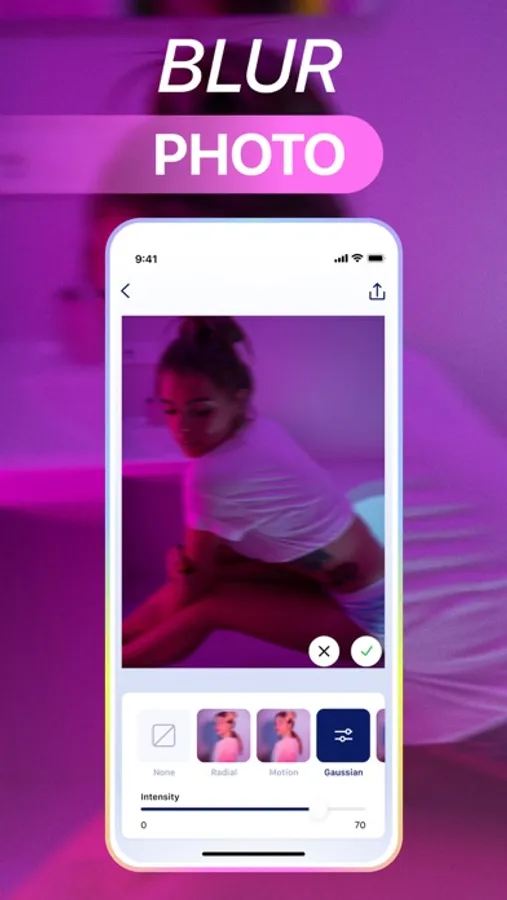
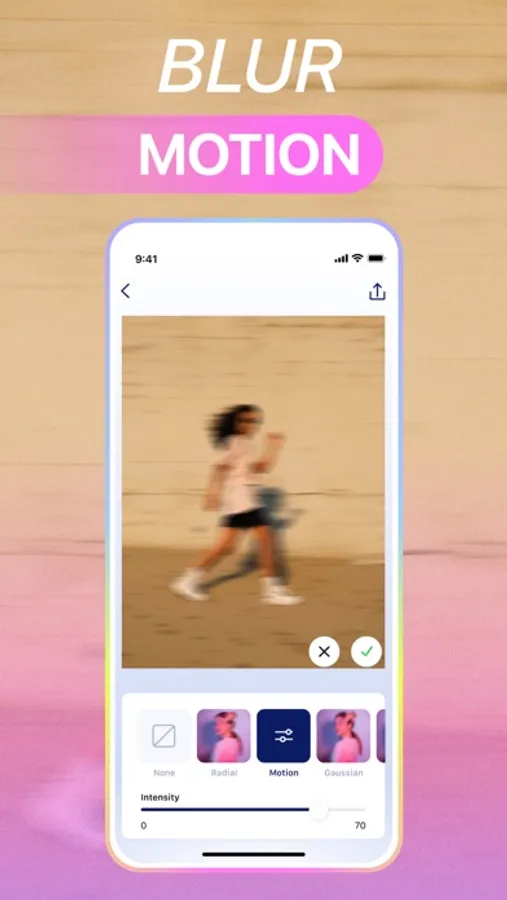
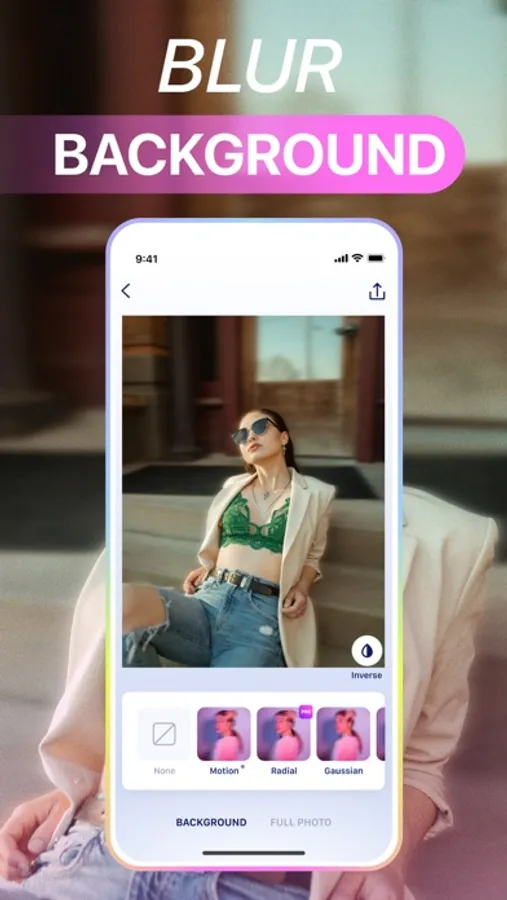
With this photo editing app, you can upload images, select blur modes, and customize effects to enhance backgrounds. Includes AI-powered automatic results and various blur effects like Motion, Bokeh, and Surface.
AppRecs review analysis
AppRecs rating 4.5. Trustworthiness 72 out of 100. Review manipulation risk 28 out of 100. Based on a review sample analyzed.
★★★★☆
4.5
AppRecs Rating
Ratings breakdown
5 star
82%
4 star
4%
3 star
3%
2 star
3%
1 star
8%
What to know
✓
Low review manipulation risk
28% review manipulation risk
✓
Credible reviews
72% trustworthiness score from analyzed reviews
✓
High user satisfaction
86% of sampled ratings are 4+ stars (4.5★ average)
About Blur Background Photo Editor
1. Upload any photo from your camera roll
2. Choose "photo" or "background" mode
3. Choose any blur effect - each effect is customizable
4. Instantly get a fully automatic result
You can easily add different blur effects to the entire photo or background only.
Blur Effects:
- Default
- Radius
- Motion
- Zoom
- Box
- Surface
- Bokeh
Subscription Pricing and Terms.
* Subscribe to get unlimited access to all grid formats! Choose from different subscription options. Our standard subscription options are: 1-week recurring premium subscription; 1-week recurring subscription with a 3-day free trial period; 1-year recurring premium subscription with a 3-day free trial period;
* The price is for US customers. Pricing in other countries may vary and actual charges may be converted to your local currency depending on the country of residence.
* Payment will be charged to iTunes Account at confirmation of purchase.
* Subscription automatically renews unless auto-renew is turned off at least 24-hours before the end of the current period.
* Account will be charged for renewal within 24-hours before the end of the current period, and identify the cost of the renewal.
* Subscriptions may be managed by the user and auto-renewal may be turned off by going to the user's Account Settings after purchase.
* Any unused portion of a free trial period, if offered, will be forfeited when the user purchases a subscription to that publication, where applicable.
Privacy Policy: https://appicstars.com/privacy-policy
Terms of Use: https://appicstars.com/terms-of-use
Blur Background Photo Editor Screenshots
Tap to Rate:
Reviews for Blur Background Photo Editor
anonymousbish1
App doesn’t work or save my photos
After editing the photos I clicked save and the screen keeps going black, closes app and then locks my phone by itself
Shells0310
Terrible App
After a couple of uses, I was able to blur backgrounds on a few of my photos but now, it completely shuts down and does not let me save any of my photos anymore. Not worth paying 14.99 a month. Reconsider before you purchase.