
AppRecs review analysis
AppRecs rating 2.5. Trustworthiness 79 out of 100. Review manipulation risk 21 out of 100. Based on a review sample analyzed.
★★☆☆☆
2.5
AppRecs Rating
Ratings breakdown
5 star
17%
4 star
17%
3 star
0%
2 star
33%
1 star
33%
What to know
✓
Low review manipulation risk
21% review manipulation risk
✓
Credible reviews
79% trustworthiness score from analyzed reviews
⚠
Mixed user feedback
Average 2.5★ rating suggests room for improvement
About My TFC
Manage Your Account
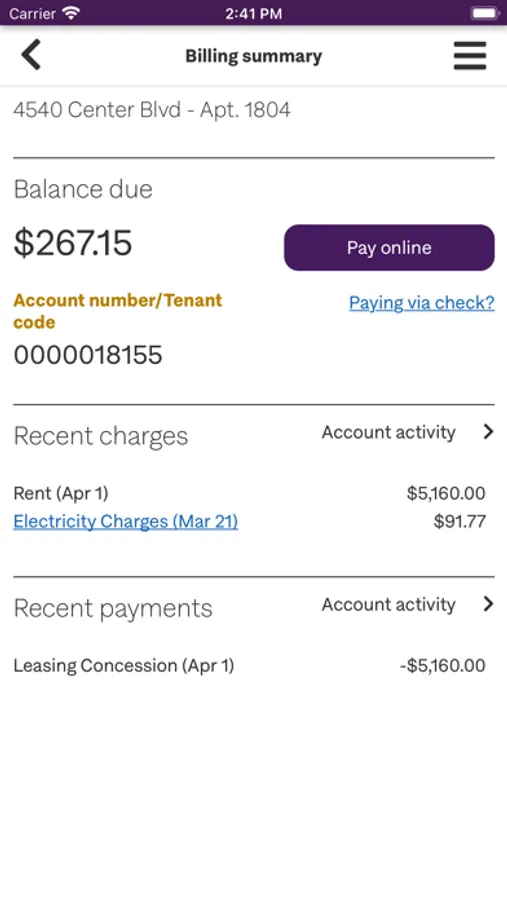
• See your billing summary
• Track recent charges
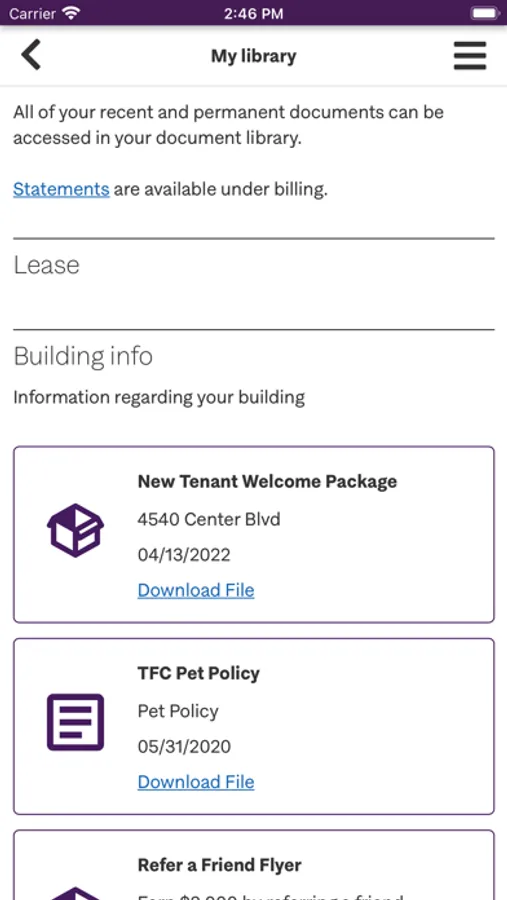
• Download your lease
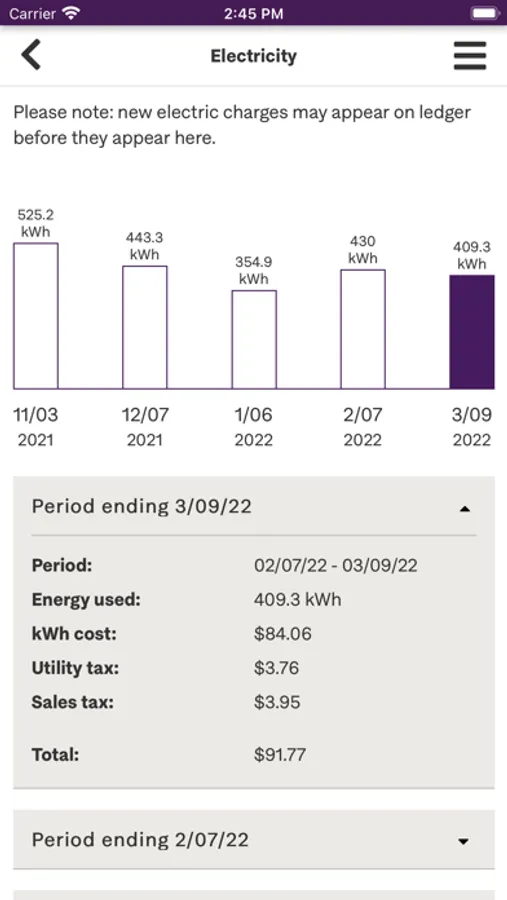
• Monitor electricity usage
• Register new pets
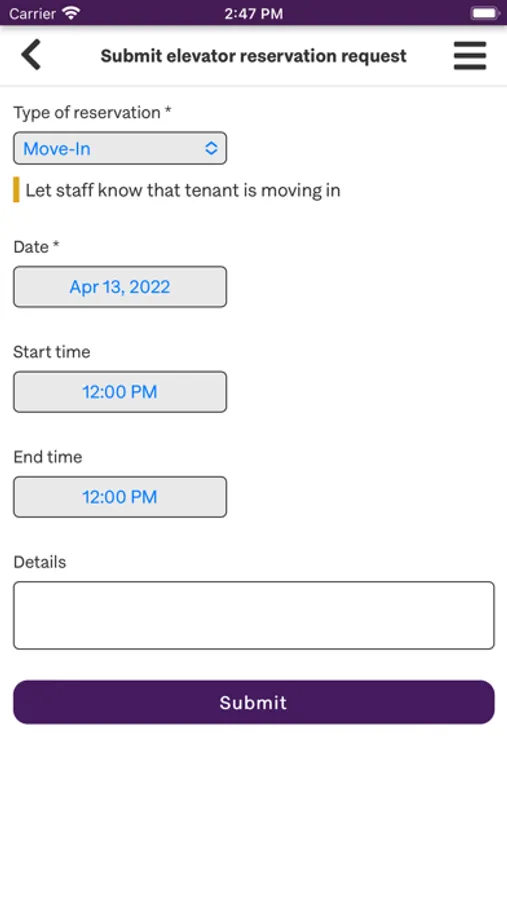
Access Building Services
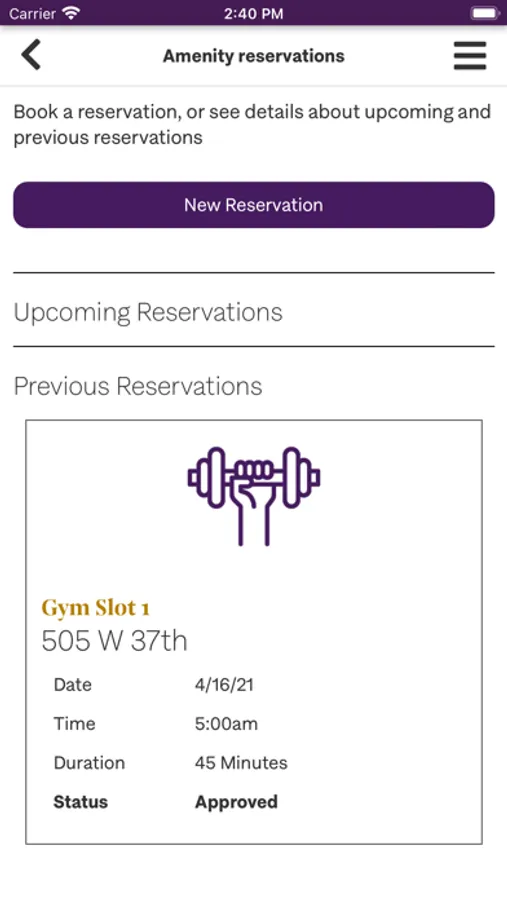
• Book gym time
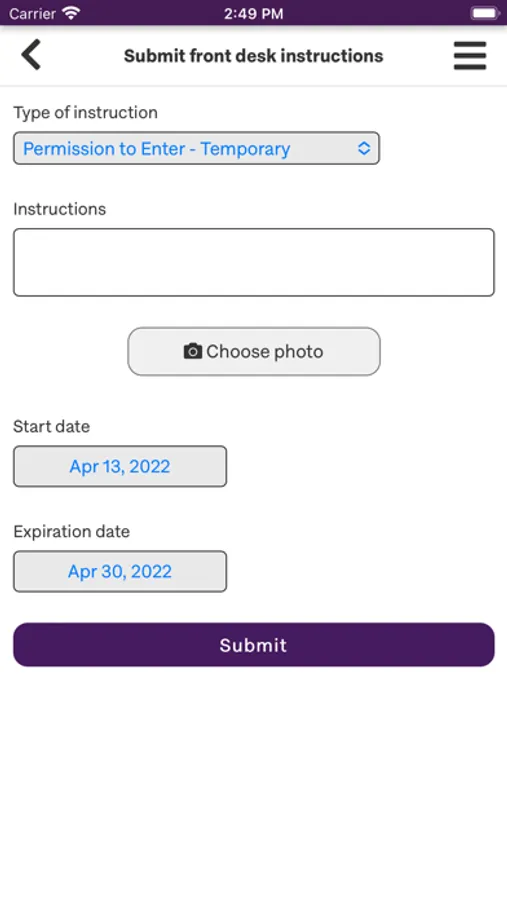
• Submit front desk instructions
• Request a repair
• Register guests
• Get delivery updates
My TFC Screenshots

Tap to Rate:
Reviews for My TFC
AhoyP
Instructions to enable push notifications, no app needed
This “app” is literally just a broken version of the MyTFC website. In fact, there’s a way to enable push notifications using the actual website, but not with this “app”! But you have to add the website to your Home Screen first. So uninstall this app, then follow my instructions below: First remove this TFC App Store app…then, 1) open the My TFC website in your iOS Safari browser, check the “remember me” box on the login screen and use your username/password to login (not Google or a one-time passcode), 2) tap the Share icon in the Safari toolbar and choose “add to Home Screen”. 3) tap the newly created MyTFC Home Screen bookmark 4) login again making sure to check “remember me” 5) go to “My Account” 6) Scroll down and you will now see a new button labeled “Enable Push Notifications”. Tap on that and allow permission for the website bookmark to send notifications.
Vufcbj
Great app
Love having everything in one place. Easy to use, nice design.