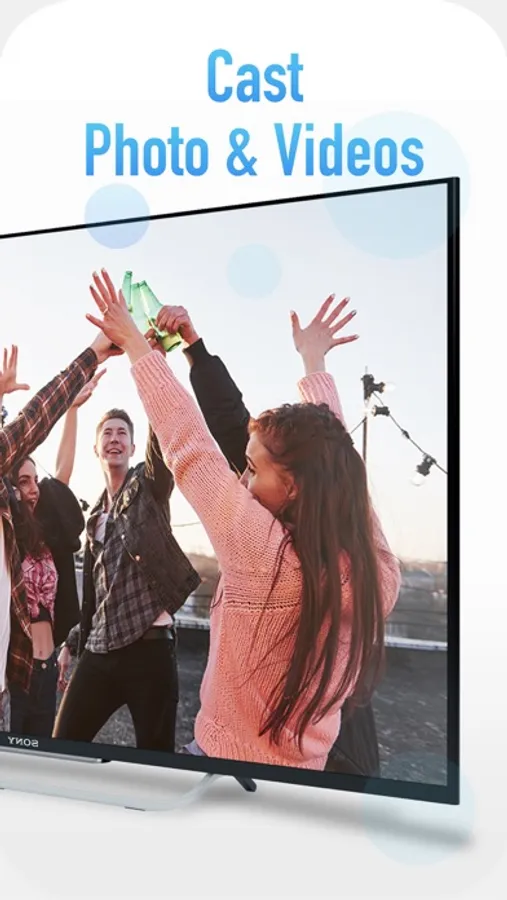
In this app, users can cast photos, videos, and mirror their screens to Chromecast devices. Includes screen mirroring, video playback, photo sharing, and volume control features.
AppRecs review analysis
AppRecs rating 4.0. Trustworthiness 45 out of 100. Review manipulation risk 27 out of 100. Based on a review sample analyzed.
★★★★☆
4.0
AppRecs Rating
Ratings breakdown
5 star
68%
4 star
8%
3 star
2%
2 star
0%
1 star
22%
What to know
✓
Authentic reviews
No red flags detected
About Cast for Chromecast !
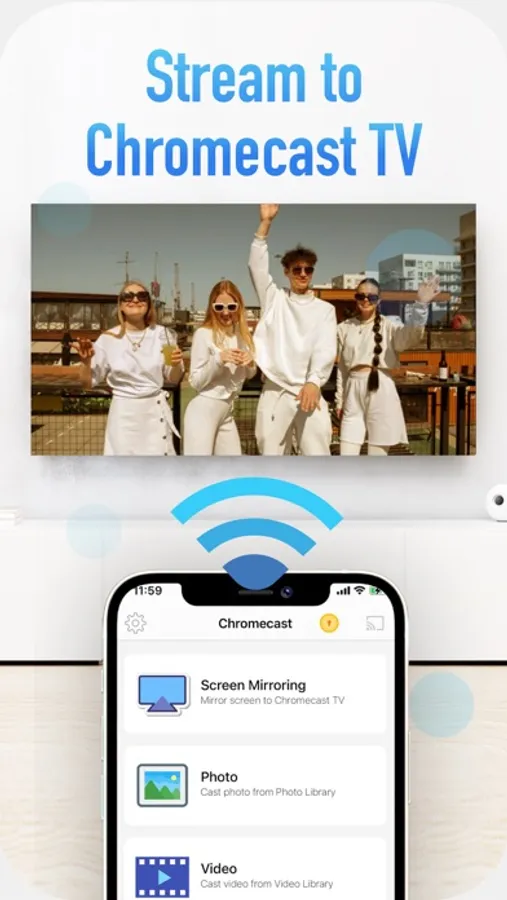
Cast photo, video on your Chromecast devices.
Play games and watch your movies on big screen.
Main Features:
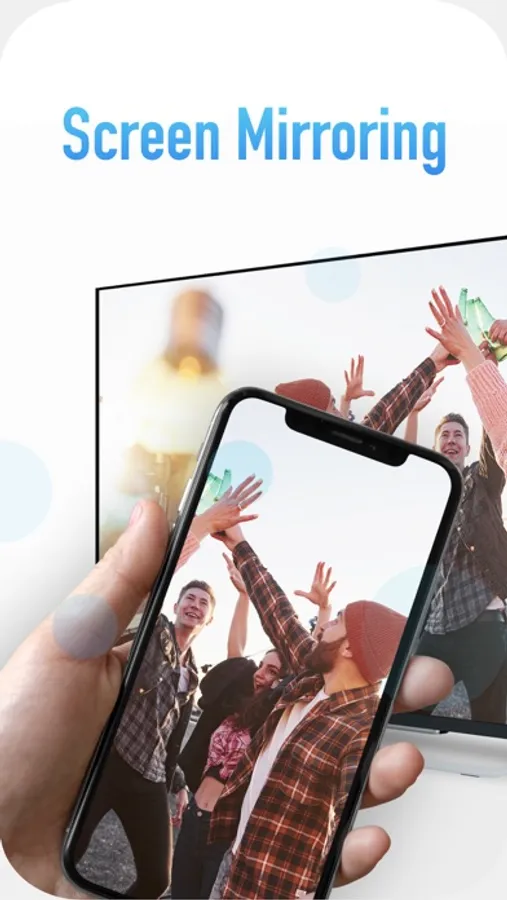
- Mirror your phone screen to Chromecast in realtime (supported portrait and landscape mode)
- Cast video, photos, to Chromecast
- Cast audio to Chromecast
- Cast camera to Chromecast
- Watch your movies on Chromecast TV
- Volume control when play video
How to use:
- Please make sure Chromecast device and your phone are in the same WIFI network.
- Open the app and select a device from the list to connect
- Then select photos or videos from Photo Library to cast or choose screen mirroring feature to stream your screen to Chromecast device
*** Upgrade to Premium to remove ads and unlock all features***
You can choose one-time payment or
a yearly subscription. (with 3-day free trial)
a monthly subscription.
– Payment will be charged to iTunes Account at confirmation of purchase (After free trial period if offered).
– Subscription automatically renews unless auto-renew is turned off at least 24-hours before the end of the current period.
– Account will be charged for renewal within 24-hours prior to the end of the current period, and identify the cost of the renewal.
– Subscriptions may be managed by the user and auto-renewal may be turned off by going to the user’s Account Settings after purchase.
– Any unused portion of a free trial period, if offered, will be forfeited when the user purchases a subscription to that publication, where applicable.
Privacy: https://sontung.app/privacy/
Terms: https://sontung.app/term-of-use/
Disclaimer:
Chromecast is a trademark of Google LLC.
This app is not affiliated with Google or any other trademark mentioned here.
This app use Google Cast SDK in compliance with Google Cast SDK Additional Developer Terms of Service (https://developers.google.com/cast/docs/terms). It's permitted to develop Apps having interoperable features with Google Cast devices in Section 2,3,4.
Play games and watch your movies on big screen.
Main Features:
- Mirror your phone screen to Chromecast in realtime (supported portrait and landscape mode)
- Cast video, photos, to Chromecast
- Cast audio to Chromecast
- Cast camera to Chromecast
- Watch your movies on Chromecast TV
- Volume control when play video
How to use:
- Please make sure Chromecast device and your phone are in the same WIFI network.
- Open the app and select a device from the list to connect
- Then select photos or videos from Photo Library to cast or choose screen mirroring feature to stream your screen to Chromecast device
*** Upgrade to Premium to remove ads and unlock all features***
You can choose one-time payment or
a yearly subscription. (with 3-day free trial)
a monthly subscription.
– Payment will be charged to iTunes Account at confirmation of purchase (After free trial period if offered).
– Subscription automatically renews unless auto-renew is turned off at least 24-hours before the end of the current period.
– Account will be charged for renewal within 24-hours prior to the end of the current period, and identify the cost of the renewal.
– Subscriptions may be managed by the user and auto-renewal may be turned off by going to the user’s Account Settings after purchase.
– Any unused portion of a free trial period, if offered, will be forfeited when the user purchases a subscription to that publication, where applicable.
Privacy: https://sontung.app/privacy/
Terms: https://sontung.app/term-of-use/
Disclaimer:
Chromecast is a trademark of Google LLC.
This app is not affiliated with Google or any other trademark mentioned here.
This app use Google Cast SDK in compliance with Google Cast SDK Additional Developer Terms of Service (https://developers.google.com/cast/docs/terms). It's permitted to develop Apps having interoperable features with Google Cast devices in Section 2,3,4.
Cast for Chromecast ! Screenshots
Tap to Rate:
Reviews for Cast for Chromecast !
jtrider201
Video on tv jerky
Very jerky. It looked like very few frames were sent to tv.
Wouldyoublowme
El Blau-bow Lane
I’m in the hospital due to being poisoned with Covid