In this screen sharing app, you can mirror your iPhone or iPad screen remotely using a web browser without downloads. Includes support for multiple devices, real-time streaming, and easy setup.
AppRecs review analysis
AppRecs rating 4.0. Trustworthiness 70 out of 100. Review manipulation risk 25 out of 100. Based on a review sample analyzed.
★★★★☆
4.0
AppRecs Rating
Ratings breakdown
5 star
65%
4 star
8%
3 star
4%
2 star
3%
1 star
19%
What to know
✓
Low review manipulation risk
25% review manipulation risk
✓
Good user ratings
73% positive sampled reviews
✓
Authentic reviews
Natural distribution, no red flags
About Duplica - iOs Share Screen
Duplica – Share Your iPhone or iPad Screen Remotely
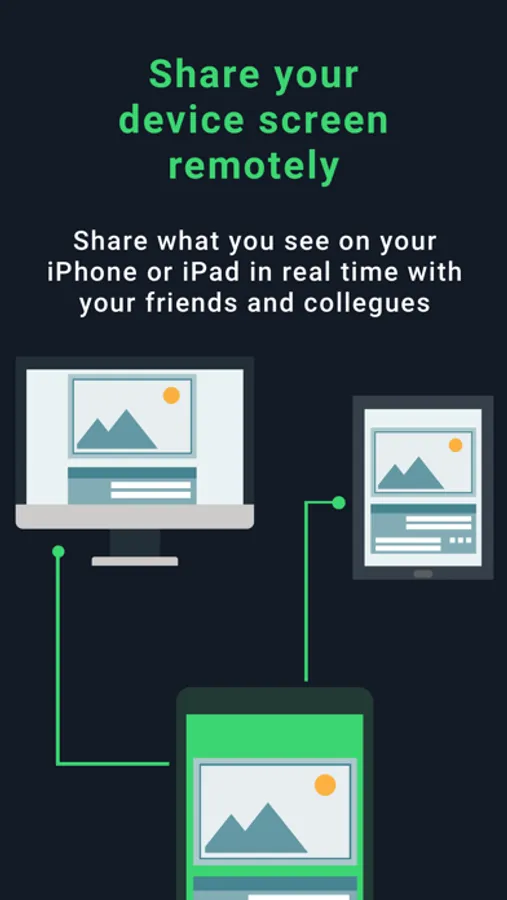
Whether you’re across the office or across the world, Duplica lets you mirror your iPhone or iPad screen in real time, with no cables, no viewer apps, and no limits. All you need is an internet connection.
Remote Mirroring. No Downloads. Full Compatibility.
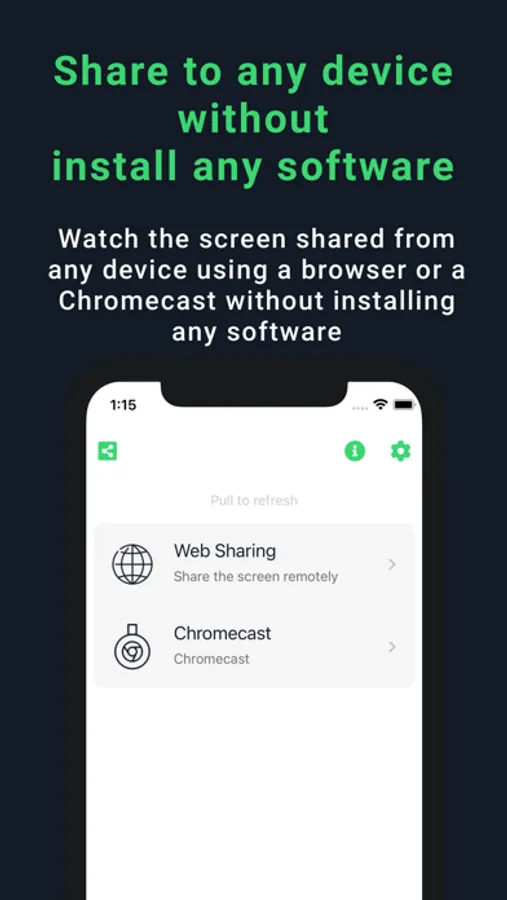
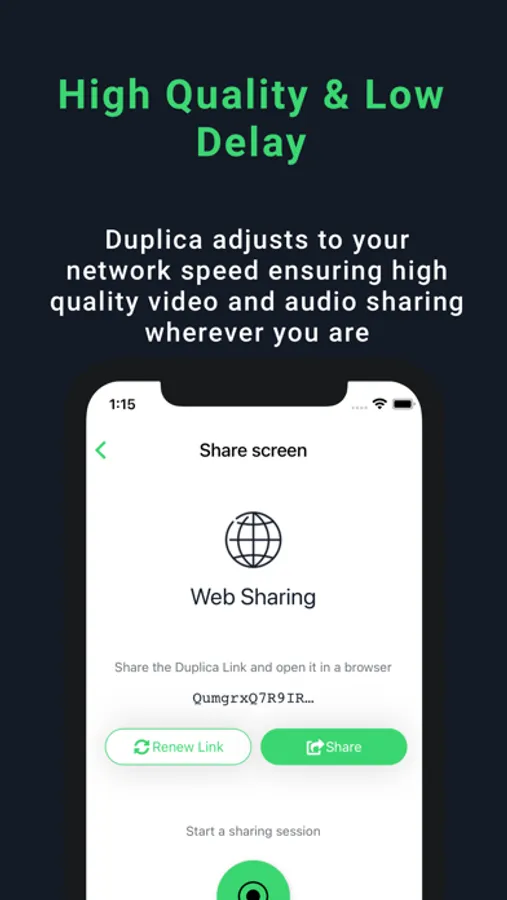
Duplica streams your iOS screen to any device using just a web browser—no installation required.
Supports:
• Mac, Windows, Linux
• iPhone, iPad, Android
• Smart TVs and Chromecast (same network)
Perfect For:
• IT support and remote assistance
• Product demos and live presentations
• Remote collaboration and meetings
• Online teaching, tutoring, and training
Why Choose Duplica:
• Simple and secure one-click sharing
• Works via a browser—no app required on the viewer’s side
• High-quality streaming with low latency
• Quick setup, ready in seconds
Limitations:
• Some third-party apps may block screen mirroring, resulting in a black screen. This limitation cannot be bypassed.
• Chromecast streaming works only within the same Wi-Fi network.
• Currently supports one receiving device at a time.
Whether you’re across the office or across the world, Duplica lets you mirror your iPhone or iPad screen in real time, with no cables, no viewer apps, and no limits. All you need is an internet connection.
Remote Mirroring. No Downloads. Full Compatibility.
Duplica streams your iOS screen to any device using just a web browser—no installation required.
Supports:
• Mac, Windows, Linux
• iPhone, iPad, Android
• Smart TVs and Chromecast (same network)
Perfect For:
• IT support and remote assistance
• Product demos and live presentations
• Remote collaboration and meetings
• Online teaching, tutoring, and training
Why Choose Duplica:
• Simple and secure one-click sharing
• Works via a browser—no app required on the viewer’s side
• High-quality streaming with low latency
• Quick setup, ready in seconds
Limitations:
• Some third-party apps may block screen mirroring, resulting in a black screen. This limitation cannot be bypassed.
• Chromecast streaming works only within the same Wi-Fi network.
• Currently supports one receiving device at a time.
Duplica - iOs Share Screen Screenshots
Tap to Rate:
Reviews for Duplica - iOs Share Screen
Hrmcculley
Scam app
Do not use! They tried to scam me out of $250!
Kander1
Scam
This app pretended to be Uber customer support to scam me.