
AppRecs review analysis
AppRecs rating 1.8. Trustworthiness 84 out of 100. Review manipulation risk 25 out of 100. Based on a review sample analyzed.
★☆☆☆☆
1.8
AppRecs Rating
Ratings breakdown
5 star
25%
4 star
0%
3 star
0%
2 star
0%
1 star
75%
What to know
✓
Low review manipulation risk
25% review manipulation risk
✓
Credible reviews
84% trustworthiness score from analyzed reviews
⚠
Mixed user feedback
Average 2.0★ rating suggests room for improvement
About QNAP Authenticator
【Requirements】
- QNAP NAS running QTS 5.1.0 (or later)
- iOS 15 (or later)
【Major features of QNAP Authenticator】
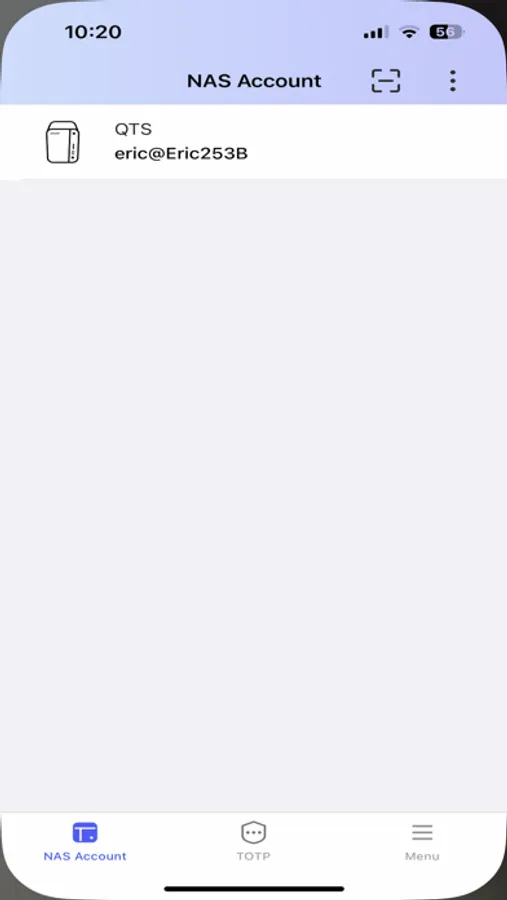
- Supports 2-Step Verification and Passwordless Login
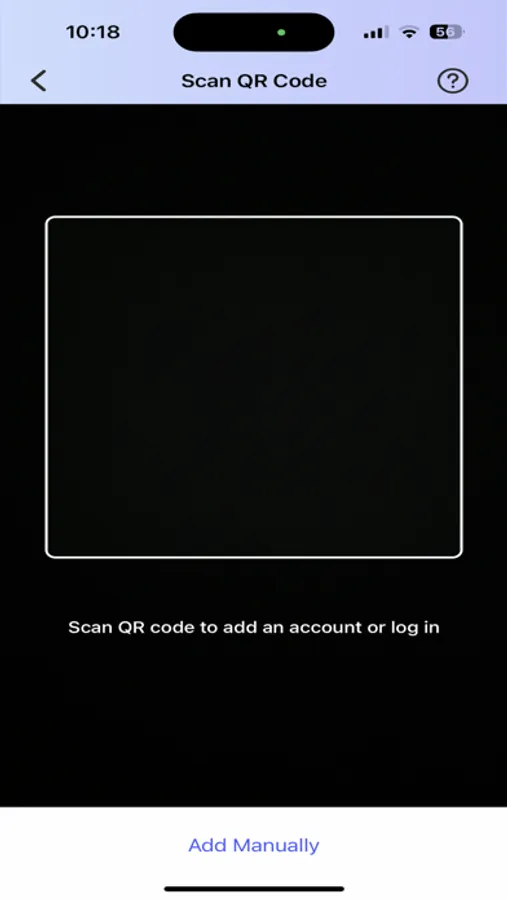
- Supports scanning a QR code to quickly add an account
- Supports the following verification methods:
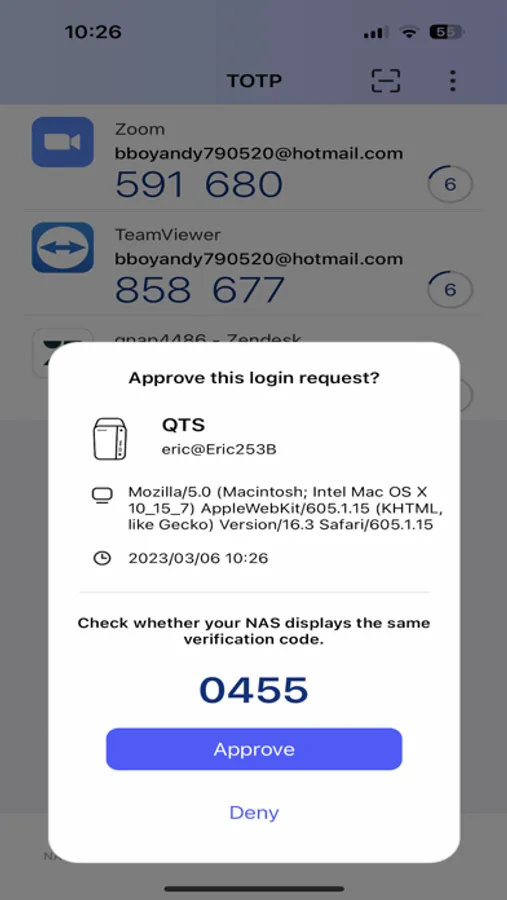
1.Login Approval: Approve a login request with just a tap
2.QR Code: Scan a QR code to verify a login request
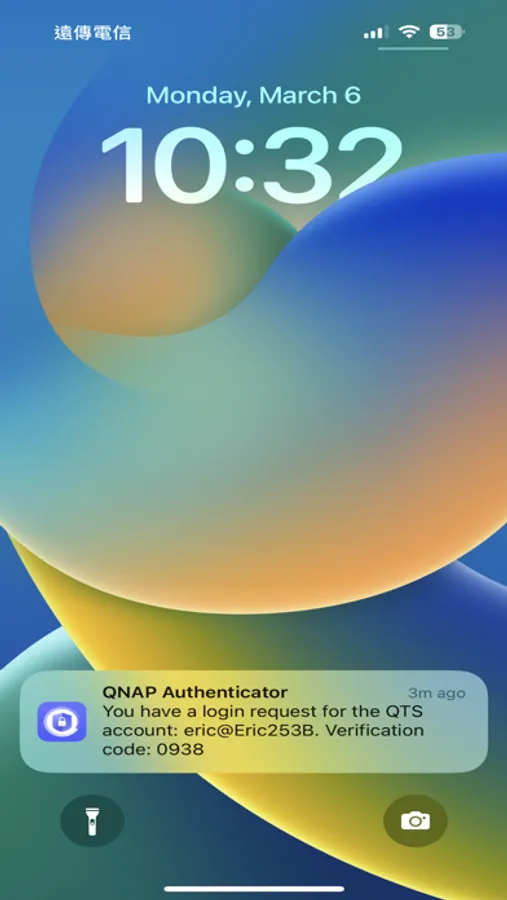
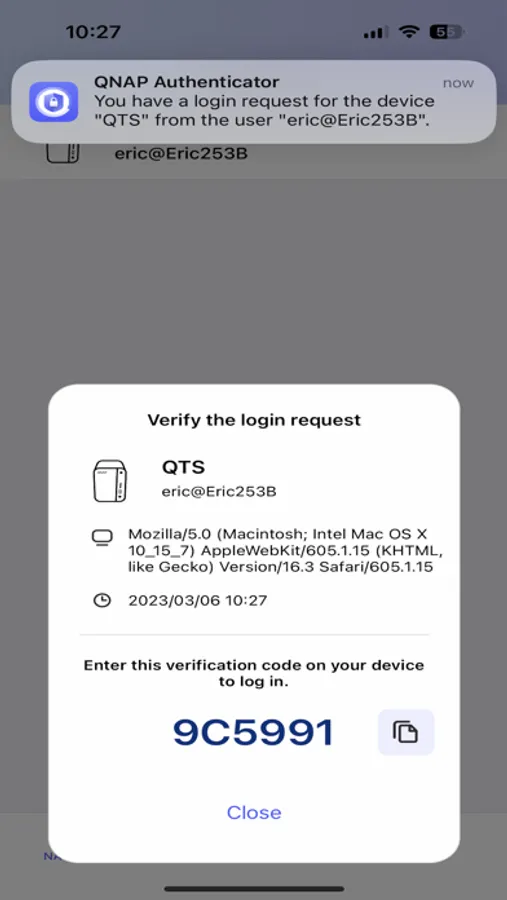
3.Online Verification Code: Receive a code sent from your QNAP device for verification
4.Time-based One-Time Password (TOTP): Generate a code automatically renewed for verification
Login Approval, QR Code, and Online Verification Code require a connection to your NAS, whereas TOTP can work offline. This method also supports verifying third-party accounts from Google, Microsoft, Facebook, GitHub, and other service providers that have implemented their authentication following the TOTP standard.
QNAP Authenticator Screenshots

Tap to Rate:
Reviews for QNAP Authenticator
GMH369
Do NOT install- app crashed, LOST MY DATA
App provided codes that NAS would not accept. Ended up wiping the NAS and start all over. AVOID!!!
Mr.Jobshopr
A proper review
The negative reviews are from people who are complaining about their problems with their NAS and not this app and those should be removed! This app works great and allows me to Authenticate with a push just like Duo.